
What Is Elastic Load Balancing in AWS?
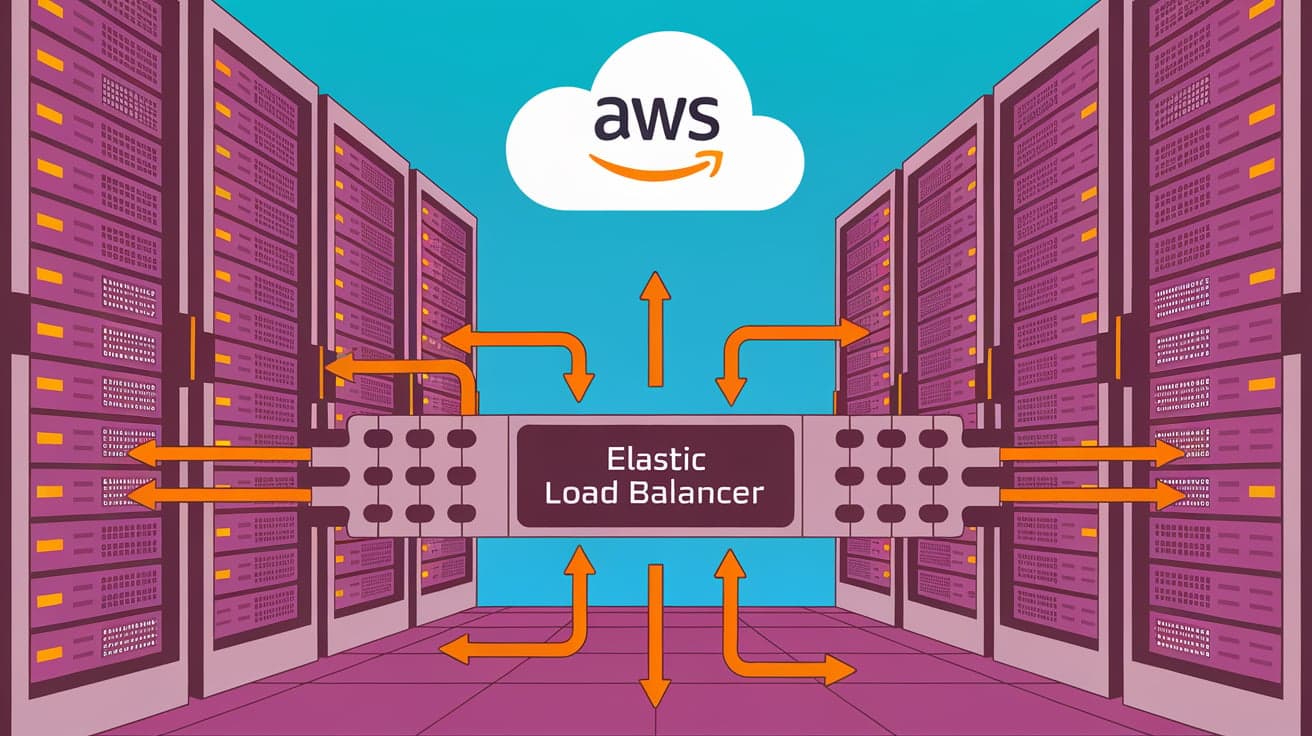
If you’ve ever wondered how big websites handle millions of users at the same time without slowing down, the answer often lies in load balancing. In Amazon Web Services (AWS), this task is handled by a feature called Elastic Load Balancing (ELB). It’s a powerful tool that distributes incoming traffic across multiple servers, ensuring your applications stay fast, reliable, and available—even during high-demand times.
In simple terms, Elastic Load Balancing acts like a traffic cop. It decides which server should handle each request to avoid overloading any single one. This article will break down how ELB works, why it’s important, and how you can use it in your AWS setup.
What Is Elastic Load Balancing?
Elastic Load Balancing is a service in AWS that automatically distributes incoming network or application traffic across multiple servers, known as Amazon EC2 instances. It ensures that no single server gets overwhelmed while keeping your application available and responsive.
AWS provides different types of load balancers to handle various use cases:
Application Load Balancer (ALB): Best for managing HTTP and HTTPS traffic. It’s great for web applications.
Network Load Balancer (NLB): Ideal for high-performance applications requiring very low latency.
Gateway Load Balancer (GWLB): Helps manage traffic for third-party virtual appliances like firewalls.
Classic Load Balancer (CLB): An older option for simple load-balancing needs.
Each type serves a specific purpose, so you can pick one based on your application’s requirements.
How Does Elastic Load Balancing Work?
At its core, ELB ensures traffic is evenly distributed across all your servers. Here’s how it works step by step:
Client Sends a Request
- When a user tries to access your application, their request is sent to the load balancer instead of directly to a server.
Load Balancer Routes Traffic
- The load balancer evaluates the incoming request and forwards it to an available server (EC2 instance) based on its rules and algorithms.
Health Checks
- ELB regularly checks the health of your servers. If one server isn’t working properly, the load balancer stops sending traffic to it and redirects requests to healthy servers.
Dynamic Scaling
- As traffic increases or decreases, ELB works with AWS Auto Scaling to add or remove servers automatically, ensuring you only use what you need.
This process happens in real-time, making your application both scalable and fault-tolerant.
Benefits of Elastic Load Balancing
Elastic Load Balancing offers several advantages for your AWS applications:
1. Improved Availability
- ELB ensures that your application is always reachable by distributing traffic across multiple servers. If one server goes down, others pick up the slack.
2. Enhanced Performance
- By spreading requests evenly, ELB prevents any single server from becoming a bottleneck, keeping your application fast even during traffic spikes.
3. Scalability
- ELB works with Auto Scaling to add or remove servers based on demand, saving you money while maintaining performance.
4. Increased Security
- ELB can handle SSL termination, meaning it encrypts and decrypts traffic to and from your servers. It also integrates with AWS services like AWS Shield for protection against DDoS attacks.
5. Flexibility
- With multiple types of load balancers available, ELB can handle a variety of use cases, from simple apps to complex microservices architectures.
Types of Elastic Load Balancers Explained
Let’s take a closer look at the four types of Elastic Load Balancers in AWS:
1. Application Load Balancer (ALB)
Best For: Web applications using HTTP and HTTPS.
Features: Advanced routing, support for microservices, and integration with AWS Web Application Firewall (WAF).
Use Case: If you’re running a website or API that needs to route traffic to different back-end services.
2. Network Load Balancer (NLB)
Best For: Applications requiring ultra-low latency and high performance.
Features: Handles millions of requests per second, static IP addresses, and TLS termination.
Use Case: High-speed financial applications or real-time gaming servers.
3. Gateway Load Balancer (GWLB)
Best For: Managing traffic for third-party virtual appliances like firewalls or intrusion detection systems.
Features: Simplifies the deployment and scaling of virtual appliances.
Use Case: Integrating third-party security tools into your network.
4. Classic Load Balancer (CLB)
Best For: Legacy applications.
Features: Basic load-balancing functionality.
Use Case: Simpler applications that don’t require the advanced features of ALB or NLB.
Each type is designed to handle specific traffic patterns and application needs, so you’ll need to choose the one that fits your setup.
How to Set Up Elastic Load Balancing
Here’s a step-by-step guide to setting up Elastic Load Balancing in AWS:
1. Log In to AWS Console
- Go to the AWS Management Console and navigate to the EC2 Dashboard.
2. Launch Instances
- Make sure you have EC2 instances running that will handle the traffic.
3. Create a Load Balancer
- Click on “Load Balancers” and choose the type of load balancer you need (ALB, NLB, etc.).
4. Configure Listener
- Set up a listener to define how the load balancer should handle incoming traffic (e.g., HTTP on port 80).
5. Add Target Group
- Create a target group that specifies which EC2 instances the load balancer should forward traffic to.
6. Register Instances
- Add your running EC2 instances to the target group.
7. Review and Create
- Review your settings and click “Create.” Your load balancer is now ready to handle traffic.
This process might seem technical, but AWS documentation provides step-by-step instructions to guide you.
Best Practices for Using Elastic Load Balancing
To get the most out of ELB, follow these tips:
Enable Health Checks
- Set up regular health checks to ensure traffic is only routed to healthy instances.
Use Auto Scaling
- Pair ELB with Auto Scaling to dynamically adjust the number of servers based on demand.
Monitor with CloudWatch
- Use AWS CloudWatch to track the performance of your load balancer and identify issues.
Secure Traffic with HTTPS
- Use SSL/TLS certificates to encrypt data between the load balancer and clients.
Choose the Right Load Balancer
- Match the type of load balancer to your application’s needs for optimal performance.
Conclusion
Elastic Load Balancing in AWS is a powerful tool that ensures your applications remain fast, reliable, and scalable. By distributing traffic evenly across multiple servers, ELB prevents bottlenecks and handles traffic spikes effortlessly.
Whether you’re running a simple web app or a complex microservices architecture, ELB provides the flexibility and performance you need. With different types of load balancers available, you can find the perfect match for your use case.
By following best practices and setting up ELB correctly, you can create a robust and efficient application that handles anything the internet throws at it.
FAQs
What is the purpose of Elastic Load Balancing in AWS?
Elastic Load Balancing distributes incoming traffic across multiple servers, ensuring applications remain fast, reliable, and scalable.
What are the types of Elastic Load Balancers?
AWS offers Application Load Balancer (ALB), Network Load Balancer (NLB), Gateway Load Balancer (GWLB), and Classic Load Balancer (CLB).
How does Elastic Load Balancing improve security?
ELB supports SSL/TLS encryption, integrates with AWS Shield to protect against DDoS attacks, and manages traffic routing securely.
Can ELB work with Auto Scaling?
Yes, Elastic Load Balancing integrates seamlessly with Auto Scaling to add or remove servers based on traffic demand.
Is Elastic Load Balancing free in AWS?
No, ELB has costs based on the number of hours it runs and the amount of data it processes. AWS provides detailed pricing on its website.




