
What is Wi-Fi Eavesdropping
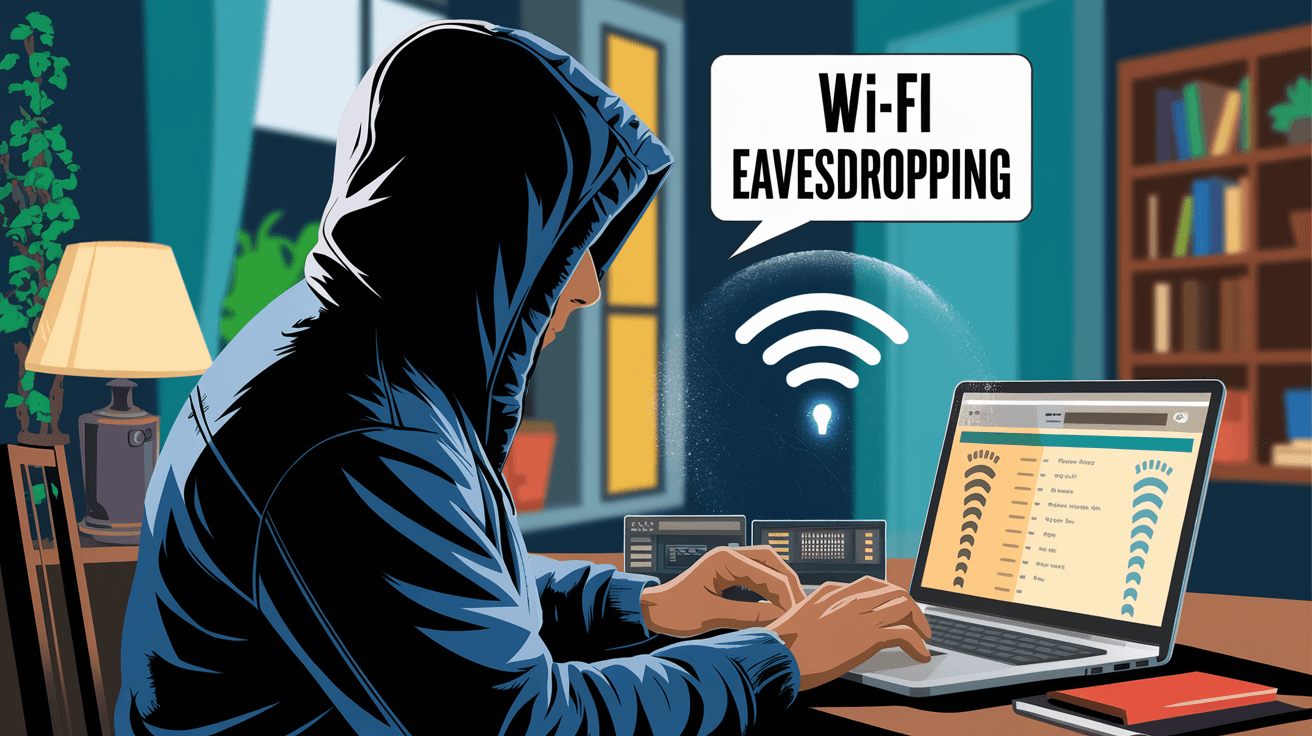
Introduction
You probably use Wi-Fi every day to connect to the internet, whether at home, work, or public places. But have you ever wondered if someone could secretly listen in on your online activities? That’s where Wi-Fi eavesdropping comes in. It’s a type of cyber attack where hackers intercept your wireless communications without your knowledge.
In this article, I’ll explain what Wi-Fi eavesdropping is, how it happens, and what you can do to stay safe. Understanding this threat is important because it helps you protect your personal information and keep your online activities private.
What is Wi-Fi Eavesdropping?
Wi-Fi eavesdropping is the act of intercepting data transmitted over a wireless network. When you connect to Wi-Fi, your device sends and receives information through radio waves. If someone is listening in on these signals, they can capture sensitive data like passwords, emails, or credit card numbers.
This type of eavesdropping is a form of cyber espionage. Unlike wired networks, Wi-Fi signals travel through the air, making them easier to intercept. Attackers use special tools to capture and analyze these signals without being detected.
How Wi-Fi Eavesdropping Works
- Signal interception: Hackers use devices called packet sniffers to capture data packets sent over Wi-Fi.
- Data analysis: The captured packets are analyzed to extract useful information.
- Exploitation: Attackers may use the stolen data to access accounts, steal identities, or launch further attacks.
Wi-Fi eavesdropping can happen on any wireless network, but public Wi-Fi hotspots are especially risky because they often lack strong security.
Types of Wi-Fi Eavesdropping Attacks
There are several ways attackers can eavesdrop on Wi-Fi networks. Knowing these types helps you understand the risks and how to defend against them.
Passive Eavesdropping
In passive eavesdropping, the attacker quietly listens to the Wi-Fi traffic without interfering. They capture data packets and analyze them later. This method is hard to detect because the attacker doesn’t send any signals or disrupt the network.
Active Eavesdropping
Active eavesdropping involves the attacker actively interacting with the network. For example, they might create a fake Wi-Fi hotspot (also called an evil twin) that looks like a legitimate one. When users connect, the attacker can monitor all their traffic.
Man-in-the-Middle (MitM) Attacks
In a MitM attack, the attacker positions themselves between your device and the Wi-Fi router. They intercept and possibly alter the data before forwarding it. This allows them to steal information or inject malicious content.
Packet Sniffing
Packet sniffing is a common technique where attackers use software or hardware tools to capture data packets on a Wi-Fi network. These tools can reveal unencrypted information like website visits, login credentials, and messages.
Why is Wi-Fi Eavesdropping Dangerous?
Wi-Fi eavesdropping poses serious risks to your privacy and security. Here are some reasons why it’s dangerous:
- Data theft: Attackers can steal sensitive information such as passwords, credit card numbers, and personal messages.
- Identity theft: Stolen data can be used to impersonate you online or commit fraud.
- Account hijacking: Access to your login credentials allows attackers to take over your email, social media, or banking accounts.
- Malware delivery: In some cases, attackers can inject malware into your device through intercepted connections.
- Loss of privacy: Your browsing habits and communications can be monitored without your consent.
Public Wi-Fi networks are especially vulnerable because they often lack encryption or use weak security protocols.
How to Protect Yourself from Wi-Fi Eavesdropping
Protecting yourself from Wi-Fi eavesdropping is easier than you might think. Here are practical steps you can take:
Use Strong Encryption
Always connect to Wi-Fi networks that use strong encryption like WPA3. This encrypts your data, making it much harder for attackers to intercept and read.
Avoid Public Wi-Fi for Sensitive Activities
Try not to access banking, shopping, or other sensitive sites on public Wi-Fi. If you must, use a Virtual Private Network (VPN) to encrypt your internet traffic.
Use a VPN
A VPN creates a secure tunnel between your device and the internet. It encrypts all your data, so even if someone intercepts it, they can’t read it.
Keep Your Software Updated
Regularly update your device’s operating system and apps. Updates often include security patches that protect against known vulnerabilities.
Disable Automatic Wi-Fi Connections
Turn off automatic connections to open Wi-Fi networks. This prevents your device from connecting to fake hotspots without your knowledge.
Use HTTPS Websites
Look for “https://” in website addresses. HTTPS encrypts data between your browser and the website, adding an extra layer of security.
Enable Two-Factor Authentication (2FA)
Use 2FA on your online accounts. Even if attackers get your password, they’ll need a second verification step to access your accounts.
Tools and Techniques Used by Attackers
Understanding the tools attackers use can help you recognize suspicious activity.
Packet Sniffers
Tools like Wireshark capture and analyze Wi-Fi traffic. They show detailed information about data packets, which attackers use to find sensitive data.
Fake Wi-Fi Hotspots
Attackers set up fake hotspots with names similar to legitimate ones. When you connect, they can monitor your traffic or steal your credentials.
Deauthentication Attacks
This technique forces your device to disconnect from a Wi-Fi network. When it reconnects, it might connect to a fake hotspot controlled by the attacker.
Keyloggers and Malware
Some attackers use malware to record your keystrokes or capture data directly from your device once they gain access.
Recognizing Signs of Wi-Fi Eavesdropping
It’s not always easy to know if someone is eavesdropping on your Wi-Fi. However, some signs may indicate suspicious activity:
- Slow internet speeds: Unexpected slowdowns could mean someone is intercepting your traffic.
- Frequent disconnections: If your device keeps disconnecting from Wi-Fi, it might be a deauthentication attack.
- Pop-ups or warnings: Fake hotspots sometimes trigger security warnings or unusual pop-ups.
- Unusual network names: Be cautious if you see Wi-Fi networks with names similar to your usual ones.
If you notice these signs, disconnect from the network and run a security scan on your device.
The Role of Businesses and Public Wi-Fi Providers
Businesses and public Wi-Fi providers have a responsibility to protect users from eavesdropping.
- Secure networks: They should use strong encryption like WPA3 on their Wi-Fi networks.
- User education: Inform users about the risks of connecting to open or fake hotspots.
- Regular monitoring: Detect and remove rogue access points or suspicious activity.
- VPN services: Some providers offer built-in VPNs to enhance security.
Choosing reputable Wi-Fi providers and networks can reduce your risk of eavesdropping.
Future Trends in Wi-Fi Security
Wi-Fi security continues to evolve to combat threats like eavesdropping.
- WPA3 adoption: More networks are switching to WPA3, which offers stronger encryption and protection.
- Enhanced authentication: New methods like passwordless login and biometric verification improve security.
- AI-based threat detection: Artificial intelligence helps detect unusual network activity faster.
- Quantum encryption: Research is ongoing into quantum-resistant encryption to protect future wireless communications.
Staying informed about these trends helps you adapt your security practices.
Conclusion
Wi-Fi eavesdropping is a real threat that can compromise your privacy and security. By understanding how it works and the risks involved, you can take steps to protect yourself. Using strong encryption, avoiding public Wi-Fi for sensitive tasks, and employing tools like VPNs are effective ways to stay safe.
Remember, your online security starts with awareness and good habits. Keep your devices updated, be cautious about the networks you join, and always prioritize your privacy. With these actions, you can enjoy the convenience of Wi-Fi without worrying about eavesdroppers.
FAQs
What is the easiest way to prevent Wi-Fi eavesdropping?
Using a VPN on any Wi-Fi network is one of the easiest and most effective ways to prevent eavesdropping. It encrypts your internet traffic, making it unreadable to attackers.
Can public Wi-Fi networks be completely safe?
Public Wi-Fi networks are rarely completely safe because they often lack strong security. Using VPNs and avoiding sensitive activities can help reduce risks.
How can I tell if a Wi-Fi hotspot is fake?
Fake hotspots often have names similar to legitimate ones but may have slight misspellings or extra characters. Avoid connecting to networks you don’t recognize.
Does using HTTPS protect against Wi-Fi eavesdropping?
Yes, HTTPS encrypts data between your browser and websites, protecting your information even if someone intercepts your Wi-Fi traffic.
Are home Wi-Fi networks safe from eavesdropping?
Home networks are safer if they use strong encryption like WPA3 and have strong passwords. However, weak security settings can still leave you vulnerable.




