
What is Web Application Firewall
Introduction
You might have heard about web application firewalls but wonder what they really do. A Web Application Firewall, or WAF, is a security tool designed to protect websites and web applications from online threats. If you run a website or manage online services, understanding WAFs can help you keep your data safe.
In this article, I’ll explain what a Web Application Firewall is, how it works, and why it’s important for your online security. Whether you’re a business owner or just curious, you’ll get clear answers and practical insights.
What Is a Web Application Firewall?
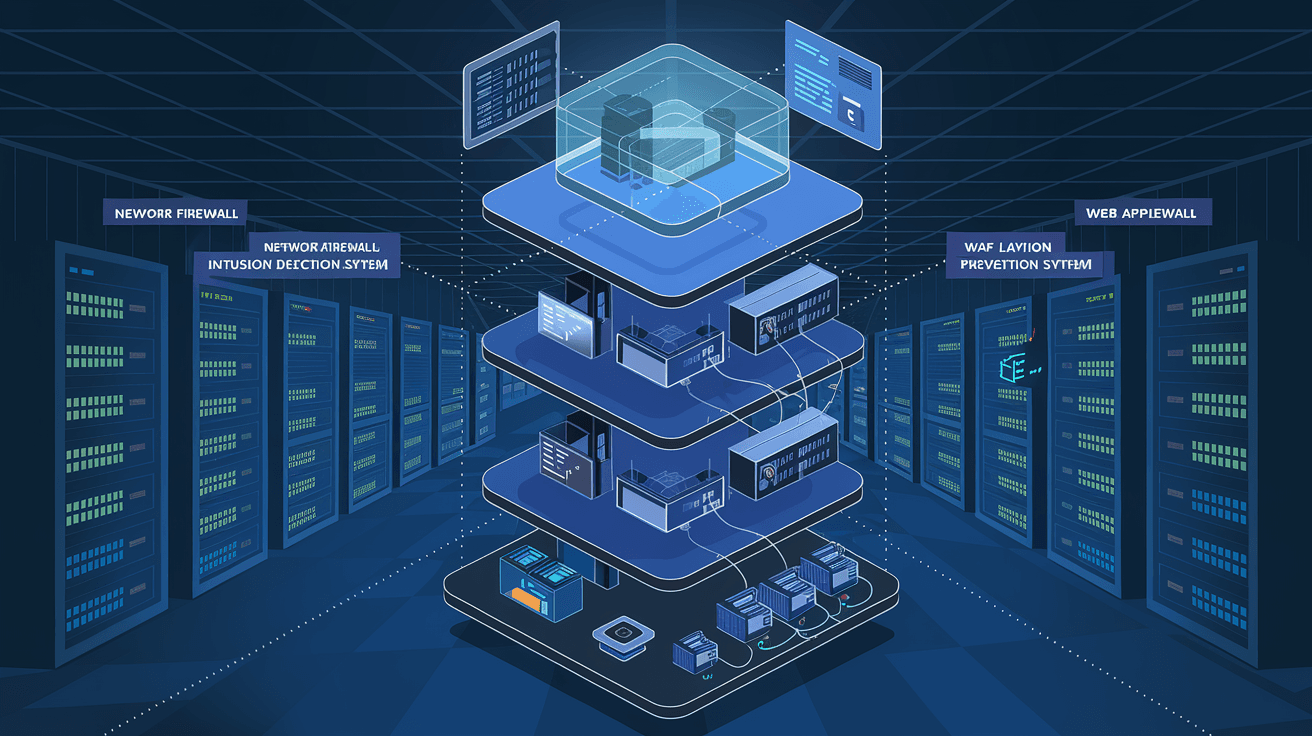
A Web Application Firewall (WAF) is a security system that monitors and filters incoming traffic to a website or web application. Unlike traditional firewalls that protect networks, WAFs focus specifically on web-based attacks. They act as a shield between your web server and the internet.
WAFs analyze HTTP and HTTPS requests to detect and block malicious activities. This includes attacks like SQL injection, cross-site scripting (XSS), and other common threats targeting web applications.
How Does a WAF Work?
- Traffic Inspection: WAFs examine every request sent to your website.
- Rule-Based Filtering: They use predefined security rules to identify suspicious patterns.
- Blocking Attacks: When a threat is detected, the WAF blocks or challenges the request.
- Logging: It records attack attempts for further analysis.
By doing this, a WAF helps prevent hackers from exploiting vulnerabilities in your web application.
Why Do You Need a Web Application Firewall?
Websites face many security risks every day. Cybercriminals constantly look for ways to steal data, disrupt services, or inject harmful code. A WAF provides an extra layer of defense to protect your site and users.
Here are some reasons why a WAF is essential:
- Protects Sensitive Data: Stops attackers from accessing personal or financial information.
- Prevents Downtime: Blocks attacks that could crash your website.
- Compliance: Helps meet security standards like PCI DSS for online payments.
- Easy to Deploy: Many WAFs are cloud-based and require minimal setup.
- Improves User Trust: Visitors feel safer when your site is protected.
If you want to keep your website secure and maintain a good reputation, a WAF is a smart investment.
Types of Web Application Firewalls
There are different types of WAFs depending on how they are deployed and managed. Choosing the right one depends on your needs and resources.
1. Network-Based WAF
- Installed on physical hardware.
- Offers low latency and high performance.
- Requires dedicated maintenance and setup.
- Best for large organizations with in-house IT teams.
2. Cloud-Based WAF
- Delivered as a service by providers like Cloudflare or AWS.
- Easy to deploy with no hardware needed.
- Scales automatically with traffic.
- Ideal for small to medium businesses or those without IT staff.
3. Host-Based WAF
- Integrated directly into the web server software.
- Offers high customization.
- Uses server resources, which may affect performance.
- Suitable for organizations needing tailored security rules.
Each type has pros and cons, so consider your website’s size, traffic, and security needs before choosing.
Common Web Application Attacks That WAFs Block
Understanding the threats a WAF protects against helps you appreciate its value. Here are some common attacks:
- SQL Injection: Attackers insert malicious code into database queries to steal or manipulate data.
- Cross-Site Scripting (XSS): Hackers inject harmful scripts into web pages viewed by other users.
- Cross-Site Request Forgery (CSRF): Tricks users into performing unwanted actions on a website.
- File Inclusion Attacks: Attackers include malicious files to execute harmful code.
- Distributed Denial of Service (DDoS): Floods a website with traffic to make it unavailable.
WAFs use rules and behavior analysis to detect and stop these attacks before they reach your server.
How to Choose the Right Web Application Firewall
Picking the right WAF depends on your website’s complexity, budget, and security goals. Here are some factors to consider:
- Ease of Use: Look for a WAF with a user-friendly interface.
- Customization: Can you create custom rules to fit your application?
- Performance Impact: Does it slow down your website?
- Integration: Does it work with your existing infrastructure?
- Support and Updates: Is there regular rule updating and customer support?
- Cost: Consider upfront and ongoing expenses.
Many cloud-based WAFs offer free trials, so you can test before committing.
Setting Up and Managing a Web Application Firewall
Once you choose a WAF, proper setup and management are key to effective protection.
Steps to Set Up a WAF
- Deploy the WAF: Depending on type, install hardware, configure software, or subscribe to a cloud service.
- Configure Security Rules: Use default rules and customize them based on your application.
- Test the WAF: Simulate attacks to ensure it blocks threats without affecting normal users.
- Monitor Traffic: Regularly review logs and alerts for suspicious activity.
- Update Rules: Keep the WAF updated to defend against new threats.
Best Practices for Managing a WAF
- Regularly review and adjust rules to reduce false positives.
- Train your team on interpreting WAF alerts.
- Combine WAF with other security tools like SSL certificates and antivirus.
- Use analytics to understand attack patterns and improve defenses.
Proper management ensures your WAF remains effective over time.
Benefits of Using a Web Application Firewall
A WAF offers many advantages beyond basic protection. Here’s what you gain:
- Real-Time Threat Detection: Stops attacks as they happen.
- Reduced Risk of Data Breaches: Protects sensitive customer information.
- Improved Website Performance: Some WAFs include caching and optimization features.
- Compliance Support: Helps meet legal and industry security requirements.
- Peace of Mind: You can focus on your business knowing your site is guarded.
These benefits make WAFs a valuable part of any website’s security strategy.
Limitations of Web Application Firewalls
While WAFs are powerful, they aren’t a silver bullet. It’s important to understand their limits:
- Cannot Fix Vulnerabilities: WAFs block attacks but don’t patch the underlying software flaws.
- False Positives: Sometimes legitimate traffic is blocked, affecting user experience.
- Bypass Risks: Skilled attackers may find ways to evade detection.
- Performance Overhead: Some WAFs can slow down your website if not optimized.
- Cost: Enterprise-level WAFs can be expensive for small businesses.
Using a WAF alongside secure coding practices and regular updates is the best approach.
Future Trends in Web Application Firewalls
The world of cybersecurity is always evolving, and WAFs are no exception. Here are some trends shaping the future:
- AI and Machine Learning: WAFs are using AI to detect new attack patterns faster.
- Integration with DevOps: Security is becoming part of the development process with automated WAF deployment.
- API Protection: As APIs grow, WAFs are adapting to secure these new endpoints.
- Cloud-Native WAFs: More businesses are moving to cloud-based WAFs for flexibility and scalability.
- Zero Trust Security: WAFs are part of broader zero trust models that verify every request.
Staying updated on these trends helps you keep your defenses strong.
Conclusion
A Web Application Firewall is a crucial tool to protect your website from a wide range of online threats. It acts as a barrier that filters harmful traffic and keeps your data safe. Whether you run a small blog or a large e-commerce site, a WAF adds an essential layer of security.
By understanding how WAFs work, their benefits, and limitations, you can make informed decisions about protecting your online presence. Remember, a WAF works best when combined with good security practices and regular updates. Investing in a WAF today means safer websites and happier users tomorrow.
FAQs
What is the main difference between a WAF and a traditional firewall?
A traditional firewall protects networks by filtering traffic based on IP addresses and ports. A WAF specifically protects web applications by analyzing HTTP/HTTPS traffic to block web-based attacks like SQL injection and XSS.
Can a WAF protect against all cyber attacks?
No, a WAF blocks many common web attacks but cannot fix software vulnerabilities or stop all types of cyber threats. It should be part of a broader security strategy including patching and monitoring.
Is a cloud-based WAF better than an on-premises WAF?
Cloud-based WAFs are easier to deploy and scale, making them ideal for many businesses. On-premises WAFs offer more control and performance but require more maintenance and resources.
How often should I update my WAF rules?
You should update WAF rules regularly, ideally as soon as new threats are discovered. Many cloud WAF providers handle updates automatically, but manual review is important for custom rules.
Will a WAF slow down my website?
Some WAFs can add slight latency, but many modern WAFs optimize traffic and even improve performance with caching. Proper configuration helps minimize any impact on speed.




