
What is Vulnerability Patch
Introduction
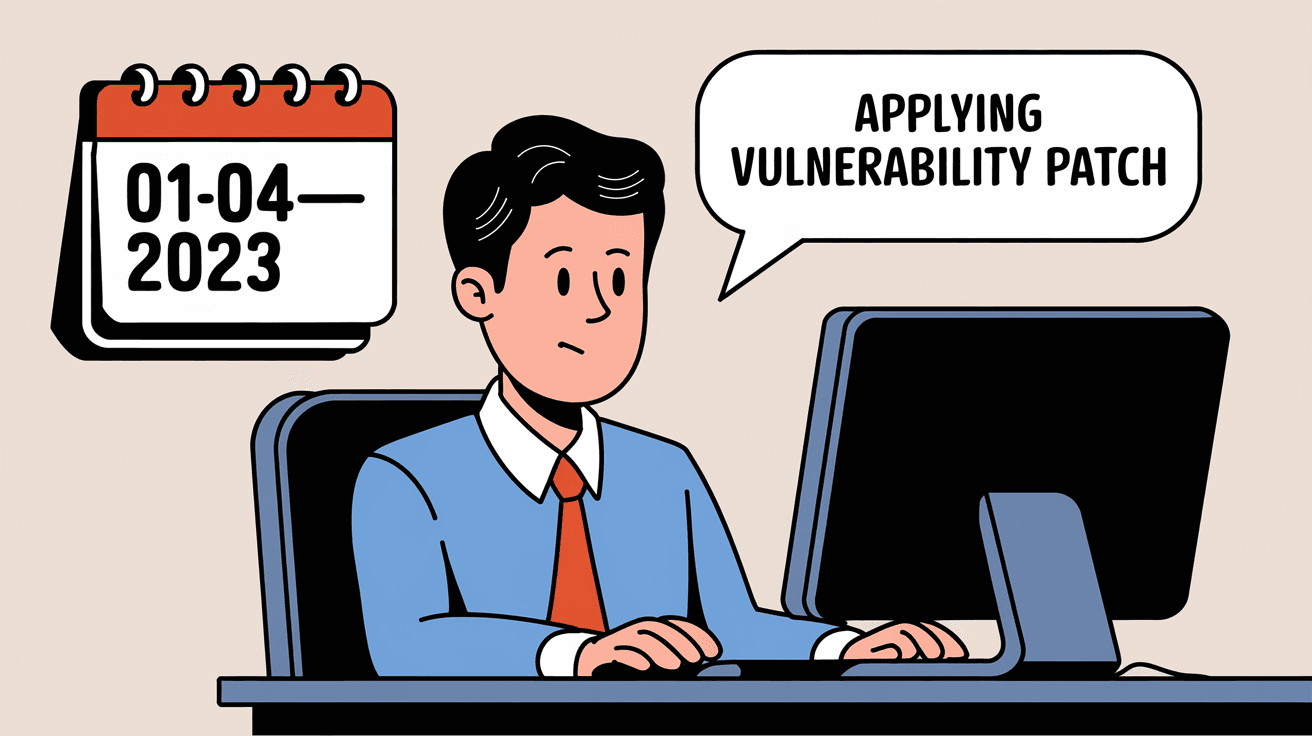
You might have heard the term "vulnerability patch" when updating your computer or phone. But what exactly is a vulnerability patch, and why should you care about it? In simple terms, it’s a fix that software makers release to close security holes in their products.
We rely on technology every day, and hackers are always looking for ways to exploit weaknesses. Understanding vulnerability patches helps you keep your devices safe and your data secure. Let’s explore what these patches are, how they work, and why they are essential for your digital safety.
What is a Vulnerability Patch?
A vulnerability patch is a software update designed to fix security flaws or weaknesses in a program or operating system. These flaws, called vulnerabilities, can allow hackers to gain unauthorized access, steal data, or cause damage.
When developers discover a vulnerability, they create a patch to close the gap. This patch is then distributed to users as an update. Installing these patches helps protect your device from attacks.
Why Vulnerabilities Exist
- Software is complex and can have bugs.
- New threats emerge as technology evolves.
- Sometimes, vulnerabilities are found by security researchers or hackers.
- Without patches, these weaknesses remain open to exploitation.
How Vulnerability Patches Work
When a vulnerability is found, developers analyze the problem and write code to fix it. This fix is tested to ensure it doesn’t cause other issues. Once ready, the patch is released as part of a software update.
You receive a notification to update your software or device. Installing the patch replaces the vulnerable code with the fixed version, closing the security hole.
Types of Vulnerability Patches
- Security patches: Fix issues that could allow unauthorized access or data theft.
- Bug fixes: Address errors that may indirectly affect security.
- Performance updates: Improve how software runs but may also include security improvements.
Why Vulnerability Patches Are Important
Ignoring vulnerability patches can leave your devices open to attacks. Hackers often exploit known vulnerabilities to spread malware, steal personal information, or take control of systems.
Risks of Not Installing Patches
- Data breaches exposing sensitive information.
- Ransomware attacks locking your files.
- Unauthorized access to your accounts.
- Damage to your device’s performance.
By installing patches promptly, you reduce these risks and keep your digital life safer.
How to Manage Vulnerability Patches Effectively
Keeping your software up to date is the best way to protect yourself. Here are some tips to manage patches:
- Enable automatic updates: Most devices allow automatic patch installation.
- Regularly check for updates: For software without auto-updates, check manually.
- Prioritize critical patches: Some patches fix severe vulnerabilities and should be installed immediately.
- Backup your data: Before updating, back up important files in case of issues.
- Use trusted sources: Only download patches from official websites or app stores.
Examples of Vulnerability Patches in Action
- Windows Security Updates: Microsoft regularly releases patches to fix vulnerabilities in Windows. For example, a critical patch fixed a flaw that allowed remote code execution.
- Mobile OS Updates: Apple and Android release patches to fix security holes in their operating systems, protecting millions of users.
- Popular Software: Browsers like Chrome and Firefox frequently update to patch vulnerabilities that could let hackers steal browsing data.
Challenges in Patch Management
Despite their importance, patch management can be tricky:
- Compatibility issues: Sometimes patches cause software to malfunction.
- Delayed updates: Users or organizations may postpone updates, increasing risk.
- Complex environments: Large companies with many devices find patching all systems challenging.
- Zero-day vulnerabilities: These are flaws exploited before patches are available.
Organizations often use specialized tools to automate and track patch deployment.
The Role of Vulnerability Patching in Cybersecurity
Vulnerability patches are a key part of a strong cybersecurity strategy. They help close doors that attackers might use to break in. Along with firewalls, antivirus software, and strong passwords, patches keep your digital world secure.
Best Practices for Organizations
- Maintain an up-to-date inventory of all software.
- Use automated patch management tools.
- Test patches before wide deployment.
- Educate employees about the importance of updates.
Conclusion
Vulnerability patches are essential fixes that protect your devices from security threats. They close weaknesses in software that hackers could exploit. By understanding what patches are and why they matter, you can take control of your digital safety.
Keeping your software updated with the latest patches is one of the easiest and most effective ways to defend against cyberattacks. Whether you’re an individual or part of an organization, staying on top of patches helps keep your data and devices secure.
FAQs
What is the difference between a vulnerability patch and a software update?
A vulnerability patch specifically fixes security flaws, while a software update may include new features, performance improvements, and bug fixes alongside security patches.
How often should I install vulnerability patches?
You should install patches as soon as they are available, especially critical ones. Enabling automatic updates is the best way to stay protected.
Can vulnerability patches cause problems with my device?
Sometimes patches can cause compatibility issues or bugs, but these cases are rare. It’s important to back up your data before updating.
What happens if I ignore vulnerability patches?
Ignoring patches leaves your device open to attacks, increasing the risk of data theft, malware infections, and unauthorized access.
Are vulnerability patches only for computers?
No, vulnerability patches are released for all types of software, including mobile devices, routers, and even smart home gadgets.




