
What is USB Drop Attack
Introduction
You might have heard about USB Drop Attacks but aren’t quite sure what they are or why they matter. These attacks are a sneaky way hackers try to get into your computer or network by exploiting something as simple as a USB drive. Understanding this threat can help you stay safe in both your personal and work life.
In this article, I’ll explain what a USB Drop Attack is, how it works, and what you can do to protect yourself. By the end, you’ll know how to spot this kind of attack and keep your devices secure.
What is a USB Drop Attack?
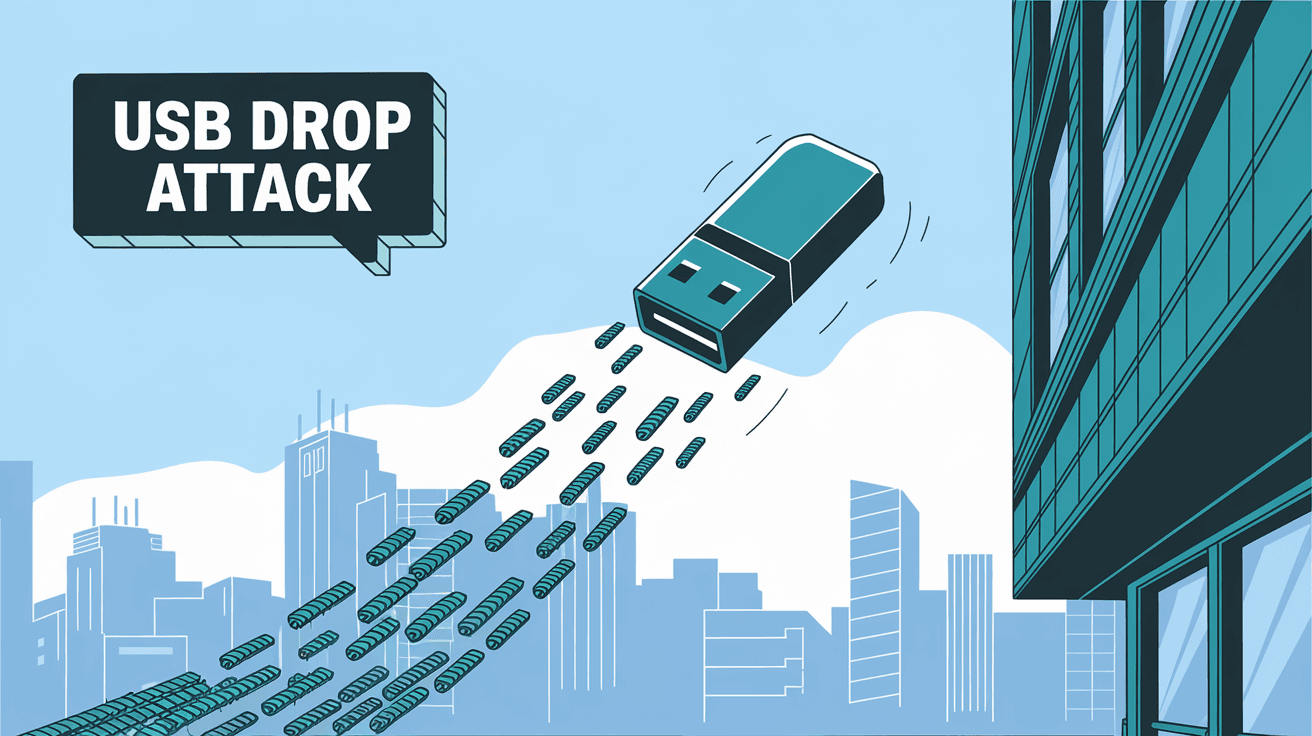
A USB Drop Attack is a type of cyberattack where an attacker leaves a USB drive in a public or targeted place, hoping someone will pick it up and plug it into their computer. Once connected, the USB can automatically install malware or steal data without the user realizing it.
This attack relies on human curiosity or carelessness. People often find USB drives and plug them in to see what’s inside, not knowing they could be opening the door to hackers.
How USB Drop Attacks Work
- Dropping the USB: The attacker leaves infected USB drives in places like parking lots, offices, or cafes.
- Plugging In: Someone finds the USB and plugs it into their computer.
- Automatic Execution: The USB contains malicious software that runs automatically, exploiting vulnerabilities.
- Data Theft or Malware Installation: The malware can steal sensitive data, install ransomware, or give hackers remote access.
Why USB Drop Attacks Are Dangerous
USB Drop Attacks are dangerous because they bypass many traditional security measures. Even if your computer has antivirus software, some malware can avoid detection. Plus, these attacks exploit human behavior, which is often the weakest link in security.
Key Risks Include:
- Data Breach: Sensitive information like passwords, financial data, or company secrets can be stolen.
- Network Compromise: Malware can spread from one infected device to an entire network.
- Ransomware: Attackers can lock your files and demand payment to unlock them.
- Remote Control: Hackers can take control of your device and use it for further attacks.
Real-World Examples of USB Drop Attacks
Several high-profile cases have shown how effective USB Drop Attacks can be. For example:
- In 2025, a major corporation suffered a data breach after an employee plugged in a dropped USB drive found in the parking lot.
- Government agencies have reported similar attacks where USB drives were left near entrances, leading to malware infections.
- Security researchers have demonstrated how easy it is to create USB devices that automatically install malware when plugged in.
These examples highlight the importance of being cautious with unknown USB devices.
How to Protect Yourself from USB Drop Attacks
Protecting yourself from USB Drop Attacks involves both technical measures and good habits. Here are some practical steps you can take:
1. Don’t Plug in Unknown USB Drives
- Never insert a USB drive you find lying around.
- If you must use a found USB, scan it on a secure, isolated device first.
2. Use USB Security Software
- Install software that blocks unauthorized USB devices.
- Use endpoint protection tools that detect suspicious USB activity.
3. Disable Autorun Features
- Turn off the automatic execution of programs from USB devices.
- This prevents malware from running without your permission.
4. Educate Yourself and Others
- Learn about the risks of USB Drop Attacks.
- Share this knowledge with coworkers, friends, and family.
5. Implement Physical Security Measures
- Use USB port locks on devices in public or shared spaces.
- Control access to computers and USB ports.
Technical Details: How Malware on USB Drives Works
Malware on USB drives often uses a feature called "autorun" or "autoplay" to execute automatically. However, modern operating systems have reduced this risk by disabling autorun by default.
Attackers now use more advanced techniques, such as:
- BadUSB: This technique reprograms the USB device’s firmware to act like a keyboard or network device, allowing it to send commands directly to the computer.
- Payload Delivery: The USB can carry scripts or executables that run once the device is accessed.
- Exploiting Vulnerabilities: Malware can exploit software bugs to gain control over the system.
Understanding these methods helps in designing better defenses.
Detecting a USB Drop Attack
Detecting a USB Drop Attack early can save you from serious damage. Here are signs to watch for:
- Unexpected pop-ups or error messages after plugging in a USB.
- Slow computer performance or unusual network activity.
- New programs or files appearing without your action.
- Antivirus alerts related to USB devices.
If you notice any of these, disconnect the USB immediately and run a full security scan.
What to Do If You Suspect a USB Drop Attack
If you think you’ve been targeted by a USB Drop Attack, act quickly:
- Disconnect the USB device immediately.
- Run a full antivirus and anti-malware scan.
- Change your passwords, especially for sensitive accounts.
- Inform your IT department or security team if at work.
- Monitor your accounts and devices for unusual activity.
Taking these steps can limit the damage and help recover your system.
USB Drop Attack in the Workplace
Businesses are prime targets for USB Drop Attacks because of the valuable data they hold. Companies should:
- Train employees about the risks of unknown USB devices.
- Enforce strict policies on USB usage.
- Use endpoint security solutions that monitor USB activity.
- Regularly update software and patch vulnerabilities.
- Conduct security audits and penetration testing.
A proactive approach reduces the risk of costly breaches.
Future Trends in USB Drop Attack Prevention
As attackers become more sophisticated, security measures are evolving:
- Hardware-Based Security: Devices with built-in USB port control and encryption.
- Behavioral Analytics: Software that detects unusual USB activity patterns.
- Zero Trust Policies: Treating all USB devices as untrusted until verified.
- Biometric Authentication: Requiring user verification before USB access.
Staying informed about these trends helps you stay ahead of threats.
Conclusion
USB Drop Attacks are a real and growing threat that exploits human curiosity and technical vulnerabilities. By understanding how these attacks work, you can take simple but effective steps to protect yourself and your data. Avoid plugging in unknown USB drives, use security software, and stay alert to suspicious activity.
Whether at home or work, your awareness and caution are your best defense against USB Drop Attacks. Keep your devices secure by following the tips shared here, and you’ll reduce the risk of falling victim to this sneaky cyber threat.
FAQs
What is the main goal of a USB Drop Attack?
The main goal is to infect a computer with malware by tricking someone into plugging in a malicious USB drive. This can lead to data theft, ransomware, or remote control of the device.
Can antivirus software protect me from USB Drop Attacks?
Antivirus software helps but may not catch all USB-based malware, especially advanced threats like BadUSB. Combining antivirus with safe habits is essential.
How can I safely check a found USB drive?
Use a dedicated, isolated computer with updated security software to scan the USB. Avoid plugging it into your main device.
Are USB Drop Attacks common in workplaces?
Yes, workplaces are common targets because attackers want access to sensitive company data. Employee training and strict policies help prevent these attacks.
What is BadUSB and why is it dangerous?
BadUSB is malware that reprograms a USB device’s firmware to act like a keyboard or network device. It can send commands directly to your computer, bypassing normal security controls.




