
What is Two-Factor Authentication
Introduction
You probably use passwords every day to protect your online accounts. But passwords alone are often not enough to keep your information safe. That’s where two-factor authentication, or 2FA, comes in. It adds an extra layer of security to your accounts, making it much harder for hackers to get in.
In this article, I’ll explain what two-factor authentication is, how it works, and why you should start using it today. You’ll also learn about different types of 2FA and some practical tips to keep your accounts secure.
What is Two-Factor Authentication?
Two-factor authentication (2FA) is a security process that requires you to provide two different types of information to verify your identity. Instead of just entering a password, you must also provide a second piece of evidence. This makes it much harder for someone else to access your account, even if they know your password.
Why is 2FA Important?
Passwords can be stolen, guessed, or leaked in data breaches. When you add 2FA, even if someone has your password, they still need the second factor to log in. This extra step significantly reduces the risk of unauthorized access.
- Protects against phishing attacks
- Prevents unauthorized logins from stolen passwords
- Adds a strong layer of security for sensitive accounts
How Does Two-Factor Authentication Work?
Two-factor authentication works by combining two of the following three types of factors:
- Something you know: Like a password or PIN.
- Something you have: Like a smartphone or hardware token.
- Something you are: Like a fingerprint or facial recognition.
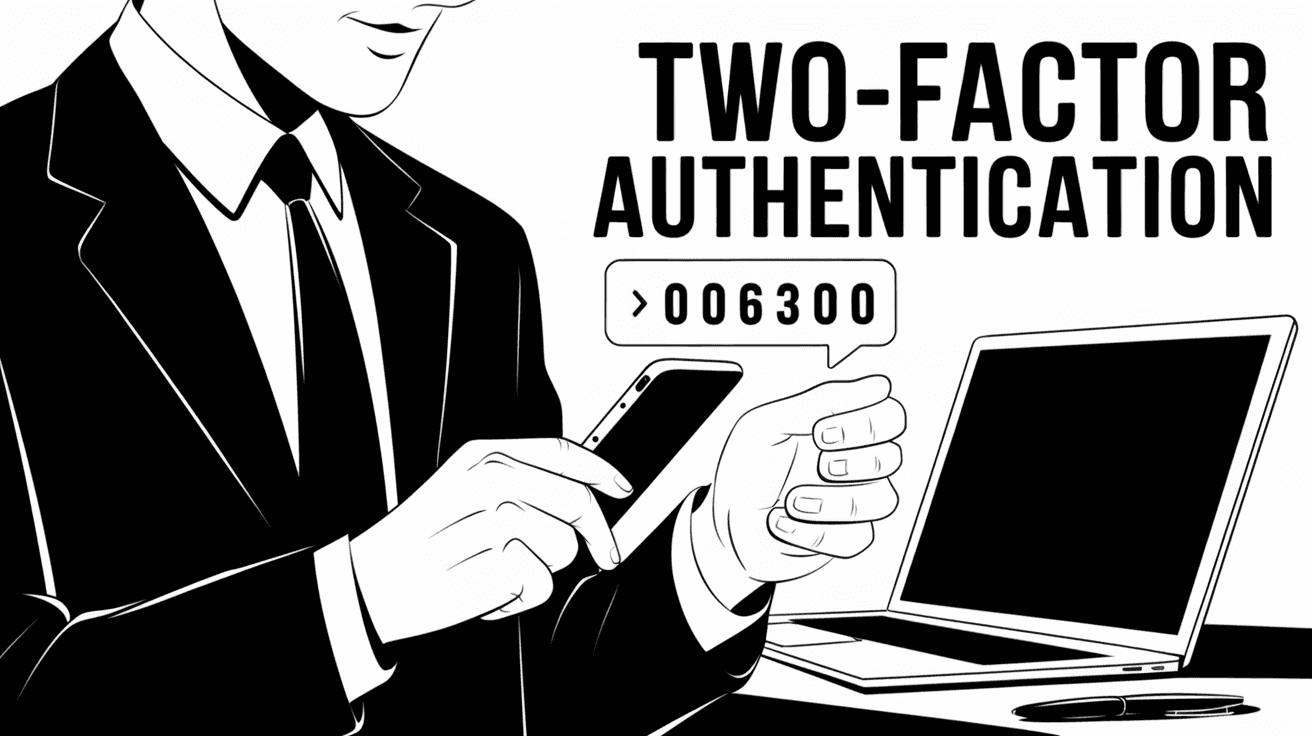
When you log in, you first enter your password (something you know). Then, you provide the second factor, such as a code sent to your phone or a fingerprint scan.
Common 2FA Methods
- SMS Codes: A text message with a one-time code sent to your phone.
- Authenticator Apps: Apps like Google Authenticator or Authy generate time-based codes.
- Hardware Tokens: Physical devices like YubiKey that you plug in or tap.
- Biometric Verification: Fingerprint or facial recognition on your device.
Each method has its pros and cons, but all add a valuable extra step to protect your accounts.
Benefits of Using Two-Factor Authentication
Using 2FA offers many advantages beyond just stronger security. Here are some key benefits:
- Enhanced Security: Makes it much harder for attackers to access your accounts.
- Peace of Mind: You know your accounts have an extra layer of protection.
- Compliance: Many companies require 2FA to meet security regulations.
- Easy to Use: Most 2FA methods are quick and simple to set up.
Even if your password is weak or reused, 2FA can stop hackers from breaking in.
Types of Two-Factor Authentication
There are several types of 2FA you might encounter. Understanding these can help you choose the best option for your needs.
SMS-Based Authentication
This is the most common form of 2FA. After entering your password, you receive a text message with a code to enter. It’s easy to use but can be vulnerable to SIM swapping attacks.
Authenticator Apps
Apps like Google Authenticator, Microsoft Authenticator, and Authy generate codes that refresh every 30 seconds. These apps work offline and are more secure than SMS.
Hardware Tokens
Physical devices like YubiKey or RSA SecurID generate or store authentication codes. They provide very strong security but can be costly and less convenient.
Biometric Authentication
Using your fingerprint, face, or iris scan as the second factor is becoming more common, especially on smartphones. It’s fast and user-friendly but depends on your device’s capabilities.
How to Set Up Two-Factor Authentication
Setting up 2FA is usually straightforward. Here’s a general process you can follow:
- Go to your account’s security settings.
- Find the two-factor authentication option.
- Choose your preferred 2FA method (SMS, app, hardware).
- Follow the prompts to link your device or app.
- Test the setup by logging out and logging back in.
Many popular services like Google, Facebook, Apple, and Microsoft offer easy 2FA setup guides.
Common Challenges and How to Overcome Them
While 2FA is great for security, some people find it tricky at first. Here are common issues and tips to handle them:
- Lost Phone or Device: Always save backup codes or set up multiple 2FA methods.
- No Phone Signal: Use authenticator apps that work offline instead of SMS.
- Inconvenience: Choose a method that fits your lifestyle, like biometrics for quick access.
- Phishing Attacks: Be cautious and never share your 2FA codes with anyone.
Planning ahead can make 2FA easy and reliable.
Why You Should Use Two-Factor Authentication Now
Cyberattacks and data breaches are increasing every year. Hackers use stolen passwords to break into accounts and steal personal information. Using 2FA is one of the simplest and most effective ways to protect yourself.
- Over 80% of hacking-related breaches could be stopped by 2FA.
- Many online services now require or strongly recommend 2FA.
- It protects your email, banking, social media, and work accounts.
By enabling 2FA, you take control of your online security and reduce the risk of identity theft.
Conclusion
Two-factor authentication is a powerful tool that adds an extra layer of security to your online accounts. By requiring two forms of verification, it makes it much harder for hackers to access your information. Whether you use SMS codes, authenticator apps, hardware tokens, or biometrics, 2FA significantly improves your account safety.
If you haven’t set up two-factor authentication yet, now is the perfect time. It’s easy to do, free in most cases, and can save you from serious trouble. Protect your digital life by adding this simple but effective security step today.
FAQs
What is the difference between two-factor authentication and two-step verification?
Two-factor authentication requires two different types of factors (something you know, have, or are). Two-step verification may use two steps but can rely on the same factor type, like two passwords.
Can two-factor authentication be hacked?
While 2FA greatly improves security, no system is 100% foolproof. Some methods like SMS can be vulnerable to SIM swapping, but using authenticator apps or hardware tokens reduces risks.
Is two-factor authentication free to use?
Yes, most services offer 2FA for free. Authenticator apps and SMS codes usually don’t cost anything, though hardware tokens may require a purchase.
What should I do if I lose access to my 2FA device?
Keep backup codes provided during setup in a safe place. You can also set up multiple 2FA methods or contact the service provider to regain access.
Does two-factor authentication slow down logging in?
2FA adds a small extra step but is usually quick and easy. The extra security is worth the slight delay in logging in. Biometric methods can make it even faster.




