
What is Traffic Filtering
Introduction
You might have heard the term "traffic filtering" when discussing internet security or network management. But what exactly does it mean? Traffic filtering is a way to control the flow of data across a network, helping to keep your systems safe and running smoothly.
In this article, I’ll explain what traffic filtering is, how it works, and why it’s important for both businesses and everyday internet users. By the end, you’ll understand how traffic filtering protects your devices and improves your online experience.
What Is Traffic Filtering?
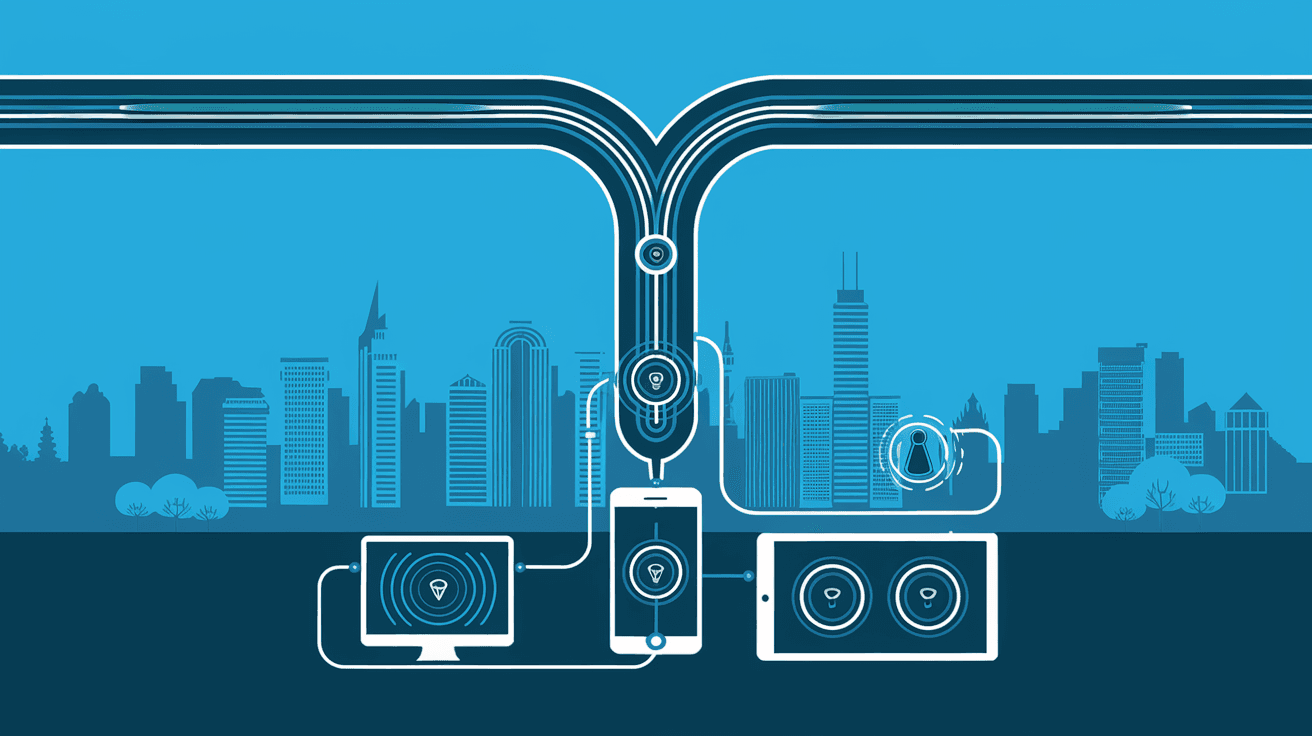
Traffic filtering is the process of monitoring and controlling data packets that travel through a network. Think of it as a security guard at the entrance of a building, deciding who can come in and who can’t. It checks the data based on certain rules and either allows it to pass or blocks it.
This filtering happens at different points in a network, such as routers, firewalls, or specialized devices. The goal is to prevent unwanted or harmful traffic from reaching your devices while letting legitimate data flow freely.
How Traffic Filtering Works
Traffic filtering uses a set of rules or policies to decide what data can enter or leave a network. These rules can be based on:
- IP addresses: Allow or block traffic from specific locations.
- Ports: Control access to certain services or applications.
- Protocols: Filter data based on communication methods like HTTP or FTP.
- Content: Inspect the actual data to detect harmful files or messages.
When data packets arrive, the filtering system compares them against these rules. If they match allowed criteria, the packets pass through. If not, they get blocked or dropped.
Types of Traffic Filtering
There are several types of traffic filtering, each serving different purposes. Understanding these can help you see how networks stay secure and efficient.
Packet Filtering
Packet filtering is the most basic form. It looks at the header of each data packet, checking information like source and destination IP addresses and ports. If the packet meets the rules, it’s allowed; otherwise, it’s blocked.
- Advantages: Fast and simple.
- Limitations: Doesn’t inspect the actual content, so it can miss complex threats.
Stateful Filtering
Stateful filtering tracks the state of active connections. It knows if a packet is part of an ongoing conversation or a new request. This method is smarter than packet filtering because it understands the context.
- Advantages: Better security by monitoring connection states.
- Limitations: Requires more resources to manage connection states.
Deep Packet Inspection (DPI)
DPI goes beyond headers and looks inside the data packets. It can detect viruses, malware, or inappropriate content by analyzing the actual payload.
- Advantages: High security and content control.
- Limitations: Slower processing and privacy concerns.
Application Layer Filtering
This type filters traffic based on specific applications or services, like web browsers or email clients. It can block or allow traffic depending on the application’s behavior.
- Advantages: Precise control over application traffic.
- Limitations: Complex to configure and maintain.
Why Is Traffic Filtering Important?
Traffic filtering plays a crucial role in network security and performance. Here’s why it matters:
Protects Against Cyber Threats
Filtering helps block malicious traffic, such as viruses, malware, and hacking attempts. By stopping harmful data before it reaches your devices, it reduces the risk of cyberattacks.
Controls Network Access
It allows network administrators to restrict access to certain websites, services, or users. This control helps enforce company policies and prevent unauthorized use.
Improves Network Performance
By filtering out unnecessary or harmful traffic, networks can run more efficiently. This reduces congestion and speeds up data transfer.
Ensures Compliance
Many industries have regulations requiring data protection. Traffic filtering helps organizations meet these standards by controlling data flow and preventing leaks.
How Traffic Filtering Is Used in Real Life
Traffic filtering is everywhere, even if you don’t see it. Here are some common examples:
- Home Routers: Most home routers have built-in filters to block suspicious traffic and protect your devices.
- Corporate Networks: Businesses use advanced filtering to secure sensitive data and control employee internet use.
- Internet Service Providers (ISPs): ISPs filter traffic to prevent spam, malware, and illegal content.
- Cloud Services: Cloud providers use filtering to protect their infrastructure and customers.
Setting Up Traffic Filtering: What You Need to Know
If you want to set up traffic filtering, here are some key points to consider:
Define Your Goals
Decide what you want to achieve. Is it security, performance, or content control? Your goals will shape your filtering rules.
Choose the Right Tools
Depending on your needs, you might use firewalls, routers, or specialized filtering software. Some tools offer user-friendly interfaces, while others require technical knowledge.
Create Clear Rules
Set specific rules based on IP addresses, ports, protocols, or content. Avoid overly broad rules that might block legitimate traffic.
Monitor and Update
Traffic filtering isn’t a set-it-and-forget-it task. Regularly check logs and update rules to adapt to new threats or changes in your network.
Challenges and Limitations of Traffic Filtering
While traffic filtering is powerful, it’s not perfect. Here are some challenges you might face:
- False Positives: Legitimate traffic might get blocked accidentally.
- Performance Impact: Deep inspection can slow down network speed.
- Encrypted Traffic: Filtering encrypted data is difficult without breaking privacy.
- Complex Configuration: Setting up effective filters requires expertise.
Despite these challenges, traffic filtering remains a vital tool for network security.
Future Trends in Traffic Filtering
As technology evolves, so does traffic filtering. Here are some trends shaping its future:
- AI and Machine Learning: These technologies help create smarter filters that adapt to new threats automatically.
- Integration with Zero Trust Security: Traffic filtering will play a bigger role in verifying every connection.
- Cloud-Based Filtering: More filtering services are moving to the cloud for scalability and ease of management.
- Enhanced Privacy Measures: Balancing security with user privacy will be a key focus.
Conclusion
Traffic filtering is a fundamental part of keeping networks safe and efficient. By controlling which data can enter or leave, it protects against cyber threats, improves performance, and helps enforce policies. Whether you’re managing a home network or a large business, understanding traffic filtering can help you make better security decisions.
Remember, effective traffic filtering requires clear goals, the right tools, and ongoing management. As threats evolve, staying informed about new filtering technologies will keep your network secure and running smoothly.
FAQs
What devices perform traffic filtering?
Traffic filtering is commonly done by firewalls, routers, and specialized security appliances. Many modern devices combine these functions to provide comprehensive protection.
Can traffic filtering block all cyber threats?
While traffic filtering blocks many threats, it’s not foolproof. Combining it with other security measures like antivirus and intrusion detection improves protection.
Is traffic filtering the same as a firewall?
Traffic filtering is a function of firewalls, but firewalls also include other features like monitoring and logging. Filtering is one part of firewall operations.
How does traffic filtering affect internet speed?
Basic filtering has minimal impact, but deep packet inspection can slow down traffic due to the extra processing required.
Can I set up traffic filtering on my home network?
Yes, most home routers offer basic traffic filtering options. For advanced filtering, you might need additional software or hardware.




