
What is Static Route Protection
Introduction
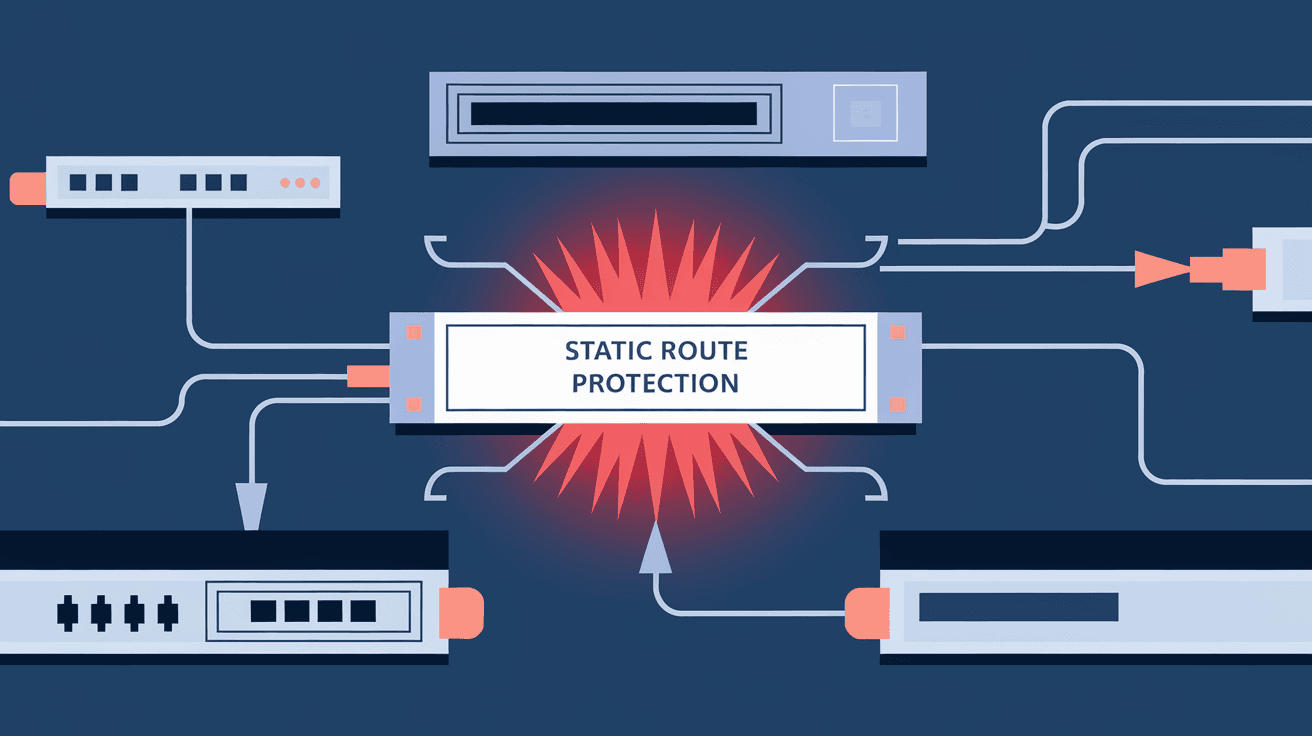
When you manage a network, keeping your routes safe and stable is crucial. You might have heard about static routes, which are manually set paths for data to travel across a network. But what happens if these routes get tampered with or accidentally changed? That’s where static route protection comes in.
In this article, I’ll explain what static route protection is, why it matters, and how it helps keep your network running smoothly. Whether you’re a network admin or just curious about networking, understanding this concept will help you secure your network better.
What Are Static Routes?
Static routes are fixed paths that network devices use to send data from one place to another. Unlike dynamic routes, which change automatically based on network conditions, static routes stay the same until someone changes them manually.
Here’s what you should know about static routes:
- They are manually configured by network administrators.
- They provide predictable and stable routing paths.
- They don’t require extra resources like routing protocols do.
- They are often used in small or simple networks or for specific traffic paths.
Static routes are simple and reliable, but they can be vulnerable if someone accidentally or intentionally changes them.
Why Is Static Route Protection Important?
Static routes are essential for network stability, but they can also be a weak point if not protected. Here’s why static route protection matters:
- Prevents Accidental Changes: Sometimes, network admins or automated systems might accidentally overwrite or delete static routes, causing traffic disruptions.
- Stops Malicious Attacks: Hackers or malware could try to change static routes to redirect traffic or cause denial of service.
- Maintains Network Stability: Protecting static routes ensures that critical paths remain consistent, avoiding unexpected outages.
- Supports Compliance: Some industries require strict network controls, and protecting static routes helps meet these standards.
Without static route protection, your network might face downtime, data loss, or security breaches.
How Does Static Route Protection Work?
Static route protection works by locking down static routes so they cannot be changed or deleted without proper authorization. Different network devices and vendors offer various methods to achieve this.
Common ways static route protection works include:
- Route Locking: The device marks static routes as “protected,” preventing any changes unless the protection is removed.
- Administrative Access Control: Only authorized users can modify static routes, often controlled through user roles and passwords.
- Configuration Backup and Monitoring: Regular backups and change monitoring alert admins if static routes are altered.
- Route Validation: Some systems check if static routes match expected parameters before accepting changes.
By combining these methods, networks can ensure static routes remain intact and secure.
Static Route Protection Features in Popular Network Devices
Many network devices include static route protection features. Here are some examples:
| Vendor | Feature Name | Description |
| Cisco | Static Route-Guard | Prevents unauthorized changes to static routes |
| Juniper | Route Policy and Filters | Controls which routes can be added or removed |
| MikroTik | Route Lock | Locks static routes from modification |
| Huawei | Route Protection Mechanism | Protects static routes with access control |
These features often integrate with other security tools like access control lists (ACLs) and authentication systems to provide layered protection.
Benefits of Using Static Route Protection
Using static route protection offers several advantages:
- Improved Network Security: Stops unauthorized route changes that could lead to attacks.
- Reduced Human Error: Prevents accidental deletion or modification by admins.
- Consistent Network Performance: Ensures data flows along intended paths without interruption.
- Simplified Troubleshooting: Knowing static routes are protected helps narrow down issues faster.
- Compliance Support: Helps meet regulatory requirements for network integrity.
By protecting static routes, you make your network more reliable and secure.
How to Implement Static Route Protection
If you want to set up static route protection, here are some practical steps:
- Identify Critical Static Routes: List all static routes that must be protected.
- Use Device Features: Enable static route protection features on your routers or switches.
- Set Proper Access Controls: Limit who can change routing configurations.
- Regularly Backup Configurations: Keep copies of your routing settings to restore if needed.
- Monitor Route Changes: Use network monitoring tools to detect unauthorized modifications.
- Train Your Team: Make sure everyone understands the importance of static route protection.
Following these steps helps you build a strong defense around your static routes.
Common Challenges with Static Route Protection
While static route protection is valuable, it can come with challenges:
- Complexity in Large Networks: Managing protection for many static routes can be difficult.
- Potential for Configuration Errors: Misconfiguring protection can block legitimate changes.
- Compatibility Issues: Not all devices support advanced static route protection features.
- Maintenance Overhead: Requires ongoing monitoring and updates.
Being aware of these challenges helps you plan better and avoid pitfalls.
Static Route Protection vs. Dynamic Routing Security
It’s useful to compare static route protection with security in dynamic routing protocols:
| Aspect | Static Route Protection | Dynamic Routing Security |
| Route Changes | Manual, protected by locking or access | Automatic, secured by authentication |
| Complexity | Simple to implement | More complex due to protocol mechanisms |
| Vulnerability | Risk of accidental or malicious changes | Risk of route injection or spoofing |
| Monitoring | Easier to monitor due to fixed routes | Requires protocol-specific security tools |
Both are important, but static route protection focuses on keeping fixed routes safe, while dynamic routing security protects automatically learned routes.
Real-World Examples of Static Route Protection
Many organizations rely on static route protection to keep their networks safe. For example:
- Financial Institutions: Use static route protection to secure critical transaction paths.
- Healthcare Providers: Protect static routes to ensure patient data flows securely.
- Enterprise Networks: Lock down static routes to prevent downtime during maintenance.
- Internet Service Providers: Use route protection to maintain stable customer connections.
These examples show how static route protection plays a key role in various industries.
Conclusion
Static route protection is a simple but powerful way to secure your network’s routing paths. By preventing unauthorized or accidental changes, it keeps your data flowing smoothly and safely. Whether you manage a small office network or a large enterprise system, protecting your static routes helps avoid downtime and security risks.
I hope this article helped you understand what static route protection is and why it’s important. If you want a stable and secure network, make sure to implement static route protection as part of your overall network management strategy.
FAQs
What is the difference between static and dynamic routes?
Static routes are manually set and fixed, while dynamic routes change automatically based on network conditions using routing protocols.
Can static route protection prevent all network attacks?
No, it mainly protects against unauthorized changes to static routes but should be combined with other security measures for full protection.
How do I know if my router supports static route protection?
Check your router’s documentation or configuration interface for features like route locking or administrative access controls.
Is static route protection necessary for small networks?
It depends on your needs, but even small networks benefit from protecting critical static routes to avoid accidental disruptions.
How often should I back up my static route configurations?
Regular backups are recommended, ideally after any configuration changes or at least weekly to ensure quick recovery if needed.




