
What is SSL Inspection
Introduction
You probably use websites every day that start with "https," which means they use SSL or TLS encryption to keep your data safe. But have you ever wondered how companies or security tools check what’s inside this encrypted traffic? That’s where SSL inspection comes in. It helps organizations protect their networks without breaking the security that encryption provides.
In this article, I’ll explain what SSL inspection is, how it works, and why it’s important for both businesses and users. You’ll also learn about the benefits and risks involved, so you can understand how this technology fits into online security today.
What Is SSL Inspection?
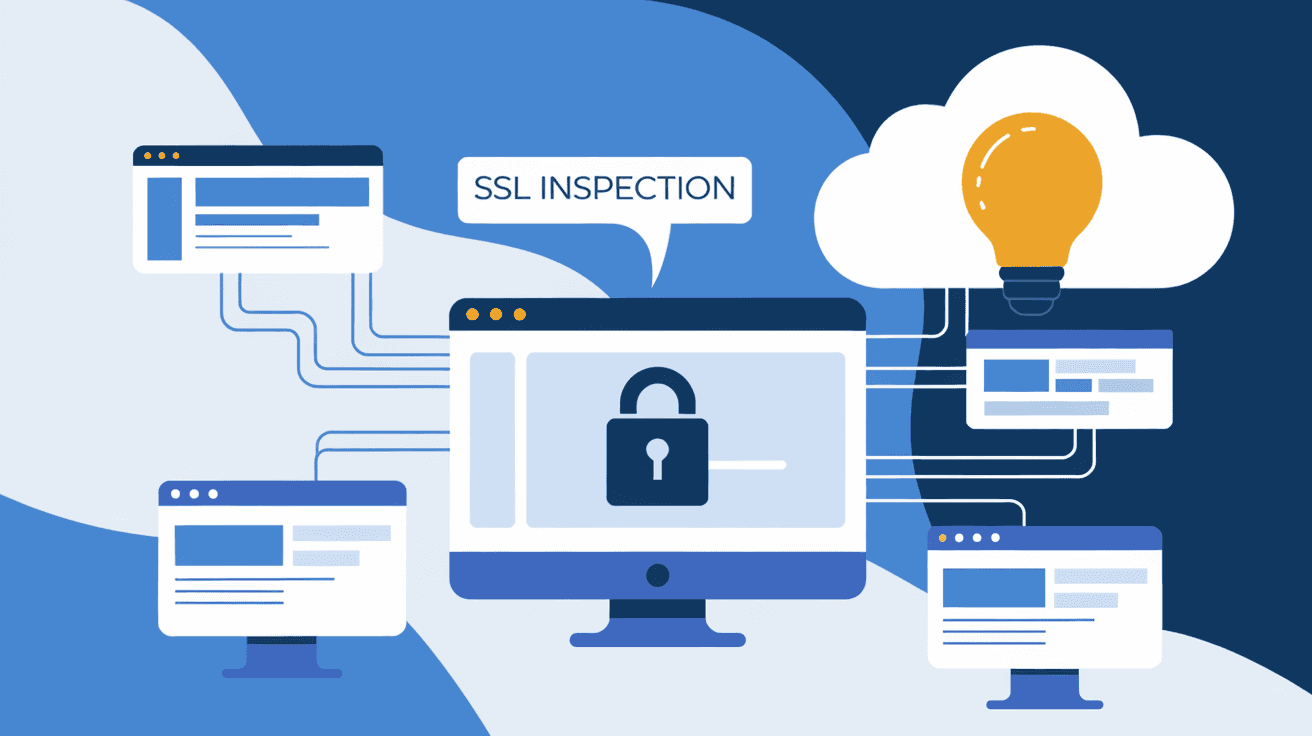
SSL inspection is a security process that allows organizations to look inside encrypted internet traffic. Normally, SSL (Secure Sockets Layer) or TLS (Transport Layer Security) encrypts data between your browser and a website, making it unreadable to outsiders. SSL inspection breaks open this encrypted data temporarily to check for threats like malware or data leaks.
Here’s how it works in simple terms:
- When you visit a secure website, your browser creates an encrypted connection.
- SSL inspection tools intercept this connection.
- They decrypt the data, inspect it for risks, then re-encrypt it before sending it to its destination.
This process is also called SSL/TLS interception or HTTPS inspection. It’s widely used by companies, schools, and governments to monitor web traffic safely.
Why Do Organizations Use SSL Inspection?
You might wonder why anyone would want to peek inside encrypted traffic. After all, encryption is meant to protect privacy. The main reason is security. Cyber threats have become more sophisticated, and attackers often hide malware or phishing attempts inside encrypted traffic.
Here are some reasons organizations use SSL inspection:
- Detect Malware: Many viruses and ransomware use encrypted channels to avoid detection.
- Prevent Data Leaks: Companies want to stop sensitive information from leaving their network.
- Enforce Policies: Organizations can block access to harmful or inappropriate websites.
- Meet Compliance: Some industries require monitoring encrypted traffic to follow regulations.
Without SSL inspection, encrypted traffic becomes a blind spot for security teams. It’s like having a locked door but no way to check what’s inside.
How Does SSL Inspection Work?
SSL inspection involves a few technical steps, but I’ll break it down simply. The process usually happens on a security device like a firewall or proxy server.
- Interception: The device intercepts your connection request to a secure website.
- Certificate Presentation: It presents its own SSL certificate to your browser instead of the website’s.
- Decryption: Your browser trusts this certificate, so the device decrypts the data.
- Inspection: The device scans the decrypted data for threats or policy violations.
- Re-encryption: After inspection, the device encrypts the data again and sends it to the website.
- Response Handling: The website’s response goes through the same process back to your browser.
This method is called a "man-in-the-middle" approach, but it’s done with permission inside controlled environments. For this to work smoothly, the inspection device’s certificate must be trusted by your device, often installed by IT administrators.
Types of SSL Inspection
There are different ways to perform SSL inspection, depending on the depth of inspection and privacy concerns.
- Full SSL Inspection: The entire encrypted traffic is decrypted and inspected. This provides the highest security but raises privacy issues.
- Selective SSL Inspection: Only traffic to certain websites or categories is inspected. This balances security and privacy.
- No SSL Inspection: Some traffic is allowed without inspection, usually for sensitive sites like banking or healthcare.
Organizations choose the method based on their security needs and privacy policies.
Benefits of SSL Inspection
SSL inspection offers several advantages for network security and management:
- Improved Threat Detection: It uncovers hidden malware and phishing attacks in encrypted traffic.
- Data Loss Prevention: Helps stop confidential information from leaking outside the organization.
- Policy Enforcement: Ensures users follow internet usage rules.
- Compliance Support: Meets legal requirements for monitoring and reporting.
- Visibility: Gives IT teams insight into encrypted traffic patterns.
These benefits help organizations maintain a strong security posture in a world where encryption is everywhere.
Risks and Challenges of SSL Inspection
While SSL inspection is powerful, it also comes with risks and challenges you should know about:
- Privacy Concerns: Decrypting traffic means sensitive personal data can be exposed to inspection tools.
- Performance Impact: Decryption and re-encryption require processing power, which can slow down network speed.
- Certificate Management: Devices must manage certificates carefully to avoid browser warnings or security errors.
- Legal Issues: Some countries have strict laws about intercepting encrypted communications.
- Potential Vulnerabilities: If not configured properly, SSL inspection can introduce security gaps.
Organizations must balance security benefits with privacy and legal considerations when deploying SSL inspection.
How SSL Inspection Affects Users
If you’re a user in a company or school network, SSL inspection might affect your browsing experience. Here’s what you might notice:
- Security Warnings: If the inspection device’s certificate isn’t trusted, your browser may show warnings.
- Blocked Websites: Some sites might be blocked due to security policies.
- Slower Connections: Decryption can add a slight delay to page loading times.
- Privacy Trade-offs: Your encrypted data is inspected, so personal information might be visible to IT staff.
Understanding these effects helps you appreciate why SSL inspection is used and what it means for your online privacy.
Best Practices for Implementing SSL Inspection
For organizations planning to use SSL inspection, following best practices ensures security and trust:
- Use Trusted Certificates: Install inspection certificates on all user devices to avoid browser errors.
- Limit Inspection Scope: Avoid inspecting sensitive sites like banking or healthcare to respect privacy.
- Keep Software Updated: Regularly update inspection tools to fix vulnerabilities.
- Inform Users: Be transparent about SSL inspection policies and privacy implications.
- Monitor Performance: Ensure inspection doesn’t degrade network speed excessively.
- Comply with Laws: Follow local regulations regarding encrypted traffic inspection.
These steps help balance security needs with user trust and legal compliance.
Alternatives to SSL Inspection
If SSL inspection seems too intrusive or complex, there are other ways to enhance security:
- Endpoint Security: Use antivirus and anti-malware software on devices.
- DNS Filtering: Block malicious domains before connections are made.
- Behavioral Analysis: Detect threats based on unusual network behavior.
- Zero Trust Models: Limit access based on strict identity verification rather than traffic inspection.
While these methods don’t replace SSL inspection, they can reduce reliance on decrypting traffic.
Conclusion
SSL inspection is a key tool for organizations to secure their networks in an encrypted world. It lets them see inside encrypted traffic to detect threats, prevent data leaks, and enforce policies. However, it also raises privacy and performance concerns that must be carefully managed.
Whether you’re a user or an IT professional, understanding SSL inspection helps you appreciate the balance between security and privacy online. As encryption becomes more common, SSL inspection will continue to play an important role in keeping the internet safe.
FAQs
What is the difference between SSL and TLS?
SSL (Secure Sockets Layer) is the older encryption protocol, while TLS (Transport Layer Security) is its modern, more secure version. Today, TLS is used almost everywhere but people often say SSL out of habit.
Can SSL inspection break website security?
SSL inspection temporarily decrypts traffic but re-encrypts it before sending it on. If done correctly, it maintains security, but improper setup can cause vulnerabilities or browser warnings.
Is SSL inspection legal?
SSL inspection is legal in many places when done with user consent or within private networks. However, laws vary by country, so organizations must check local regulations before implementing it.
How does SSL inspection affect my privacy?
SSL inspection allows organizations to see your encrypted data, which can include personal information. This raises privacy concerns, so it’s important that organizations use it responsibly and transparently.
Can I disable SSL inspection on my device?
If your device is managed by an organization, you usually cannot disable SSL inspection because it’s enforced by network policies. On personal devices, SSL inspection typically doesn’t apply unless you connect to a monitored network.




