
What is Spam Filtering Software
Introduction
You probably get a lot of unwanted emails every day. These annoying messages, called spam, clutter your inbox and sometimes carry harmful content. That’s where spam filtering software comes in. It helps keep your email clean and safe by blocking these unwanted messages before they reach you.
In this article, I’ll explain what spam filtering software is, how it works, and why it’s important for both individuals and businesses. You’ll also learn about different types of spam filters and how to choose the right one for your needs.
What Is Spam Filtering Software?
Spam filtering software is a tool designed to identify and block unwanted or harmful emails, often called spam or junk mail. These emails can include advertisements, scams, phishing attempts, or malware. The software scans incoming messages and decides whether to deliver them to your inbox or send them to a spam folder.
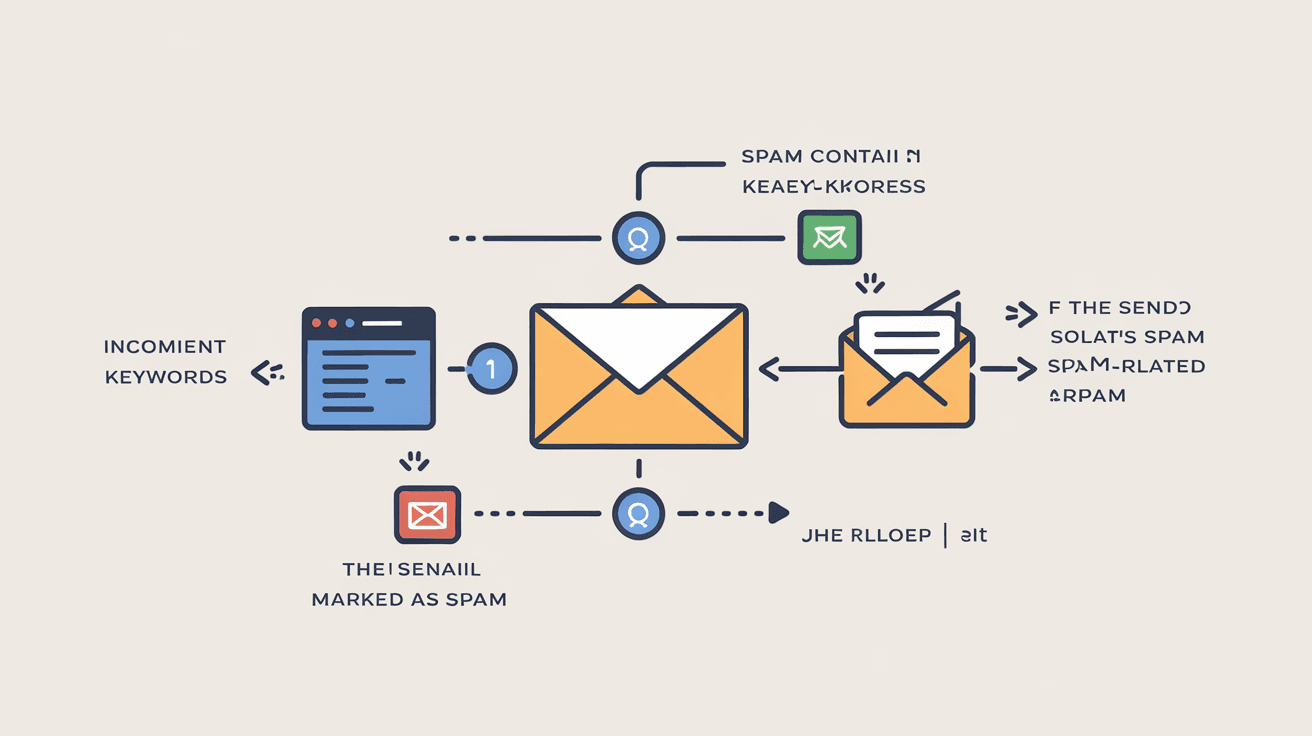
Spam filters work by analyzing various parts of an email, such as the sender’s address, subject line, content, and attachments. They use rules and algorithms to detect suspicious patterns that indicate spam. This helps reduce the number of unwanted emails you receive, making your email experience safer and more efficient.
Why Do You Need Spam Filtering Software?
- Protects against scams and phishing: Spam emails often try to trick you into giving personal information.
- Blocks malware and viruses: Some spam emails carry harmful attachments.
- Saves time: You don’t have to sort through junk emails manually.
- Improves productivity: A clean inbox helps you focus on important messages.
- Reduces bandwidth and storage use: Less spam means less data to process and store.
How Does Spam Filtering Software Work?
Spam filtering software uses several techniques to detect and block spam emails. These methods often work together to improve accuracy.
Common Techniques Used in Spam Filters
- Keyword Analysis: The software scans emails for suspicious words or phrases often found in spam, like “free,” “win,” or “urgent.”
- Blacklists and Whitelists: Blacklists block emails from known spam sources, while whitelists allow trusted senders through.
- Heuristic Analysis: This method looks for patterns or behaviors typical of spam emails, even if the exact content is new.
- Bayesian Filtering: A statistical approach that learns from your email habits to predict whether a message is spam.
- Sender Authentication: Checks if the sender’s email is genuine using protocols like SPF, DKIM, and DMARC.
- Attachment Scanning: Examines attachments for viruses or suspicious content.
- URL Analysis: Inspects links in emails to see if they lead to dangerous or spammy websites.
How These Techniques Work Together
Spam filters combine these methods to make smarter decisions. For example, an email might pass the keyword check but fail sender authentication, so it gets marked as spam. This layered approach reduces false positives (legitimate emails marked as spam) and false negatives (spam emails that get through).
Types of Spam Filtering Software
There are different types of spam filtering software depending on where and how they operate. Understanding these can help you choose the best option.
1. Server-Based Spam Filters
These filters work on the email server before messages reach your inbox. They are common in businesses and email service providers.
Advantages:
- Protects all users on the server.
- Reduces spam traffic on the network.
- Centralized management for IT teams.
Examples:
- Microsoft Exchange Online Protection
- Google Workspace Spam Filter
2. Client-Based Spam Filters
These filters run on your device, such as your computer or smartphone. They scan emails after they arrive in your inbox.
Advantages:
- Personalized filtering based on your preferences.
- Works even if server filters miss spam.
Examples:
- Spamihilator
- MailWasher
3. Cloud-Based Spam Filters
Cloud-based filters operate remotely and filter emails before they reach your email server or device. They are popular for their scalability and ease of use.
Advantages:
- Easy to deploy and update.
- Protects multiple devices and locations.
- Often includes additional security features.
Examples:
- Barracuda Email Security Gateway
- Proofpoint Essentials
Benefits of Using Spam Filtering Software
Using spam filtering software offers many benefits beyond just reducing junk mail.
Enhanced Security
Spam filters protect you from phishing attacks, malware, and ransomware that often come through email. By blocking these threats early, they reduce the risk of data breaches and financial loss.
Improved Email Performance
Spam filters reduce the load on your email system by filtering out unwanted messages. This means faster email delivery and less storage space used.
Better User Experience
A clean inbox helps you find important emails quickly. It also reduces frustration caused by sorting through irrelevant or harmful messages.
Compliance and Legal Protection
For businesses, spam filtering helps comply with data protection laws and industry regulations. It also reduces the risk of legal issues caused by spam-related incidents.
How to Choose the Right Spam Filtering Software
Choosing the right spam filter depends on your needs, budget, and technical setup. Here are some factors to consider:
1. Accuracy and Detection Rate
Look for software with high spam detection rates and low false positives. Reviews and independent tests can help you compare options.
2. Ease of Use
The software should be easy to install, configure, and manage. User-friendly interfaces save time and reduce errors.
3. Integration
Make sure the spam filter works well with your existing email system, whether it’s Microsoft Outlook, Gmail, or another platform.
4. Customization Options
Good spam filters let you customize rules, whitelists, and blacklists to fit your preferences.
5. Support and Updates
Choose software that offers regular updates and reliable customer support to keep up with evolving spam tactics.
6. Cost
Consider your budget and whether the software offers good value for its features.
Tips to Improve Spam Filtering Effectiveness
Even the best spam filters can miss some messages or mark legitimate emails as spam. Here are some tips to improve their performance:
- Regularly update your spam filter to get the latest protection.
- Check your spam folder often to rescue any false positives.
- Train your filter by marking emails as spam or not spam.
- Use strong email authentication protocols like SPF, DKIM, and DMARC.
- Avoid publishing your email address publicly to reduce spam exposure.
- Be cautious with email subscriptions and unsubscribe from unwanted lists.
Conclusion
Spam filtering software is essential for managing your email safely and efficiently. It helps block unwanted messages, protects you from scams and malware, and keeps your inbox organized. Whether you’re an individual or a business, using the right spam filter can save you time and reduce risks.
By understanding how spam filters work and choosing the right type for your needs, you can enjoy a cleaner, safer email experience. Remember to keep your software updated and customize it to get the best results. With these tools, you can take control of your inbox and focus on what really matters.
FAQs
What is the main purpose of spam filtering software?
Spam filtering software aims to detect and block unwanted or harmful emails, such as spam, phishing attempts, and malware, to keep your inbox safe and organized.
How does Bayesian filtering help in spam detection?
Bayesian filtering uses statistical analysis based on your email habits to predict whether a message is spam, improving accuracy over time by learning from your actions.
Can spam filters block legitimate emails by mistake?
Yes, sometimes spam filters mark genuine emails as spam (false positives). That’s why it’s important to check your spam folder regularly and adjust filter settings.
Are cloud-based spam filters better than server-based ones?
Cloud-based filters offer easier deployment and scalability, while server-based filters provide centralized control. The best choice depends on your specific needs and infrastructure.
How often should I update my spam filtering software?
You should update your spam filtering software regularly to ensure it can detect the latest spam techniques and protect against new threats.




