
What is Spam Filtering
Introduction
You probably get tons of emails every day, but not all of them are useful. Some are annoying, unwanted, or even dangerous. That’s where spam filtering comes in. It helps keep your inbox clean by catching those pesky spam emails before they reach you.
In this article, I’ll explain what spam filtering is, how it works, and why it’s so important. You’ll also learn about different types of spam filters and how you can protect yourself better. Let’s dive in and make your email experience safer and smoother.
What Is Spam Filtering?
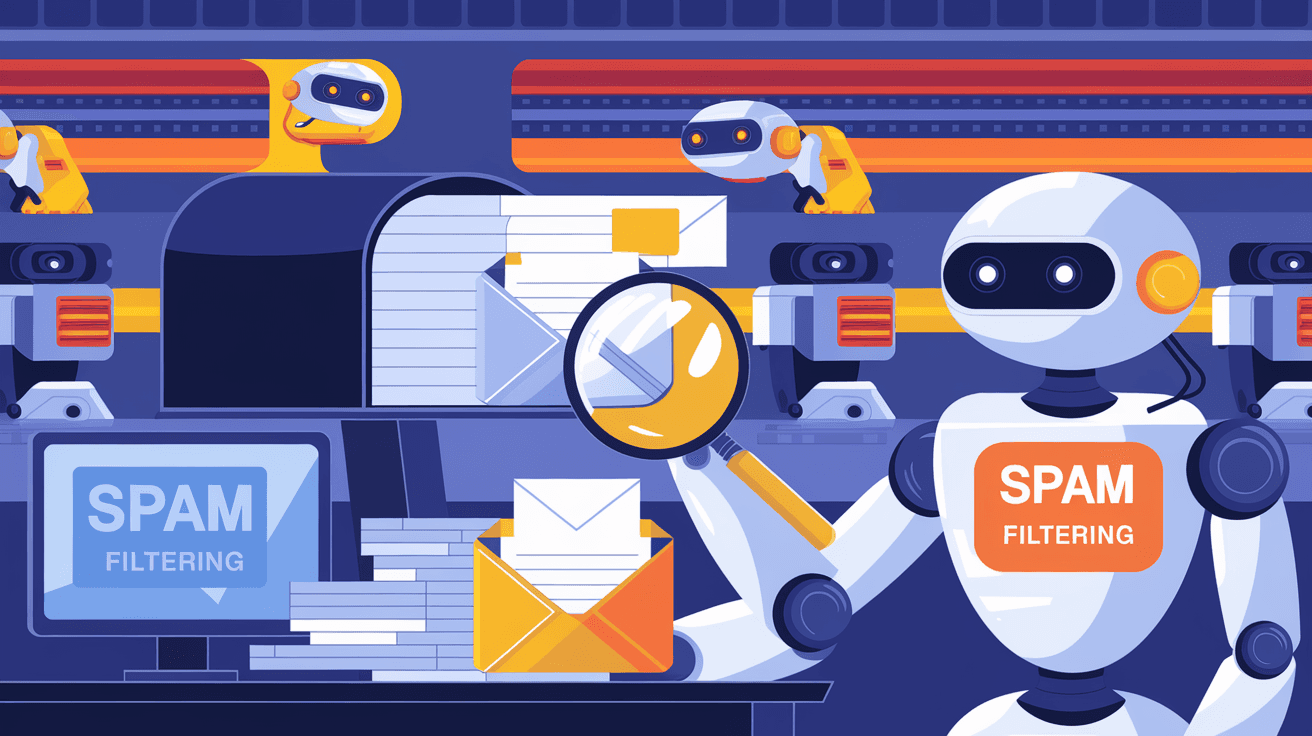
Spam filtering is a technology that identifies and blocks unwanted emails, commonly known as spam. These emails often include advertisements, scams, phishing attempts, or malware. The goal of spam filtering is to stop these messages from cluttering your inbox or causing harm.
Spam filters work by analyzing incoming emails and deciding if they are legitimate or spam. If an email looks suspicious, the filter either moves it to a spam folder or blocks it completely. This process helps you focus on important messages without worrying about junk mail.
Why Spam Filtering Matters
- Protects you from scams and phishing attacks.
- Saves time by reducing unwanted emails.
- Prevents malware and viruses from spreading.
- Keeps your inbox organized and manageable.
Without spam filtering, your email would be overwhelmed with junk, making it hard to find real messages and increasing your risk of cyber threats.
How Does Spam Filtering Work?
Spam filtering uses a mix of techniques to detect unwanted emails. These methods analyze different parts of an email, such as the sender, content, and attachments. Here are the main ways spam filters work:
1. Blacklists and Whitelists
- Blacklists block emails from known spam sources or suspicious IP addresses.
- Whitelists allow emails from trusted senders to bypass the filter.
This method is simple but effective for blocking repeat offenders.
2. Content Analysis
Spam filters scan the email’s text for suspicious words or phrases often used in spam. For example, phrases like “free money” or “urgent response needed” might trigger the filter.
3. Heuristic Filtering
This technique uses rules and patterns to score emails based on their likelihood of being spam. If the score passes a certain threshold, the email is marked as spam.
4. Bayesian Filtering
Bayesian filters learn from your email habits. They analyze your past emails to understand what you consider spam and what you don’t. Over time, they get better at spotting unwanted messages.
5. Machine Learning and AI
Modern spam filters use artificial intelligence to improve detection. They analyze large datasets to identify new spam trends and adapt quickly. This helps catch sophisticated spam that traditional methods might miss.
6. URL and Attachment Scanning
Spam filters check links and attachments for malware or phishing attempts. Suspicious links or dangerous files can cause the email to be blocked or quarantined.
Types of Spam Filters
Spam filtering comes in different forms depending on where it’s applied. Here are the main types you might encounter:
1. Server-Side Spam Filters
These filters operate on the email server before messages reach your inbox. They protect all users on the server and reduce spam traffic early.
- Examples: Google’s Gmail spam filter, Microsoft Exchange Online Protection.
2. Client-Side Spam Filters
These filters work on your device or email app. They add an extra layer of protection by scanning emails after they arrive.
- Examples: Spam filters in Outlook, Thunderbird, or Apple Mail.
3. Cloud-Based Spam Filters
Cloud filters run on remote servers and protect your email before it reaches your system. They are popular for businesses because they reduce the load on local servers.
- Examples: Proofpoint, Barracuda, Mimecast.
4. Gateway Spam Filters
These filters sit between your network and the internet. They scan all incoming and outgoing emails to block spam and prevent data leaks.
Benefits of Using Spam Filters
Spam filters offer many advantages for both individuals and organizations. Here’s why you should rely on them:
- Improved Security: They block phishing emails and malware, reducing cyber risks.
- Better Productivity: Less time wasted sorting through junk mail.
- Reduced Bandwidth Usage: Fewer spam emails mean less network traffic.
- Compliance Support: Help meet legal requirements for email security.
- Customizable Settings: You can adjust filters to suit your needs.
Challenges and Limitations of Spam Filtering
While spam filters are powerful, they’re not perfect. Here are some common challenges:
- False Positives: Legitimate emails may be marked as spam accidentally.
- False Negatives: Some spam emails can slip through the filter.
- Evolving Spam Tactics: Spammers constantly change methods to bypass filters.
- User Settings: Poorly configured filters can reduce effectiveness.
To get the best results, it’s important to regularly update your filters and check your spam folder for missed emails.
How to Improve Your Spam Filtering
You can take steps to enhance spam filtering on your email accounts:
- Keep Software Updated: Ensure your email client and filters are current.
- Use Strong Passwords: Prevent unauthorized access that can increase spam.
- Mark Spam Manually: Train filters by reporting spam messages.
- Avoid Publishing Your Email Publicly: Reduce exposure to spammers.
- Use Multiple Layers: Combine server-side and client-side filters for better protection.
The Future of Spam Filtering
Spam filtering continues to evolve with technology. Here’s what to expect:
- Advanced AI: More accurate detection using deep learning.
- Behavioral Analysis: Filters will analyze user behavior to spot anomalies.
- Integration with Other Security Tools: Spam filters will work alongside firewalls and antivirus software.
- Real-Time Threat Intelligence: Faster updates on new spam campaigns.
- Personalized Filtering: Filters tailored to individual user preferences.
These improvements will make spam filtering smarter and more reliable, helping you stay safe in an ever-changing digital world.
Conclusion
Spam filtering is an essential tool that keeps your email safe and organized. By blocking unwanted messages, it protects you from scams, malware, and phishing attacks. Understanding how spam filters work helps you appreciate their value and use them effectively.
Whether you’re an individual or a business, using spam filters reduces risks and saves time. Remember to keep your filters updated and adjust settings to fit your needs. With the ongoing advances in AI and security, spam filtering will only get better, making your email experience smoother and safer.
FAQs
What is the main purpose of spam filtering?
Spam filtering aims to identify and block unwanted or harmful emails, such as spam, scams, and phishing attempts, to protect your inbox and improve email security.
How do spam filters detect spam emails?
Spam filters use techniques like blacklists, content analysis, heuristic rules, Bayesian learning, and AI to analyze email content, sender information, and attachments to detect spam.
Can spam filters block legitimate emails by mistake?
Yes, sometimes filters mark genuine emails as spam (false positives). It’s important to check your spam folder regularly and adjust filter settings if needed.
Are spam filters only used by email providers?
No, spam filters can be server-side, client-side, cloud-based, or gateway filters, used by email providers, businesses, and individuals to protect email systems.
How can I improve the effectiveness of my spam filter?
You can improve spam filtering by keeping software updated, marking spam manually, using strong passwords, avoiding public email exposure, and combining multiple filtering layers.




