
What is SMTP Security Gateway
Introduction
You probably use email every day, but have you ever wondered how your messages stay safe from hackers and spam? That’s where an SMTP Security Gateway comes in. It acts like a shield, protecting your email system from threats before they reach your inbox.
In this article, I’ll explain what an SMTP Security Gateway is, how it works, and why it’s important for keeping your emails secure. Whether you manage a business or just want to understand email security better, this guide will help you grasp the basics and benefits of this essential tool.
What is an SMTP Security Gateway?
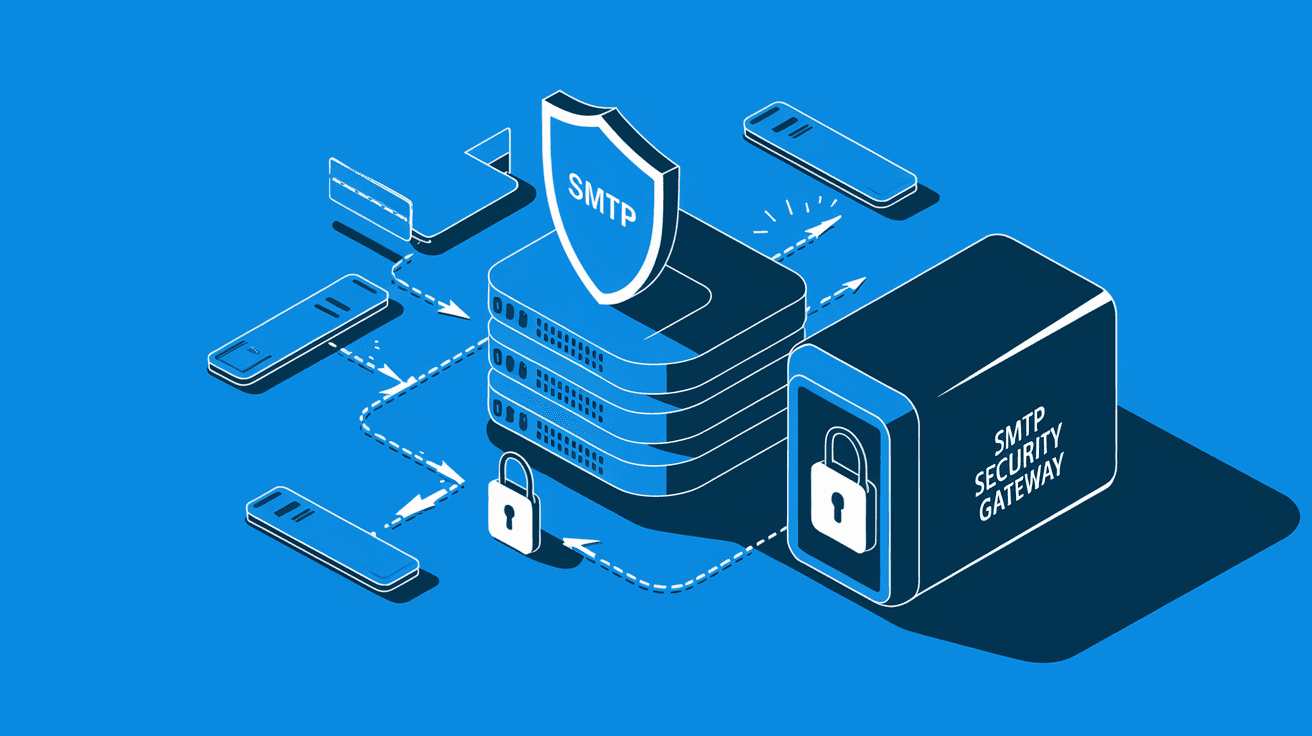
An SMTP Security Gateway is a specialized system that filters and protects email traffic using the Simple Mail Transfer Protocol (SMTP). SMTP is the standard method for sending emails across the internet, but it can be vulnerable to attacks like spam, phishing, and malware.
The gateway sits between your email server and the internet. It scans all incoming and outgoing emails to block threats and ensure only safe messages get through. Think of it as a security checkpoint for your email, stopping harmful content before it reaches your users.
Key Functions of an SMTP Security Gateway
- Spam Filtering: Blocks unwanted junk emails that clutter your inbox.
- Malware Detection: Scans attachments and links for viruses and malicious software.
- Phishing Protection: Identifies and stops emails trying to steal sensitive information.
- Content Filtering: Controls what types of emails can be sent or received based on rules.
- Encryption: Secures email data during transmission to prevent interception.
By performing these tasks, the SMTP Security Gateway helps maintain the integrity and confidentiality of your email communications.
How Does an SMTP Security Gateway Work?
The SMTP Security Gateway works by intercepting email traffic and applying multiple layers of security checks. Here’s a simple breakdown of the process:
- Email Arrival: When an email is sent to your domain, it first hits the SMTP Security Gateway.
- Initial Screening: The gateway checks the sender’s IP address against blacklists to block known spammers.
- Content Analysis: It scans the email’s content, attachments, and links for malware or suspicious patterns.
- Policy Enforcement: The gateway applies rules set by your organization, such as blocking certain file types or restricting large attachments.
- Delivery or Rejection: If the email passes all checks, it’s forwarded to your mail server. If not, it’s quarantined or rejected.
This process happens in seconds, ensuring your email flow remains smooth while staying protected.
Outbound Email Protection
SMTP Security Gateways also monitor outgoing emails. This helps prevent your network from sending spam or infected messages, which could damage your reputation or lead to blacklisting by other email providers.
Why is SMTP Security Gateway Important?
Email is one of the most common ways cybercriminals attack businesses and individuals. Without proper protection, your email system is vulnerable to:
- Spam Overload: Unwanted emails waste time and resources.
- Phishing Attacks: Fraudulent emails trick users into revealing passwords or financial details.
- Malware Infections: Viruses and ransomware can enter through email attachments.
- Data Leaks: Sensitive information can be exposed if emails are intercepted.
An SMTP Security Gateway helps you avoid these risks by acting as a first line of defense. It reduces the chances of harmful emails reaching your users and protects your organization’s reputation.
Benefits of Using an SMTP Security Gateway
- Improved Email Deliverability: Legitimate emails are less likely to be marked as spam.
- Reduced IT Workload: Automated filtering means fewer security incidents to handle.
- Compliance Support: Helps meet regulations by controlling email content and securing data.
- Cost Savings: Prevents costly breaches and downtime caused by email threats.
Features to Look for in an SMTP Security Gateway
If you’re considering adding an SMTP Security Gateway to your email system, here are some important features to look for:
- Advanced Spam Filtering: Uses machine learning and reputation databases to catch new spam techniques.
- Real-Time Threat Intelligence: Updates threat data continuously to block emerging attacks.
- Attachment Sandboxing: Opens attachments in a safe environment to detect hidden malware.
- Data Loss Prevention (DLP): Prevents sensitive data from leaving your organization via email.
- Email Encryption: Supports protocols like TLS to secure emails in transit.
- User-Friendly Management: Offers easy-to-use dashboards and reporting tools.
- Scalability: Can handle growing email volumes as your organization expands.
- Integration: Works smoothly with your existing email servers and security tools.
Choosing a gateway with these features ensures comprehensive protection and ease of use.
Common Types of SMTP Security Gateways
SMTP Security Gateways come in different forms depending on your needs and setup:
Cloud-Based Gateways
These are hosted by third-party providers and filter your email before it reaches your network. They require minimal setup and maintenance.
- Pros: Easy to deploy, scalable, and updated automatically.
- Cons: Dependence on internet connection and third-party service.
On-Premises Gateways
Installed within your own network, these gateways give you full control over email security.
- Pros: Greater control and customization.
- Cons: Requires hardware, maintenance, and skilled IT staff.
Hybrid Solutions
Combine cloud and on-premises gateways for flexible and layered protection.
- Pros: Balance of control and convenience.
- Cons: Can be more complex to manage.
How to Implement an SMTP Security Gateway
Implementing an SMTP Security Gateway involves several steps to ensure it fits your organization’s needs:
- Assess Your Email Environment: Understand your current email flow, volume, and security challenges.
- Define Security Policies: Decide what types of emails and attachments should be allowed or blocked.
- Choose the Right Gateway: Select a solution that matches your budget, size, and technical requirements.
- Configure the Gateway: Set up filtering rules, encryption, and integration with your mail servers.
- Test Thoroughly: Run tests to ensure legitimate emails are delivered and threats are blocked.
- Train Users: Educate your team about email security best practices and how the gateway works.
- Monitor and Update: Regularly review logs and update settings to adapt to new threats.
Following these steps helps you get the most out of your SMTP Security Gateway.
Challenges and Considerations
While SMTP Security Gateways offer strong protection, there are some challenges to keep in mind:
- False Positives: Sometimes legitimate emails get blocked, requiring careful tuning of filters.
- Performance Impact: Filtering can add slight delays to email delivery if not optimized.
- Complex Configuration: Setting up advanced rules may need expert knowledge.
- Cost: High-quality gateways can be expensive, especially on-premises solutions.
Balancing security with usability is key. Regular reviews and updates help maintain effectiveness without disrupting communication.
Future Trends in SMTP Security Gateways
Email threats continue to evolve, so SMTP Security Gateways are also advancing. Here are some trends shaping the future:
- AI and Machine Learning: Smarter filtering that adapts to new attack methods in real time.
- Integration with Zero Trust Security: Verifying every email sender and recipient to reduce risks.
- Cloud-Native Solutions: More organizations moving to cloud gateways for flexibility and scalability.
- Enhanced Encryption: Stronger protocols to protect email privacy.
- User Behavior Analytics: Detecting unusual email activity to prevent insider threats.
Staying updated with these trends ensures your email security remains strong.
Conclusion
Now you know that an SMTP Security Gateway is a vital tool for protecting your email system. It filters out spam, blocks malware, and stops phishing attacks before they reach your inbox. This keeps your communication safe and your organization’s data secure.
Whether you choose a cloud-based or on-premises solution, implementing an SMTP Security Gateway helps reduce risks and improve email reliability. By understanding how it works and what features to look for, you can make informed decisions to safeguard your email environment.
FAQs
What does SMTP stand for in SMTP Security Gateway?
SMTP stands for Simple Mail Transfer Protocol. It’s the standard protocol used to send emails over the internet, which the security gateway protects.
Can an SMTP Security Gateway stop phishing emails?
Yes, it scans emails for suspicious links and content to block phishing attempts before they reach your inbox.
Is an SMTP Security Gateway necessary for small businesses?
Even small businesses benefit from SMTP Security Gateways to prevent spam, malware, and data leaks through email.
How does an SMTP Security Gateway handle email encryption?
It supports protocols like TLS to encrypt emails during transmission, protecting data from interception.
Can I use an SMTP Security Gateway with any email provider?
Most gateways integrate with popular email servers and providers, but it’s important to check compatibility before choosing one.




