
What is Session Monitoring
Introduction
You might have heard the term "session monitoring" but wondered what it really means. In simple terms, session monitoring is a way to keep track of user activities during a computer or network session. Whether you’re a business owner, IT professional, or just curious, understanding session monitoring can help you protect data and improve productivity.
In this article, I’ll explain what session monitoring is, how it works, and why it’s important. You’ll also learn about its benefits, common tools, and best practices. By the end, you’ll see how session monitoring plays a key role in cybersecurity and workplace management.
What Is Session Monitoring?
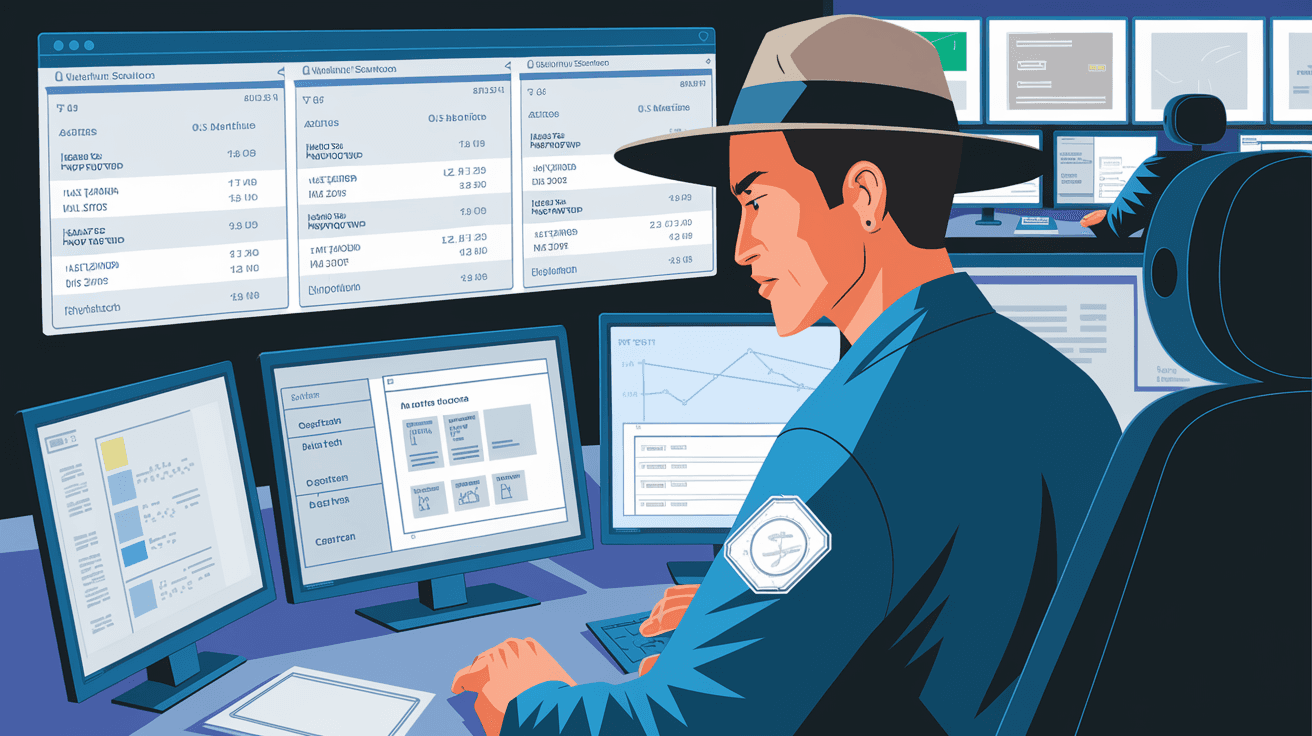
Session monitoring refers to the process of observing and recording user interactions during a digital session. A session starts when a user logs into a system, application, or network and ends when they log out or disconnect. During this time, session monitoring tools track activities like commands entered, files accessed, websites visited, and more.
This monitoring helps organizations understand what users do in real time or review past sessions for security and compliance. It’s widely used in IT environments, customer support, and remote work setups.
Key Features of Session Monitoring
- Real-time tracking: Watch user actions as they happen.
- Session recording: Save video or logs of user activity.
- Alerts and notifications: Get warned about suspicious behavior.
- Access control: Limit what users can do during sessions.
- Audit trails: Keep detailed records for compliance and investigation.
How Does Session Monitoring Work?
Session monitoring works by capturing data from user interactions with systems or applications. This can be done through software agents installed on devices or network appliances that intercept session data. The collected information is then processed and stored for analysis.
Here’s a basic breakdown of how session monitoring operates:
- Session initiation: When a user logs in, the monitoring system starts tracking.
- Data capture: Every action, such as keystrokes, mouse clicks, file transfers, or commands, is recorded.
- Data transmission: The captured data is sent securely to a monitoring server.
- Analysis and storage: The system analyzes the data for anomalies and stores it for future review.
- Session termination: Once the user logs out, the session ends, and the data is finalized.
Types of Session Monitoring
- User session monitoring: Focuses on individual user activities.
- Remote session monitoring: Tracks sessions on remote devices or virtual desktops.
- Network session monitoring: Observes sessions across network connections.
Why Is Session Monitoring Important?
Session monitoring is crucial for several reasons, especially in today’s digital landscape where cyber threats and insider risks are common. It helps organizations maintain security, ensure compliance, and boost productivity.
Security Benefits
- Detect insider threats: Identify malicious or accidental harmful actions by employees.
- Prevent data breaches: Monitor sensitive data access and stop unauthorized activities.
- Investigate incidents: Provide detailed logs for forensic analysis after a security event.
- Control privileged access: Manage what administrators or third parties can do during sessions.
Compliance and Legal Reasons
Many industries require session monitoring to meet regulations like GDPR, HIPAA, or PCI-DSS. It ensures that companies keep proper records of user activities and protect sensitive information.
Productivity and Support
- Improve employee productivity: Monitor work sessions to reduce distractions or misuse.
- Enhance customer support: Support agents can review session recordings to resolve issues faster.
- Training and quality control: Use session data to train staff and improve processes.
Common Tools for Session Monitoring
There are many tools available that provide session monitoring capabilities. These tools vary in features, complexity, and cost. Here are some popular options:
| Tool Name | Key Features | Use Case |
| Teramind | Real-time monitoring, behavior analytics | Insider threat detection |
| ObserveIT | Session recording, risk scoring | Compliance and audit |
| ManageEngine PAM | Privileged access management, session logs | Control admin access |
| Splunk | Log analysis, session data correlation | Security incident investigation |
| SolarWinds Dameware | Remote session monitoring, support tools | IT support and remote access |
These tools often integrate with other security systems like SIEM (Security Information and Event Management) to provide a comprehensive view of user activity.
Best Practices for Effective Session Monitoring
To get the most out of session monitoring, it’s important to follow some best practices. These ensure that monitoring is effective, ethical, and compliant with laws.
1. Define Clear Policies
Make sure users know what is being monitored and why. Transparency builds trust and helps avoid legal issues.
2. Focus on High-Risk Sessions
Prioritize monitoring sessions involving privileged users or sensitive data access.
3. Use Automated Alerts
Set up alerts for unusual activities like multiple failed logins or data downloads.
4. Protect Privacy
Limit monitoring to work-related activities and avoid capturing personal information unnecessarily.
5. Regularly Review Logs
Analyze session data frequently to detect patterns or potential threats early.
6. Train Your Team
Educate employees about session monitoring and cybersecurity best practices.
Challenges and Limitations of Session Monitoring
While session monitoring offers many benefits, it also comes with challenges you should be aware of.
- Privacy concerns: Employees may feel uncomfortable being monitored.
- Data overload: Large volumes of session data can be hard to manage.
- False positives: Automated alerts might flag harmless activities.
- Technical complexity: Setting up and maintaining monitoring tools requires expertise.
- Cost: Advanced session monitoring solutions can be expensive.
Balancing security needs with privacy and operational efficiency is key to successful session monitoring.
Session Monitoring in Remote Work Environments
With remote work becoming the norm, session monitoring has gained even more importance. It helps organizations maintain control and visibility over distributed teams.
Benefits for Remote Work
- Ensure secure access: Monitor remote sessions to prevent unauthorized entry.
- Track productivity: Understand how remote employees spend their time.
- Support remote troubleshooting: IT teams can view sessions to fix issues quickly.
- Compliance: Maintain audit trails even when users work outside the office.
Tips for Remote Session Monitoring
- Use VPNs and secure connections.
- Combine session monitoring with endpoint security.
- Communicate monitoring policies clearly to remote staff.
- Use cloud-based monitoring tools for scalability.
Conclusion
Session monitoring is a powerful tool that helps you keep an eye on user activities during digital sessions. Whether for security, compliance, or productivity, it provides valuable insights into how systems are used. By understanding how session monitoring works and applying best practices, you can protect your organization from threats and improve operational efficiency.
As technology evolves, session monitoring will continue to play a vital role in managing digital environments. If you want to safeguard your data and ensure smooth workflows, implementing session monitoring is a smart step. Remember to balance monitoring with respect for privacy and clear communication with your team.
FAQs
What types of activities does session monitoring track?
Session monitoring tracks actions like logins, commands entered, files accessed, websites visited, and even keystrokes or mouse movements during a user session.
Is session monitoring legal in the workplace?
Yes, session monitoring is legal if done transparently and in compliance with local laws. Employers should inform employees about monitoring policies to avoid privacy violations.
Can session monitoring help prevent cyber attacks?
Yes, by detecting unusual user behavior and unauthorized access, session monitoring helps identify and stop potential cyber threats early.
How does session monitoring differ from general logging?
Session monitoring focuses on tracking user activities during active sessions, often with real-time recording, while logging may capture broader system events without detailed user context.
Are there privacy concerns with session monitoring?
Yes, monitoring can raise privacy issues. It’s important to limit monitoring to work-related activities and inform users to maintain trust and comply with regulations.




