
What is Secure Sockets Layer
Introduction
You might have seen websites with URLs starting with "https://" and wondered what makes them secure. That’s where Secure Sockets Layer, or SSL, comes in. SSL is a technology that helps protect your information when you browse the internet, shop online, or send emails.
In this article, I’ll explain what SSL is, how it works, and why it’s important for keeping your data safe. Understanding SSL will help you feel more confident about your online activities and recognize secure websites easily.
What is Secure Sockets Layer (SSL)?
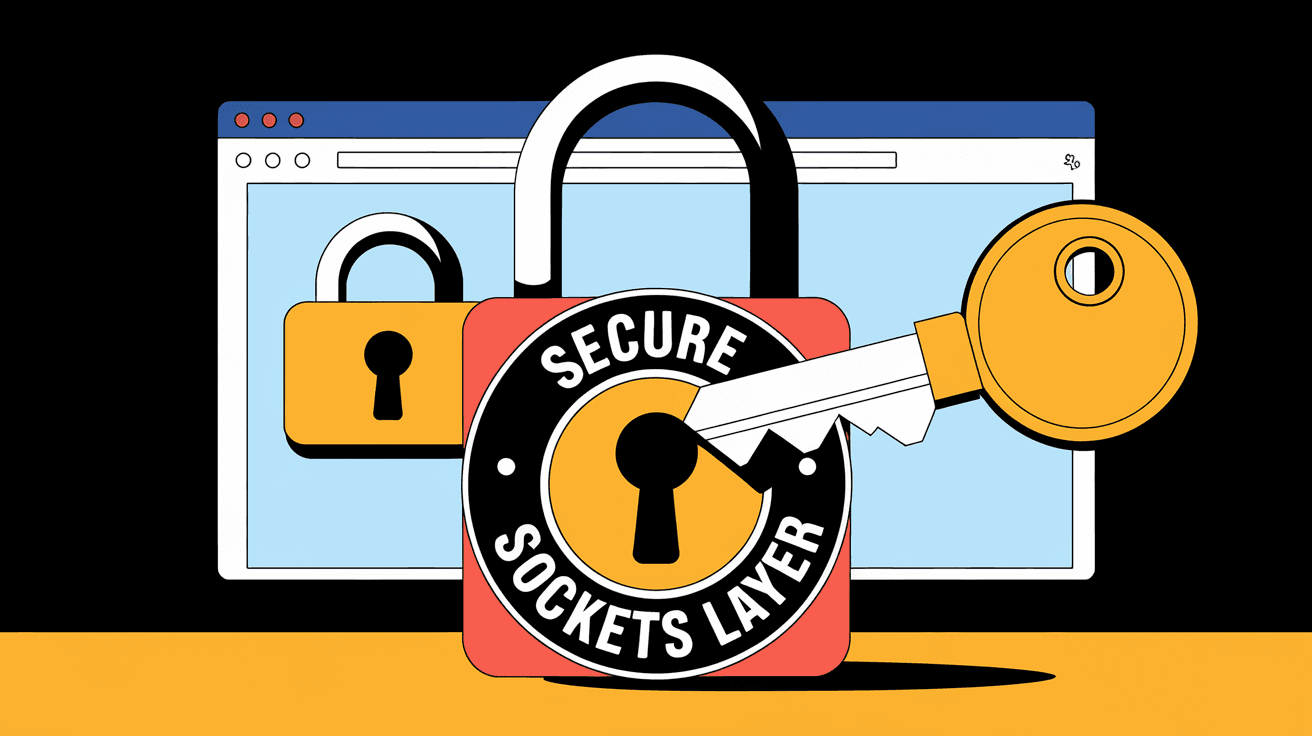
Secure Sockets Layer (SSL) is a security protocol that creates an encrypted link between a web server and your browser. This link ensures that all data passed between the two remains private and secure. SSL was developed in the mid-1990s by Netscape to protect sensitive information like credit card numbers, passwords, and personal details.
SSL works by encrypting the data, which means it scrambles the information so that only the intended recipient can read it. This prevents hackers from intercepting or tampering with the data as it travels across the internet.
Key Features of SSL
- Encrypts data between your browser and the website.
- Authenticates the website’s identity.
- Protects against data tampering.
- Builds trust with users by showing a padlock icon in the browser.
How Does SSL Work?
SSL uses a combination of public key and symmetric key encryption to secure data. Here’s a simple explanation of the process:
- Handshake: When you visit a website with SSL, your browser and the server perform a handshake to establish a secure connection.
- Certificate Exchange: The server sends its SSL certificate to your browser. This certificate contains the server’s public key and verifies its identity.
- Verification: Your browser checks if the certificate is valid and issued by a trusted Certificate Authority (CA).
- Session Key Creation: If the certificate is trusted, your browser and the server create a unique session key.
- Encrypted Communication: Both parties use this session key to encrypt and decrypt data during your visit.
Types of SSL Certificates
- Domain Validated (DV): Confirms ownership of the domain.
- Organization Validated (OV): Verifies the organization behind the website.
- Extended Validation (EV): Provides the highest level of validation and shows the company name in the browser bar.
Why is SSL Important?
SSL is essential for protecting your privacy and security online. Without SSL, data sent between you and websites can be intercepted by cybercriminals. Here are some reasons why SSL matters:
- Protects Sensitive Data: SSL encrypts passwords, credit card numbers, and personal information.
- Prevents Data Theft: It stops hackers from stealing or altering data during transmission.
- Builds Trust: Websites with SSL show a padlock icon and “https,” signaling safety to users.
- Improves SEO: Search engines like Google rank SSL-enabled websites higher.
- Meets Compliance: Many regulations require websites to use SSL for data protection.
How to Identify SSL on Websites
You can easily tell if a website uses SSL by looking at the URL and browser indicators:
- The URL starts with https:// instead of http://.
- A padlock icon appears near the address bar.
- Clicking the padlock shows certificate details and security information.
If a website lacks SSL, your browser may display warnings or mark the site as “Not Secure.”
SSL vs. TLS: What’s the Difference?
You might hear about TLS (Transport Layer Security) alongside SSL. TLS is the modern, more secure version of SSL. While SSL is the older protocol, most websites today use TLS, but the term SSL is still commonly used.
Key Differences
| Feature | SSL | TLS |
| Release Year | 1995 | 1999 |
| Security Level | Older, less secure | Improved encryption and security |
| Usage | Mostly replaced by TLS | Current standard for secure communication |
Even though TLS is the standard, people often say SSL when referring to website security.
How to Get SSL for Your Website
If you run a website, adding SSL is crucial to protect your visitors. Here’s how you can get SSL:
- Choose a Certificate Authority (CA): Trusted organizations like Let’s Encrypt, DigiCert, or Comodo issue SSL certificates.
- Generate a Certificate Signing Request (CSR): This is a file you create on your server to request the certificate.
- Submit CSR to CA: The CA verifies your identity and domain ownership.
- Install the SSL Certificate: Once approved, install the certificate on your web server.
- Update Website Links: Change URLs to use https:// to ensure all content is secure.
Many hosting providers offer free SSL certificates through Let’s Encrypt, making it easy and affordable.
Common SSL Issues and How to Fix Them
Sometimes, you might encounter problems with SSL on websites. Here are common issues and solutions:
- Expired Certificate: SSL certificates expire after a set time. Renew them regularly.
- Mixed Content Warning: This happens when some website elements load over http instead of https. Update all links to https.
- Untrusted Certificate: If the certificate is self-signed or from an unknown CA, browsers will warn users. Use certificates from trusted authorities.
- Incorrect Installation: Improper setup can cause errors. Follow your hosting provider’s instructions carefully.
The Future of SSL and Online Security
As cyber threats evolve, SSL and its successor TLS continue to improve. New versions offer stronger encryption and better performance. Additionally, technologies like HTTP/3 and DNS over HTTPS (DoH) work alongside SSL/TLS to enhance privacy.
Websites are also adopting stricter security measures, including multi-factor authentication and security headers, to protect users further.
Conclusion
Secure Sockets Layer (SSL) is a vital technology that keeps your online data safe by encrypting communication between your browser and websites. It helps protect sensitive information, builds trust, and improves website credibility. Even though TLS has mostly replaced SSL, the term SSL remains popular when discussing web security.
Whether you’re browsing, shopping, or running a website, understanding SSL helps you stay secure online. Always look for the padlock icon and https:// in your browser to ensure your connection is protected. If you manage a website, adding SSL is a simple but powerful step to safeguard your visitors and boost your site’s reputation.
FAQs
What does SSL stand for?
SSL stands for Secure Sockets Layer. It is a security protocol that encrypts data between a web server and a browser to keep information private.
How can I tell if a website uses SSL?
Look for "https://" at the start of the URL and a padlock icon near the browser’s address bar. These indicate the site uses SSL encryption.
Is SSL the same as TLS?
No, TLS (Transport Layer Security) is the updated and more secure version of SSL. However, people often use the term SSL to refer to both protocols.
Can I get SSL for free?
Yes, services like Let’s Encrypt offer free SSL certificates that you can install on your website to enable secure connections.
Why do some browsers show warnings about SSL?
Warnings appear if the SSL certificate is expired, self-signed, or not issued by a trusted authority, or if the website has mixed content loading over http.




