
What is Secure Router Configuration
Introduction
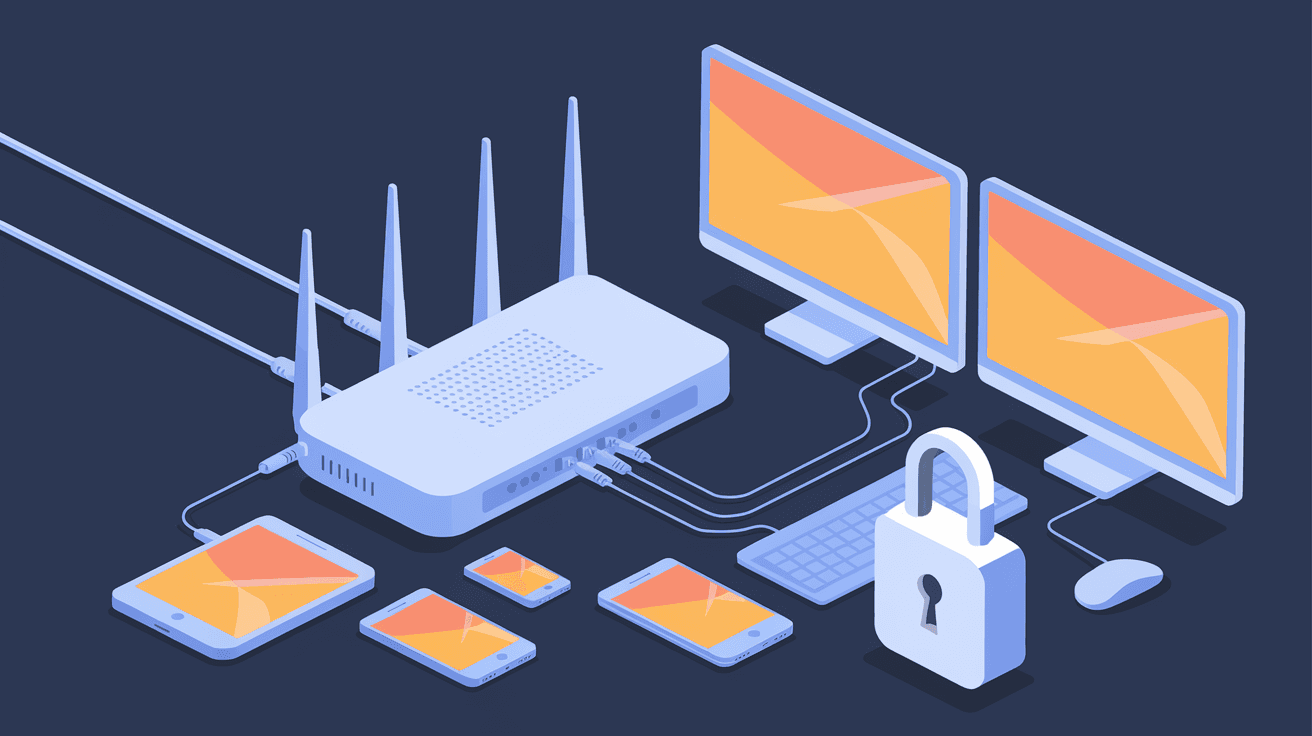
Your router is the gateway to your home or business network. If it’s not set up securely, you could be leaving your data and devices open to hackers. That’s why understanding what secure router configuration means is so important.
In this article, I’ll walk you through the basics of secure router configuration. You’ll learn why it matters, what steps to take, and how to keep your network safe from common threats. Let’s get started so you can protect your digital life.
What Is Secure Router Configuration?
Secure router configuration means setting up your router in a way that protects your network from unauthorized access and cyber threats. It involves changing default settings, enabling security features, and regularly updating the router’s software.
Routers come with factory settings that are often weak or generic. Hackers know these defaults and can exploit them easily. Secure configuration closes these gaps by customizing settings to make your network safer.
Key Elements of Secure Router Configuration
- Changing default usernames and passwords
- Enabling strong Wi-Fi encryption (WPA3 or WPA2)
- Disabling unnecessary services like remote management
- Keeping firmware updated with the latest security patches
- Setting up a guest network for visitors
- Using firewalls and access controls
By focusing on these elements, you reduce the risk of attacks like unauthorized access, data interception, and malware infections.
Why Is Secure Router Configuration Important?
Your router connects all your devices to the internet. If it’s compromised, attackers can:
- Steal personal information like passwords and credit card numbers
- Use your network to launch attacks on others
- Install malware or ransomware on your devices
- Monitor your online activities without your knowledge
Many cyberattacks start with weak router security. For example, hackers often exploit default passwords or outdated firmware to gain control. Once inside, they can move laterally to other devices on your network.
Secure router configuration acts as your first line of defense. It helps block unauthorized users and keeps your data safe. Without it, you’re leaving the front door wide open.
How to Secure Your Router: Step-by-Step Guide
Here’s a practical guide to help you configure your router securely.
1. Change Default Login Credentials
Most routers come with default usernames and passwords like “admin/admin.” These are easy to guess.
- Log into your router’s admin panel (usually via a web browser)
- Find the settings for username and password
- Create a strong password with a mix of letters, numbers, and symbols
- Avoid common words or simple sequences
2. Update Router Firmware Regularly
Manufacturers release firmware updates to fix security flaws.
- Check your router’s admin panel for update options
- Download and install the latest firmware version
- Enable automatic updates if available
3. Enable Strong Wi-Fi Encryption
Wi-Fi encryption protects your wireless data from eavesdropping.
- Use WPA3 if your router supports it; otherwise, use WPA2
- Avoid outdated protocols like WEP or WPA, which are vulnerable
- Set a strong Wi-Fi password that’s different from your admin password
4. Disable Remote Management
Remote management lets you access your router from outside your network but can be risky.
- Turn off remote management unless you absolutely need it
- If enabled, restrict access to specific IP addresses
5. Set Up a Guest Network
A guest network isolates visitors from your main devices.
- Enable a separate Wi-Fi network for guests
- Use a different password and encryption
- Limit guest network access to the internet only, blocking access to your local devices
6. Use a Firewall and Access Controls
Many routers have built-in firewalls.
- Enable the firewall feature in your router settings
- Set up access controls to block unknown devices
- Use MAC address filtering to allow only trusted devices
Common Router Security Threats and How Configuration Helps
Understanding threats helps you see why secure configuration matters.
Default Password Exploits
Hackers scan for routers with default credentials. Changing these stops easy break-ins.
Outdated Firmware Vulnerabilities
Old firmware can have bugs hackers exploit. Updates patch these holes.
Weak Wi-Fi Encryption
Using weak encryption lets attackers intercept your wireless traffic. Strong encryption keeps data private.
Open Remote Management
Leaving remote management open invites attackers from anywhere. Disabling it limits access.
Rogue Devices on Network
Without access controls, unknown devices can connect and cause harm. Filtering devices keeps your network clean.
Tips for Maintaining Secure Router Configuration
Security is not a one-time task. Here’s how to keep your router safe over time:
- Check for firmware updates monthly
- Change Wi-Fi passwords regularly, especially after guests visit
- Review connected devices and remove unknown ones
- Backup your router settings after configuration
- Use security tools like network scanners to detect threats
Benefits of Secure Router Configuration
When you configure your router securely, you gain:
- Better protection against hackers and malware
- Improved privacy for your online activities
- More control over who accesses your network
- Reduced risk of identity theft and data loss
- Peace of mind knowing your devices are safer
Conclusion
Secure router configuration is essential for protecting your network and personal data. By changing default settings, enabling strong encryption, updating firmware, and using access controls, you create a safer environment for your devices.
You don’t need to be a tech expert to secure your router. Following simple steps can make a big difference. Take the time to configure your router properly and keep it maintained. Your digital security depends on it.
FAQs
What is the easiest way to secure my router?
Start by changing the default admin password and enabling WPA3 or WPA2 encryption. These two steps block most common attacks.
How often should I update my router’s firmware?
Check for updates at least once a month. Some routers offer automatic updates, which is even better.
Can I use the same password for my Wi-Fi and router login?
It’s best to use different strong passwords for each to reduce risk if one is compromised.
What is a guest network, and why should I use it?
A guest network lets visitors access the internet without reaching your main devices, keeping your network safer.
Is disabling remote management necessary?
Yes, unless you need it. Disabling remote management prevents outsiders from accessing your router settings remotely.




