
What is Secure DNS
Introduction
You might have heard about Secure DNS but wondered what it really means and why it’s important for your online safety. When you browse the internet, your device uses DNS to translate website names into IP addresses. Secure DNS makes this process safer and more private.
In this article, I’ll explain what Secure DNS is, how it works, and why you should care about it. By understanding Secure DNS, you can protect yourself from hackers, keep your browsing private, and enjoy a safer internet experience.
What is DNS?
DNS stands for Domain Name System. It’s like the phonebook of the internet. When you type a website name like www.example.com, DNS translates that name into the IP address of the server hosting the site. This lets your device connect to the right place.
Without DNS, you would have to remember long strings of numbers instead of simple website names. DNS makes the internet easy to use by handling this translation automatically.
How DNS Works
- You enter a website name in your browser.
- Your device asks a DNS server to find the IP address.
- The DNS server responds with the IP address.
- Your device connects to the website using that IP.
This process happens quickly and behind the scenes every time you visit a website.
What is Secure DNS?
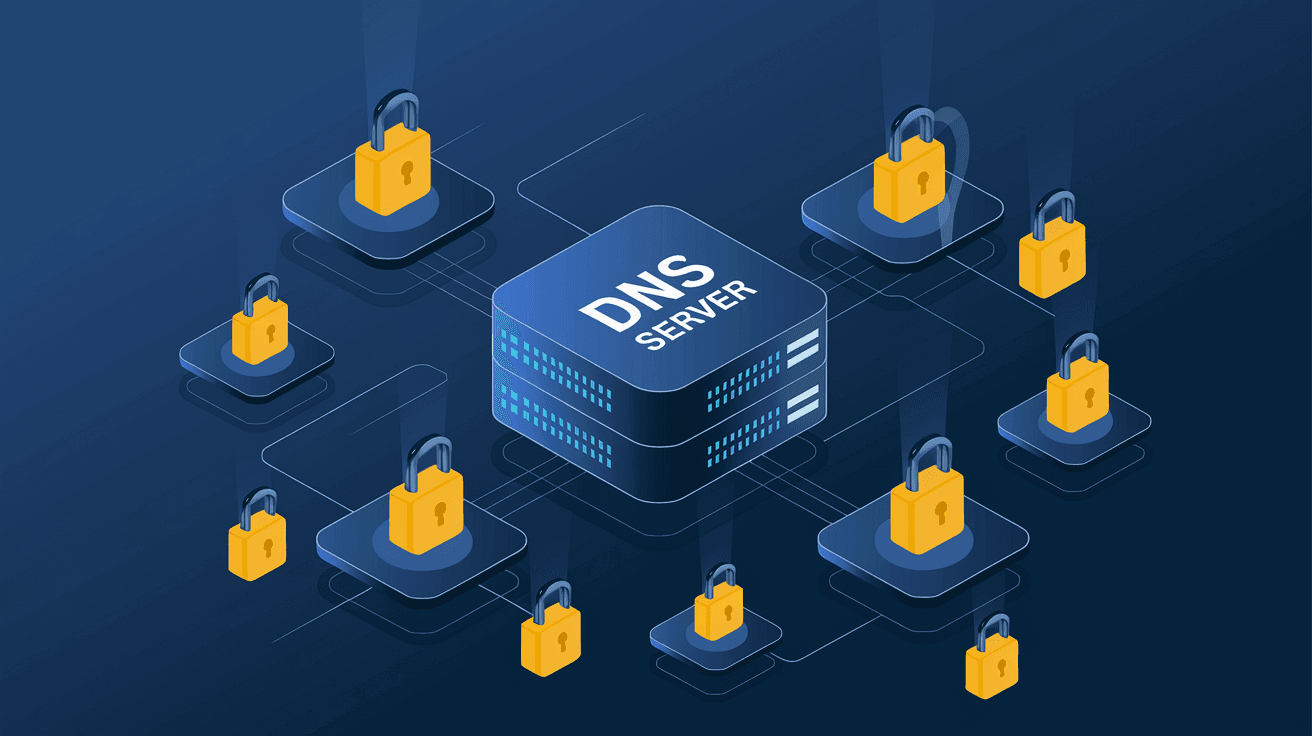
Secure DNS is an improved version of the traditional DNS system. It adds security and privacy features to protect your DNS queries from being intercepted or tampered with by attackers.
Traditional DNS queries are sent in plain text, which means anyone on the network can see the websites you visit or even change the responses. Secure DNS encrypts these queries, making it much harder for hackers or spies to track or manipulate your internet activity.
Types of Secure DNS
There are two main types of Secure DNS protocols:
- DNS over HTTPS (DoH): Sends DNS queries over an encrypted HTTPS connection, just like secure websites.
- DNS over TLS (DoT): Uses Transport Layer Security (TLS) to encrypt DNS queries.
Both methods protect your DNS traffic from eavesdropping and tampering.
Why is Secure DNS Important?
Secure DNS protects your privacy and security in several ways:
- Prevents spying: Without encryption, your DNS queries can be seen by anyone on your network or internet provider.
- Blocks tampering: Attackers can redirect you to fake websites by altering DNS responses. Secure DNS stops this.
- Improves privacy: Your browsing habits stay private because DNS queries are encrypted.
- Supports safer browsing: Some Secure DNS providers block malicious websites automatically.
Real-World Risks Without Secure DNS
- Man-in-the-middle attacks: Hackers intercept and change DNS queries to redirect you to phishing sites.
- ISP tracking: Your internet provider can log your DNS queries and sell your browsing data.
- Public Wi-Fi dangers: On open networks, attackers can easily spy on your DNS traffic.
Using Secure DNS reduces these risks significantly.
How to Use Secure DNS
You can enable Secure DNS on your device or browser in a few ways:
1. Use a Secure DNS Provider
Many companies offer Secure DNS services. Some popular options include:
- Cloudflare (1.1.1.1)
- Google Public DNS (8.8.8.8)
- Quad9 (9.9.9.9)
These providers support DoH or DoT and offer fast, secure DNS resolution.
2. Enable Secure DNS in Your Browser
Modern browsers like Google Chrome, Mozilla Firefox, and Microsoft Edge have built-in support for Secure DNS. You can turn it on in the settings:
- In Chrome, go to Settings > Privacy and Security > Use Secure DNS.
- In Firefox, go to Options > General > Network Settings > Enable DNS over HTTPS.
3. Configure Your Operating System
Some operating systems allow you to set Secure DNS at the system level:
- On Windows 11, you can configure DNS over HTTPS in the network settings.
- On Android and iOS, you can use private DNS settings to specify a Secure DNS provider.
Benefits of Using Secure DNS
Using Secure DNS offers several advantages:
- Better privacy: Your DNS queries are encrypted and hidden from third parties.
- Improved security: It helps prevent DNS spoofing and phishing attacks.
- Faster browsing: Some Secure DNS providers optimize query speed.
- Malware protection: Certain providers block access to harmful sites automatically.
Limitations and Considerations
While Secure DNS improves security, it’s not a complete solution:
- It does not encrypt your entire internet traffic, only DNS queries.
- Some Secure DNS providers may log your DNS data, so choose one with a strong privacy policy.
- In some cases, Secure DNS can cause compatibility issues with certain networks or parental controls.
Future of Secure DNS
Secure DNS is becoming a standard part of internet security. More browsers, devices, and networks are adopting it to protect users. As cyber threats grow, Secure DNS will play a key role in keeping your online activity private and safe.
Governments and organizations are also pushing for wider adoption of Secure DNS to improve internet security worldwide.
Conclusion
Secure DNS is a simple but powerful way to protect your internet browsing. By encrypting DNS queries, it keeps your online activity private and guards against hackers and fake websites. You don’t need to be a tech expert to benefit from Secure DNS—many browsers and devices support it right now.
If you want to improve your online security and privacy, enabling Secure DNS is a smart step. It helps you browse the web safely, faster, and with peace of mind. Take a moment to check your device or browser settings and start using Secure DNS today.
FAQs
What is the difference between DNS and Secure DNS?
DNS translates website names to IP addresses. Secure DNS adds encryption to protect these queries from spying and tampering.
Can Secure DNS prevent all online threats?
No, Secure DNS protects DNS queries but does not encrypt all internet traffic. Use it alongside other security tools.
Is Secure DNS free to use?
Yes, many Secure DNS providers like Cloudflare and Google offer free services.
Will Secure DNS slow down my internet?
Usually, no. Many Secure DNS providers optimize for speed and can even improve browsing performance.
How do I know if my browser uses Secure DNS?
Check your browser’s privacy or network settings to see if DNS over HTTPS or DNS over TLS is enabled.




