
What is Remote Network Monitoring
Introduction
You might have heard about remote network monitoring but wonder what it really means and why it matters. In today’s world, where businesses rely heavily on digital connections, keeping an eye on your network’s health is crucial. Remote network monitoring lets you do just that—from anywhere, at any time.
We’ll explore what remote network monitoring is, how it works, and why it’s become a must-have for IT teams. Whether you manage a small office network or a large enterprise system, understanding this technology can help you keep your network secure and running smoothly.
What is Remote Network Monitoring?
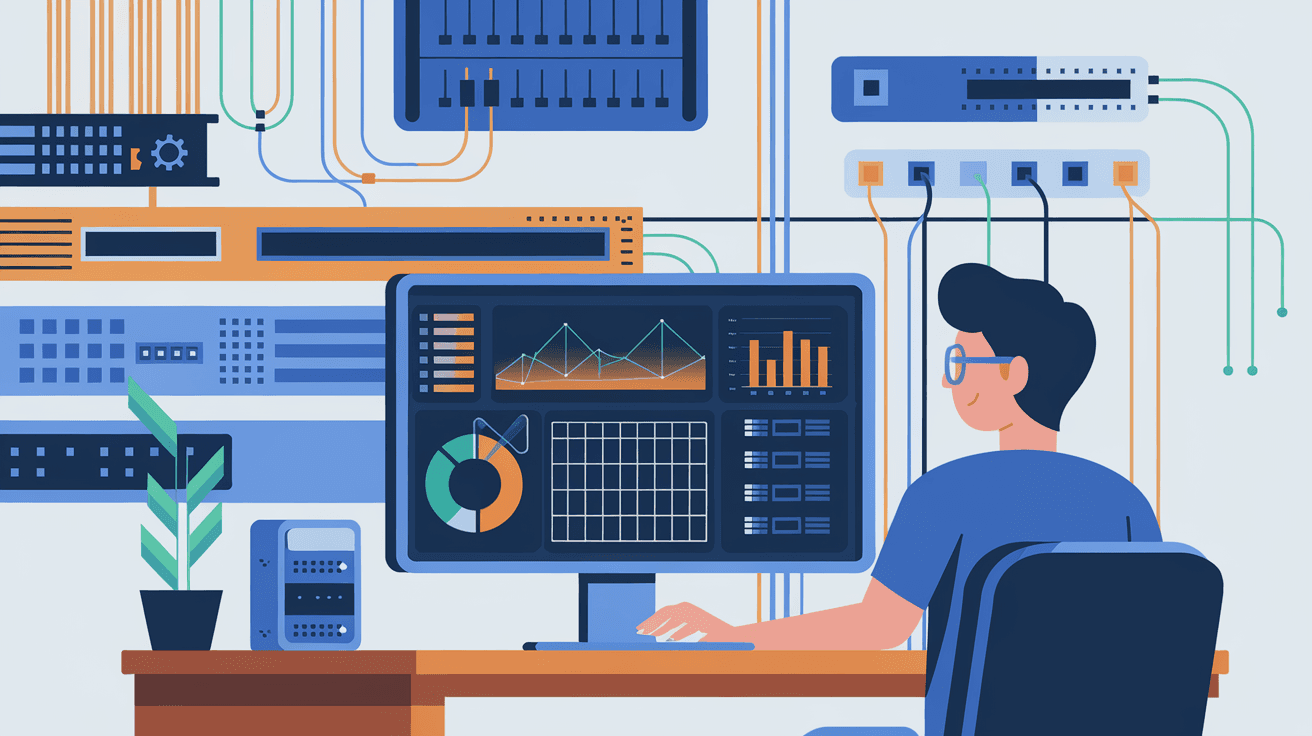
Remote network monitoring is the process of tracking and managing a computer network’s performance and security from a distant location. Instead of being physically present at the site, IT professionals use specialized software and tools to observe network devices like routers, switches, servers, and firewalls.
This approach allows you to detect issues early, prevent downtime, and optimize network performance without needing to be on-site. It’s especially useful for businesses with multiple locations or remote workers.
Key Features of Remote Network Monitoring
- Real-time alerts: Immediate notifications about network problems.
- Performance tracking: Continuous measurement of bandwidth, latency, and uptime.
- Security monitoring: Detection of unusual activity or potential threats.
- Device management: Remote configuration and troubleshooting of network hardware.
- Reporting: Detailed logs and analytics for better decision-making.
How Does Remote Network Monitoring Work?
Remote network monitoring relies on a combination of hardware and software components that communicate over the internet or private networks. Here’s a simple breakdown of how it works:
- Data Collection: Network devices send performance and status data to monitoring tools using protocols like SNMP (Simple Network Management Protocol).
- Data Analysis: The monitoring software analyzes this data to identify trends, errors, or security risks.
- Alerting: If an issue is detected, the system sends alerts via email, SMS, or dashboards.
- Remote Access: IT staff can log in remotely to investigate and fix problems.
- Reporting: The system generates reports to help understand network health over time.
Technologies Behind Remote Network Monitoring
- SNMP: A widely used protocol for collecting device information.
- NetFlow: Provides detailed traffic analysis.
- Syslog: Logs system events for troubleshooting.
- Cloud-based platforms: Enable scalable and flexible monitoring solutions.
Benefits of Remote Network Monitoring
Using remote network monitoring offers many advantages that help businesses stay competitive and secure.
1. Proactive Problem Detection
Instead of waiting for users to report issues, remote monitoring spots problems early. This reduces downtime and keeps your network running smoothly.
2. Cost Savings
Remote monitoring reduces the need for on-site visits, saving travel and labor costs. It also helps avoid expensive outages by catching issues before they escalate.
3. Enhanced Security
Continuous monitoring helps detect suspicious activity or breaches quickly, allowing faster response to cyber threats.
4. Improved Network Performance
By tracking bandwidth and device health, you can optimize your network to handle traffic efficiently and avoid bottlenecks.
5. Scalability
Remote monitoring tools can easily scale as your network grows, making it suitable for businesses of all sizes.
Common Tools for Remote Network Monitoring
There are many tools available that offer remote network monitoring capabilities. Here are some popular options:
| Tool Name | Key Features | Suitable For |
| SolarWinds NPM | Comprehensive monitoring, alerts, and reporting | Medium to large enterprises |
| PRTG Network Monitor | User-friendly, customizable sensors | Small to medium businesses |
| Nagios | Open-source, highly customizable | Tech-savvy users and enterprises |
| Zabbix | Free, scalable, supports cloud monitoring | Enterprises and service providers |
| Datadog | Cloud-based, integrates with many services | Cloud-first organizations |
Choosing the right tool depends on your network size, budget, and technical expertise.
Challenges in Remote Network Monitoring
While remote network monitoring offers many benefits, it also comes with challenges you should be aware of.
1. Network Complexity
Modern networks can be complex, with multiple devices, cloud services, and remote users. Monitoring all these components accurately requires advanced tools and expertise.
2. Security Concerns
Remote access to network devices must be secured properly to prevent unauthorized access. Using strong authentication and encryption is essential.
3. Data Overload
Monitoring tools can generate large amounts of data. Filtering out noise and focusing on critical alerts is necessary to avoid alert fatigue.
4. Integration Issues
Integrating monitoring tools with existing IT systems and workflows can be difficult, especially in diverse environments.
Best Practices for Effective Remote Network Monitoring
To get the most out of remote network monitoring, consider these best practices:
- Set clear monitoring goals: Define what you want to track and why.
- Use automated alerts: Configure alerts for critical issues only to avoid overload.
- Regularly update tools: Keep monitoring software and devices updated for security and performance.
- Train your team: Ensure IT staff know how to use monitoring tools effectively.
- Combine monitoring with management: Use remote monitoring alongside remote management for faster issue resolution.
Real-World Examples of Remote Network Monitoring
Many organizations rely on remote network monitoring to keep their operations running smoothly.
- Retail Chains: Monitor point-of-sale systems and inventory networks across multiple stores remotely.
- Healthcare Providers: Ensure patient data networks are secure and available 24/7.
- Educational Institutions: Manage campus networks and remote learning platforms.
- Cloud Service Providers: Track data center performance and customer networks globally.
These examples show how remote network monitoring supports diverse industries by improving reliability and security.
Conclusion
Remote network monitoring is a powerful way to keep your network healthy, secure, and efficient without being physically present. It helps you detect problems early, reduce costs, and improve overall performance. Whether you run a small business or a large enterprise, adopting remote network monitoring can make your IT management easier and more effective.
By understanding how it works and choosing the right tools, you can stay ahead of network issues and protect your digital infrastructure. As networks grow more complex, remote monitoring will continue to be a key part of successful IT strategies.
FAQs
What devices can be monitored remotely in a network?
You can monitor routers, switches, servers, firewalls, wireless access points, and even IoT devices remotely using network monitoring tools.
How does remote network monitoring improve security?
It continuously scans for unusual activity, alerts you to potential threats, and helps you respond quickly to breaches or vulnerabilities.
Is remote network monitoring suitable for small businesses?
Yes, many affordable and user-friendly tools are designed specifically for small to medium-sized businesses.
Can remote network monitoring detect hardware failures?
Yes, it tracks device health and performance metrics, allowing early detection of hardware issues before they cause downtime.
What is the difference between remote network monitoring and management?
Monitoring involves observing network status and performance, while management includes actively configuring and fixing network devices remotely.




