
What is Remote Access Trojan
Introduction
You might have heard about Remote Access Trojans (RATs) in news reports or cybersecurity discussions. But what exactly are they, and why should you care? If you use a computer or smartphone, understanding RATs is important because they can secretly control your device without your knowledge.
In this article, I’ll explain what a Remote Access Trojan is, how it works, and the risks it poses. I’ll also share ways you can protect yourself from these sneaky threats. By the end, you’ll know how to spot and avoid RATs to keep your devices safe.
What is a Remote Access Trojan?
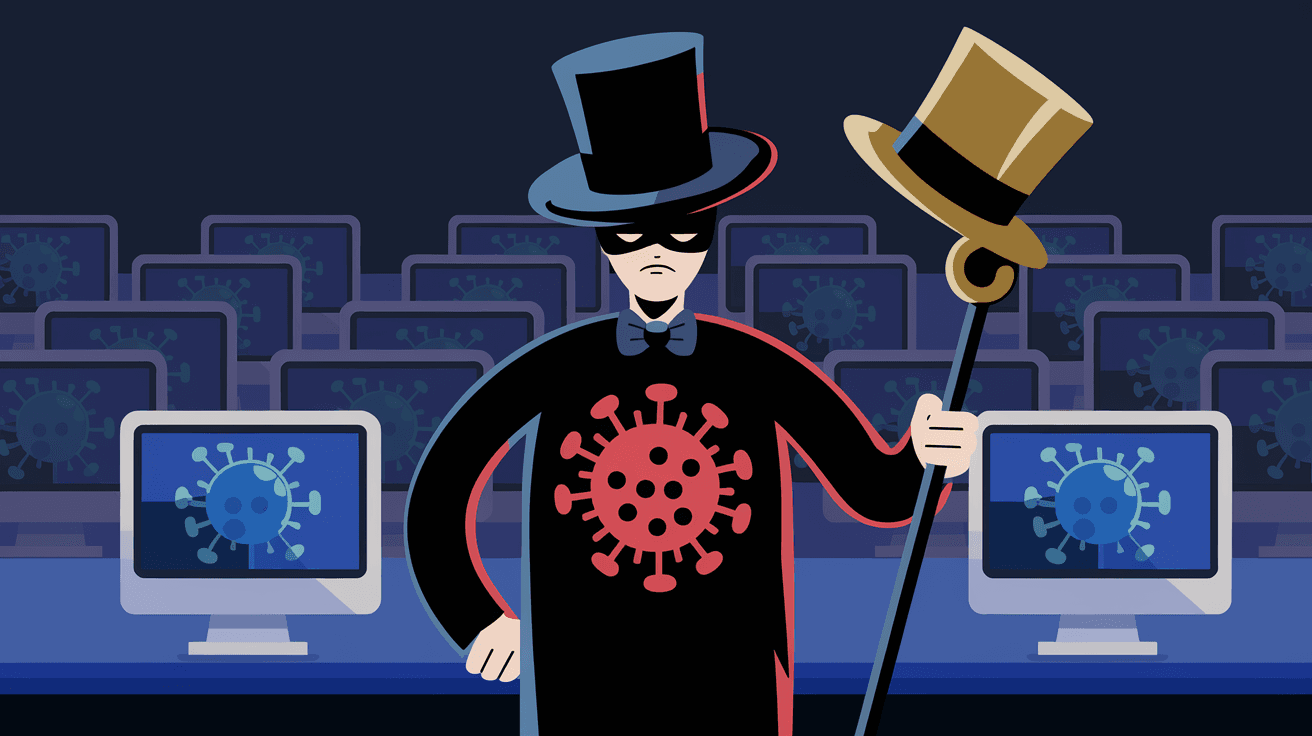
A Remote Access Trojan, or RAT, is a type of malware that allows a hacker to take control of your device remotely. Unlike regular viruses that just damage files or slow down your system, RATs give attackers full access to your computer or phone.
Here’s what makes RATs dangerous:
- They operate silently in the background.
- They let hackers see your screen, access files, and even use your webcam or microphone.
- They can steal sensitive information like passwords, banking details, or personal photos.
RATs are often disguised as legitimate software or hidden inside email attachments, downloads, or fake updates. Once installed, they connect to the attacker’s server, giving them control over your device from anywhere in the world.
How Does a Remote Access Trojan Work?
Understanding how RATs work helps you see why they are so risky. Here’s a simple breakdown:
- Infection: The RAT gets onto your device through phishing emails, malicious websites, or bundled with other software.
- Installation: Once opened, the RAT installs itself secretly, often without your permission.
- Connection: The RAT connects to the attacker’s command and control (C&C) server.
- Remote Control: The attacker can now control your device remotely, accessing files, spying on you, or using your device for other attacks.
Because RATs run in the background, you might not notice anything unusual. Your device may seem slower or behave oddly, but many RATs are designed to avoid detection.
Common Features of Remote Access Trojans
RATs come with various features that make them powerful tools for cybercriminals. Here are some common capabilities:
- Screen Capture: Hackers can see everything on your screen in real-time.
- Keylogging: They record every keystroke you make, capturing passwords and messages.
- File Access: They can upload, download, or delete files on your device.
- Webcam and Microphone Control: Attackers can spy on you by turning on your webcam or microphone.
- System Control: They can run programs, change settings, or even install other malware.
- Network Monitoring: Some RATs monitor your internet activity or use your device to launch attacks on others.
These features make RATs a serious threat to your privacy and security.
How Do Attackers Spread Remote Access Trojans?
Attackers use several methods to spread RATs. Knowing these can help you avoid infection:
- Phishing Emails: Emails with malicious attachments or links trick you into downloading the RAT.
- Fake Software or Updates: RATs are hidden inside fake apps or software updates.
- Malicious Websites: Visiting compromised or fake websites can trigger automatic downloads.
- Social Engineering: Attackers trick you into installing RATs by pretending to be someone you trust.
- Bundled Software: Sometimes RATs come bundled with free software or games.
Always be cautious when opening emails, downloading files, or clicking links from unknown sources.
Real-World Examples of Remote Access Trojans
Several high-profile attacks have involved RATs, showing how dangerous they can be:
- DarkComet RAT: One of the most widely used RATs, DarkComet was involved in spying campaigns and data theft worldwide.
- NjRat: Popular among cybercriminals, NjRat has been used to steal banking information and spy on victims.
- Gh0st RAT: Used in cyber espionage, Gh0st RAT allowed attackers to control government and corporate computers remotely.
These examples highlight how RATs can be used for spying, theft, and even political attacks.
How to Detect a Remote Access Trojan on Your Device
Detecting RATs can be tricky because they hide well. However, some signs may indicate infection:
- Your device runs slower than usual.
- Programs open or close by themselves.
- Your webcam light turns on unexpectedly.
- You notice unusual network activity.
- Files are missing or changed without your action.
- Antivirus software alerts you about suspicious activity.
If you notice these signs, run a full antivirus scan and consider getting professional help.
Protecting Yourself from Remote Access Trojans
The best defense against RATs is prevention. Here are practical steps you can take:
- Keep Software Updated: Regular updates patch security holes attackers exploit.
- Use Strong Passwords: Avoid easy passwords and use two-factor authentication.
- Be Careful with Emails: Don’t open attachments or click links from unknown senders.
- Download from Trusted Sources: Only install apps and software from official websites or app stores.
- Install Antivirus Software: Use reputable antivirus and keep it updated.
- Disable Unnecessary Features: Turn off your webcam or microphone when not in use.
- Use a Firewall: Firewalls can block unauthorized remote access attempts.
By following these steps, you reduce the risk of RAT infection significantly.
What to Do If You Suspect a RAT Infection
If you think your device has a RAT, act quickly:
- Disconnect from the Internet: This stops the attacker from controlling your device.
- Run a Full Antivirus Scan: Use updated antivirus software to detect and remove the RAT.
- Change Passwords: Use a different device to change passwords for your accounts.
- Check for Unusual Activity: Look for unauthorized transactions or messages.
- Seek Professional Help: If you’re unsure, a cybersecurity expert can help clean your device.
Taking these steps can limit damage and protect your data.
The Future of Remote Access Trojans
As technology evolves, so do RATs. Cybercriminals are developing more advanced RATs that are harder to detect and remove. Some trends include:
- AI-Powered RATs: Using artificial intelligence to avoid detection and adapt to security measures.
- Mobile RATs: Targeting smartphones and tablets more aggressively.
- Cloud-Based RATs: Using cloud services to hide their control servers.
- Multi-Platform RATs: Affecting multiple operating systems like Windows, macOS, and Android.
Staying informed and vigilant is key to protecting yourself as these threats grow.
Conclusion
Remote Access Trojans are a serious cybersecurity threat that can give attackers full control over your devices. They operate quietly, stealing your data and invading your privacy without your knowledge. Understanding how RATs work and how they spread helps you stay one step ahead.
By practicing safe online habits, keeping your software updated, and using strong security tools, you can protect yourself from RAT infections. If you ever suspect a RAT on your device, act quickly to remove it and secure your accounts. Staying aware and cautious is your best defense against these hidden dangers.
FAQs
What is the main purpose of a Remote Access Trojan?
A Remote Access Trojan allows hackers to control your device remotely. They use it to spy on you, steal data, or use your device for other cyberattacks.
How can I tell if my computer has a RAT?
Look for signs like slow performance, unexpected program activity, webcam light turning on, or unusual network traffic. Running antivirus scans can help detect RATs.
Are Remote Access Trojans illegal?
Yes, using RATs without permission is illegal. They are often used by cybercriminals for spying, theft, and unauthorized access.
Can RATs infect smartphones?
Yes, RATs can target smartphones, especially Android devices, through malicious apps or phishing attacks.
How do antivirus programs detect RATs?
Antivirus software uses signature databases and behavior analysis to identify RATs. Keeping antivirus updated improves detection and removal.




