
What is Ransomware
Introduction
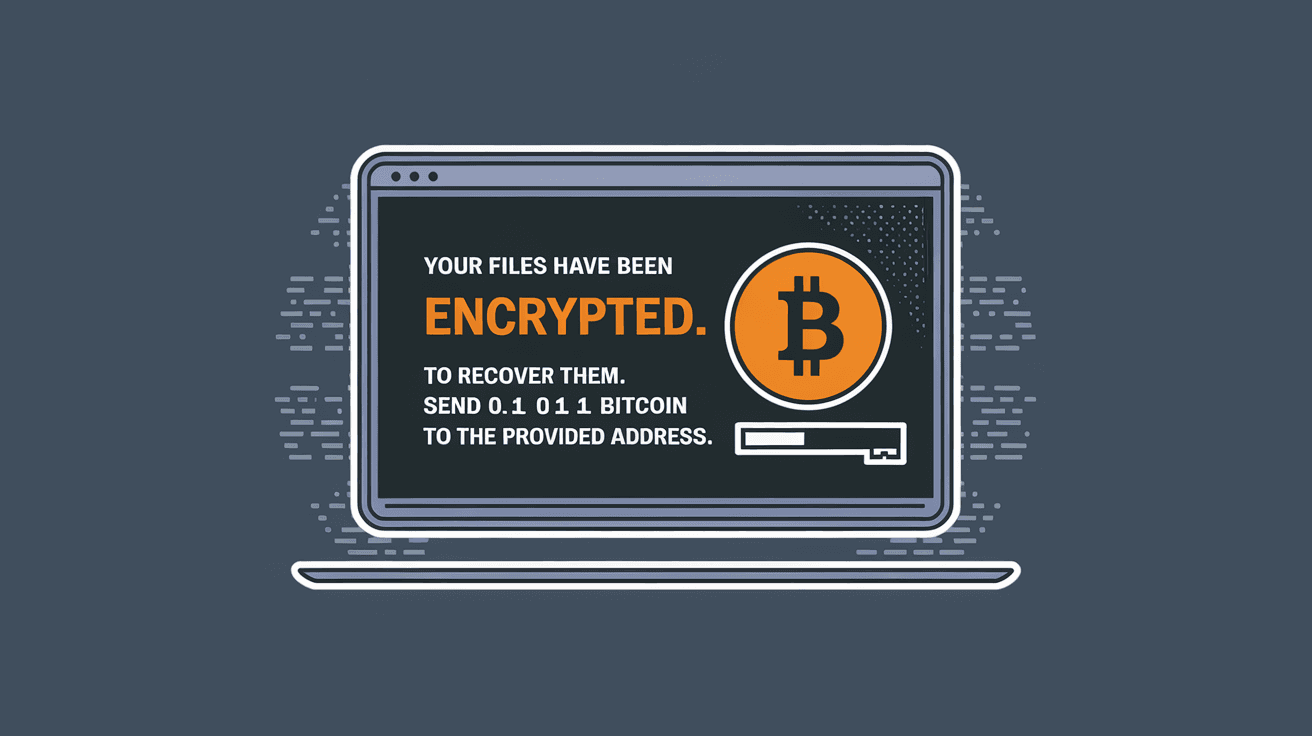
You might have heard about ransomware in the news or from friends, but what exactly is it? Ransomware is a type of malicious software that locks your files or device and demands money to unlock them. It’s a serious cyber threat that affects individuals, businesses, and even governments worldwide.
In this article, I’ll explain what ransomware is, how it works, and what you can do to protect yourself. Understanding ransomware is the first step to staying safe in today’s digital world.
What Is Ransomware?
Ransomware is a kind of malware designed to block access to a computer system or data until a ransom is paid. It usually encrypts files, making them unreadable without a special key. The attacker then demands payment, often in cryptocurrency, to provide this key.
Here are some key points about ransomware:
- It targets both individuals and organizations.
- It can spread through email attachments, malicious websites, or software vulnerabilities.
- Payment does not guarantee file recovery.
- It’s a growing problem worldwide, with attacks becoming more sophisticated.
Ransomware is different from other malware because its main goal is financial gain through extortion.
How Does Ransomware Work?
Ransomware attacks follow a few common steps. Understanding these can help you spot and avoid them.
- Infection: The ransomware enters your system. This often happens when you open a malicious email attachment or click a bad link.
- Encryption: Once inside, it encrypts your files, locking you out.
- Ransom Demand: A message appears demanding payment, usually in Bitcoin or another cryptocurrency.
- Payment and Decryption: If you pay, the attacker may or may not send a decryption key.
Some ransomware variants also threaten to leak your data if you don’t pay, adding pressure.
Common Infection Methods
- Phishing Emails: Fake emails that look real but contain harmful links or attachments.
- Drive-by Downloads: Visiting a compromised website that automatically downloads malware.
- Software Vulnerabilities: Exploiting weaknesses in outdated software or operating systems.
- Remote Desktop Protocol (RDP) Attacks: Gaining access through poorly secured remote connections.
Types of Ransomware
Ransomware comes in several forms, each with unique features. Knowing these types helps you understand the threat better.
- Crypto Ransomware: Encrypts files and demands payment for the decryption key. This is the most common type.
- Locker Ransomware: Locks you out of your device but doesn’t encrypt files. It blocks access until ransom is paid.
- Scareware: Fake software that pretends to be antivirus or system cleaners, demanding payment to fix non-existent problems.
- Doxware (Leakware): Threatens to release your private data publicly if you don’t pay.
Each type uses different tactics but aims to extort money from victims.
Real-World Examples of Ransomware Attacks
Ransomware attacks have hit many high-profile targets, showing how serious the threat is.
- WannaCry (2017): A global attack that affected hundreds of thousands of computers in over 150 countries. It exploited a Windows vulnerability and caused massive disruption.
- Colonial Pipeline (2021): This attack shut down a major US fuel pipeline, causing fuel shortages and panic buying.
- JBS Foods (2021): One of the world’s largest meat suppliers was hit, disrupting food supply chains.
These examples show ransomware can impact critical infrastructure and everyday life.
How to Protect Yourself from Ransomware
Protecting yourself from ransomware requires a mix of good habits and technology. Here’s what you can do:
- Keep Software Updated: Regularly update your operating system and applications to fix security holes.
- Use Strong Passwords: Avoid simple passwords and use two-factor authentication where possible.
- Be Careful with Emails: Don’t open attachments or click links from unknown senders.
- Backup Your Data: Regularly back up important files to an external drive or cloud service.
- Install Security Software: Use reputable antivirus and anti-malware programs.
- Disable Macros: Many ransomware attacks use macros in documents to infect your system.
- Limit User Privileges: Don’t use admin accounts for everyday tasks to reduce risk.
These steps reduce the chance of infection and help you recover if attacked.
What to Do If You Are Infected
If ransomware infects your device, it’s important to act quickly and carefully.
- Don’t Pay the Ransom: Paying encourages criminals and doesn’t guarantee file recovery.
- Disconnect from the Internet: This stops the ransomware from spreading to other devices.
- Use Backups: Restore your files from a recent backup if available.
- Seek Professional Help: Contact cybersecurity experts or law enforcement.
- Report the Attack: Inform authorities to help track and stop attackers.
Avoid trying to remove ransomware yourself unless you are experienced, as this can cause more damage.
The Future of Ransomware
Ransomware continues to evolve, becoming more targeted and sophisticated. Experts predict:
- More Attacks on Critical Infrastructure: Hospitals, utilities, and government agencies are prime targets.
- Ransomware-as-a-Service (RaaS): Criminals rent ransomware tools to others, increasing attacks.
- Double Extortion: Attackers not only encrypt data but also steal it and threaten to release it.
- Improved Defenses: Advances in AI and cybersecurity will help detect and prevent attacks faster.
Staying informed and prepared is key to facing this evolving threat.
Conclusion
Ransomware is a dangerous form of cybercrime that can lock your files and demand money to unlock them. It spreads through emails, websites, and software weaknesses, affecting people and organizations worldwide. Knowing how ransomware works and the types that exist helps you recognize and avoid attacks.
Protecting yourself involves good security habits like updating software, backing up data, and being cautious online. If you ever get infected, don’t pay the ransom and seek professional help. By staying alert and prepared, you can reduce your risk and keep your digital life safe.
FAQs
What is the main goal of ransomware?
The main goal of ransomware is to extort money by locking your files or device and demanding payment for access. Attackers often use encryption to make files unusable until a ransom is paid.
How does ransomware spread?
Ransomware spreads through phishing emails, malicious websites, software vulnerabilities, and weak remote connections. Opening infected attachments or clicking harmful links are common ways it enters your system.
Should I pay the ransom if infected?
It’s not recommended to pay the ransom. Payment doesn’t guarantee file recovery and encourages criminals. Instead, disconnect from the internet, restore backups, and seek expert help.
How can I protect my data from ransomware?
Protect your data by keeping software updated, using strong passwords, backing up files regularly, avoiding suspicious emails, and installing reliable security software.
What is ransomware-as-a-service (RaaS)?
Ransomware-as-a-service is a model where criminals rent ransomware tools to others. This makes attacks easier and more frequent, as even less skilled hackers can launch ransomware campaigns.




