
What is QR Code Phishing
Introduction
You’ve probably scanned a QR code at a restaurant, event, or store without a second thought. QR codes are everywhere because they make accessing websites and information quick and easy. But did you know that these handy little squares can also be used by cybercriminals to trick you? That’s where QR code phishing comes in.
In this article, I’ll explain what QR code phishing is, how it works, and why it’s becoming a bigger problem. I’ll also share practical tips you can use to stay safe when scanning QR codes. By the end, you’ll know how to protect yourself from this sneaky form of online fraud.
What Is QR Code Phishing?
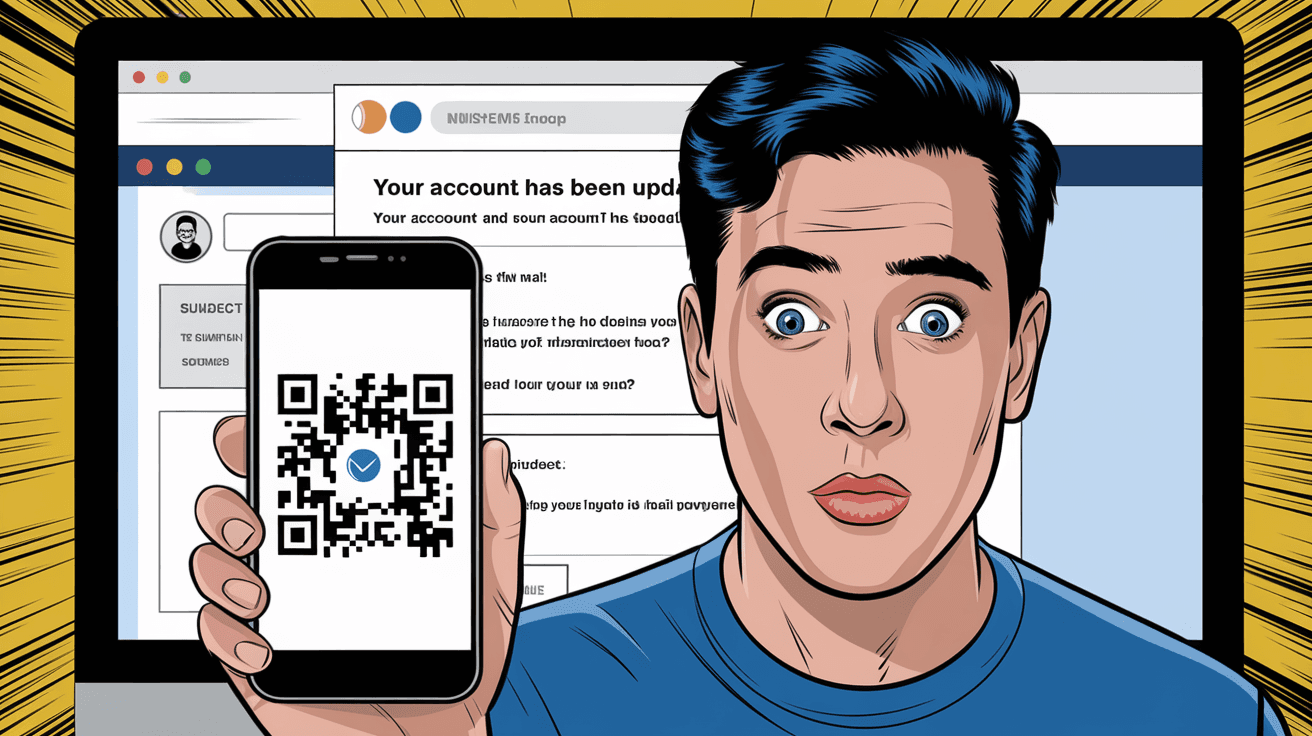
QR code phishing is a type of cyberattack where scammers use QR codes to lure you into visiting fake websites or downloading malicious software. Instead of clicking a suspicious link in an email or text, you scan a QR code that looks legitimate but actually leads you to a harmful site.
Here’s how it works:
- A scammer creates a QR code that links to a phishing website.
- They place the QR code in public places, on posters, flyers, or even online.
- When you scan the code, your phone opens the fake website.
- The website tricks you into entering sensitive information like passwords, credit card numbers, or personal details.
Because QR codes are visual and don’t show the URL before scanning, it’s easy to fall for this trick. You might think you’re accessing a trusted site, but you’re actually handing your information to criminals.
How QR Code Phishing Works
Understanding how QR code phishing works helps you spot the signs and avoid falling victim. Here’s a step-by-step look at the process:
Creating a Malicious QR Code
Attackers generate a QR code that directs users to a phishing website. These sites often mimic real companies, banks, or services.Distributing the QR Code
The fake QR codes are placed in places where people expect to find legitimate codes, such as restaurant menus, event posters, or product packaging.Scanning the QR Code
When you scan the code with your phone’s camera or a QR scanner app, it automatically opens the linked website.Phishing Website Interaction
The fake website asks for login credentials, payment details, or other personal information. It may also prompt you to download malware disguised as an app or update.Data Theft or Malware Installation
Once you enter your information or download the malicious file, scammers can steal your data or take control of your device.
Examples of QR Code Phishing Attacks
- Fake COVID-19 information posters with QR codes leading to phishing sites.
- Scammers placing QR codes on parking meters or vending machines that redirect to payment scams.
- Emails or social media posts with QR codes promising discounts or prizes but leading to malware downloads.
Why QR Code Phishing Is a Growing Threat
QR code phishing is becoming more common because QR codes are widely used and trusted. Here are some reasons why this threat is growing:
Increased QR Code Usage
More businesses use QR codes for menus, payments, and marketing, especially after the rise of contactless solutions.Lack of URL Transparency
Unlike clicking a link, scanning a QR code doesn’t show the destination URL beforehand, making it easier to hide malicious sites.Mobile Device Vulnerability
Most QR codes are scanned on smartphones, which can be more vulnerable to malware and phishing attacks.Ease of Creating Fake QR Codes
Anyone can generate a QR code for any URL, so scammers can quickly create and distribute malicious codes.Social Engineering
Scammers exploit trust by placing QR codes in familiar or official-looking places.
How to Recognize QR Code Phishing
You might wonder how to tell if a QR code is safe before scanning it. Here are some tips to help you recognize potential QR code phishing attempts:
Check the Source
Only scan QR codes from trusted sources like official websites, verified businesses, or known contacts.Look for Signs of Tampering
Be cautious if a QR code sticker looks like it’s been placed over another code or if it’s on unofficial materials.Avoid Codes in Suspicious Places
Don’t scan QR codes found in random emails, social media posts, or public places where anyone can put them.Use QR Code Scanner Apps with Preview
Some apps show you the URL before opening it, allowing you to verify the link.Be Wary of Shortened URLs
QR codes that lead to shortened or strange URLs can be suspicious.
How to Protect Yourself from QR Code Phishing
Protecting yourself from QR code phishing is easier than you might think. Here are practical steps you can take:
Use a Secure QR Code Scanner
Choose apps that preview the URL and warn you about suspicious links.Verify the Website URL
After scanning, check the website address carefully. Look for misspellings or unusual domains.Avoid Entering Sensitive Information
Never enter passwords, credit card numbers, or personal data on websites accessed through unknown QR codes.Keep Your Device Updated
Regularly update your phone’s operating system and security software to protect against malware.Don’t Download Apps from QR Codes
Only download apps from official app stores, not from links in QR codes.Report Suspicious QR Codes
If you find a QR code that looks fake or suspicious, report it to the business or local authorities.
What to Do If You Fall Victim to QR Code Phishing
If you accidentally scan a malicious QR code and enter your information, act quickly:
Change Your Passwords
Immediately update passwords for any accounts you think might be compromised.Contact Your Bank or Credit Card Company
Report any suspicious transactions or potential fraud.Run a Security Scan
Use antivirus or anti-malware apps to check your device for infections.Monitor Your Accounts
Keep an eye on your email, bank, and social media accounts for unusual activity.Report the Incident
Inform the business or platform where you found the QR code and report the phishing attempt to cybersecurity authorities.
The Future of QR Code Security
As QR codes become more popular, security experts are working on ways to make them safer:
Encrypted QR Codes
Some companies are developing QR codes that include encryption to verify authenticity.Digital Watermarks and Branding
Adding logos or digital signatures to QR codes can help users identify legitimate codes.Improved Scanner Technology
New apps and phone features may better detect malicious links before opening them.User Education
Awareness campaigns teach people how to spot and avoid QR code phishing.
While these advances will help, staying cautious and informed remains your best defense.
Conclusion
QR code phishing is a clever and growing cyber threat that takes advantage of how often we scan QR codes. Because these codes don’t show their destination before scanning, scammers can easily trick you into visiting fake websites or downloading malware. But by understanding how QR code phishing works and following simple safety tips, you can protect yourself.
Always be cautious about where you scan QR codes, use secure scanning apps, and verify websites before entering any personal information. Staying alert and informed helps you enjoy the convenience of QR codes without falling victim to scams. Remember, your safety online starts with smart choices.
FAQs
What is the main risk of scanning a QR code from an unknown source?
The main risk is being directed to a fake website that steals your personal information or downloads malware onto your device.
Can QR code phishing lead to financial loss?
Yes, if you enter your banking or credit card details on a phishing site, scammers can steal your money or make unauthorized transactions.
How can I check if a QR code is safe before scanning?
Use a QR code scanner app that previews the URL before opening it, and only scan codes from trusted sources.
Are QR codes safer than clicking links in emails?
Not necessarily. QR codes hide the destination URL, so they can be just as risky if you don’t verify the source.
What should I do if I suspect a QR code is part of a phishing scam?
Avoid scanning it, report it to the business or authorities, and warn others to prevent them from falling victim.




