
What is Proxy Server Security
Introduction
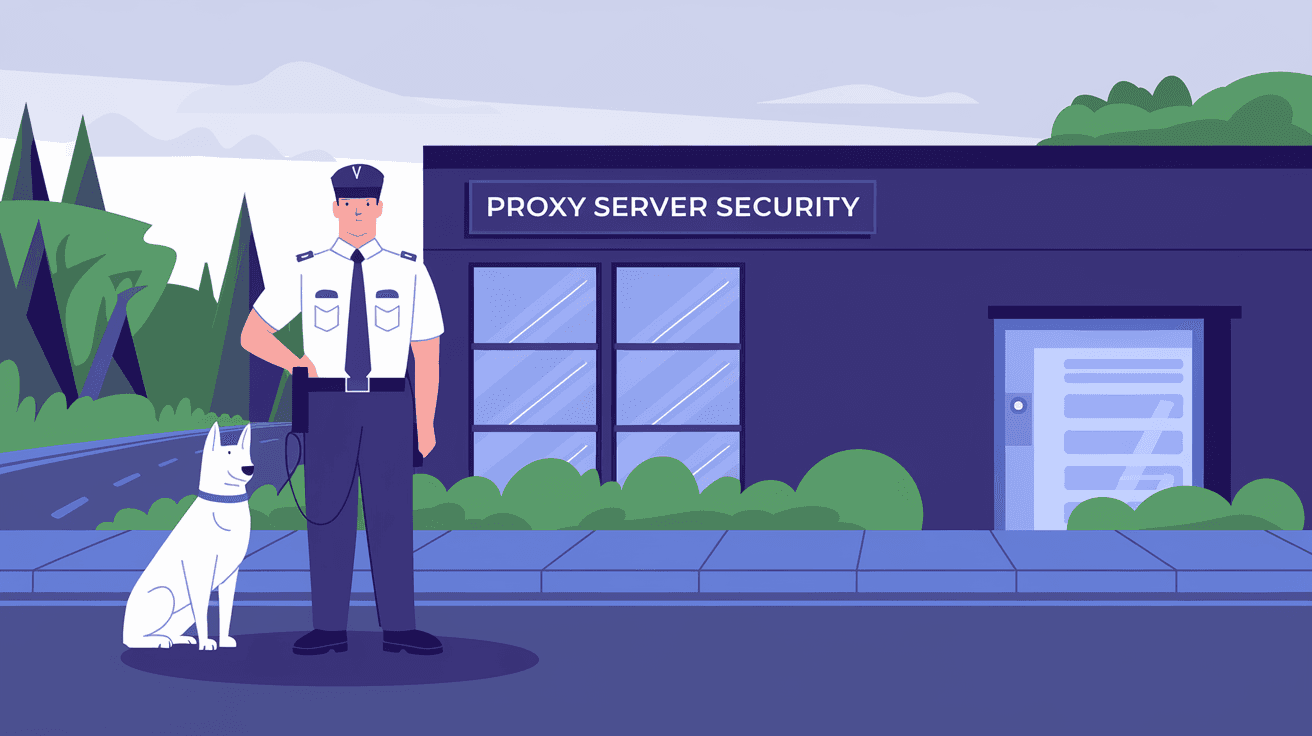
When you use the internet, your data travels through many points before reaching its destination. A proxy server acts like a middleman between your device and the internet, helping to protect your privacy and security. But what exactly is proxy server security, and why should you care about it?
In this article, I’ll explain what proxy server security means, how it works, and why it’s important for keeping your online activities safe. Whether you’re a casual internet user or managing a business network, understanding proxy server security can help you make smarter decisions about your online safety.
What is a Proxy Server?
A proxy server is a computer or software that sits between your device and the internet. When you send a request to visit a website, the proxy server forwards that request for you. It then receives the website’s response and sends it back to you.
Here’s what a proxy server does:
- Hides your IP address: The website sees the proxy’s IP, not yours.
- Filters content: It can block harmful or unwanted websites.
- Caches data: Speeds up access by storing copies of frequently visited sites.
- Controls access: Limits what users can do on the internet.
Proxy servers are used in homes, schools, and businesses to improve security and manage internet use.
What is Proxy Server Security?
Proxy server security refers to the measures and technologies that protect the proxy server itself and the data passing through it. Since a proxy handles all your internet requests, it must be secure to prevent hackers from intercepting or altering your data.
Proxy server security includes:
- Data encryption: Protects information from being read by outsiders.
- Access control: Ensures only authorized users can use the proxy.
- Malware filtering: Blocks harmful software from entering the network.
- Logging and monitoring: Tracks activity to detect suspicious behavior.
By securing the proxy server, you protect your privacy, prevent cyberattacks, and maintain safe internet access.
How Does Proxy Server Security Work?
Proxy server security works by combining several layers of protection. Here’s how it typically functions:
1. Encryption
When you connect through a secure proxy, your data is encrypted. This means the information is scrambled so hackers can’t read it even if they intercept it. Many proxies use SSL/TLS encryption, the same technology that secures websites with HTTPS.
2. Authentication
Proxy servers often require users to log in before accessing the internet. This authentication step ensures only trusted users can use the proxy, reducing the risk of unauthorized access.
3. Content Filtering
Security-focused proxies scan web traffic for dangerous content like viruses, phishing sites, or inappropriate material. They block or warn users before harmful content reaches their devices.
4. Logging and Monitoring
Proxies keep records of user activity. These logs help network administrators spot unusual behavior, such as repeated access to malicious sites or attempts to bypass security rules.
5. Firewall Integration
Many proxy servers work alongside firewalls to provide an extra layer of defense. Firewalls block unauthorized traffic, while proxies manage and monitor allowed traffic.
Types of Proxy Servers and Their Security Features
Different types of proxy servers offer various security benefits. Here are some common types:
Forward Proxy
This is the most common type used by individuals and organizations. It forwards requests from users to the internet and can filter content, block sites, and hide IP addresses.
Security features:
- User authentication
- Content filtering
- SSL interception for encrypted traffic
Reverse Proxy
A reverse proxy sits in front of web servers and handles incoming requests from the internet. It protects the web server by hiding its IP and filtering traffic.
Security features:
- Load balancing to prevent server overload
- Web Application Firewall (WAF) to block attacks
- SSL termination to manage encryption
Transparent Proxy
This proxy intercepts traffic without requiring any configuration on the user’s device. It’s often used in schools or businesses to monitor and filter internet use.
Security features:
- Content filtering
- Malware scanning
- User activity logging
Anonymous Proxy
This proxy hides your IP address but does not reveal that you are using a proxy. It helps protect your identity online.
Security features:
- IP masking
- Basic encryption
High Anonymity Proxy (Elite Proxy)
This proxy hides your IP and does not identify itself as a proxy server. It offers the highest level of anonymity.
Security features:
- Strong IP masking
- No proxy headers sent
- Encryption support
Why is Proxy Server Security Important?
Proxy server security is crucial for several reasons:
- Protects sensitive data: Encryption prevents hackers from stealing passwords, credit card numbers, and personal info.
- Prevents cyberattacks: Filtering blocks malware, phishing, and other threats before they reach your device.
- Maintains privacy: Hides your IP address and browsing habits from websites and trackers.
- Controls internet use: Helps organizations enforce policies and prevent access to harmful content.
- Improves network performance: Caching and filtering reduce bandwidth use and speed up browsing.
Without proper security, a proxy server can become a weak point that attackers exploit to access your network or data.
Common Security Risks for Proxy Servers
Even with security measures, proxy servers face risks. Here are some common threats:
- Man-in-the-middle attacks: Hackers intercept and alter data between you and the proxy.
- Proxy hijacking: Attackers take control of the proxy server to spy on or redirect traffic.
- Data leaks: Poorly configured proxies may expose your real IP or sensitive information.
- Malware infection: If the proxy server is compromised, it can spread malware to users.
- Unauthorized access: Weak authentication allows outsiders to use the proxy for malicious purposes.
Understanding these risks helps you take steps to secure your proxy server properly.
How to Improve Proxy Server Security
You can enhance proxy server security by following these best practices:
- Use strong authentication: Require complex passwords and multi-factor authentication.
- Enable encryption: Use SSL/TLS to secure all data passing through the proxy.
- Keep software updated: Regularly patch proxy server software to fix vulnerabilities.
- Implement content filtering: Block harmful websites and malware.
- Monitor logs: Review activity logs to detect suspicious behavior early.
- Limit access: Only allow trusted users and devices to connect.
- Use firewalls: Combine proxies with firewalls for layered security.
- Regular security audits: Test your proxy setup for weaknesses and fix issues promptly.
These steps help protect your proxy server and the data it handles.
Proxy Server Security in Business Environments
Businesses rely heavily on proxy servers to secure their networks. Here’s why proxy server security matters in a corporate setting:
- Protects company data: Sensitive business information stays safe from cyber threats.
- Enforces internet policies: Controls employee access to websites and online services.
- Improves compliance: Helps meet legal and industry regulations for data protection.
- Monitors user activity: Detects insider threats and unusual behavior.
- Supports remote work: Secure proxies enable safe access to company resources from anywhere.
Companies often use advanced proxy solutions with integrated security tools like firewalls, intrusion detection, and data loss prevention.
Proxy Server Security and Privacy
Proxy servers play a key role in protecting your privacy online. By hiding your IP address, they make it harder for websites and advertisers to track you. Secure proxies also encrypt your traffic, preventing eavesdropping on public Wi-Fi networks.
However, not all proxies guarantee privacy. Free or poorly managed proxies may log your data or inject ads. Always choose trusted proxy services that clearly state their privacy policies and use strong security measures.
Conclusion
Proxy server security is essential for protecting your data and privacy online. A proxy server acts as a gatekeeper, managing your internet requests and shielding your identity. But without proper security, it can become a target for cyberattacks.
By understanding how proxy server security works and following best practices, you can keep your online activities safe. Whether you’re using a proxy at home or managing a business network, securing your proxy server helps prevent data theft, malware infections, and unauthorized access.
Stay informed and proactive about proxy server security to enjoy safer, faster, and more private internet browsing.
FAQs
What is the main purpose of proxy server security?
Proxy server security protects the proxy and the data passing through it. It prevents unauthorized access, blocks malware, encrypts data, and ensures safe and private internet use.
How does a proxy server hide my IP address?
When you use a proxy, your internet requests go through the proxy’s IP address instead of your own. This masks your real IP, making it harder for websites to track your location or identity.
Can proxy servers protect against malware?
Yes, many proxy servers include malware filtering that scans web traffic and blocks harmful sites or files before they reach your device.
Is using a free proxy server safe?
Free proxies often lack strong security and may log your data or inject ads. It’s safer to use trusted, paid proxy services with clear privacy policies and robust security features.
How do businesses benefit from proxy server security?
Businesses use proxy server security to protect sensitive data, enforce internet policies, monitor user activity, and support secure remote work, helping them stay compliant and reduce cyber risks.




