
What is Privileged Access Management Solution
Introduction
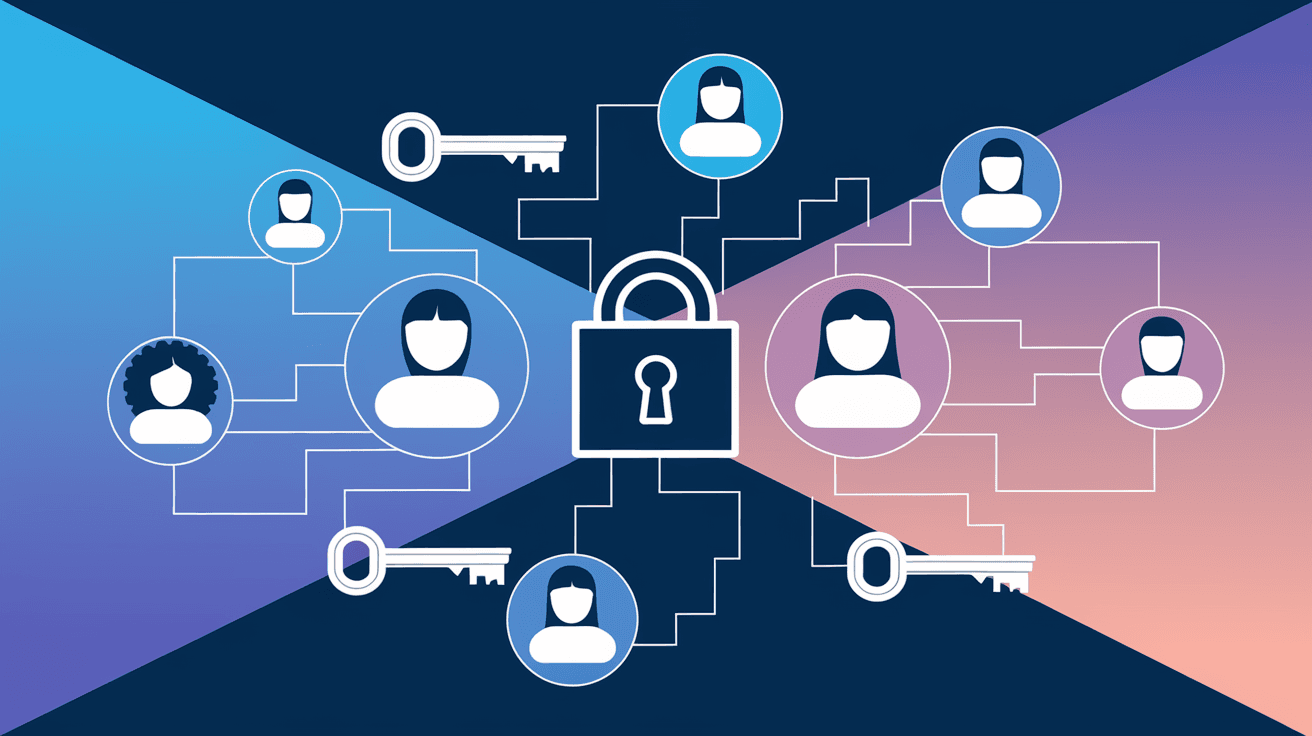
You might have heard about Privileged Access Management (PAM) solutions but wonder what they really are and why they matter. In today’s digital world, controlling who can access sensitive systems is crucial. PAM solutions help organizations protect their most critical data by managing and monitoring privileged accounts.
We’ll explore what a Privileged Access Management solution is, how it works, and why it’s essential for businesses. By the end, you’ll understand how PAM can keep your systems safer and reduce risks from insider threats or cyberattacks.
What is a Privileged Access Management Solution?
Privileged Access Management (PAM) is a cybersecurity approach that controls and monitors access to critical systems by users with elevated permissions. These users, called privileged users, have the ability to make significant changes, access sensitive data, or manage IT infrastructure.
A PAM solution is a set of tools and processes designed to:
- Secure privileged accounts
- Limit access to only what is necessary
- Monitor and record privileged activities
- Enforce policies to reduce risks
Privileged accounts include administrator accounts, root accounts, service accounts, and any other accounts with broad access rights. Without PAM, these accounts can be easy targets for hackers or can be misused by insiders.
Why Do Organizations Need Privileged Access Management?
Organizations face increasing cyber threats, and privileged accounts are often the main target. Here’s why PAM is essential:
- Prevent Data Breaches: Privileged accounts can access sensitive data. If compromised, attackers can steal or destroy critical information.
- Reduce Insider Threats: Employees or contractors with excessive access might misuse their privileges intentionally or accidentally.
- Meet Compliance Requirements: Regulations like GDPR, HIPAA, and PCI-DSS require strict controls over privileged access.
- Improve Security Posture: PAM helps enforce the principle of least privilege, giving users only the access they need.
- Audit and Accountability: PAM solutions provide detailed logs and session recordings to track who did what and when.
Without PAM, organizations risk unauthorized access, data loss, and costly compliance violations.
How Does a Privileged Access Management Solution Work?
A PAM solution works by managing the lifecycle of privileged accounts and controlling how users access them. Here are the main components and functions:
1. Discovery and Inventory
- Automatically find all privileged accounts across the network, including hidden or forgotten ones.
- Maintain an up-to-date inventory to avoid unmanaged risks.
2. Credential Vaulting
- Store privileged credentials (passwords, SSH keys) securely in an encrypted vault.
- Prevent direct access to credentials by users.
3. Access Control and Just-in-Time Access
- Enforce strict access policies based on roles and responsibilities.
- Provide temporary access only when needed, reducing standing privileges.
4. Session Management and Monitoring
- Record privileged sessions for real-time monitoring and forensic analysis.
- Detect suspicious activities and alert security teams.
5. Password Rotation and Management
- Automatically change passwords after each use or on a scheduled basis.
- Prevent password reuse and reduce the risk of credential theft.
6. Reporting and Compliance
- Generate detailed reports for audits and compliance checks.
- Provide evidence of access controls and user activities.
Key Features of a Privileged Access Management Solution
When choosing a PAM solution, look for these essential features:
- Centralized Management: Manage all privileged accounts from a single platform.
- Multi-Factor Authentication (MFA): Add extra layers of security before granting access.
- Role-Based Access Control (RBAC): Assign permissions based on job roles.
- Session Recording: Capture video and keystrokes during privileged sessions.
- Real-Time Alerts: Notify security teams of unusual or risky behavior.
- Integration Capabilities: Work seamlessly with existing IT infrastructure and security tools.
- Scalability: Support growing numbers of users and systems.
Benefits of Implementing a Privileged Access Management Solution
Implementing PAM brings many advantages to your organization:
- Enhanced Security: Limits attack surfaces by controlling privileged access tightly.
- Reduced Risk of Breaches: Minimizes chances of credential theft and misuse.
- Improved Compliance: Simplifies meeting regulatory requirements with audit trails.
- Operational Efficiency: Automates password management and access approvals.
- Better Visibility: Provides insights into who accessed what and when.
- Faster Incident Response: Enables quick detection and investigation of suspicious activities.
Common Challenges in Privileged Access Management
While PAM solutions are powerful, organizations may face some challenges:
- Complexity: Implementing PAM across diverse environments can be complicated.
- User Resistance: Employees may resist changes that limit their access.
- Cost: Some PAM solutions require significant investment.
- Integration Issues: Ensuring compatibility with legacy systems can be difficult.
- Ongoing Maintenance: PAM requires continuous updates and monitoring.
Addressing these challenges involves careful planning, training, and choosing the right PAM solution for your needs.
Examples of Privileged Access Management Solutions
Several vendors offer PAM solutions tailored to different business sizes and industries. Some well-known examples include:
| Vendor | Key Features | Suitable For |
| CyberArk | Comprehensive vaulting, session recording, threat analytics | Large enterprises |
| BeyondTrust | Password management, endpoint protection, cloud support | Mid to large businesses |
| Thycotic | Easy deployment, cloud-native options, automation | Small to medium businesses |
| One Identity | Identity governance, access control, compliance reporting | Enterprises with complex needs |
Choosing the right PAM depends on your organization’s size, infrastructure, and security goals.
Best Practices for Using a Privileged Access Management Solution
To get the most from your PAM solution, follow these best practices:
- Implement Least Privilege: Only grant access necessary for the task.
- Use Multi-Factor Authentication: Add extra security layers.
- Regularly Review Access Rights: Remove unnecessary privileges promptly.
- Automate Password Rotation: Reduce risks from stale credentials.
- Monitor and Audit Continuously: Keep an eye on privileged activities.
- Train Users: Educate privileged users on security policies and risks.
- Integrate with SIEM: Combine PAM data with security information and event management tools for better threat detection.
Conclusion
Privileged Access Management solutions are vital for protecting your organization’s most sensitive systems and data. By controlling and monitoring privileged accounts, PAM reduces the risk of cyberattacks and insider threats. It also helps you meet compliance requirements and improve overall security.
If you want to secure your IT environment effectively, investing in a PAM solution is a smart move. With the right tools and practices, you can ensure that privileged access is granted safely and responsibly, keeping your business protected in an increasingly complex digital world.
FAQs
What types of accounts does Privileged Access Management protect?
PAM protects accounts with elevated permissions, such as administrator, root, service, and application accounts that have broad access to critical systems.
How does PAM improve compliance with regulations?
PAM provides detailed logs, access controls, and audit reports that help organizations meet requirements from standards like GDPR, HIPAA, and PCI-DSS.
Can PAM solutions work with cloud environments?
Yes, modern PAM solutions support cloud platforms and hybrid environments, managing privileged access across on-premises and cloud systems.
What is the principle of least privilege in PAM?
It means users get only the minimum access needed to perform their tasks, reducing the risk of misuse or accidental damage.
How does session recording help in PAM?
Session recording captures all actions during privileged sessions, allowing security teams to review activities and investigate suspicious behavior.




