
What is Port Filtering
Introduction
When you connect to the internet or a network, your device communicates through ports. But have you ever wondered how networks control which ports are open or closed? That’s where port filtering comes in. It’s a key security feature that helps protect your devices and data by managing network traffic.
In this article, I’ll explain what port filtering is, how it works, and why it matters for your network’s safety. Whether you’re a beginner or just curious, you’ll get a clear understanding of this essential network tool.
What is Port Filtering?
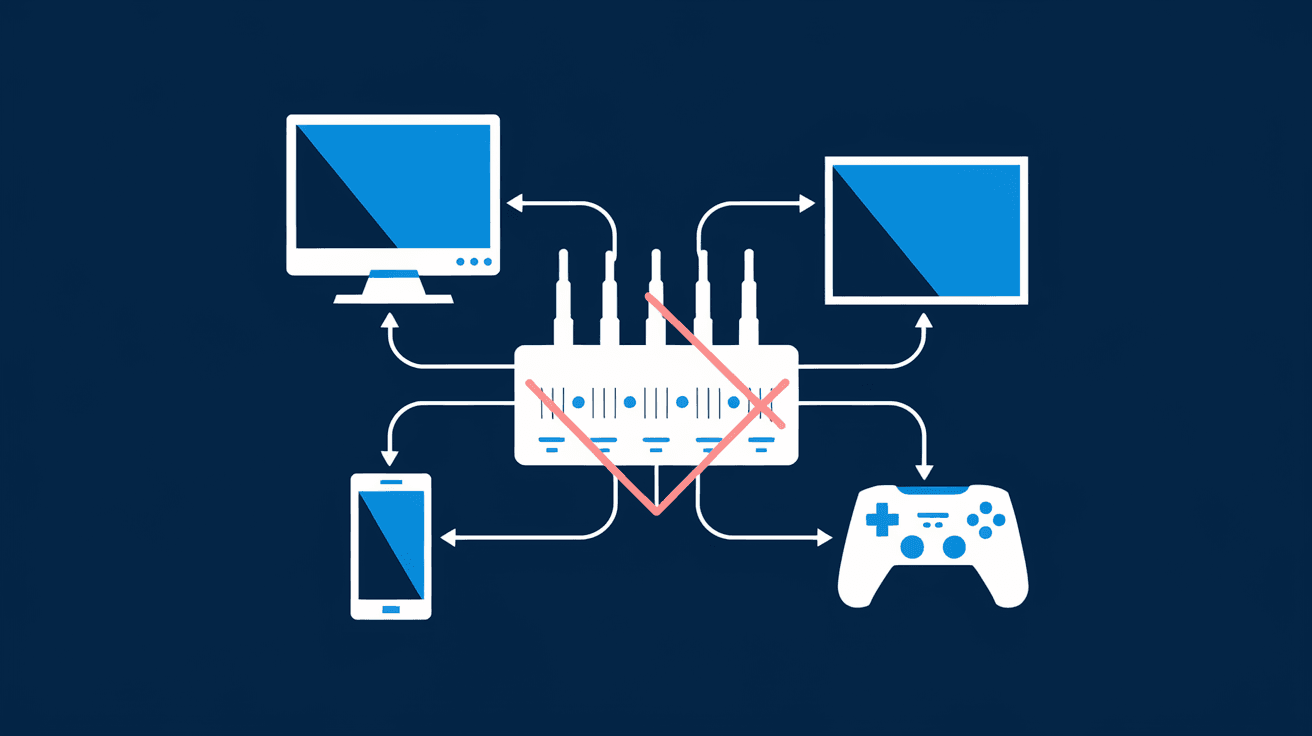
Port filtering is a network security technique used to control access to specific ports on a device or network. Ports are like doors that allow data to enter or leave a device. Each port corresponds to a specific service or application, such as web browsing (port 80) or email (port 25).
By filtering ports, you can decide which ports should be open or closed. This helps prevent unauthorized access and blocks unwanted traffic. Port filtering is commonly used in firewalls, routers, and other network devices to improve security.
How Port Filtering Works
Port filtering works by examining the port number in the header of data packets. When a packet arrives, the filtering device checks if the port is allowed or blocked based on predefined rules. If the port is allowed, the packet passes through; if not, it’s dropped or rejected.
Here’s how it typically functions:
- Inbound filtering: Controls incoming traffic to your network or device.
- Outbound filtering: Controls outgoing traffic from your network or device.
- Stateful filtering: Tracks active connections and allows return traffic automatically.
- Stateless filtering: Filters packets without tracking connection state.
Why is Port Filtering Important?
Port filtering plays a crucial role in network security and management. Here’s why it matters:
- Prevents unauthorized access: By blocking unused or vulnerable ports, you reduce the risk of hackers gaining entry.
- Reduces attack surface: Limiting open ports minimizes potential entry points for malware or cyberattacks.
- Controls network traffic: Helps manage bandwidth by allowing only necessary services.
- Improves system performance: Reduces unnecessary traffic and potential network congestion.
- Supports compliance: Many security standards require port filtering as part of best practices.
Common Use Cases for Port Filtering
Port filtering is used in various scenarios to enhance security and control. Some common examples include:
- Home networks: Routers often use port filtering to block incoming traffic on unused ports, protecting your devices.
- Corporate firewalls: Businesses filter ports to secure sensitive data and prevent unauthorized access.
- Web servers: Only specific ports like 80 (HTTP) and 443 (HTTPS) are open to serve web pages.
- Email servers: Ports related to email services are filtered to prevent spam and attacks.
- Gaming consoles: Port filtering can help optimize connections and prevent unwanted access.
How to Set Up Port Filtering
Setting up port filtering depends on your device or network equipment. Here’s a general guide:
- Access your router or firewall settings: Usually via a web interface.
- Locate the port filtering or firewall section: This varies by device.
- Create rules: Specify which ports to allow or block.
- Choose protocol: TCP, UDP, or both.
- Apply and save settings: Restart the device if necessary.
Tips for Effective Port Filtering
- Only open ports you need.
- Regularly review and update rules.
- Use stateful filtering for better security.
- Combine with other security measures like antivirus and VPNs.
Differences Between Port Filtering and Other Network Controls
It’s easy to confuse port filtering with other network security methods. Here’s how it differs:
| Feature | Port Filtering | IP Filtering | Packet Filtering |
| Focus | Controls access by port number | Controls access by IP address | Controls access by packet content |
| Level | Transport layer (Layer 4) | Network layer (Layer 3) | Network and transport layers |
| Use Case | Allow/block specific services | Allow/block specific devices | General packet inspection |
| Complexity | Moderate | Simple | Can be complex |
Understanding these differences helps you apply the right security controls for your network.
Challenges and Limitations of Port Filtering
While port filtering is useful, it has some limitations:
- Cannot inspect packet content: It only filters by port number, not the data inside.
- May block legitimate traffic: Incorrect rules can disrupt services.
- Bypass risks: Advanced attackers can use techniques to bypass filters.
- Requires maintenance: Rules need regular updates to stay effective.
To overcome these, port filtering is often combined with deeper inspection tools like intrusion detection systems (IDS) or next-generation firewalls.
Port Filtering in Modern Network Security
With the rise of cloud computing, IoT devices, and remote work, port filtering remains vital. Modern firewalls and security appliances use advanced port filtering combined with:
- Application-layer filtering: Inspects traffic beyond ports.
- Behavioral analysis: Detects unusual activity.
- Automated rule updates: Keeps filters current against new threats.
These enhancements make port filtering more effective in today’s complex networks.
Conclusion
Port filtering is a simple yet powerful way to control network access and protect your devices. By managing which ports are open or closed, you reduce risks and improve network performance. Whether you’re securing a home network or managing a corporate firewall, understanding port filtering helps you make smarter security choices.
Remember, port filtering works best when combined with other security measures. Keep your rules updated and monitor your network regularly to stay safe in an ever-changing digital world.
FAQs
What is the difference between port filtering and firewall?
Port filtering is a function within a firewall that controls access based on port numbers. A firewall is a broader security system that can filter traffic by IP, ports, protocols, and inspect packet content.
Can port filtering block all cyberattacks?
No, port filtering helps reduce attack surfaces but cannot block all attacks. It should be part of a layered security approach including antivirus, encryption, and monitoring.
How do I know which ports to filter?
Identify the services you use and only allow their necessary ports. Common ports like 80 (HTTP) and 443 (HTTPS) are usually open, while unused ports should be blocked.
Is port filtering only for inbound traffic?
No, port filtering can control both inbound and outbound traffic to manage what enters and leaves your network.
Can port filtering affect internet speed?
Port filtering generally has minimal impact on speed but can improve performance by blocking unnecessary traffic and reducing congestion.




