
What is Policy Exception Management
Introduction
When you work in any organization, you’ll notice that policies guide how things should be done. But sometimes, situations arise where following a policy exactly isn’t possible or practical. That’s where policy exception management comes in. It helps you handle those special cases without breaking the rules or causing problems.
In this article, I’ll explain what policy exception management means, why it’s important, and how you can manage exceptions smoothly. Whether you’re a manager, employee, or just curious, understanding this process can help you keep your organization running safely and fairly.
What is Policy Exception Management?
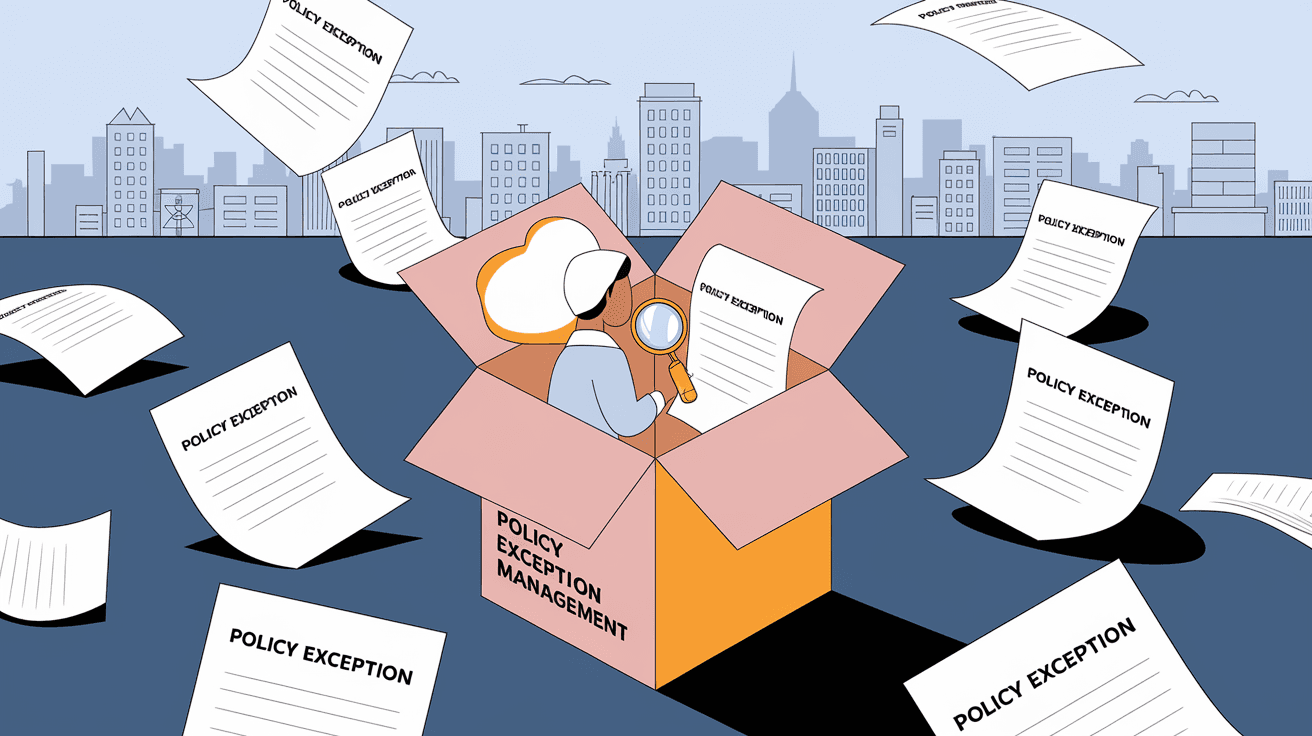
Policy exception management is the process of identifying, approving, and tracking cases where a policy cannot be followed as written. Instead of ignoring or breaking the policy, exceptions are formally documented and managed to reduce risks.
Policies exist to keep organizations secure, compliant, and efficient. But real-world situations don’t always fit neatly into these rules. For example, a software update might not meet security standards but is needed urgently. Policy exception management allows such exceptions to happen with oversight.
Key Elements of Policy Exception Management
- Identification: Recognizing when a policy cannot be followed.
- Request: Formally asking for an exception.
- Review: Evaluating the risks and benefits.
- Approval: Getting permission from the right authority.
- Documentation: Recording the exception details.
- Monitoring: Keeping track of the exception’s impact.
- Closure: Ending the exception when no longer needed.
This process helps organizations stay flexible while maintaining control.
Why is Policy Exception Management Important?
You might wonder why we need a formal process for exceptions. Here are some reasons:
- Risk Control: Exceptions can introduce risks. Managing them ensures risks are understood and minimized.
- Compliance: Many industries have strict rules. Documenting exceptions helps prove compliance during audits.
- Accountability: It clarifies who approved the exception and why.
- Transparency: Everyone knows when and why policies are not followed.
- Continuous Improvement: Tracking exceptions can highlight where policies may need updating.
Without proper management, exceptions can lead to security breaches, legal issues, or operational failures.
Common Scenarios Requiring Policy Exceptions
Policy exceptions happen in many areas. Here are some typical examples:
- IT Security: Allowing outdated software temporarily due to urgent business needs.
- HR Policies: Granting flexible work hours for special circumstances.
- Financial Controls: Approving expenses outside normal limits during emergencies.
- Compliance: Using alternative methods when standard procedures are unavailable.
Each case requires careful evaluation to balance flexibility with control.
How to Implement Policy Exception Management
If you want to set up or improve policy exception management in your organization, follow these steps:
1. Define Clear Policies and Exceptions Criteria
Start by making sure your policies clearly state when exceptions are allowed. Define what types of exceptions can be requested and under what conditions.
2. Create a Formal Exception Request Process
Develop a simple form or system where employees can submit exception requests. Include fields for:
- Reason for exception
- Duration
- Risk assessment
- Proposed controls
3. Assign Roles and Responsibilities
Decide who reviews and approves exceptions. This could be managers, compliance officers, or a dedicated committee.
4. Evaluate Risks Thoroughly
Review each request carefully. Consider:
- Potential impact on security or compliance
- Alternatives to the exception
- Mitigation measures
5. Document and Communicate Decisions
Record approvals or denials clearly. Inform all relevant parties about the exception and any conditions.
6. Monitor and Review Exceptions Regularly
Track active exceptions and review them periodically. Remove or renew exceptions as needed.
7. Use Technology Tools
Many organizations use software to manage exceptions. These tools help automate workflows, store records, and generate reports.
Best Practices for Effective Policy Exception Management
To get the most from your policy exception management, keep these tips in mind:
- Keep It Simple: Don’t make the process too complicated or slow.
- Train Employees: Make sure everyone knows how to request exceptions properly.
- Be Consistent: Apply rules fairly to all requests.
- Focus on Risk: Always prioritize understanding and reducing risks.
- Review Policies: Use exception data to improve policies over time.
- Maintain Transparency: Share exception reports with leadership and auditors.
Following these practices helps build trust and keeps your organization secure.
Challenges in Policy Exception Management
Managing exceptions isn’t always easy. Some common challenges include:
- Overuse of Exceptions: People might request exceptions too often, weakening policies.
- Lack of Documentation: Informal exceptions can cause confusion and risk.
- Slow Approval Processes: Delays can frustrate employees and impact operations.
- Inconsistent Decisions: Different reviewers may approve or deny similar requests unfairly.
- Tracking Difficulties: Without proper tools, it’s hard to monitor exceptions.
Addressing these challenges requires clear policies, good communication, and the right tools.
Examples of Policy Exception Management in Action
Let’s look at a few real-world examples to understand how organizations handle exceptions:
- Healthcare: A hospital allows temporary use of a non-standard medical device during a supply shortage. The exception is approved by the safety committee and monitored closely.
- Finance: A bank permits a one-time higher transaction limit for a VIP client after risk assessment and manager approval.
- IT: A company delays a mandatory software patch due to compatibility issues with critical systems, documenting the exception and scheduling a fix.
These examples show how exceptions can be managed responsibly.
Tools and Software for Policy Exception Management
Many organizations use specialized tools to streamline exception management. Popular options include:
| Tool Name | Features | Benefits |
| ServiceNow | Workflow automation, audit trails | Easy tracking and reporting |
| RSA Archer | Risk assessment, compliance tracking | Integrated risk management |
| MetricStream | Policy management, exception tracking | Centralized control |
| Jira Service Desk | Custom workflows, notifications | Flexible and user-friendly |
Choosing the right tool depends on your organization’s size, industry, and needs.
Conclusion
Policy exception management is essential for balancing rules with real-world flexibility. It helps you handle situations where policies can’t be followed exactly, without risking security or compliance. By setting up a clear process, assigning responsibilities, and using the right tools, you can manage exceptions effectively.
Remember, exceptions should be rare and well-documented, not a way to bypass important rules. When done right, policy exception management keeps your organization safe, transparent, and adaptable to change.
FAQs
What is the main goal of policy exception management?
The main goal is to handle cases where policies can’t be followed exactly, while controlling risks and maintaining compliance through formal approval and documentation.
Who is responsible for approving policy exceptions?
Typically, managers, compliance officers, or a dedicated review committee are responsible for evaluating and approving exceptions based on risk and policy guidelines.
How often should policy exceptions be reviewed?
Exceptions should be reviewed regularly, often quarterly or biannually, to ensure they are still necessary and risks are managed properly.
Can policy exceptions affect compliance audits?
Yes, properly documented exceptions help demonstrate compliance during audits by showing that deviations were controlled and approved.
What tools can help with policy exception management?
Tools like ServiceNow, RSA Archer, MetricStream, and Jira Service Desk help automate workflows, track exceptions, and generate reports for better management.




