
What is Phishing
Introduction
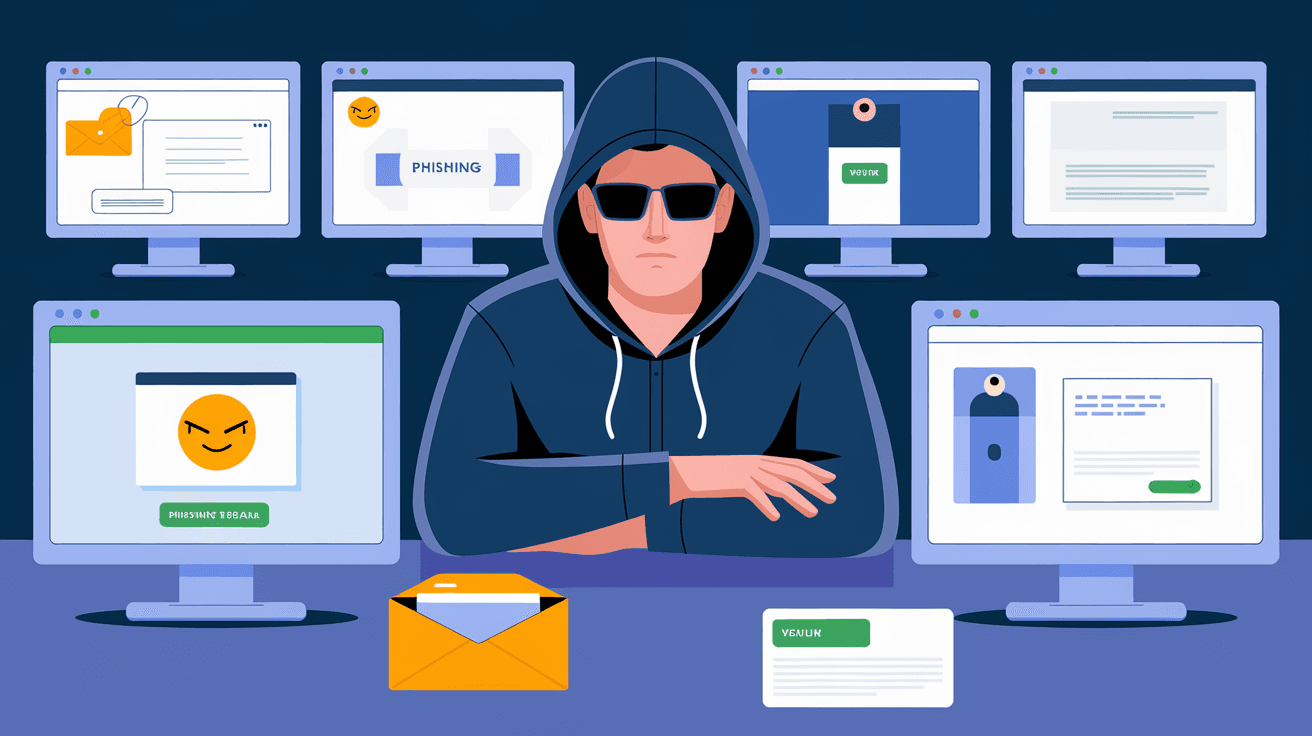
You’ve probably heard the term "phishing" before, but what exactly does it mean? Phishing is a type of online scam where attackers try to trick you into giving away your personal information. This could be your passwords, credit card numbers, or other sensitive data.
In this article, I’ll explain what phishing is, how it works, and how you can protect yourself. Understanding phishing is important because these scams are becoming more common and more sophisticated every year. Let’s dive in and learn how to stay safe online.
What Is Phishing?
Phishing is a cyber attack that uses fake messages to steal your information. These messages often look like they come from trusted sources, such as banks, social media sites, or even your coworkers. The goal is to fool you into clicking a link or opening an attachment that leads to a fake website or installs malware.
Phishing attacks can happen through:
- Emails
- Text messages (SMS)
- Phone calls (called “vishing”)
- Social media messages
Attackers use phishing to gain access to your accounts, steal money, or commit identity theft. It’s one of the most common ways hackers break into systems today.
How Does Phishing Work?
Phishing attacks usually follow a simple pattern:
- The bait: You receive a message that looks real and urgent. For example, it might say your bank account is locked or you need to verify your password.
- The hook: The message includes a link or attachment. Clicking it takes you to a fake website or downloads harmful software.
- The catch: You enter your information on the fake site or the malware steals your data from your device.
- The result: Attackers use your stolen information to commit fraud or sell it on the dark web.
Phishing messages often use emotional triggers like fear or urgency to make you act quickly without thinking.
Common Types of Phishing Attacks
Phishing comes in many forms. Here are some of the most common types you should watch out for:
- Email phishing: The classic form where attackers send fake emails pretending to be from a trusted company.
- Spear phishing: A targeted attack aimed at a specific person or organization, often using personal details to seem more convincing.
- Smishing: Phishing through SMS or text messages, asking you to click a link or call a number.
- Vishing: Voice phishing where attackers call you pretending to be from a bank or government agency.
- Clone phishing: Attackers copy a legitimate email you received before but replace links or attachments with malicious ones.
- Whaling: A type of spear phishing targeting high-profile individuals like CEOs or government officials.
Each type uses different tricks but the goal is the same: steal your information.
How to Recognize Phishing Attempts
Recognizing phishing attempts can save you from a lot of trouble. Here are some signs to watch for:
- Suspicious sender: The email address or phone number looks strange or doesn’t match the company’s official contact.
- Urgent language: Messages that pressure you to act quickly or threaten consequences.
- Generic greetings: Emails that say “Dear Customer” instead of your name.
- Spelling and grammar mistakes: Many phishing messages have errors or awkward phrasing.
- Unusual links: Hover over links to see the real URL. If it looks suspicious or doesn’t match the company’s website, don’t click.
- Unexpected attachments: Be cautious with attachments you weren’t expecting, especially if they are .exe, .zip, or .scr files.
If you notice any of these signs, it’s best to verify the message by contacting the company directly using official contact details.
Real-Life Examples of Phishing Attacks
Phishing attacks have caused major problems for individuals and companies alike. Here are some recent examples:
- In 2025, a phishing campaign targeted a large bank’s customers by sending fake emails about account security. Thousands of people clicked the link and entered their login details, leading to millions in stolen funds.
- A spear phishing attack in 2026 tricked employees at a tech company into revealing their passwords. The hackers then accessed sensitive company data and caused a costly data breach.
- Smishing scams have increased, with attackers sending texts pretending to be delivery services asking for payment or personal information.
These examples show how phishing can affect anyone, from everyday users to large organizations.
Why Is Phishing So Effective?
Phishing works because it exploits human psychology. Here’s why it’s so successful:
- Trust: People tend to trust messages that look official or come from familiar sources.
- Urgency: Scammers create a sense of emergency to make you act without thinking.
- Lack of awareness: Many people don’t know how to spot phishing or underestimate the risk.
- Sophistication: Phishing attacks have become more advanced, using personalized information and realistic designs.
Because of these factors, even cautious users can fall victim to phishing scams.
How to Protect Yourself from Phishing
Protecting yourself from phishing requires a mix of caution and good habits. Here are some practical tips:
- Verify the sender: Always check the sender’s email or phone number carefully.
- Don’t click links blindly: Hover over links to see where they lead before clicking.
- Use two-factor authentication (2FA): This adds an extra layer of security to your accounts.
- Keep software updated: Regular updates fix security holes that attackers exploit.
- Use strong, unique passwords: Avoid using the same password across multiple sites.
- Educate yourself: Learn about common phishing tactics and stay informed about new scams.
- Report phishing attempts: Notify your email provider or company if you receive suspicious messages.
By following these steps, you can reduce your risk of falling victim to phishing.
What to Do If You Fall for a Phishing Scam
If you realize you’ve been tricked by a phishing scam, act quickly:
- Change your passwords: Start with the affected accounts and any others that use the same password.
- Notify your bank or credit card company: They can monitor for fraudulent activity or freeze your accounts.
- Run a security scan: Use antivirus software to check for malware on your device.
- Report the scam: Inform your email provider, company IT department, or local authorities.
- Monitor your accounts: Keep an eye on your bank and credit card statements for unusual charges.
Quick action can limit the damage and help protect your identity.
The Future of Phishing and Cybersecurity
Phishing attacks are evolving with technology. In 2026, experts expect:
- More use of artificial intelligence to create highly convincing fake messages.
- Increased targeting of mobile devices through smishing and malicious apps.
- Greater emphasis on user education and automated phishing detection tools.
- More regulations requiring companies to improve email security and protect customer data.
Staying informed and using the latest security tools will be key to fighting phishing in the future.
Conclusion
Phishing is a serious threat that tricks people into giving away their personal information. It uses fake messages that look real to steal passwords, money, and data. Understanding how phishing works and recognizing the signs can help you avoid falling victim.
By following simple safety tips like verifying senders, using strong passwords, and enabling two-factor authentication, you can protect yourself from these scams. Remember, staying alert and informed is your best defense against phishing attacks.
FAQs
What is the main goal of phishing?
The main goal of phishing is to steal your personal information, such as passwords, credit card numbers, or login details, by tricking you into providing them through fake messages or websites.
How can I tell if an email is a phishing attempt?
Look for suspicious sender addresses, urgent language, generic greetings, spelling mistakes, and unusual links. Always verify the sender and avoid clicking on links or attachments you weren’t expecting.
What should I do if I accidentally click a phishing link?
Immediately change your passwords, notify your bank or relevant companies, run a security scan on your device, and report the phishing attempt to your email provider or authorities.
Is two-factor authentication effective against phishing?
Yes, two-factor authentication adds an extra layer of security by requiring a second form of verification, making it harder for attackers to access your accounts even if they have your password.
Can phishing attacks happen on mobile devices?
Absolutely. Phishing can occur through SMS (smishing), malicious apps, or fake websites accessed on mobile devices. Always be cautious with links and messages on your phone.




