
What is Patch Management System
Introduction
You might have heard about patch management systems but wondered what they really are and why they matter. In simple terms, a patch management system helps you keep your software and devices updated with the latest fixes. These updates, called patches, fix bugs, close security holes, and improve performance.
If you manage computers or networks, understanding patch management is crucial. It protects your systems from cyber threats and ensures everything runs smoothly. Let’s dive into what a patch management system is, how it works, and why you should care about it.
What is a Patch Management System?
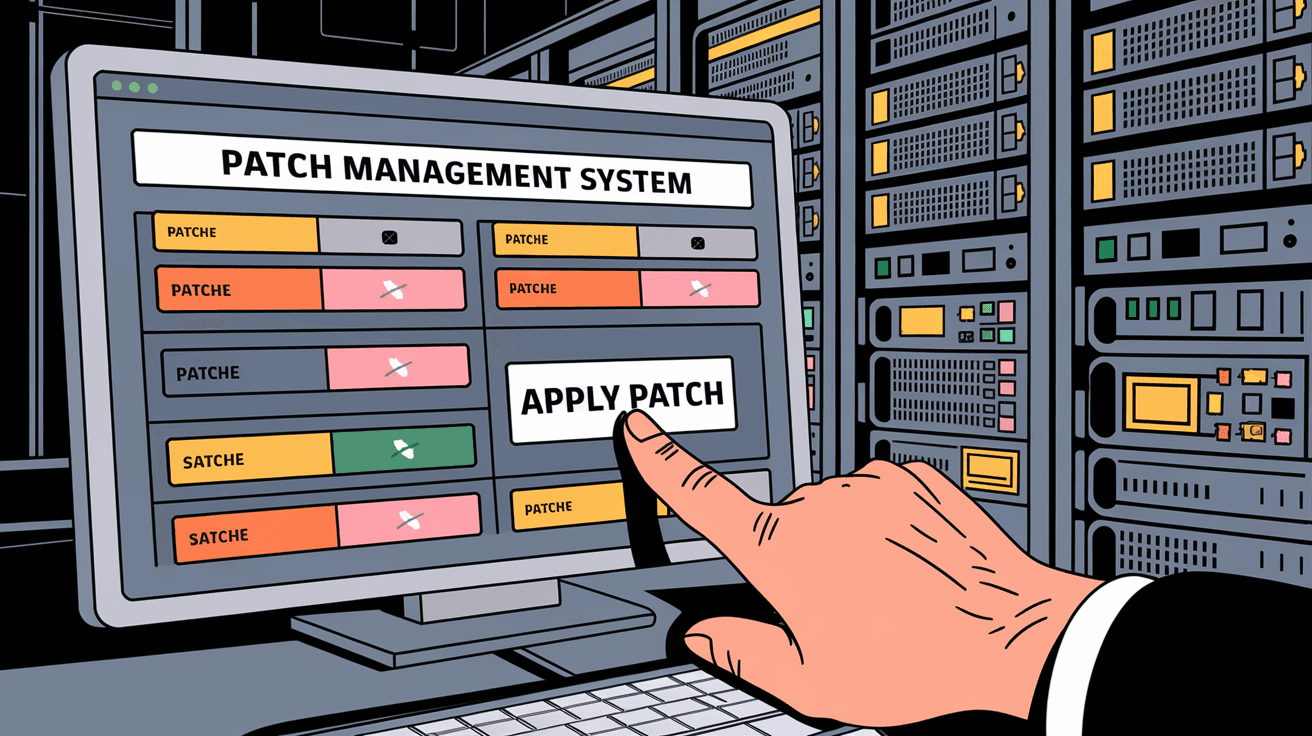
A patch management system is a tool or process that helps you manage software updates across your devices. These updates, or patches, are released by software makers to fix problems or improve features. The system automates finding, testing, and installing these patches.
Without patch management, you’d have to update each device manually, which is time-consuming and risky. A patch management system makes this easier by:
- Scanning devices for missing patches
- Downloading patches from trusted sources
- Testing patches to avoid conflicts
- Installing patches automatically or with approval
- Reporting on patch status and compliance
This system is essential for businesses and individuals who want to keep their software secure and efficient.
Why Patch Management is Important
Patch management is more than just updating software. It plays a key role in protecting your devices and data. Here’s why it matters:
- Security: Many patches fix vulnerabilities hackers exploit. Without updates, your system is open to attacks.
- Performance: Patches can improve software speed and fix bugs that slow down your device.
- Compliance: Some industries require regular patching to meet legal standards.
- Stability: Updates prevent crashes and software conflicts by fixing known issues.
- Cost Savings: Preventing security breaches and downtime saves money in the long run.
Ignoring patch management can lead to serious problems like data theft, ransomware attacks, or system failures.
How Does a Patch Management System Work?
A patch management system follows a clear process to keep your software updated. Here’s how it typically works:
- Discovery: The system scans your network to find all devices and software versions.
- Assessment: It checks which patches are missing or outdated.
- Download: The system downloads patches from official sources.
- Testing: Before installing, patches are tested to ensure they don’t cause problems.
- Deployment: Approved patches are installed automatically or manually.
- Reporting: The system generates reports on patch status and compliance.
This process helps you stay organized and reduces the risk of errors.
Types of Patches Managed
Patch management systems handle different types of patches, including:
- Security patches: Fix vulnerabilities that could be exploited by attackers.
- Bug fixes: Resolve errors or glitches in software.
- Feature updates: Add new functions or improve existing ones.
- Performance improvements: Enhance speed and efficiency.
- Driver updates: Ensure hardware components work properly.
Managing all these patch types ensures your system is secure and up to date.
Benefits of Using a Patch Management System
Using a patch management system offers many advantages:
- Automation: Saves time by automating patch discovery and installation.
- Consistency: Ensures all devices are updated uniformly.
- Reduced risk: Minimizes security vulnerabilities.
- Compliance: Helps meet industry regulations.
- Visibility: Provides clear reports on patch status.
- Scalability: Works for small setups or large enterprise networks.
These benefits make patch management systems essential for modern IT environments.
Challenges in Patch Management
While patch management is vital, it comes with challenges:
- Complex environments: Multiple devices and software make patching tricky.
- Compatibility issues: Some patches may cause software conflicts.
- Downtime risk: Installing patches can require system restarts.
- Resource constraints: Testing and deploying patches need time and expertise.
- User disruption: Updates can interrupt work if not scheduled properly.
A good patch management system helps overcome these challenges by offering testing, scheduling, and reporting features.
Popular Patch Management Tools in 2026
Several patch management tools are widely used today. Here are some popular options:
| Tool Name | Key Features | Best For |
| Microsoft SCCM | Integrates with Windows environments | Large enterprises |
| ManageEngine | Automated patching for multiple OS | Mid-sized businesses |
| Ivanti Patch | Security-focused patch management | Security-conscious firms |
| SolarWinds | Network-wide patching and monitoring | IT teams managing networks |
| GFI LanGuard | Vulnerability scanning and patching | Small to medium businesses |
Choosing the right tool depends on your environment, budget, and patching needs.
Best Practices for Effective Patch Management
To get the most from your patch management system, follow these best practices:
- Regular scanning: Schedule frequent scans to detect missing patches.
- Prioritize patches: Focus on critical security updates first.
- Test patches: Always test in a controlled environment before deployment.
- Schedule updates: Plan patch installations during low-usage hours.
- Backup systems: Create backups before applying patches.
- Monitor and report: Track patch status and compliance continuously.
- Educate users: Inform staff about patching importance and schedules.
These steps help maintain security and minimize disruptions.
Patch Management in Cloud and Hybrid Environments
With more businesses using cloud and hybrid setups, patch management has evolved. Cloud environments require patching not only on local devices but also on virtual machines and cloud services.
Key points for patch management in these environments:
- Use cloud-native patch management tools.
- Automate patching for virtual machines and containers.
- Coordinate patching across on-premises and cloud systems.
- Monitor cloud service provider updates and apply necessary patches.
- Ensure compliance with cloud security standards.
Managing patches in hybrid environments demands flexibility and integration between tools.
Conclusion
Now you know that a patch management system is a vital tool for keeping your software secure and running smoothly. It automates the process of finding, testing, and installing updates, saving you time and reducing risks. Whether you manage a small network or a large enterprise, patch management helps protect your data and maintain system performance.
By understanding how patch management works and following best practices, you can avoid security threats and keep your technology up to date. Investing in a good patch management system is a smart move to ensure your devices stay safe and efficient in today’s fast-changing digital world.
FAQs
What is the main purpose of a patch management system?
Its main purpose is to automate the process of finding, testing, and installing software updates to fix bugs, improve performance, and enhance security.
How often should patches be applied?
Patches should be applied regularly, often weekly or monthly, depending on the criticality of updates and your organization’s policies.
Can patch management prevent cyber attacks?
Yes, by quickly applying security patches, patch management reduces vulnerabilities that hackers exploit, lowering the risk of cyber attacks.
Is patch management only for large companies?
No, patch management is important for all sizes of organizations and even individual users to keep software secure and updated.
What happens if patches are not tested before deployment?
Untested patches can cause software conflicts, crashes, or downtime, so testing helps ensure updates don’t disrupt your systems.




