
What is Packet Sniffing Attack
Introduction
You might have heard about cyberattacks but wondered what exactly a packet sniffing attack is. It’s a sneaky way hackers capture data traveling over a network. If you use the internet daily, understanding this threat helps you stay safer online.
In this article, I’ll explain what packet sniffing attacks are, how they work, and what you can do to protect your personal information. By the end, you’ll know how to spot risks and keep your data secure.
What Is a Packet Sniffing Attack?
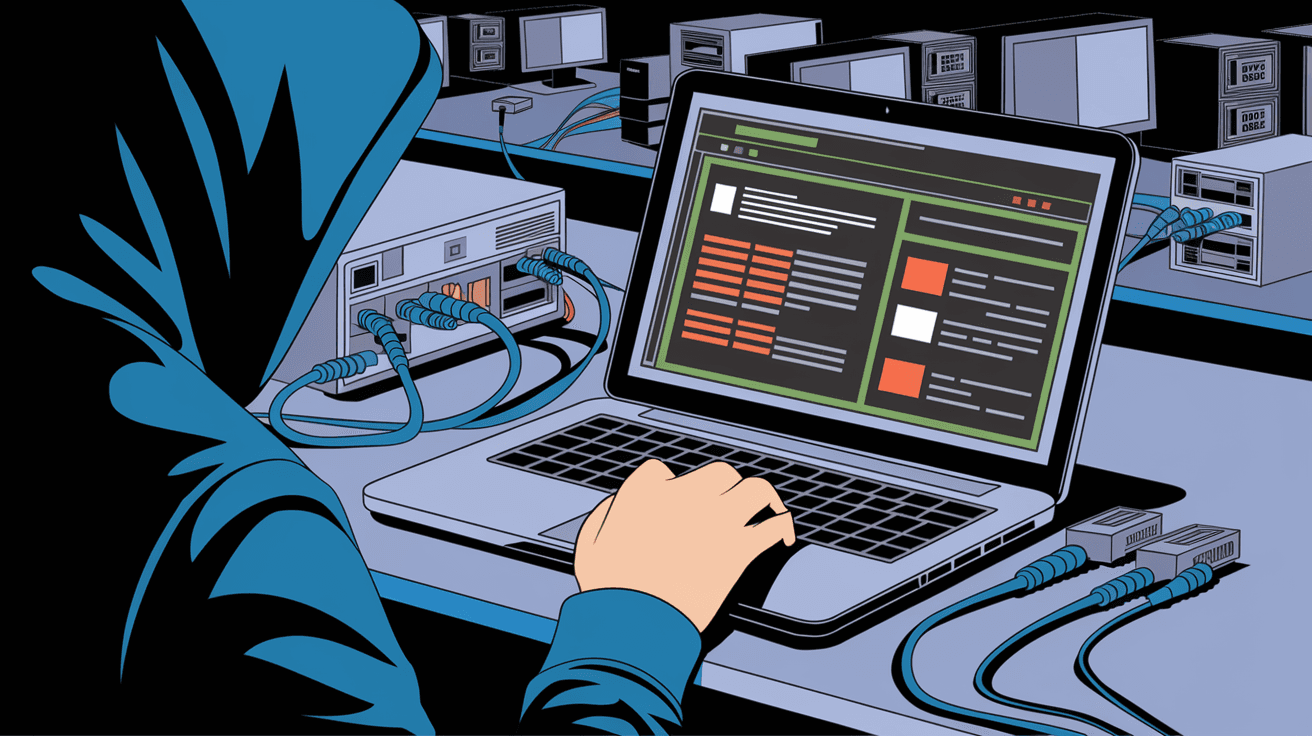
A packet sniffing attack happens when someone intercepts data packets moving through a network. Think of data packets as small envelopes carrying information like emails, passwords, or credit card numbers. Packet sniffers capture these envelopes to read or steal the data inside.
Hackers use special software or hardware tools called packet sniffers to listen in on network traffic. This attack is common on unsecured Wi-Fi networks or public hotspots where data isn’t encrypted.
How Packet Sniffing Works
- Data travels in packets across networks.
- Packet sniffers capture these packets.
- The attacker analyzes the packets to extract sensitive info.
- This info can include login credentials, personal messages, or financial details.
Packet sniffing can be passive, where the attacker only listens, or active, where they manipulate data or inject malicious packets.
Types of Packet Sniffing Attacks
There are several types of packet sniffing attacks depending on the method and target. Here are the most common ones:
Passive Sniffing
This is the simplest form. The attacker quietly listens to network traffic without altering it. It’s common on shared networks like public Wi-Fi. Since the attacker doesn’t interfere, it’s hard to detect.
Active Sniffing
In active sniffing, the attacker disrupts normal network operations to capture data. Techniques include:
- ARP Spoofing: The attacker sends fake Address Resolution Protocol messages to link their device to the victim’s IP address.
- MAC Flooding: Overloads a switch’s memory to force it to broadcast all packets to every port.
- DNS Spoofing: Redirects users to fake websites by altering DNS responses.
Protocol-Specific Sniffing
Some attacks target specific protocols like HTTP, FTP, or Telnet, which often transmit data in plain text. Attackers focus on these to grab unencrypted credentials.
Why Are Packet Sniffing Attacks Dangerous?
Packet sniffing attacks can cause serious damage because they expose sensitive data. Here’s why they matter:
- Data Theft: Attackers can steal passwords, credit card numbers, or personal messages.
- Identity Theft: Stolen data can be used to impersonate victims.
- Corporate Espionage: Businesses risk losing confidential information.
- Network Breaches: Attackers can gain access to internal systems.
- Spread of Malware: Captured data can include malicious code.
Since many people use public Wi-Fi without protection, packet sniffing attacks remain a popular method for cybercriminals.
How to Detect Packet Sniffing Attacks
Detecting packet sniffing can be tricky because attackers often stay hidden. However, some signs may indicate an attack:
- Slow Network Performance: Unusual delays or slowdowns.
- Unexpected Network Traffic: Unknown devices connected to your network.
- Frequent Disconnections: Sudden loss of connection.
- Alerts from Security Software: Some tools can detect ARP spoofing or unusual packet captures.
Network administrators use specialized software to monitor traffic and spot suspicious activity.
How to Protect Yourself from Packet Sniffing Attacks
You can take several steps to reduce the risk of packet sniffing attacks. Here are practical tips:
Use Encryption
- Always use websites with HTTPS.
- Use VPNs (Virtual Private Networks) to encrypt your internet traffic.
- Enable WPA3 encryption on your Wi-Fi router.
Avoid Public Wi-Fi for Sensitive Tasks
- Don’t access banking or shopping sites on public networks.
- Use mobile data or trusted networks instead.
Keep Software Updated
- Regularly update your operating system and apps.
- Security patches fix vulnerabilities that attackers exploit.
Use Strong Authentication
- Enable two-factor authentication (2FA) wherever possible.
- Use strong, unique passwords.
Employ Network Security Tools
- Use firewalls and antivirus software.
- Network admins can deploy intrusion detection systems (IDS) to monitor traffic.
Real-World Examples of Packet Sniffing Attacks
Packet sniffing attacks have caused major security breaches worldwide. Here are some examples:
- Public Wi-Fi Attacks: Hackers captured login credentials from users on airport or café Wi-Fi.
- Corporate Espionage: Attackers intercepted sensitive emails and documents by sniffing internal networks.
- Man-in-the-Middle Attacks: Attackers used ARP spoofing to intercept communications between users and websites.
These cases highlight the importance of securing your network and data.
Tools Used in Packet Sniffing Attacks
Attackers use various tools to sniff packets. Some popular ones include:
| Tool Name | Description | Usage |
| Wireshark | Open-source packet analyzer | Network troubleshooting & sniffing |
| tcpdump | Command-line packet analyzer | Capturing and analyzing packets |
| Cain & Abel | Password recovery tool with sniffing | Sniffing and cracking passwords |
| Ettercap | Network sniffer and MITM attack tool | Active sniffing and spoofing |
Knowing these tools helps you understand how attackers operate and how to defend against them.
Packet Sniffing in the Age of IoT and 5G
With more devices connected through the Internet of Things (IoT) and faster 5G networks, packet sniffing risks are evolving. IoT devices often have weak security, making them easy targets.
5G networks offer better encryption but also increase data flow, giving attackers more opportunities if security is weak. It’s crucial to secure all devices and networks to prevent sniffing attacks.
Conclusion
Packet sniffing attacks are a serious threat that can expose your private information. By understanding how these attacks work and the risks involved, you can take steps to protect yourself. Using encryption, avoiding public Wi-Fi for sensitive tasks, and keeping your software updated are simple but effective defenses.
Remember, staying informed and cautious online is your best defense against packet sniffing. Protect your data and privacy by following the tips shared here, and you’ll reduce your chances of falling victim to this common cyberattack.
FAQs
What is the main goal of a packet sniffing attack?
The main goal is to intercept and capture data packets traveling over a network to steal sensitive information like passwords, credit card numbers, or personal messages.
Can packet sniffing attacks happen on home Wi-Fi networks?
Yes, if your home Wi-Fi is unsecured or uses weak encryption, attackers nearby can sniff packets and capture your data.
How does a VPN protect against packet sniffing?
A VPN encrypts your internet traffic, making it unreadable to anyone trying to sniff packets on the network.
Is packet sniffing illegal?
Yes, unauthorized packet sniffing is illegal in most countries because it invades privacy and steals data.
Can antivirus software detect packet sniffing attacks?
Some antivirus and security tools can detect suspicious network activity related to packet sniffing, but they may not catch all attacks. Using multiple security layers is best.




