
What is Packet Sniffing
Introduction
You might have heard the term "packet sniffing" when talking about internet security or network monitoring. But what exactly is packet sniffing, and why should you care about it? In simple terms, packet sniffing is a way to capture and analyze data traveling through a network. This can be useful for troubleshooting or harmful if used to steal information.
Understanding packet sniffing helps you protect your personal data and your business network. In this article, I’ll explain what packet sniffing is, how it works, its common uses, risks involved, and ways you can defend against it. By the end, you’ll know how to spot and prevent unwanted packet sniffing.
What is Packet Sniffing?
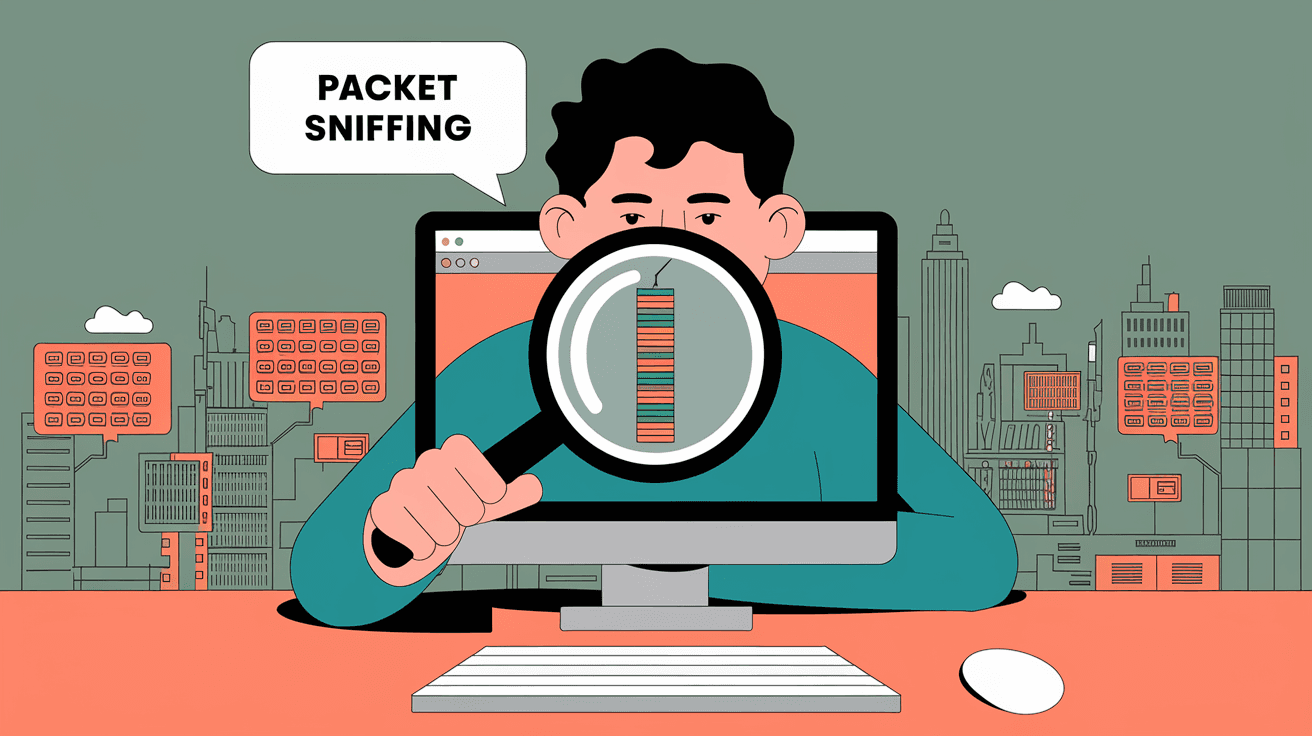
Packet sniffing is the process of intercepting and logging data packets that travel across a computer network. Think of it like listening in on a conversation happening over the internet or a local network. Each packet contains small pieces of information, such as the sender’s address, the receiver’s address, and the actual data being sent.
How Packet Sniffing Works
- Networks send data in small chunks called packets.
- Packet sniffers capture these packets as they move through the network.
- The captured data is then analyzed to understand what information is being sent.
Packet sniffers can be hardware devices or software programs. They work by putting the network interface card (NIC) into "promiscuous mode," which allows it to capture all packets, not just those addressed to the device.
Common Uses of Packet Sniffing
Packet sniffing is not always bad. It has many legitimate uses that help keep networks running smoothly.
Network Troubleshooting
- Detecting network slowdowns or failures.
- Identifying misconfigured devices.
- Monitoring traffic to find bottlenecks.
Network Security
- Detecting unauthorized access or suspicious activity.
- Analyzing malware behavior.
- Monitoring data leaks.
Network Performance Monitoring
- Measuring bandwidth usage.
- Tracking application performance.
- Ensuring quality of service.
Educational Purposes
- Teaching students about network protocols.
- Practicing cybersecurity skills.
Risks and Dangers of Packet Sniffing
While packet sniffing can be helpful, it can also be dangerous if used by attackers. Here are some risks you should be aware of:
Data Theft
Attackers can capture sensitive information like passwords, credit card numbers, or personal messages if the data is not encrypted.
Privacy Invasion
Packet sniffing can reveal private conversations or browsing habits without your knowledge.
Network Attacks
Captured data can be used to launch further attacks, such as session hijacking or man-in-the-middle attacks.
Legal Issues
Unauthorized packet sniffing is illegal in many countries and can lead to serious penalties.
How to Protect Yourself from Packet Sniffing
You don’t have to be helpless against packet sniffing. There are several ways to protect your data and network.
Use Encryption
- Always use HTTPS websites.
- Use VPNs to encrypt all your internet traffic.
- Enable encryption on Wi-Fi networks (WPA3 is the latest standard).
Secure Network Devices
- Change default passwords on routers.
- Keep firmware updated.
- Disable unused network services.
Use Strong Authentication
- Use multi-factor authentication.
- Avoid sending sensitive data over unsecured networks.
Monitor Your Network
- Use intrusion detection systems.
- Regularly check for unusual network activity.
Educate Yourself and Others
- Learn about phishing and social engineering.
- Train employees on cybersecurity best practices.
Popular Packet Sniffing Tools
Several tools are widely used for packet sniffing, both for legitimate and malicious purposes.
| Tool Name | Description | Use Case |
| Wireshark | Open-source network protocol analyzer | Network troubleshooting and analysis |
| tcpdump | Command-line packet analyzer | Quick packet capture and filtering |
| Cain & Abel | Password recovery tool with sniffing | Security testing (ethical hacking) |
| Ettercap | Man-in-the-middle attack tool | Network security testing |
| Nmap | Network scanner with packet capture | Network discovery and security auditing |
How Packet Sniffing Impacts Businesses
Businesses rely heavily on networks to operate. Packet sniffing can affect them in several ways:
Positive Impacts
- Helps IT teams diagnose network issues quickly.
- Assists in detecting insider threats.
- Supports compliance with security policies.
Negative Impacts
- Data breaches from stolen information.
- Loss of customer trust.
- Financial losses due to cyberattacks.
Businesses must balance the benefits of packet sniffing for security with the risks of exposure.
Packet Sniffing in Wireless Networks
Wireless networks are more vulnerable to packet sniffing because data travels through the air.
Why Wireless Networks Are Riskier
- Anyone within range can potentially capture packets.
- Older Wi-Fi standards have weak or no encryption.
- Public Wi-Fi hotspots are common targets.
Protecting Wireless Networks
- Use strong encryption like WPA3.
- Avoid connecting to unknown public Wi-Fi.
- Use VPNs on wireless networks.
- Regularly update router firmware.
Legal and Ethical Considerations
Packet sniffing raises important legal and ethical questions.
When Is Packet Sniffing Legal?
- When done on your own network for troubleshooting.
- With explicit permission from network owners.
- For educational or research purposes with consent.
When Is Packet Sniffing Illegal?
- Capturing data on networks you don’t own or have permission to monitor.
- Using captured data for malicious purposes.
- Violating privacy laws or regulations.
Always ensure you have proper authorization before using packet sniffing tools.
Conclusion
Packet sniffing is a powerful technique that lets you capture and analyze data traveling through networks. It can help you troubleshoot problems, improve security, and learn about network behavior. However, it also poses risks if used by attackers to steal sensitive information or invade privacy.
By understanding how packet sniffing works and the dangers involved, you can take steps to protect yourself and your network. Using encryption, securing devices, and staying informed about cybersecurity best practices are key to staying safe. Whether you’re a casual internet user or a business owner, knowing about packet sniffing helps you keep your data secure in today’s connected world.
FAQs
What is the main purpose of packet sniffing?
Packet sniffing is mainly used to capture and analyze data packets traveling through a network. It helps with troubleshooting, monitoring network performance, and detecting security issues.
Can packet sniffing be used legally?
Yes, packet sniffing is legal when performed on your own network or with permission. It is commonly used by network administrators and security professionals for legitimate purposes.
How can I tell if someone is sniffing my network?
Signs include unusual network slowdowns, unexpected device connections, or alerts from security software. Using network monitoring tools can help detect suspicious sniffing activity.
Is packet sniffing dangerous on public Wi-Fi?
Yes, public Wi-Fi is especially vulnerable because data is often unencrypted. Attackers can easily capture packets, so using a VPN and avoiding sensitive transactions on public Wi-Fi is important.
What tools do professionals use for packet sniffing?
Popular tools include Wireshark for detailed analysis, tcpdump for command-line captures, and Nmap for network scanning. These tools help professionals monitor and secure networks effectively.




