
What is Packet Capture Appliance
Introduction
You might have heard about packet capture appliances but wonder what they really do. If you manage a network or care about cybersecurity, understanding these devices can be a game-changer. They help you see exactly what’s happening on your network by capturing and analyzing data packets.
In this article, I’ll explain what a packet capture appliance is, how it works, and why it’s important. You’ll also learn about its key features and how it helps protect and troubleshoot networks. Let’s dive in and explore this essential tool for network professionals.
What is a Packet Capture Appliance?
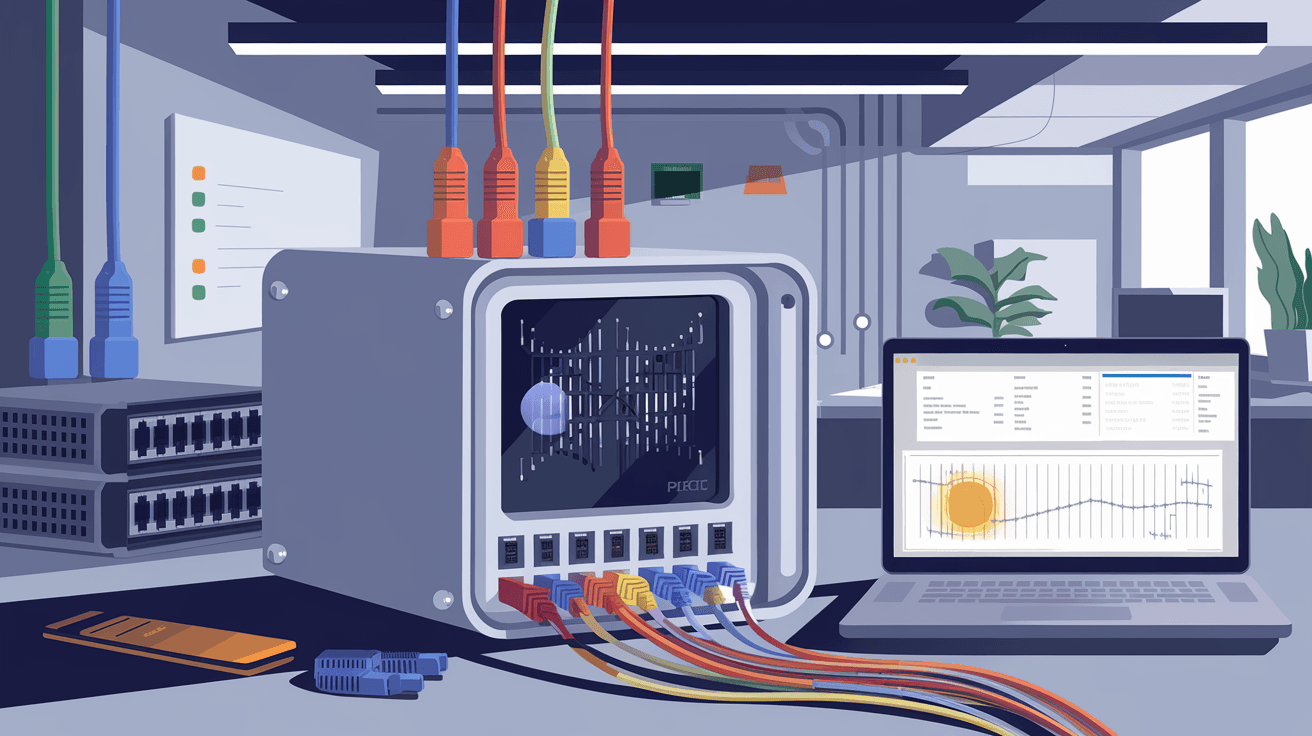
A packet capture appliance is a specialized hardware device designed to intercept, capture, and store data packets traveling across a computer network. Unlike software-based packet sniffers, these appliances are built to handle high volumes of network traffic without slowing down the network.
They work by tapping into network links and copying packets for analysis. This lets you see the exact data moving through your network, including headers and payloads. Packet capture appliances are widely used in cybersecurity, network troubleshooting, and performance monitoring.
How Packet Capture Appliances Differ from Software Tools
- Hardware-based: Dedicated devices optimized for speed and reliability.
- High capacity: Can capture large volumes of data continuously.
- Non-intrusive: Operate passively without affecting network performance.
- Long-term storage: Often include large storage for historical data analysis.
How Does a Packet Capture Appliance Work?
Packet capture appliances connect to network points such as switches or routers using methods like port mirroring or network taps. Once connected, they intercept every packet passing through that point.
Here’s a simple breakdown of the process:
- Data interception: The appliance receives a copy of all packets on the network segment.
- Packet filtering: It can filter packets based on rules to capture only relevant data.
- Storage: Captured packets are stored locally or sent to a central server.
- Analysis: The appliance or connected software analyzes the packets for patterns, threats, or performance issues.
This process happens in real-time, allowing network teams to monitor traffic continuously or review historical data when needed.
Common Connection Methods
- Port Mirroring (SPAN): Switch duplicates traffic to the appliance.
- Network Tap: A hardware device that copies traffic without interruption.
- Inline Deployment: Appliance sits directly in the traffic path for active monitoring.
Why Use a Packet Capture Appliance?
You might wonder why you need a packet capture appliance when software tools exist. The answer lies in performance, accuracy, and security.
Benefits of Using a Packet Capture Appliance
- High-speed capture: Handles gigabit or even terabit networks without dropping packets.
- Comprehensive visibility: Captures all packet details, including encrypted traffic metadata.
- Improved security: Detects intrusions, malware, and suspicious activity by analyzing packet contents.
- Faster troubleshooting: Helps identify network bottlenecks, failures, or misconfigurations quickly.
- Regulatory compliance: Supports data retention policies by storing network traffic logs.
Real-World Use Cases
- Cybersecurity teams use appliances to detect and investigate attacks.
- Network engineers troubleshoot slow or failing connections.
- Compliance officers maintain records for audits.
- Service providers monitor customer traffic for quality assurance.
Key Features of Packet Capture Appliances
When choosing a packet capture appliance, it’s important to understand the features that make them effective.
1. High Throughput and Scalability
- Supports multi-gigabit speeds.
- Can scale to capture traffic from multiple network segments.
- Ensures no packet loss during capture.
2. Large Storage Capacity
- Stores terabytes of packet data.
- Supports fast retrieval for analysis.
- Often uses SSDs or hybrid storage for speed and durability.
3. Advanced Filtering and Indexing
- Filters packets by IP, port, protocol, or content.
- Indexes data for quick searches.
- Enables targeted investigations without sifting through all traffic.
4. Integration with Analysis Tools
- Works with network monitoring and security platforms.
- Supports exporting data in standard formats like PCAP.
- Provides APIs for automation and custom workflows.
5. Security and Compliance Features
- Encrypts stored data.
- Supports role-based access control.
- Maintains audit logs for accountability.
How to Deploy a Packet Capture Appliance
Deploying a packet capture appliance requires planning to ensure it captures the right data without disrupting your network.
Steps to Deploy
- Identify capture points: Choose network segments critical for monitoring.
- Select connection method: Use port mirroring or taps based on infrastructure.
- Install the appliance: Connect hardware and configure network settings.
- Set capture policies: Define filters and retention rules.
- Integrate with analysis tools: Connect to SIEM or monitoring platforms.
- Test and validate: Ensure packets are captured accurately and performance is stable.
Best Practices
- Place appliances at network chokepoints or critical links.
- Regularly update firmware and software.
- Monitor appliance health and storage capacity.
- Train staff on interpreting capture data.
Challenges and Considerations
While packet capture appliances are powerful, they come with challenges you should consider.
Storage Management
Capturing all network traffic generates huge amounts of data. Managing storage efficiently is crucial to avoid running out of space or losing important data.
Privacy Concerns
Packet captures may include sensitive information. Ensure compliance with privacy laws and implement strict access controls.
Cost
High-performance appliances can be expensive. Balance your needs with budget constraints.
Complexity
Analyzing raw packet data requires expertise. Investing in training or user-friendly tools helps maximize value.
Conclusion
A packet capture appliance is a vital tool for anyone serious about network security and performance. It gives you deep visibility into your network traffic by capturing and storing data packets in real-time. This helps you detect threats, troubleshoot issues, and comply with regulations.
By understanding how these appliances work and their key features, you can make informed decisions about deploying them in your network. Whether you’re a network engineer, security analyst, or IT manager, a packet capture appliance can provide the insights you need to keep your network safe and running smoothly.
FAQs
What types of networks can a packet capture appliance monitor?
Packet capture appliances can monitor various networks, including Ethernet LANs, WANs, data centers, and cloud environments. They support speeds from 1 Gbps to multiple terabits per second.
Can packet capture appliances handle encrypted traffic?
While they cannot decrypt encrypted payloads without keys, appliances capture metadata and packet headers. This information helps detect anomalies and suspicious patterns even in encrypted traffic.
How long can packet capture appliances store data?
Storage duration depends on appliance capacity and configured retention policies. Some appliances store weeks or months of data, while others archive older captures to external storage.
Are packet capture appliances difficult to use?
Basic deployment is straightforward, but analyzing packet data requires network knowledge. Many appliances include user-friendly interfaces and integrate with analysis tools to simplify usage.
Do packet capture appliances affect network performance?
No, they operate passively by copying traffic without interfering. Proper deployment ensures zero impact on network speed or reliability.




