
What is Outbound Traffic Filtering
Introduction
When you think about network security, you probably focus on stopping bad traffic from coming into your system. But what about the traffic leaving your network? That’s where outbound traffic filtering comes in. It’s a crucial part of keeping your data safe and preventing cyber threats from spreading.
In this article, I’ll explain what outbound traffic filtering is, why it’s important, and how you can use it to protect your network. Whether you’re managing a business network or just curious about cybersecurity, understanding this concept will help you stay one step ahead of hackers and data leaks.
What is Outbound Traffic Filtering?
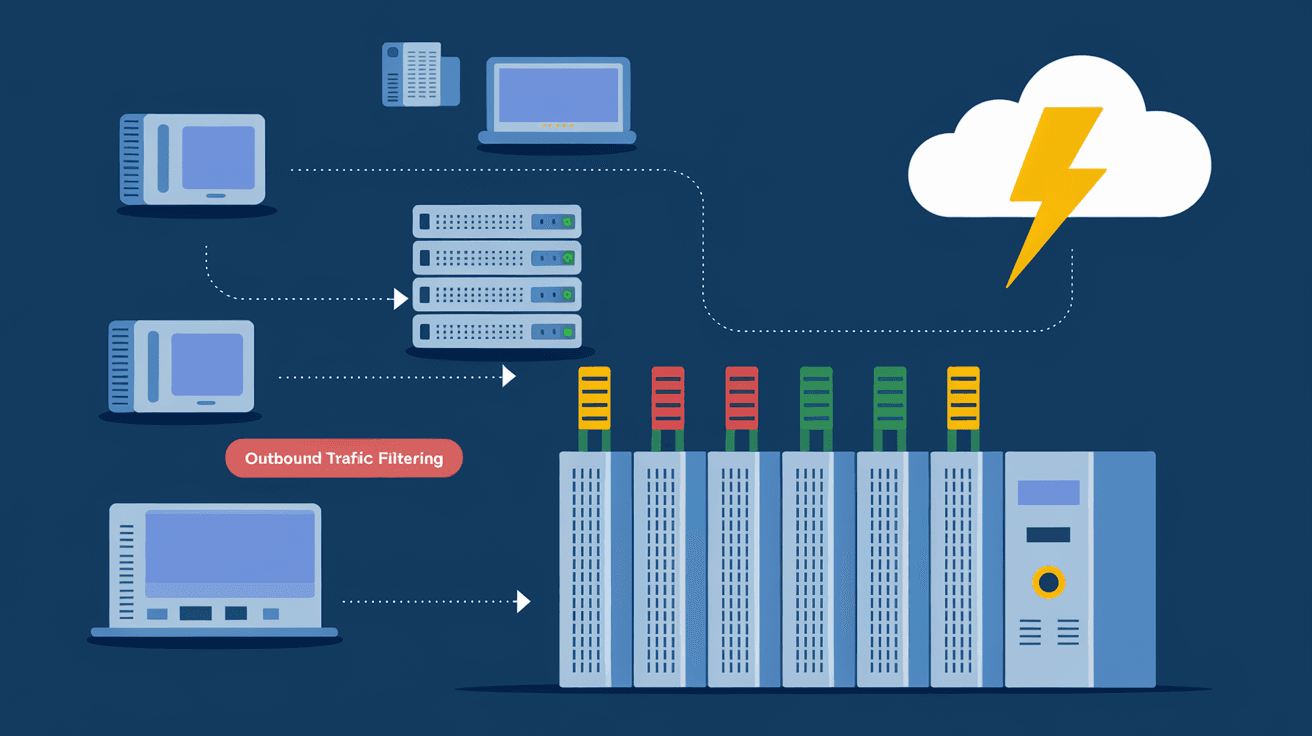
Outbound traffic filtering is a security process that controls the data leaving your network. It checks outgoing connections and blocks any suspicious or unauthorized traffic. This helps prevent malware, ransomware, or sensitive information from leaving your system without permission.
Unlike inbound filtering, which stops threats from entering, outbound filtering focuses on what goes out. It acts like a gatekeeper, making sure only safe and approved data leaves your network.
How Outbound Traffic Filtering Works
- Monitoring: It watches all outgoing network traffic.
- Rules: Filters use rules to decide what traffic is allowed or blocked.
- Blocking: Suspicious or unauthorized traffic is stopped.
- Logging: Records details of blocked traffic for review.
This process helps detect unusual activity, like a hacker trying to send stolen data or malware communicating with its control server.
Why Outbound Traffic Filtering is Important
You might wonder why you need to filter outbound traffic if your firewall already blocks incoming threats. Here are some reasons why outbound filtering is essential:
- Prevent Data Leaks: Stops sensitive information from being sent out accidentally or by malicious insiders.
- Detect Malware: Many malware types try to connect to external servers. Outbound filtering can catch these attempts.
- Control Applications: It helps manage which applications can access the internet, reducing risks from unauthorized software.
- Improve Compliance: Many regulations require monitoring and controlling data leaving your network.
By filtering outbound traffic, you add an extra layer of defense that protects your network from inside threats and data breaches.
Common Use Cases for Outbound Traffic Filtering
Outbound traffic filtering is useful in many scenarios. Here are some common examples:
- Corporate Networks: Companies use it to prevent employees from sending confidential data outside.
- Schools and Universities: To block access to harmful or inappropriate websites.
- Government Agencies: To comply with strict data protection laws.
- Home Networks: To stop malware from communicating with hackers.
Each use case benefits from customizing filtering rules to fit specific security needs.
How to Implement Outbound Traffic Filtering
Implementing outbound traffic filtering involves several steps. Here’s a simple guide to get started:
1. Define Your Policies
Decide what types of outbound traffic are allowed. Consider:
- Approved applications and services
- Allowed websites and IP addresses
- Data types that can leave the network
2. Choose the Right Tools
You can use:
- Firewalls with outbound filtering features
- Proxy servers to control web traffic
- Endpoint security software with network controls
3. Set Up Filtering Rules
Create rules based on your policies. For example:
- Block all traffic except for approved applications
- Restrict access to certain websites or IP ranges
- Limit data transfer sizes or types
4. Monitor and Adjust
Regularly review logs and alerts to spot unusual activity. Update rules as needed to improve security.
Benefits of Outbound Traffic Filtering
Using outbound traffic filtering offers many advantages:
- Enhanced Security: Stops threats before they leave your network.
- Better Visibility: Gives insight into what data is leaving your system.
- Reduced Risk of Data Breaches: Limits unauthorized data transfers.
- Compliance Support: Helps meet legal and industry standards.
- Control Over Network Usage: Manages how users and devices access external resources.
These benefits make outbound filtering a smart choice for any network.
Challenges and Considerations
While outbound traffic filtering is powerful, it comes with challenges:
- Complex Rule Management: Creating and maintaining rules can be time-consuming.
- False Positives: Legitimate traffic might get blocked accidentally.
- Performance Impact: Filtering can slow down network speed if not optimized.
- User Resistance: Employees may find restrictions frustrating.
To overcome these, balance security with usability and keep communication open with users.
Outbound Traffic Filtering vs. Inbound Traffic Filtering
Both inbound and outbound filtering are vital, but they serve different purposes:
| Feature | Outbound Traffic Filtering | Inbound Traffic Filtering |
| Focus | Controls data leaving the network | Controls data entering the network |
| Purpose | Prevents data leaks and malware communication | Blocks external threats and unauthorized access |
| Common Tools | Firewalls, proxies, endpoint security | Firewalls, intrusion prevention systems |
| Key Benefit | Stops internal threats and data loss | Stops external attacks and intrusions |
Using both together creates a strong, layered defense.
Best Practices for Outbound Traffic Filtering
To get the most from outbound filtering, follow these tips:
- Start with a Baseline: Understand normal outbound traffic patterns.
- Use Whitelisting: Allow only known, trusted traffic.
- Regularly Update Rules: Adapt to new threats and business needs.
- Educate Users: Explain why filtering is necessary.
- Combine with Other Security Measures: Use antivirus, intrusion detection, and encryption.
These practices help maintain effective and user-friendly filtering.
Tools and Technologies for Outbound Traffic Filtering
Several tools can help you implement outbound filtering effectively:
- Next-Generation Firewalls (NGFW): Offer advanced filtering and monitoring.
- Proxy Servers: Control web traffic and enforce policies.
- Unified Threat Management (UTM): Combine multiple security features, including outbound filtering.
- Endpoint Protection Platforms (EPP): Manage device-level outbound traffic.
- Cloud Security Gateways: Filter traffic in cloud environments.
Choosing the right tool depends on your network size, complexity, and security goals.
Conclusion
Outbound traffic filtering is a key part of modern network security. It helps you control what data leaves your network, stopping malware, preventing data leaks, and ensuring compliance. By understanding how it works and implementing it carefully, you can protect your network from hidden threats.
Remember, outbound filtering works best when combined with inbound filtering and other security measures. Start by defining clear policies, choosing the right tools, and regularly monitoring your network. This way, you’ll keep your data safe and your network running smoothly.
FAQs
What is the main purpose of outbound traffic filtering?
Outbound traffic filtering controls and monitors data leaving your network to prevent unauthorized access, data leaks, and malware communication.
How does outbound filtering differ from inbound filtering?
Outbound filtering manages outgoing traffic, while inbound filtering controls incoming traffic. Both protect your network but focus on different directions.
Can outbound traffic filtering slow down my network?
It can, especially if filtering rules are complex or hardware is limited. Proper setup and optimization minimize performance impact.
What types of traffic are usually blocked by outbound filters?
Filters often block unauthorized applications, suspicious IP addresses, and data transfers that violate security policies.
Is outbound traffic filtering required for compliance?
Many regulations require monitoring and controlling outbound data to protect sensitive information and ensure privacy.




