
What is Network Security Gateway
Introduction
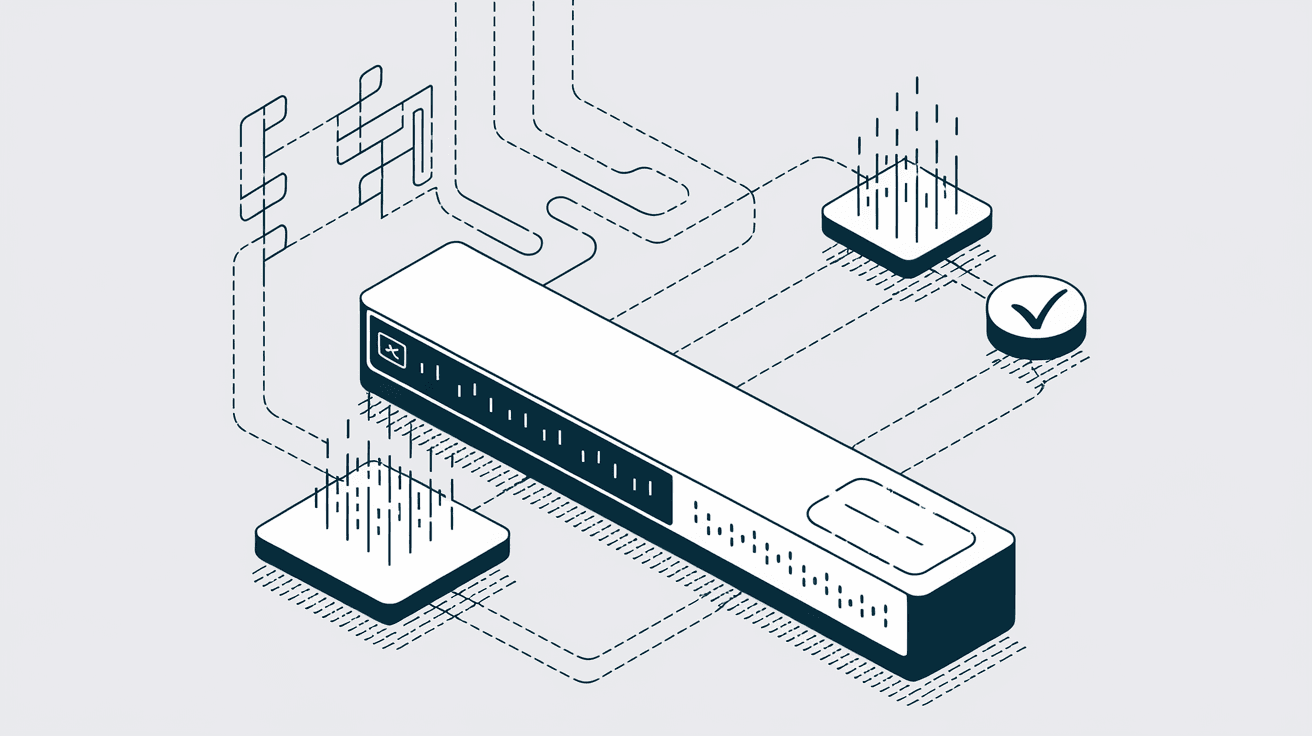
When you think about protecting your network, you might imagine firewalls or antivirus software. But have you heard of a network security gateway? It’s a crucial part of keeping your data safe and your systems running smoothly. In simple terms, a network security gateway acts like a gatekeeper, controlling what enters and leaves your network.
In this article, I’ll explain what a network security gateway is, how it works, and why it’s important for businesses and individuals alike. You’ll also learn about different types of gateways and how they help defend against cyber threats. Let’s dive in and explore this essential security tool.
What is a Network Security Gateway?
A network security gateway is a device or software that monitors and controls traffic between different networks. It acts as a checkpoint, allowing only authorized data to pass through while blocking harmful or suspicious traffic. Think of it as a security guard at the entrance of a building, checking IDs and stopping anyone who looks dangerous.
These gateways are often placed at the boundary between an internal network (like your company’s private network) and the internet or other external networks. Their main job is to protect your network from unauthorized access, malware, and other cyber threats.
Key Functions of a Network Security Gateway
- Traffic Filtering: Examines incoming and outgoing data packets to allow or block them based on security rules.
- Threat Detection: Identifies malware, viruses, and suspicious activities.
- Access Control: Ensures only authorized users and devices can connect to the network.
- Data Encryption: Protects sensitive information by encrypting data passing through the gateway.
- Logging and Reporting: Keeps records of network activity for analysis and compliance.
How Does a Network Security Gateway Work?
A network security gateway works by inspecting the data packets that travel between networks. It uses a set of rules and security policies to decide whether to allow or block each packet. This process is called packet filtering.
The gateway can operate at different layers of the network, such as:
- Network Layer: Checks IP addresses and ports.
- Transport Layer: Examines protocols like TCP or UDP.
- Application Layer: Inspects the actual content of the data, such as emails or web requests.
By analyzing data at multiple layers, the gateway can detect complex threats that simple firewalls might miss.
Steps in Gateway Operation
- Packet Arrival: Data packets arrive at the gateway from an external or internal source.
- Inspection: The gateway examines the packet’s header and content.
- Rule Matching: It compares the packet against predefined security rules.
- Decision: The packet is either allowed through or blocked.
- Logging: The action is recorded for future review.
Types of Network Security Gateways
There are several types of network security gateways, each designed for specific security needs. Here are the most common ones:
1. Firewall Gateway
A firewall gateway is the most basic type. It filters traffic based on IP addresses, ports, and protocols. Firewalls can be hardware devices or software applications.
- Example: A company firewall blocks all incoming traffic except for web and email services.
2. Proxy Gateway
Proxy gateways act as intermediaries between users and the internet. They hide the user’s IP address and can cache content to improve performance.
- Example: A proxy gateway blocks access to harmful websites and logs user activity.
3. VPN Gateway
A VPN (Virtual Private Network) gateway creates a secure, encrypted tunnel between two networks or between a user and a network. This protects data from interception.
- Example: Remote employees connect to the company network securely through a VPN gateway.
4. Unified Threat Management (UTM) Gateway
UTM gateways combine multiple security features like firewall, antivirus, intrusion detection, and content filtering into one device.
- Example: A UTM gateway protects a small business network with all-in-one security.
Why is a Network Security Gateway Important?
In today’s digital world, cyber threats are more sophisticated and frequent than ever. A network security gateway is essential because it provides a strong defense line against these threats.
Benefits of Using a Network Security Gateway
- Protects Sensitive Data: Prevents unauthorized access to confidential information.
- Blocks Malware and Attacks: Stops viruses, ransomware, and hacking attempts before they reach your network.
- Controls User Access: Ensures only trusted users and devices connect to your systems.
- Improves Network Performance: Filters unwanted traffic, reducing network congestion.
- Supports Compliance: Helps meet security regulations like GDPR and HIPAA.
Without a network security gateway, your network is vulnerable to attacks that can lead to data breaches, financial loss, and damage to your reputation.
How to Choose the Right Network Security Gateway
Choosing the right gateway depends on your specific needs, network size, and security requirements. Here are some factors to consider:
1. Network Size and Complexity
- Small businesses might prefer a UTM gateway for all-in-one protection.
- Large enterprises may need specialized gateways for different network segments.
2. Security Features
- Look for gateways that offer advanced threat detection, intrusion prevention, and encryption.
- Consider gateways with regular updates to stay ahead of new threats.
3. Performance
- Ensure the gateway can handle your network’s traffic volume without slowing down operations.
- Check for scalability options as your network grows.
4. Ease of Management
- Choose gateways with user-friendly interfaces and centralized management tools.
- Consider cloud-based gateways for easier remote management.
5. Budget
- Balance cost with features and performance.
- Remember that investing in good security can save money by preventing costly breaches.
Implementing a Network Security Gateway
Setting up a network security gateway involves planning and configuration to fit your network environment.
Steps to Implement
- Assess Your Network: Understand your network layout, devices, and traffic patterns.
- Define Security Policies: Decide what traffic to allow or block based on your security goals.
- Install the Gateway: Place the device or software at the network boundary.
- Configure Rules: Set up filtering, access controls, and other security settings.
- Test the Setup: Verify that legitimate traffic passes and threats are blocked.
- Monitor and Update: Regularly review logs and update rules to adapt to new threats.
Common Challenges with Network Security Gateways
While gateways are powerful, they can face some challenges:
- False Positives: Blocking legitimate traffic by mistake.
- Performance Impact: Security checks can slow down network speed.
- Complex Configuration: Requires expertise to set up correctly.
- Keeping Up with Threats: Needs constant updates to handle new attack methods.
Addressing these challenges involves ongoing management and choosing the right gateway for your needs.
Future Trends in Network Security Gateways
As cyber threats evolve, so do network security gateways. Here are some trends shaping their future:
- AI and Machine Learning: Gateways will use AI to detect threats faster and more accurately.
- Cloud Integration: More gateways will operate in the cloud for flexibility and scalability.
- Zero Trust Security: Gateways will enforce strict access controls, assuming no user or device is trusted by default.
- IoT Security: Gateways will protect the growing number of connected devices in homes and businesses.
Staying informed about these trends can help you keep your network secure in the years ahead.
Conclusion
A network security gateway is a vital tool for protecting your network from cyber threats. It acts as a gatekeeper, filtering traffic, detecting threats, and controlling access to keep your data safe. Whether you run a small business or manage a large enterprise, understanding how these gateways work can help you make better security decisions.
By choosing the right gateway and keeping it updated, you can defend your network against attacks and ensure smooth, secure operations. Remember, in the digital age, strong network security is not optional—it’s essential.
FAQs
What is the difference between a firewall and a network security gateway?
A firewall is a type of network security gateway focused on filtering traffic based on IP addresses and ports. A network security gateway can include firewalls but also offers broader functions like VPN, proxy, and unified threat management.
Can a network security gateway protect against ransomware?
Yes, many gateways include malware detection and intrusion prevention features that help block ransomware before it enters your network.
Is a network security gateway necessary for home networks?
While more common in businesses, home users can benefit from gateways, especially with smart devices and increasing cyber threats.
How often should I update my network security gateway?
Updates should be applied regularly, often monthly or as soon as new security patches are released, to protect against the latest threats.
Can network security gateways slow down my internet speed?
They can impact performance due to traffic inspection, but modern gateways are designed to minimize this and maintain fast network speeds.




