
What is Network Packet Analyzer
Introduction
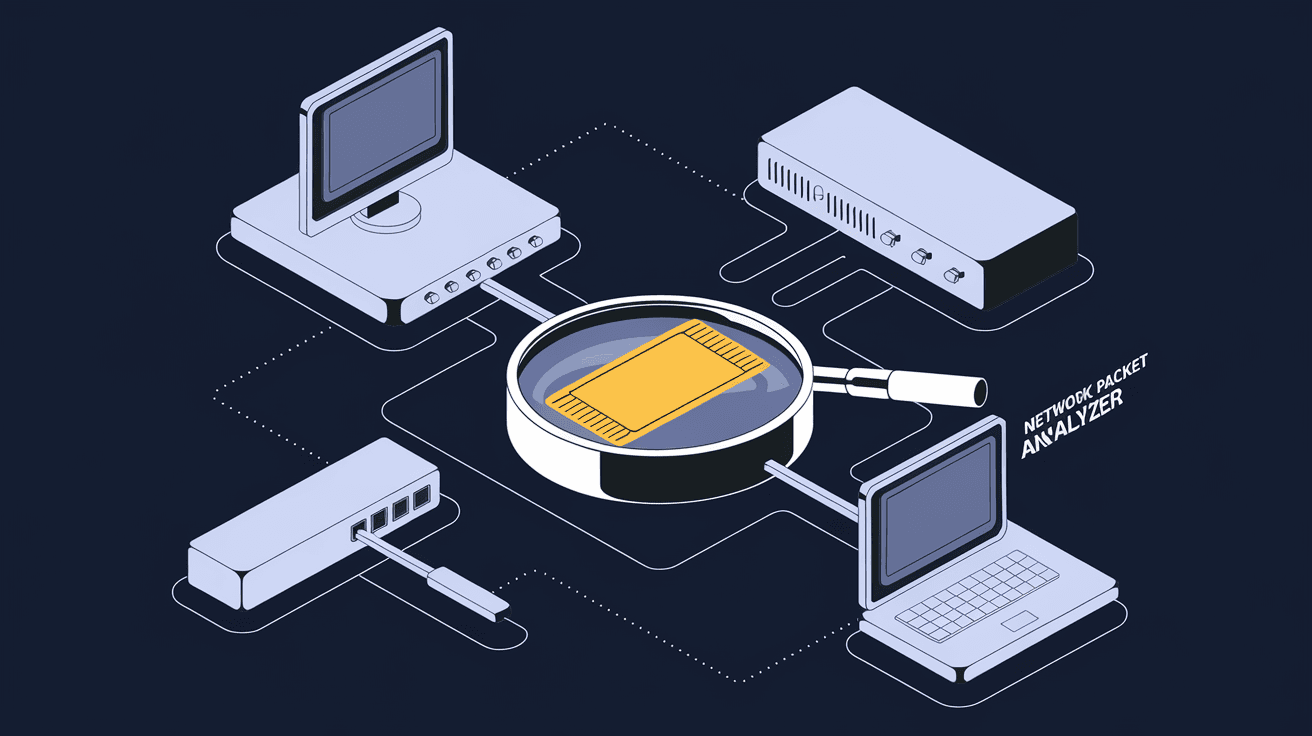
If you’ve ever wondered how data travels across the internet or your office network, a network packet analyzer is the tool that helps you see it all. It’s like having a microscope for your network traffic, letting you inspect every tiny piece of data moving back and forth. Whether you’re a network admin, a cybersecurity professional, or just curious, understanding what a network packet analyzer does can be a game-changer.
In this article, I’ll walk you through what a network packet analyzer is, how it works, and why it’s so important today. You’ll also learn about common uses, popular tools, and some tips to get started. Let’s dive in and explore the world of network packet analysis together.
What Is a Network Packet Analyzer?
A network packet analyzer is a software or hardware tool that captures and inspects data packets traveling through a network. Think of it as a digital detective that listens to network traffic and breaks down the information inside each packet.
How It Works
- Packet Capture: The analyzer intercepts packets as they move across the network.
- Packet Decoding: It translates raw data into readable formats, showing details like source, destination, protocols, and payload.
- Analysis: The tool helps identify patterns, errors, or suspicious activity by examining packet contents.
By capturing packets, you get a detailed view of what’s happening on your network in real time.
Why It’s Called a “Packet” Analyzer
Data on networks is sent in small chunks called packets. Each packet contains part of the message, along with metadata like where it’s from and where it’s going. Analyzing these packets helps you understand the full communication between devices.
Why Use a Network Packet Analyzer?
Using a network packet analyzer offers many benefits, especially when you want to maintain a healthy and secure network.
Troubleshooting Network Issues
When your internet is slow or a service isn’t working, packet analyzers help pinpoint the problem. They show if packets are lost, delayed, or corrupted.
- Detect network congestion or bottlenecks.
- Identify faulty hardware or misconfigured devices.
- Track down unauthorized devices causing interference.
Enhancing Network Security
Packet analyzers are crucial for spotting security threats like hacking attempts or malware spreading.
- Monitor suspicious traffic patterns.
- Detect unauthorized data transfers.
- Analyze potential breaches in real time.
Network Performance Monitoring
You can use packet analyzers to measure network performance and optimize it.
- Track bandwidth usage by device or application.
- Analyze protocol efficiency.
- Plan network upgrades based on real data.
Common Features of Network Packet Analyzers
Most packet analyzers share some core features that make them powerful tools for network management.
Real-Time Packet Capture
They capture packets as they flow through the network, giving you live insights.
Protocol Decoding
Analyzers understand many network protocols like TCP/IP, HTTP, FTP, DNS, and more. This decoding helps you see exactly what data is being sent.
Filtering and Searching
You can filter packets by IP address, protocol, port number, or keywords to focus on specific traffic.
Data Visualization
Many tools offer graphs and charts to visualize traffic patterns, making it easier to spot trends.
Export and Reporting
You can save captured data for later analysis or generate reports for documentation.
Popular Network Packet Analyzer Tools
There are many packet analyzers available, each with unique strengths. Here are some widely used options:
| Tool Name | Type | Key Features | Best For |
| Wireshark | Software | Open-source, extensive protocol support, real-time capture | Beginners to experts |
| tcpdump | Command-line | Lightweight, scriptable, fast | Linux/Unix users, automation |
| SolarWinds NTA | Commercial | Advanced analytics, user-friendly UI | Enterprise network monitoring |
| Microsoft Message Analyzer | Software | Deep protocol analysis, integrates with Windows | Windows environments |
| OmniPeek | Commercial | Wireless and wired network analysis | Wireless network troubleshooting |
Wireshark is the most popular and widely recommended for beginners because it’s free and supports many protocols.
How to Use a Network Packet Analyzer
Getting started with a packet analyzer might seem tricky, but it’s easier than you think.
Step 1: Choose Your Tool
Pick a tool that fits your needs. For most people, Wireshark is a great starting point.
Step 2: Install and Set Up
Download and install the software. You may need administrative rights to capture packets.
Step 3: Select the Network Interface
Choose the network adapter you want to monitor, such as Wi-Fi or Ethernet.
Step 4: Start Capturing Packets
Begin the capture process and watch packets flow in real time.
Step 5: Apply Filters
Use filters to narrow down the data. For example, filter by IP address or protocol to focus on relevant packets.
Step 6: Analyze the Data
Look at packet details like source, destination, flags, and payload. Identify any anomalies or issues.
Step 7: Save or Export Data
Save your capture for future reference or share it with colleagues.
Legal and Ethical Considerations
While packet analyzers are powerful, they come with responsibilities.
- Privacy: Capturing packets may expose sensitive information. Always have permission before monitoring a network.
- Legality: Unauthorized packet capturing can violate laws and company policies.
- Ethics: Use packet analyzers only for legitimate purposes like troubleshooting or security.
Respecting these guidelines helps you avoid legal trouble and maintain trust.
Network Packet Analyzer in Modern Networks
With the rise of cloud computing, IoT devices, and remote work, network packet analyzers have become even more important.
Cloud and Virtual Networks
Analyzers now support virtual environments, helping monitor traffic inside cloud platforms.
Encrypted Traffic
Many networks use encryption, which makes packet analysis harder. Modern tools offer features to analyze encrypted traffic metadata without breaking privacy.
AI and Automation
Some advanced analyzers use AI to detect anomalies automatically, reducing manual work.
Conclusion
A network packet analyzer is a must-have tool if you want to understand and manage your network better. It lets you see every piece of data moving through your network, helping you troubleshoot problems, improve security, and optimize performance.
Whether you’re a beginner or a pro, using a packet analyzer like Wireshark can open your eyes to what’s really happening behind the scenes. Just remember to use it responsibly and respect privacy. With the right knowledge and tools, you can keep your network running smoothly and securely.
FAQs
What is the main purpose of a network packet analyzer?
A network packet analyzer captures and inspects data packets traveling through a network. It helps diagnose network issues, monitor performance, and detect security threats by analyzing the content and flow of network traffic.
Can I use a network packet analyzer on my home Wi-Fi?
Yes, you can use packet analyzers like Wireshark on your home Wi-Fi to monitor traffic, troubleshoot connectivity problems, or check for unauthorized devices. Just ensure you have permission to capture network data.
Is it legal to capture packets on any network?
No, capturing packets without permission is illegal and unethical. Always get authorization before monitoring a network to avoid violating privacy laws and company policies.
How does encryption affect packet analysis?
Encryption hides the actual data inside packets, making it unreadable. However, analyzers can still examine packet headers and metadata to identify traffic patterns and potential issues without decrypting content.
What skills do I need to use a network packet analyzer effectively?
Basic networking knowledge helps, such as understanding IP addresses, protocols, and ports. Familiarity with your chosen tool’s interface and filtering options also makes analysis easier and more effective.




