
What is Network Monitoring Tool
Introduction
You might have heard about network monitoring tools but wonder what they really do. If you manage a network or want to keep your systems running smoothly, understanding these tools is key. They help you watch over your network’s health and spot problems before they cause big issues.
In this article, I’ll explain what a network monitoring tool is, how it works, and why it’s important. Whether you’re a beginner or looking to improve your network management, this guide will give you clear insights and practical tips.
What is a Network Monitoring Tool?
A network monitoring tool is software that keeps an eye on your computer network. It tracks devices like routers, switches, servers, and computers to make sure everything is working well. These tools collect data about network performance, traffic, and errors.
Here’s what a network monitoring tool does:
- Monitors network devices: Checks if devices are online and functioning.
- Tracks performance: Measures speed, bandwidth, and response times.
- Detects problems: Alerts you about outages, slowdowns, or security issues.
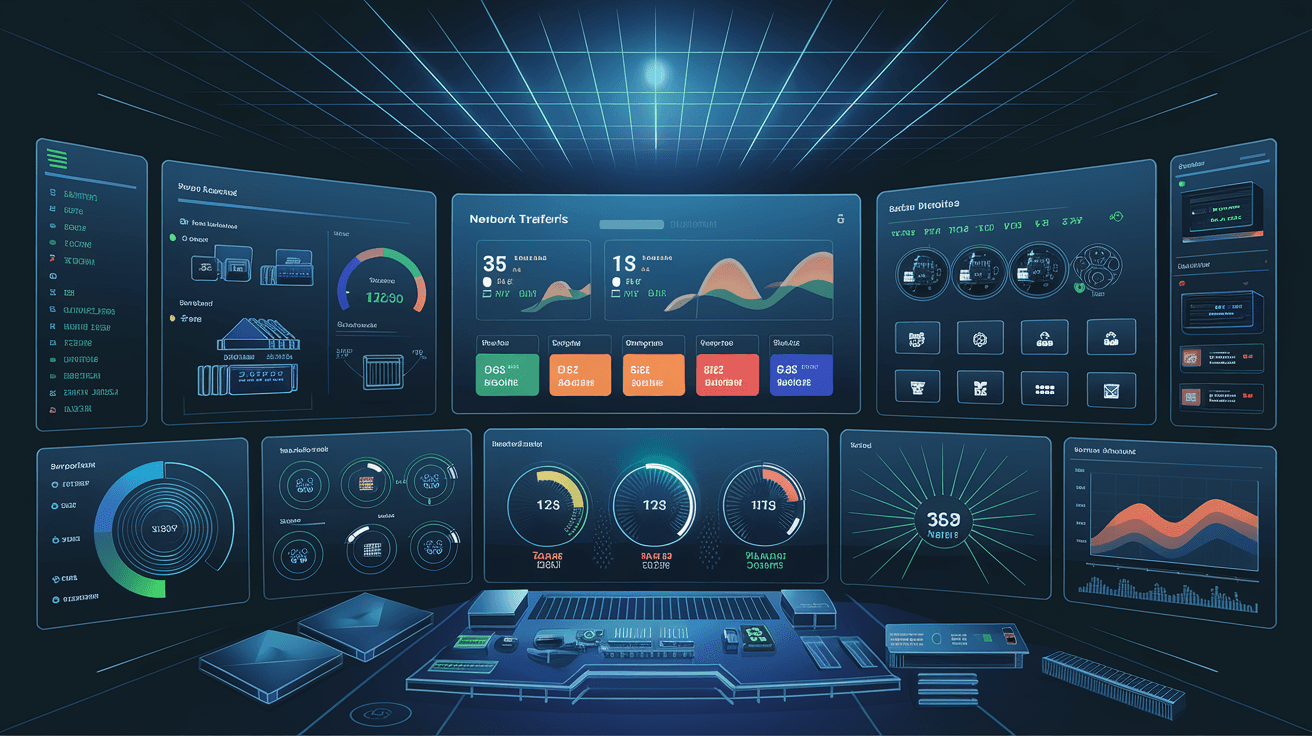
- Reports data: Provides detailed reports and visual dashboards.
By using these tools, you can quickly find and fix network problems, improving your system’s reliability.
How Does a Network Monitoring Tool Work?
Network monitoring tools work by collecting data from your network devices. They use different methods to gather this information:
- SNMP (Simple Network Management Protocol): A common way to get status updates from devices.
- Ping tests: Sends small data packets to check if a device responds.
- Flow data: Analyzes traffic patterns to see where data is going.
- Log analysis: Reviews logs from devices to spot errors or unusual activity.
Once the data is collected, the tool processes it and shows you the results in dashboards or alerts. You can set thresholds so the tool notifies you if something goes wrong, like a device going offline or traffic exceeding limits.
Types of Network Monitoring Tools
There are several types of network monitoring tools, each designed for specific needs:
- Basic monitoring tools: Track device availability and uptime.
- Performance monitoring tools: Focus on speed, bandwidth, and latency.
- Security monitoring tools: Detect threats and unauthorized access.
- Application monitoring tools: Watch over software performance on the network.
Some tools combine these features into one platform, giving you a complete view of your network.
Why is Network Monitoring Important?
Network monitoring is crucial for several reasons:
- Prevents downtime: Early alerts help fix issues before they cause outages.
- Improves performance: Identifies slow devices or bottlenecks.
- Enhances security: Detects suspicious activity or attacks.
- Supports capacity planning: Shows when you need to upgrade hardware or bandwidth.
- Simplifies troubleshooting: Provides detailed data to solve problems faster.
Without monitoring, you might not notice issues until users complain or systems fail.
Key Features to Look for in a Network Monitoring Tool
When choosing a network monitoring tool, consider these important features:
- Real-time monitoring: Instant updates on network status.
- Alerts and notifications: Customizable warnings via email, SMS, or apps.
- Scalability: Can handle your network size as it grows.
- User-friendly interface: Easy to understand dashboards and reports.
- Automation: Automatic problem detection and response.
- Integration: Works with other IT tools and systems.
- Security: Protects monitoring data and access.
These features help you manage your network efficiently and reduce manual work.
Popular Network Monitoring Tools in 2026
Several network monitoring tools are widely used today. Here are some popular options:
| Tool Name | Best For | Key Features |
| SolarWinds NPM | Large enterprises | Advanced analytics, customizable alerts |
| PRTG Network Monitor | Small to medium businesses | Easy setup, all-in-one monitoring |
| Nagios | Open-source enthusiasts | Highly customizable, strong community support |
| Zabbix | Flexible open-source solution | Scalable, supports cloud monitoring |
| Datadog | Cloud and hybrid environments | AI-powered insights, real-time dashboards |
Each tool has strengths depending on your network size and needs.
How to Implement a Network Monitoring Tool
Getting started with a network monitoring tool involves a few steps:
- Assess your network: Identify devices, traffic patterns, and critical systems.
- Choose the right tool: Based on features, budget, and network size.
- Install and configure: Set up the tool on your network and connect devices.
- Set thresholds and alerts: Define what conditions trigger notifications.
- Train your team: Make sure users understand how to use the tool.
- Regularly review data: Use reports to improve network performance and security.
Following these steps helps you get the most out of your monitoring tool.
Common Challenges in Network Monitoring
While network monitoring tools are powerful, you might face some challenges:
- Data overload: Too much information can be overwhelming without proper filters.
- False alerts: Incorrect notifications can cause unnecessary work.
- Complex setup: Some tools require technical knowledge to configure.
- Integration issues: Not all tools work well with existing systems.
- Cost: Advanced tools can be expensive for small businesses.
To overcome these, choose tools that match your needs and invest time in proper setup.
Future Trends in Network Monitoring
Network monitoring is evolving with new technologies:
- AI and machine learning: Tools use AI to predict problems before they happen.
- Cloud monitoring: More networks are hybrid or cloud-based, requiring new monitoring approaches.
- Automation: Automated fixes reduce manual intervention.
- Security integration: Monitoring tools increasingly combine with cybersecurity solutions.
- User experience monitoring: Focus on how users experience network services, not just device status.
Staying updated on these trends helps you keep your network efficient and secure.
Conclusion
Now you know that a network monitoring tool is essential for keeping your network healthy. It helps you spot problems early, improve performance, and protect your systems. Whether you run a small business or a large enterprise, these tools make managing your network easier and more effective.
Choosing the right tool and setting it up properly can save you time and money. As networks grow more complex, using a network monitoring tool is no longer optional—it’s a must-have for smooth operations. Start exploring your options today and take control of your network’s health.
FAQs
What devices can a network monitoring tool track?
Network monitoring tools can track routers, switches, servers, computers, printers, and even IoT devices connected to your network.
Can network monitoring tools detect security threats?
Yes, many tools include security features that detect unusual activity, unauthorized access, and potential cyberattacks.
Are network monitoring tools difficult to use?
Some tools are simple with user-friendly interfaces, while others require technical knowledge. Choose one that fits your skill level.
How often should I monitor my network?
Continuous, real-time monitoring is best to catch issues immediately and maintain network health.
Is network monitoring expensive?
Costs vary widely. There are free and open-source options, as well as premium tools with advanced features for larger networks.




