
What is Network Monitoring
Introduction
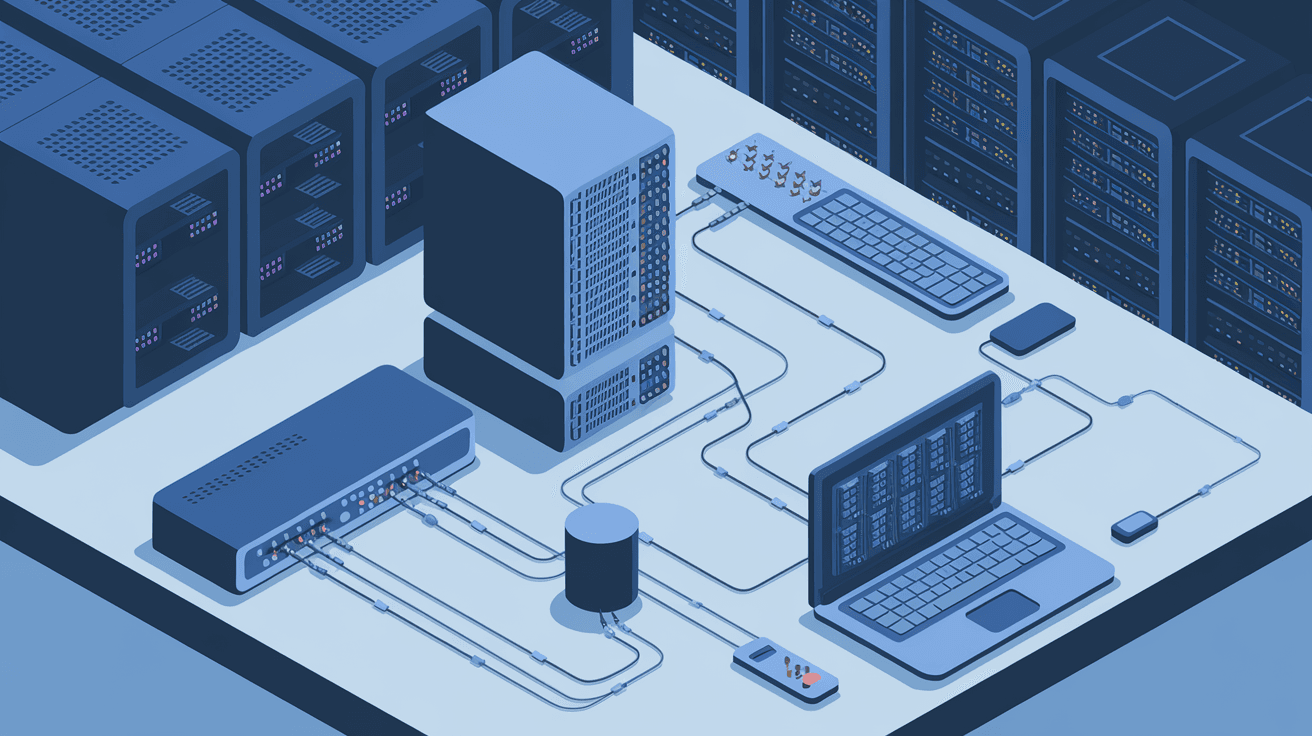
You might have heard the term "network monitoring" and wondered what it really means. In simple terms, network monitoring is all about keeping an eye on your computer networks to make sure everything is working properly. Whether you run a small business or manage a large IT system, understanding network monitoring can help you avoid problems before they happen.
In this article, I’ll walk you through what network monitoring is, why it’s important, and how it works. You’ll also learn about the tools and techniques used to keep networks safe and efficient. By the end, you’ll see why network monitoring is a key part of managing any modern digital system.
What is Network Monitoring?
Network monitoring is the process of continuously observing a computer network for any issues or irregularities. It involves tracking the performance, availability, and security of network devices like routers, switches, servers, and even applications.
The goal is to detect problems early, so they can be fixed before they affect users or business operations. Think of it as a health checkup for your network, where you watch vital signs like traffic flow, connection status, and error rates.
Key Functions of Network Monitoring
- Performance Tracking: Measures speed, bandwidth usage, and latency.
- Fault Detection: Identifies outages, device failures, or connection drops.
- Security Monitoring: Spots unusual activity that might indicate cyber threats.
- Resource Management: Helps optimize network resources and plan capacity.
By keeping tabs on these areas, network monitoring helps maintain smooth and secure communication across your systems.
Why is Network Monitoring Important?
You might wonder why network monitoring matters so much. The truth is, networks are the backbone of almost every business today. If your network goes down or slows down, it can cause big problems like lost sales, frustrated customers, or even security breaches.
Here’s why network monitoring is essential:
- Prevents Downtime: Early alerts let you fix issues before they cause outages.
- Improves Performance: Monitoring helps you spot bottlenecks and optimize traffic.
- Enhances Security: Detects suspicious activity to stop attacks quickly.
- Supports Compliance: Helps meet industry rules by logging network activity.
- Saves Money: Avoids costly repairs and downtime by proactive management.
Without network monitoring, you’re basically flying blind. You won’t know if your network is struggling until users start complaining or systems fail.
How Does Network Monitoring Work?
Network monitoring uses specialized software and hardware tools to collect data from your network devices. These tools communicate with devices using protocols like SNMP (Simple Network Management Protocol), ICMP (Internet Control Message Protocol), or NetFlow.
Here’s a simple breakdown of the process:
- Data Collection: Monitoring tools gather information about device status, traffic, and errors.
- Data Analysis: The collected data is analyzed to identify trends or problems.
- Alerting: If something unusual happens, the system sends alerts to IT staff.
- Reporting: Detailed reports help track network health over time.
Common Network Monitoring Techniques
- Ping Monitoring: Sends small packets to devices to check if they’re online.
- SNMP Monitoring: Retrieves detailed info about device performance and status.
- Packet Sniffing: Captures and analyzes network traffic for deeper insights.
- Flow Analysis: Examines traffic patterns to understand bandwidth use.
These techniques work together to give a full picture of your network’s health.
Types of Network Monitoring Tools
There are many network monitoring tools available, ranging from free open-source options to advanced commercial platforms. Choosing the right tool depends on your network size, complexity, and budget.
Popular Network Monitoring Tools
| Tool Name | Key Features | Best For |
| Nagios | Open-source, customizable alerts | Small to medium businesses |
| SolarWinds | User-friendly, detailed reporting | Large enterprises |
| PRTG Network Monitor | All-in-one monitoring, easy setup | Mid-sized networks |
| Zabbix | Scalable, supports many protocols | Complex, multi-site networks |
| Datadog | Cloud-based, integrates with apps | Hybrid and cloud environments |
Each tool offers unique features like real-time dashboards, automated alerts, and detailed analytics to help you stay on top of your network.
Benefits of Network Monitoring for Businesses
When you use network monitoring effectively, your business gains several advantages:
- Faster Problem Resolution: Alerts help IT teams fix issues quickly.
- Better User Experience: Reliable networks mean happier customers and employees.
- Increased Security: Early detection of threats reduces risk.
- Data-Driven Decisions: Insights help plan upgrades and expansions.
- Compliance Support: Logs and reports assist with audits and regulations.
By investing in network monitoring, you protect your business from costly disruptions and improve overall efficiency.
Challenges in Network Monitoring
While network monitoring is powerful, it’s not without challenges. Here are some common issues you might face:
- Data Overload: Large networks generate huge amounts of data, making analysis tough.
- False Alerts: Too many alerts can overwhelm IT staff and cause important warnings to be missed.
- Complex Networks: Modern networks with cloud, IoT, and mobile devices are harder to monitor.
- Integration Issues: Combining monitoring tools with existing systems can be tricky.
- Cost: Advanced tools and skilled staff can be expensive.
Understanding these challenges helps you prepare and choose the right strategies to overcome them.
Best Practices for Effective Network Monitoring
To get the most from your network monitoring efforts, follow these tips:
- Set Clear Goals: Know what you want to monitor and why.
- Use Multiple Techniques: Combine ping, SNMP, and flow analysis for full coverage.
- Customize Alerts: Adjust thresholds to reduce false positives.
- Regularly Update Tools: Keep software and hardware current for best performance.
- Train Your Team: Ensure staff know how to interpret alerts and reports.
- Document Processes: Maintain clear procedures for responding to issues.
These practices help you build a reliable monitoring system that supports your business needs.
The Future of Network Monitoring
Network monitoring is evolving rapidly as technology changes. Here are some trends shaping its future:
- AI and Machine Learning: Automated analysis helps detect complex patterns and predict failures.
- Cloud Monitoring: Tools increasingly support hybrid and multi-cloud environments.
- IoT Monitoring: Networks must handle billions of connected devices securely.
- Automation: Self-healing networks that fix problems without human intervention.
- Enhanced Security: Integration with cybersecurity tools for real-time threat response.
Staying updated with these trends ensures your network monitoring keeps pace with modern demands.
Conclusion
Network monitoring is a vital part of managing any digital system today. It helps you keep your network healthy, secure, and efficient by constantly watching for problems and alerting you early. Whether you run a small office or a global enterprise, network monitoring protects your business from costly downtime and security risks.
By understanding how network monitoring works, the tools available, and best practices, you can build a system that supports your goals. As networks grow more complex, investing in smart monitoring solutions will keep you ahead of issues and ready for the future.
FAQs
What devices can be monitored in a network?
You can monitor routers, switches, servers, firewalls, printers, and even applications. Essentially, any device connected to your network can be tracked for performance and availability.
How often should network monitoring be performed?
Network monitoring should be continuous, running 24/7. Real-time monitoring ensures you catch issues immediately and minimize downtime.
Can network monitoring improve security?
Yes, it helps detect unusual traffic, unauthorized access, and potential cyberattacks early, allowing quick response to threats.
Is network monitoring only for large companies?
No, businesses of all sizes benefit from network monitoring. Even small networks need monitoring to avoid disruptions and maintain performance.
What is the difference between network monitoring and network management?
Network monitoring focuses on observing and alerting about network status, while network management includes configuring, maintaining, and optimizing the network based on monitoring data.




