
What is Network Isolation
Introduction
You might have heard the term "network isolation" and wondered what it really means. In simple terms, network isolation is a way to keep different parts of a computer network separate from each other. This helps protect sensitive data and systems from unwanted access or attacks.
In this article, I’ll explain what network isolation is, why it matters, and how it works in different settings like cloud computing and cybersecurity. By the end, you’ll understand how network isolation can keep your digital world safer and more organized.
What is Network Isolation?
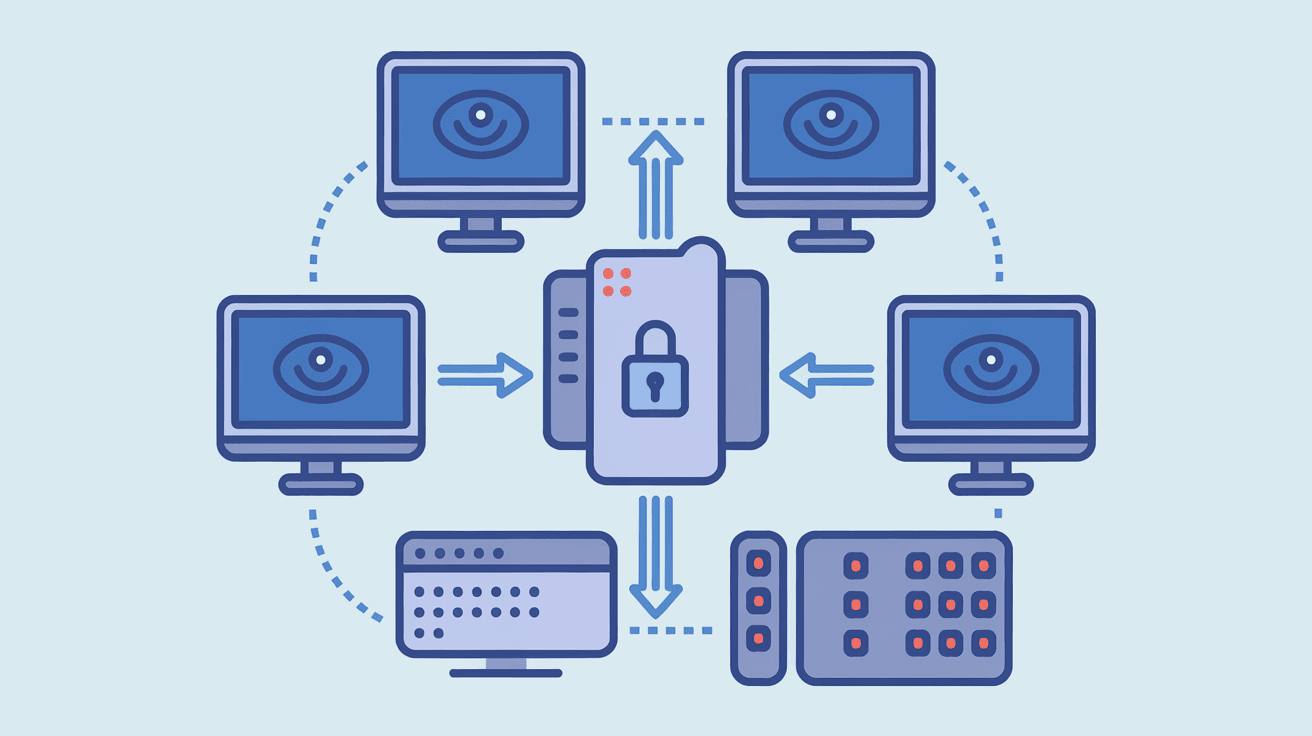
Network isolation is a security practice that separates one network or part of a network from others. This separation limits communication between devices or systems, reducing the risk of unauthorized access or spreading malware.
Think of it like having separate rooms in a house. You don’t want everyone to have access to every room, especially the ones with valuable or private items. Network isolation creates these “rooms” in your digital environment.
How Network Isolation Works
- Segmentation: Dividing a network into smaller parts or segments.
- Access Control: Setting rules about who or what can communicate between segments.
- Firewalls and Gateways: Using devices or software to block or allow traffic.
- Virtual Networks: Creating isolated virtual environments within a physical network.
By combining these methods, network isolation ensures that only authorized users or systems can access specific parts of the network.
Why is Network Isolation Important?
Network isolation plays a crucial role in protecting data and systems. Here’s why it matters:
- Improves Security: Limits the spread of malware or cyberattacks.
- Protects Sensitive Data: Keeps confidential information away from unauthorized users.
- Supports Compliance: Helps meet regulations like GDPR or HIPAA.
- Enhances Performance: Reduces network congestion by controlling traffic flow.
- Simplifies Troubleshooting: Makes it easier to identify and fix network issues.
Without network isolation, a single breach could expose your entire network, causing serious damage.
Types of Network Isolation
There are several ways to isolate networks depending on your needs and environment. Here are the most common types:
Physical Network Isolation
This involves using separate hardware like switches, routers, or cables to create completely independent networks. It’s the most secure form but can be costly and complex.
- Separate switches and routers for different departments.
- No physical connection between isolated networks.
- Used in high-security environments like government or military.
Logical Network Isolation
Logical isolation uses software and configurations to separate networks on the same physical hardware. This is common in businesses and cloud environments.
- Virtual LANs (VLANs) segment networks logically.
- Firewalls control traffic between segments.
- Easier and cheaper than physical isolation.
Virtual Network Isolation
In cloud computing, virtual network isolation creates isolated environments within shared infrastructure.
- Virtual Private Clouds (VPCs) isolate resources in the cloud.
- Security groups and network ACLs control access.
- Allows multiple tenants to share hardware securely.
Network Isolation in Cloud Environments
Cloud computing has made network isolation more important than ever. Since many users share the same physical resources, isolation ensures privacy and security.
How Cloud Providers Implement Network Isolation
- Virtual Private Clouds (VPCs): Each customer gets a private network.
- Subnets: Divide VPCs into smaller isolated sections.
- Security Groups: Act as virtual firewalls for instances.
- Network Access Control Lists (ACLs): Control traffic at the subnet level.
These tools help keep your cloud resources separate from others, preventing unauthorized access.
Benefits of Network Isolation in the Cloud
- Protects sensitive data from other tenants.
- Limits the impact of attacks to isolated segments.
- Enables compliance with data protection laws.
- Supports multi-tier applications by isolating layers.
Network Isolation and Cybersecurity
Network isolation is a key strategy in cybersecurity. It helps defend against threats by limiting how far an attacker can move inside a network.
How Network Isolation Enhances Security
- Containment: If one segment is compromised, others remain safe.
- Reduced Attack Surface: Fewer open paths for attackers.
- Controlled Access: Only authorized devices communicate.
- Monitoring: Easier to detect unusual activity in isolated segments.
Examples of Network Isolation in Cybersecurity
- Isolating guest Wi-Fi from corporate networks.
- Separating IoT devices from critical systems.
- Using sandbox environments to test suspicious files safely.
Implementing Network Isolation: Best Practices
If you want to set up network isolation, here are some tips to do it effectively:
- Assess Your Network: Identify sensitive areas and risks.
- Use Segmentation: Divide your network based on function or sensitivity.
- Apply Access Controls: Define who can access each segment.
- Deploy Firewalls: Use hardware or software firewalls between segments.
- Monitor Traffic: Keep an eye on communication between isolated parts.
- Regularly Update Policies: Adjust isolation rules as your network changes.
Challenges of Network Isolation
While network isolation is powerful, it comes with challenges:
- Complexity: Managing multiple isolated segments can be difficult.
- Cost: Physical isolation requires extra hardware.
- Performance: Over-segmentation might slow down communication.
- Misconfiguration Risks: Incorrect settings can create security gaps.
Balancing security with usability is key to successful network isolation.
Tools and Technologies for Network Isolation
Several tools help implement network isolation effectively:
| Tool/Technology | Purpose | Example Use Case |
| VLANs | Logical segmentation | Separate departments in an office |
| Firewalls | Control traffic between segments | Block unauthorized access |
| Virtual Private Clouds (VPCs) | Isolate cloud resources | Secure cloud hosting environments |
| Network Access Control Lists (ACLs) | Filter traffic at subnet level | Restrict subnet communication |
| Software-Defined Networking (SDN) | Dynamic network control | Automate isolation policies |
Using the right combination depends on your network size and security needs.
Conclusion
Network isolation is a vital part of modern network security. It helps keep your data safe by separating sensitive systems and controlling access. Whether you’re managing a corporate network or using cloud services, isolation reduces risks and improves performance.
By understanding how network isolation works and applying best practices, you can protect your digital environment from attacks and unauthorized access. It’s a smart step toward a safer, more reliable network.
FAQs
What is the main goal of network isolation?
The main goal is to separate parts of a network to prevent unauthorized access and limit the spread of cyber threats.
How does network isolation improve security?
It reduces attack surfaces, contains breaches, and controls who can communicate between network segments.
Can network isolation be done without extra hardware?
Yes, logical isolation using VLANs and firewalls can separate networks on the same physical hardware.
Why is network isolation important in cloud computing?
It ensures that different users’ data and resources remain private and secure on shared infrastructure.
What are common challenges when implementing network isolation?
Challenges include complexity, cost, potential performance issues, and risks from misconfiguration.




