
What is Network Intrusion Prevention
Introduction
You might have heard about network intrusion prevention but wonder what it really means and why it matters. In today’s digital world, protecting your network from cyber threats is more important than ever. Network intrusion prevention helps you stop attacks before they cause damage.
In this article, I’ll explain what network intrusion prevention is, how it works, and why you should care. Whether you manage a business network or just want to understand cybersecurity better, this guide will give you clear, easy-to-understand information.
What is Network Intrusion Prevention?
Network intrusion prevention is a security technology designed to detect and block malicious activities on a computer network. Unlike intrusion detection systems (IDS), which only alert you to threats, intrusion prevention systems (IPS) actively stop attacks in real time.
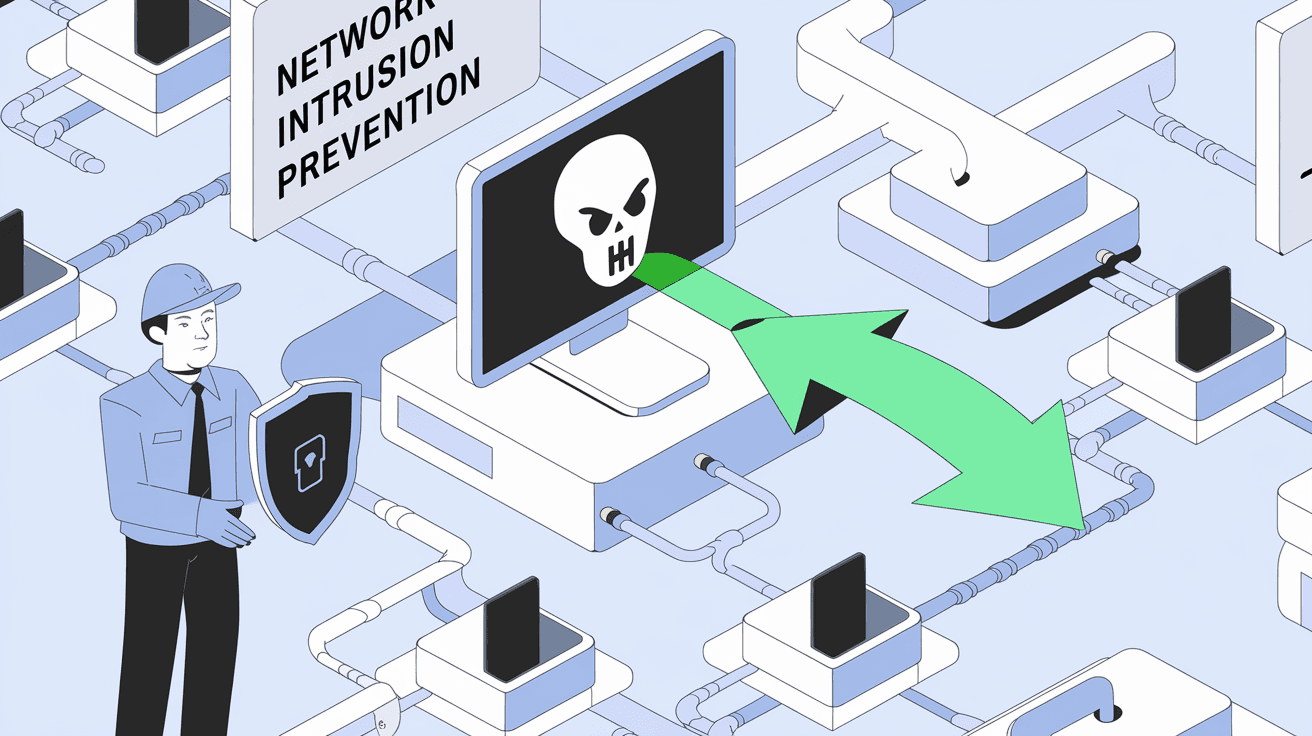
Think of it as a security guard watching your network traffic. When it spots suspicious behavior, it immediately acts to prevent harm. This can include blocking harmful data packets, stopping unauthorized access, or preventing malware from spreading.
Key Features of Network Intrusion Prevention
- Real-time threat blocking: Stops attacks as they happen.
- Traffic monitoring: Continuously scans network data for signs of threats.
- Automated response: Takes action without needing human intervention.
- Policy enforcement: Applies security rules to control what traffic is allowed.
How Does Network Intrusion Prevention Work?
Network intrusion prevention systems analyze network traffic using various methods to identify threats. Here’s how they typically operate:
1. Traffic Analysis
The system inspects incoming and outgoing data packets. It looks for patterns or behaviors that match known attack signatures or unusual activity.
2. Signature-Based Detection
This method compares network traffic against a database of known attack signatures. If a match is found, the system blocks the traffic.
3. Anomaly-Based Detection
Instead of relying on known signatures, this method identifies unusual behavior that deviates from normal network activity. This helps catch new or unknown threats.
4. Policy Enforcement
Network administrators set rules that define what traffic is allowed. The system enforces these rules by blocking anything that violates them.
5. Automated Response
When a threat is detected, the system can:
- Drop malicious packets.
- Reset connections.
- Block offending IP addresses.
- Alert administrators.
Types of Network Intrusion Prevention Systems
There are different types of IPS solutions depending on where and how they are deployed:
Network-Based IPS (NIPS)
- Monitors traffic on the entire network.
- Usually placed at key points like gateways or routers.
- Protects multiple devices by analyzing all passing data.
Wireless IPS (WIPS)
- Focuses on wireless networks.
- Detects unauthorized access points or rogue devices.
- Prevents wireless-specific attacks.
Network Behavior Analysis (NBA)
- Uses anomaly detection to spot unusual traffic patterns.
- Useful for detecting insider threats or zero-day attacks.
Host-Based IPS (HIPS)
- Installed on individual devices.
- Monitors system calls and application behavior.
- Protects the host from local threats.
Why is Network Intrusion Prevention Important?
Network intrusion prevention is critical because cyber threats are constantly evolving. Attackers use sophisticated methods to breach networks, steal data, or disrupt services. Without prevention, your network is vulnerable.
Benefits of Network Intrusion Prevention
- Stops attacks early: Prevents damage before it happens.
- Reduces downtime: Keeps your network running smoothly.
- Protects sensitive data: Safeguards customer and company information.
- Supports compliance: Helps meet security regulations.
- Improves overall security posture: Adds a strong layer of defense.
Common Network Threats Prevented by IPS
Network intrusion prevention systems help defend against many types of cyber threats, including:
- Malware: Viruses, worms, ransomware.
- Denial of Service (DoS) attacks: Overloading network resources.
- Unauthorized access: Hackers trying to break in.
- Data exfiltration: Stealing sensitive information.
- Zero-day exploits: Attacks using unknown vulnerabilities.
How to Implement Network Intrusion Prevention
If you want to protect your network, here are steps to implement an effective intrusion prevention system:
1. Assess Your Network
Understand your network layout, devices, and traffic flow. Identify critical assets that need protection.
2. Choose the Right IPS Solution
Select a system that fits your network size and security needs. Consider factors like:
- Deployment type (network-based, host-based).
- Detection methods (signature, anomaly).
- Integration with existing security tools.
3. Configure Policies
Set clear rules for what traffic is allowed or blocked. Tailor policies to your organization’s risk profile.
4. Monitor and Update
Regularly review alerts and logs. Update signature databases and software to keep up with new threats.
5. Train Your Team
Ensure your IT staff understands how to manage and respond to IPS alerts.
Challenges of Network Intrusion Prevention
While IPS is powerful, it also has some challenges:
- False positives: Legitimate traffic may be blocked mistakenly.
- Performance impact: Deep packet inspection can slow down networks.
- Complex configuration: Requires skilled staff to set up and maintain.
- Evasion techniques: Attackers may try to bypass detection.
Balancing security and usability is key to effective intrusion prevention.
Network Intrusion Prevention vs. Intrusion Detection
It’s important to know the difference between intrusion prevention and detection:
| Feature | Intrusion Detection System (IDS) | Intrusion Prevention System (IPS) |
| Action | Alerts only | Blocks and alerts |
| Response time | After detection | Real-time |
| Network impact | Minimal | Can affect performance |
| Use case | Monitoring and analysis | Active defense |
Many organizations use both IDS and IPS together for layered security.
Future Trends in Network Intrusion Prevention
As cyber threats grow, network intrusion prevention is evolving. Here are some trends shaping the future:
- AI and Machine Learning: Smarter detection of unknown threats.
- Cloud-based IPS: Protecting cloud environments and hybrid networks.
- Integration with Zero Trust: Enforcing strict access controls.
- Automation: Faster response and remediation.
- IoT Security: Protecting connected devices on the network.
Staying updated with these trends helps keep your defenses strong.
Conclusion
Network intrusion prevention is a vital part of modern cybersecurity. It helps you detect and stop attacks before they harm your network or data. By understanding how it works and implementing the right system, you can protect your digital environment effectively.
Whether you run a small business or manage a large enterprise, investing in network intrusion prevention improves your security and peace of mind. Remember to keep your system updated, monitor traffic regularly, and train your team to respond to threats. This way, you’ll stay one step ahead of cyber attackers.
FAQs
What is the main difference between IDS and IPS?
IDS detects and alerts you about threats, while IPS actively blocks and prevents attacks in real time.
Can network intrusion prevention systems stop zero-day attacks?
Yes, especially those using anomaly-based detection and AI, IPS can identify unusual behavior linked to zero-day exploits.
Does IPS affect network speed?
It can, due to deep packet inspection, but modern systems are optimized to minimize performance impact.
Is network intrusion prevention enough for complete security?
No, it should be part of a layered security approach including firewalls, antivirus, and user training.
How often should IPS signatures be updated?
Regularly—ideally daily or weekly—to ensure protection against the latest threats.




