
What is Network Hardening
Introduction
When you think about protecting your digital world, network hardening is a key step you can’t ignore. It’s all about making your network stronger and safer against cyberattacks. Whether you run a small business or manage a large organization, understanding network hardening helps you keep your data and systems secure.
In this article, I’ll walk you through what network hardening means, why it’s important, and practical ways you can strengthen your network. You’ll learn simple yet powerful strategies to reduce risks and protect your digital assets from hackers and malware.
What is Network Hardening?
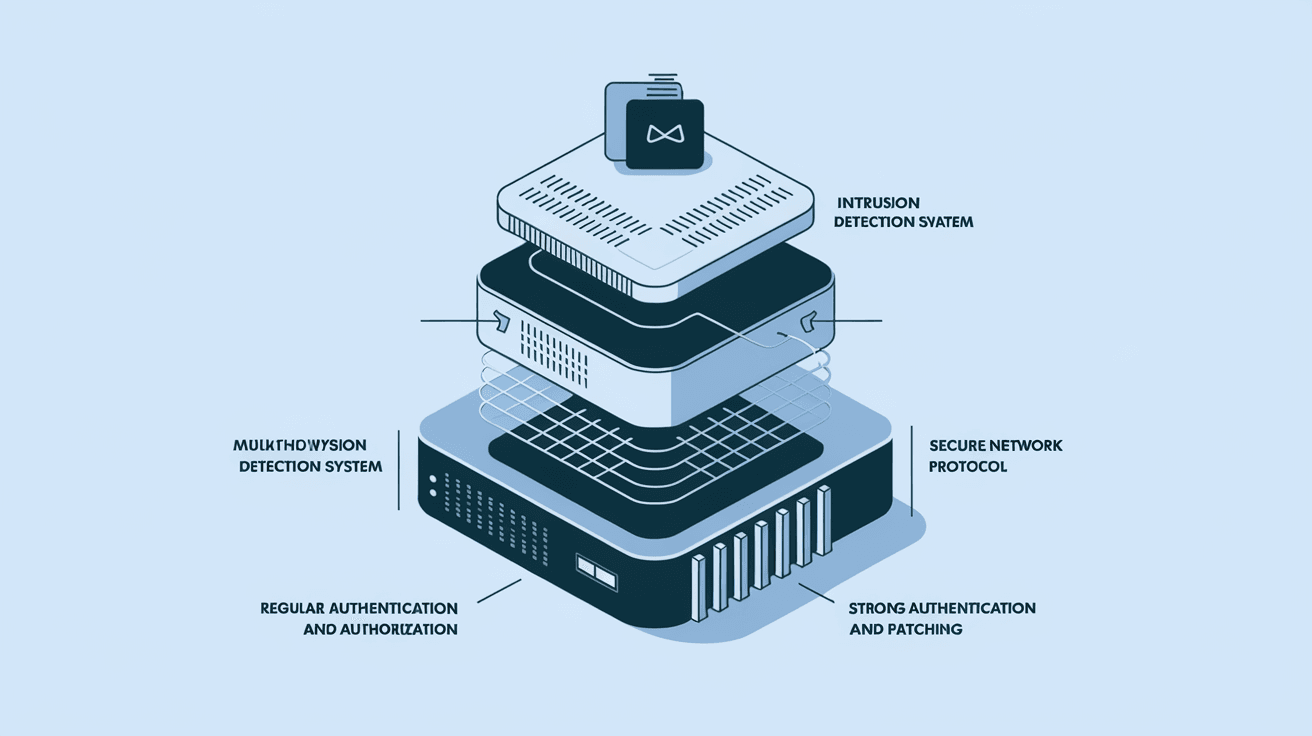
Network hardening is the process of securing a computer network by reducing its vulnerabilities. Think of it as locking all the doors and windows of your house to keep intruders out. It involves applying various security measures to make the network less attractive or accessible to cybercriminals.
This process includes configuring hardware and software, updating systems, and removing unnecessary services that could be exploited. The goal is to create a strong defense that prevents unauthorized access, data breaches, and other cyber threats.
Key Components of Network Hardening
- Patch Management: Regularly updating software and firmware to fix security flaws.
- Access Controls: Limiting who can enter the network and what they can do.
- Firewall Configuration: Setting up firewalls to block unwanted traffic.
- Disabling Unused Services: Turning off features that aren’t needed to reduce attack points.
- Encryption: Protecting data in transit and at rest with strong encryption methods.
Why is Network Hardening Important?
You might wonder why network hardening is necessary. The truth is, cyber threats are constantly evolving. Hackers use sophisticated tools to find weak spots in networks. Without proper hardening, your network is like an open door inviting attackers.
Here’s why network hardening matters:
- Protects Sensitive Data: Hardening helps keep personal and business information safe.
- Prevents Downtime: Cyberattacks can disrupt operations; hardening reduces this risk.
- Compliance: Many industries require network security measures to meet legal standards.
- Builds Trust: Customers and partners feel confident when your network is secure.
- Reduces Costs: Preventing breaches saves money on recovery and legal fees.
Common Network Vulnerabilities
Before you can harden your network, you need to know what weaknesses to fix. Here are some common vulnerabilities that hackers exploit:
- Default Passwords: Many devices come with default passwords that are easy to guess.
- Open Ports: Unsecured network ports can allow unauthorized access.
- Outdated Software: Old software often has known security flaws.
- Weak Encryption: Using outdated or no encryption makes data easy to intercept.
- Unpatched Systems: Systems without the latest security patches are vulnerable to attacks.
How to Harden Your Network: Practical Steps
Now that you understand what network hardening is and why it’s important, let’s look at how you can do it. Here are practical steps you can take to secure your network effectively.
1. Update and Patch Regularly
Keeping your software and hardware up to date is the first line of defense. Vendors release patches to fix security holes, so applying these updates promptly is crucial.
- Set up automatic updates where possible.
- Monitor vendor websites for critical patches.
- Test patches in a controlled environment before full deployment.
2. Use Strong Access Controls
Control who can access your network and what they can do once inside.
- Implement multi-factor authentication (MFA).
- Use role-based access control (RBAC) to limit permissions.
- Regularly review and update user access rights.
3. Configure Firewalls and Intrusion Detection Systems
Firewalls act as gatekeepers, filtering incoming and outgoing traffic.
- Set strict firewall rules to block unnecessary traffic.
- Use intrusion detection and prevention systems (IDPS) to monitor suspicious activity.
- Regularly review firewall logs for unusual behavior.
4. Disable Unnecessary Services and Ports
Every active service or open port is a potential entry point for attackers.
- Identify and disable services not needed for your network operations.
- Close unused ports on routers and servers.
- Use network scanning tools to detect open ports.
5. Encrypt Data
Encryption protects your data from being read if intercepted.
- Use strong encryption protocols like AES-256.
- Encrypt data both in transit (using TLS/SSL) and at rest.
- Manage encryption keys securely.
6. Implement Network Segmentation
Dividing your network into smaller segments limits the spread of attacks.
- Separate sensitive systems from general user networks.
- Use virtual LANs (VLANs) to isolate traffic.
- Apply different security policies to each segment.
7. Monitor and Audit Network Activity
Continuous monitoring helps detect and respond to threats quickly.
- Use Security Information and Event Management (SIEM) tools.
- Conduct regular audits and vulnerability assessments.
- Set up alerts for unusual network behavior.
Tools and Technologies for Network Hardening
There are many tools available to help you harden your network. Here are some popular options:
| Tool Type | Examples | Purpose |
| Firewall | Cisco ASA, pfSense | Control network traffic |
| Intrusion Detection | Snort, Suricata | Detect malicious activity |
| Patch Management | WSUS, SolarWinds | Automate software updates |
| Network Scanners | Nmap, Nessus | Identify open ports and vulnerabilities |
| Encryption Software | OpenSSL, BitLocker | Secure data transmission and storage |
| SIEM | Splunk, IBM QRadar | Monitor and analyze security events |
Using these tools together creates a layered defense that strengthens your network’s security.
Challenges in Network Hardening
While network hardening is essential, it comes with challenges:
- Complexity: Large networks have many devices and systems to manage.
- Resource Constraints: Small businesses may lack skilled staff or budget.
- Balancing Usability: Too many restrictions can frustrate users.
- Keeping Up with Threats: Cyber threats evolve quickly, requiring constant updates.
- Legacy Systems: Older equipment may not support modern security features.
To overcome these challenges, prioritize critical assets, automate where possible, and invest in training.
Best Practices for Ongoing Network Hardening
Network hardening isn’t a one-time task. It requires ongoing effort. Here are best practices to maintain a secure network:
- Regularly Review Security Policies: Update policies to reflect new threats and technologies.
- Conduct Penetration Testing: Simulate attacks to find weaknesses.
- Train Employees: Educate staff on security awareness and safe practices.
- Backup Data Frequently: Ensure you can recover quickly from incidents.
- Stay Informed: Follow cybersecurity news and updates.
Conclusion
Network hardening is your best defense against cyber threats. By understanding what it involves and taking practical steps, you can protect your network from unauthorized access and data breaches. Remember, it’s not just about technology but also about processes and people.
You don’t have to do everything at once. Start with the basics like patching and access control, then build on that foundation. With consistent effort, your network will become a strong fortress that keeps your digital world safe.
FAQs
What is the main goal of network hardening?
The main goal is to reduce vulnerabilities in a network to prevent unauthorized access and cyberattacks. It strengthens security by applying updates, controlling access, and disabling unnecessary services.
How often should I update my network devices?
You should update network devices as soon as security patches are released. Regularly check for updates and apply them promptly to protect against new threats.
Can network hardening slow down my system?
If done correctly, network hardening should not significantly affect performance. However, overly strict rules or excessive monitoring might impact speed, so balance security with usability.
What is network segmentation, and why is it important?
Network segmentation divides a network into smaller parts to limit access and contain breaches. It helps prevent attackers from moving freely across the entire network.
Are there automated tools for network hardening?
Yes, many tools automate patch management, vulnerability scanning, and monitoring. Automation helps maintain security consistently and reduces manual workload.




