
What is Network Address Translation (NAT)?
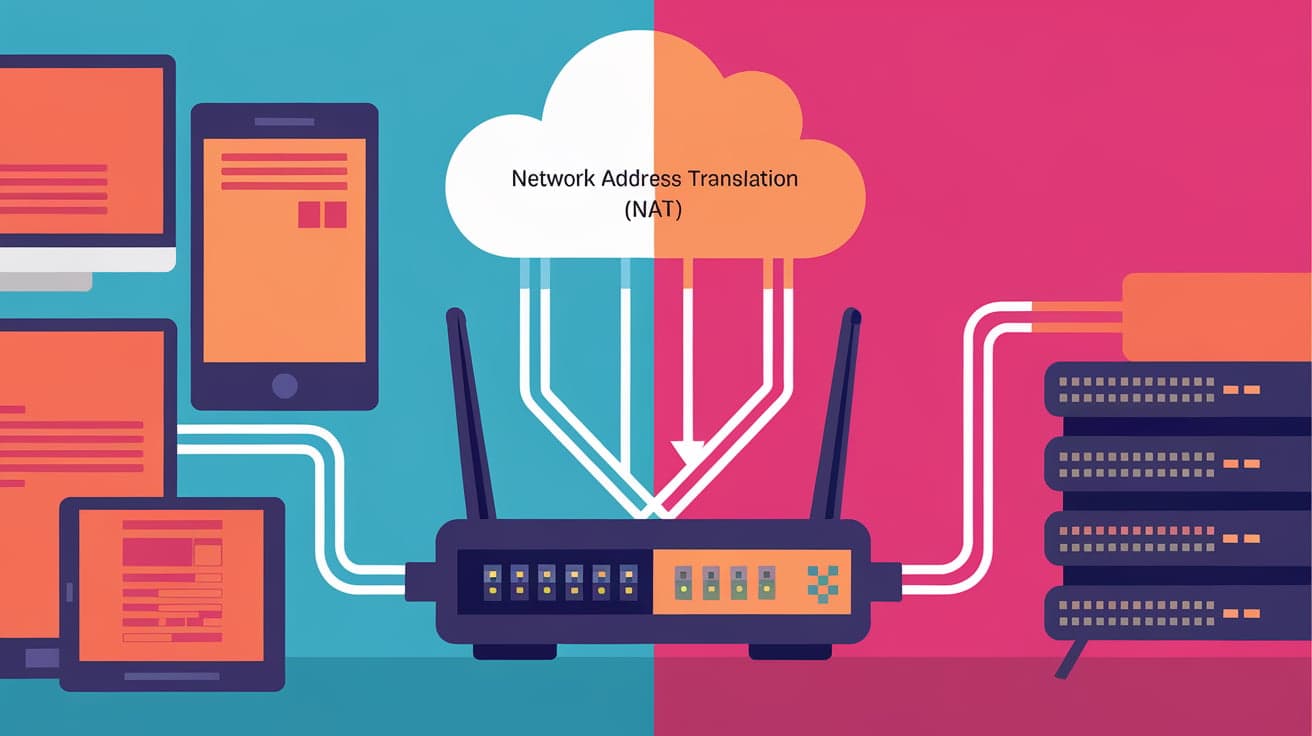
Ever wondered how millions of devices, from your smartphone to your smart fridge, share a single internet connection in your home or office? This magic happens because of Network Address Translation (NAT). It’s a process that ensures your devices can communicate with the internet while keeping things secure and organized.
NAT is like a translator that bridges the gap between your private network (your Wi-Fi-connected devices) and the public internet. Without it, you’d need a unique public IP address for every device you use—a costly and impractical solution. NAT simplifies this by allowing multiple devices to share one public IP address. Let’s break down how it works and why it’s such a big deal in networking.
Understanding Network Address Translation
At its core, NAT is a way to modify the IP address information in data packets as they travel through a router or firewall. This translation happens in real-time, allowing devices in a private network to share a single public IP address when accessing the internet.
Here’s a simple analogy: imagine your home network as a big apartment building. Each device in your network is like an apartment, with its own internal (private) address. The router acts as the building’s receptionist, handling all the mail (data packets) and ensuring it’s delivered to the right apartment. At the same time, it uses a single public address to communicate with the outside world.
Types of NAT
NAT comes in several flavors, each designed for specific purposes:
1. Static NAT
With Static NAT, one private IP address is permanently mapped to a single public IP address. It’s like reserving a parking spot for a specific car. This type is often used for servers that need a fixed public IP to remain accessible, like a web or email server.
2. Dynamic NAT
In Dynamic NAT, a pool of public IP addresses is used, and devices are assigned one from the pool when they connect to the internet. It’s like sharing a pool of company cars—each device gets one when needed, but not permanently.
3. PAT (Port Address Translation)
This is the most common type of NAT, also called NAT Overload. It allows multiple devices to share a single public IP address by using different port numbers. Think of it as assigning unique room numbers to guests in a hotel—they all share the same building address (public IP), but the room number (port) identifies each one.
How NAT Works
Let’s break down what happens step-by-step when NAT is in action:
Device Sends a Request
- Your device sends a data packet (e.g., a request to visit a website) to the router. This packet includes your device’s private IP address and a specific port number.
Router Modifies the Packet
- The router replaces your private IP address with the public IP address it’s using. It also tracks which private IP and port made the request so it can send the response back to the correct device.
Packet Reaches Its Destination
- The modified packet travels to the destination (like a web server). The server only sees the public IP address, not your device’s private address.
Response Comes Back
- The server sends a response to the router’s public IP. The router uses its records to figure out which private device and port requested the data and forwards the response there.
This translation happens quickly and efficiently, allowing seamless communication between private networks and the internet.
Why Is NAT Important?
NAT plays a vital role in modern networking for several reasons:
1. Conserves IP Addresses
The world ran out of IPv4 addresses a long time ago. NAT allows us to work around this limitation by enabling multiple devices to share one public IP address.
2. Improves Security
NAT adds a layer of security by hiding your private network’s internal IP addresses from the public internet. It’s like having a gatekeeper who ensures outsiders can’t directly access your devices.
3. Simplifies Network Management
With NAT, you don’t need to assign public IP addresses to every device. This reduces complexity and cost, especially for businesses.
4. Supports Legacy Systems
NAT ensures older devices and systems that don’t support IPv6 can still connect to the internet using IPv4.
NAT and Firewalls
You might hear NAT mentioned alongside firewalls, and for a good reason. Many routers use NAT and firewall features together. While NAT hides internal IP addresses, firewalls add extra rules to block or allow traffic. Together, they create a secure barrier between your network and the internet.
Limitations of NAT
Despite its many benefits, NAT isn’t perfect. Here are some challenges it presents:
Breaks End-to-End Connectivity: Some applications, like online gaming or video conferencing, struggle with NAT because they require direct device-to-device communication.
Performance Overhead: Translating packets adds a small delay, which might affect high-speed networks.
Port Forwarding Complexity: To allow external devices to access specific devices in your network (like hosting a game server), you need to configure port forwarding, which can be tricky.
Real-World Applications of NAT
NAT is everywhere. Here are some examples of where it’s commonly used:
Home Networks: Your Wi-Fi router uses NAT to let all your devices share a single internet connection.
Corporate Networks: Businesses use NAT to connect hundreds or thousands of devices to the internet while using only a few public IP addresses.
VPNs: Virtual Private Networks often rely on NAT to ensure secure connections between remote users and the main office network.
How to Enable NAT
Setting up NAT is typically done on your router, and most consumer routers enable it by default. Here’s a quick guide for common devices:
Access Router Settings
- Open your web browser and enter your router’s IP address (usually something like
192.168.1.1).
- Open your web browser and enter your router’s IP address (usually something like
Log In
- Enter the router’s admin username and password.
Check NAT Settings
- Look for options like “NAT,” “Port Forwarding,” or “PAT” in the settings menu.
Configure if Needed
- Make changes if you want to customize how NAT works, such as setting up port forwarding.
Conclusion
Network Address Translation (NAT) is one of those technologies you rarely think about but rely on every day. It’s the unsung hero that makes modern networking possible, from sharing an internet connection at home to running massive corporate networks.
By translating private IP addresses into public ones, NAT conserves IP resources, enhances security, and simplifies network management. While it has its limitations, its benefits far outweigh the challenges.
Understanding how NAT works gives you a glimpse into the behind-the-scenes magic of the internet and helps you appreciate the systems that keep us connected.
FAQs
What is the main purpose of NAT?
NAT allows multiple devices in a private network to share a single public IP address, enabling internet access and conserving IP resources.
How does NAT improve security?
NAT hides your internal IP addresses from the public internet, making it harder for hackers to target individual devices in your network.
What is the difference between NAT and PAT?
NAT translates private IP addresses into public ones, while PAT (Port Address Translation) allows multiple devices to share a single public IP by assigning unique port numbers.
Can NAT work with IPv6?
NAT is primarily designed for IPv4, but NAT64 and similar techniques are used to translate between IPv4 and IPv6 when necessary.
Do all routers support NAT?
Yes, most modern routers, especially for home and business use, support NAT by default. You can customize or configure it in your router’s settings.




