
What is Network Access Control
Introduction
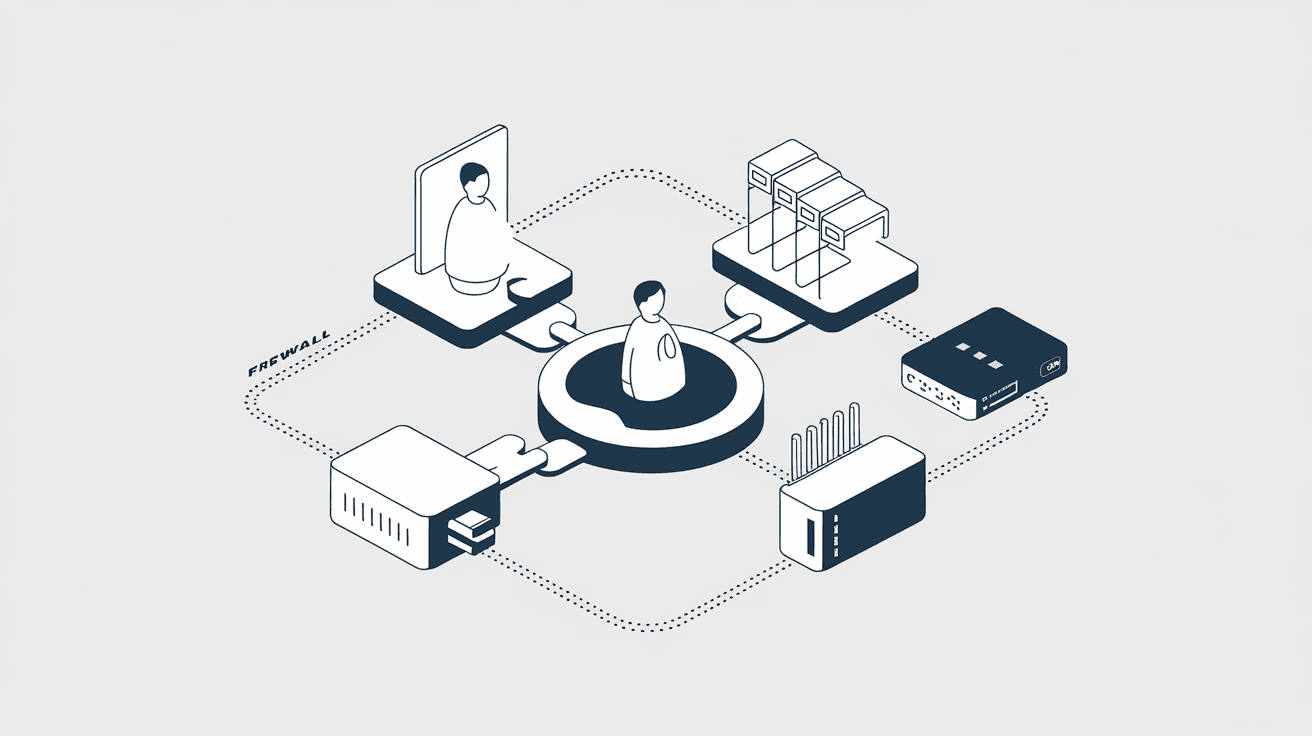
You might have heard about Network Access Control, or NAC, but wondered what it really means for your network’s security. In simple terms, NAC is a system that helps control who or what can connect to your network. It acts like a security guard, checking devices before they get access.
In this article, I’ll explain what Network Access Control is, how it works, and why it’s important. Whether you manage a small office network or a large enterprise system, understanding NAC can help you keep your data safe and your network running smoothly.
What is Network Access Control?
Network Access Control (NAC) is a security solution that manages and enforces policies for devices trying to connect to a network. It ensures that only authorized and compliant devices can access network resources. NAC helps prevent unauthorized access, reduces security risks, and improves overall network health.
NAC systems check devices based on various criteria, such as:
- User identity
- Device type
- Security posture (like antivirus status or software updates)
- Location or time of access
By enforcing these rules, NAC protects networks from threats like malware, data breaches, and unauthorized users.
How Does Network Access Control Work?
NAC works by verifying devices before they connect to the network. Here’s a simple breakdown of the process:
- Device Detection: When a device tries to connect, NAC detects it.
- Authentication: The system checks who the user is, often using usernames and passwords or certificates.
- Compliance Check: NAC inspects the device’s security status, such as whether antivirus software is up to date.
- Access Decision: Based on the checks, NAC decides if the device can access the network fully, partially, or not at all.
- Enforcement: NAC enforces the decision by allowing, restricting, or blocking access.
This process happens quickly and automatically, helping keep your network secure without slowing down users.
Types of Network Access Control
There are different types of NAC solutions, each with its own approach:
- Pre-Admission NAC: Checks devices before they connect. If a device doesn’t meet security policies, it’s blocked or quarantined.
- Post-Admission NAC: Monitors devices after they connect, looking for suspicious behavior or policy violations.
- Agent-Based NAC: Requires software agents installed on devices to report their status.
- Agentless NAC: Works without installing software on devices, using network scanning and other methods.
Choosing the right type depends on your network size, security needs, and device diversity.
Why is Network Access Control Important?
NAC is crucial for modern networks because it helps:
- Prevent Unauthorized Access: Only trusted users and devices can connect.
- Reduce Security Risks: Devices that don’t meet security standards are blocked or limited.
- Protect Sensitive Data: NAC helps safeguard confidential information from breaches.
- Improve Compliance: Many industries require strict network security controls.
- Enhance Visibility: NAC gives you insight into what devices are on your network.
With cyber threats growing, NAC acts as a frontline defense to keep your network safe.
Key Features of Network Access Control
When looking at NAC solutions, consider these important features:
- Device Profiling: Identifies device types and operating systems.
- User Authentication: Supports multiple methods like passwords, biometrics, or certificates.
- Policy Enforcement: Applies rules based on user roles, device health, or location.
- Guest Access Management: Controls temporary access for visitors.
- Remediation: Offers ways to fix non-compliant devices, like updating software.
- Integration: Works with other security tools like firewalls and antivirus.
These features help create a flexible and strong security system.
How to Implement Network Access Control
Implementing NAC involves several steps:
- Assess Your Network: Understand your devices, users, and security needs.
- Define Policies: Decide who can access what, and under which conditions.
- Choose a NAC Solution: Pick one that fits your environment and budget.
- Deploy NAC: Install and configure the system, including any required agents.
- Test and Monitor: Check that NAC works correctly and watch for issues.
- Educate Users: Inform your team about NAC policies and procedures.
Proper planning and communication make NAC implementation smoother and more effective.
Challenges of Network Access Control
While NAC offers many benefits, it also comes with challenges:
- Complexity: Setting up policies and managing devices can be complicated.
- Device Diversity: Supporting many types of devices, including BYOD (Bring Your Own Device), is tough.
- User Experience: Strict controls might frustrate users if not balanced well.
- Cost: NAC solutions can be expensive for small businesses.
- Integration: Ensuring NAC works with existing systems requires careful planning.
Understanding these challenges helps you prepare and avoid common pitfalls.
Real-World Examples of Network Access Control
Many organizations use NAC to strengthen their security:
- Healthcare: Hospitals use NAC to protect patient data and ensure only authorized medical devices connect.
- Education: Schools control student and staff access to sensitive resources.
- Finance: Banks enforce strict NAC policies to comply with regulations and prevent fraud.
- Corporate Offices: Companies manage employee and guest devices to reduce risks.
These examples show how NAC adapts to different environments and needs.
Future Trends in Network Access Control
NAC continues to evolve with technology trends:
- Zero Trust Security: NAC supports zero trust by verifying every device and user continuously.
- Cloud Integration: NAC solutions now work with cloud services and remote users.
- AI and Automation: Artificial intelligence helps detect threats faster and automate responses.
- IoT Security: NAC adapts to secure Internet of Things devices, which are often vulnerable.
- Enhanced User Experience: New NAC tools focus on balancing security with ease of use.
Staying updated on these trends helps you keep your network protected.
Conclusion
Network Access Control is a powerful tool that helps you manage who and what can connect to your network. By verifying devices and enforcing security policies, NAC reduces risks and protects your data. Whether you run a small business or a large enterprise, NAC is essential for modern network security.
Implementing NAC might seem challenging, but with the right approach, it can greatly improve your network’s safety and visibility. As cyber threats grow, using NAC is a smart step to keep your network secure and your users productive.
FAQs
What devices does Network Access Control protect?
NAC protects all devices trying to connect to your network, including laptops, smartphones, tablets, IoT devices, and guest devices. It ensures only authorized and secure devices gain access.
Can NAC work with remote or cloud users?
Yes, modern NAC solutions support remote and cloud users by integrating with VPNs and cloud platforms, ensuring secure access regardless of location.
Is Network Access Control difficult to manage?
NAC can be complex, especially in large networks. However, good planning, user education, and choosing the right solution can simplify management.
How does NAC help with compliance?
NAC enforces security policies that meet industry regulations like HIPAA, PCI-DSS, or GDPR, helping organizations avoid fines and data breaches.
Does NAC slow down network access?
Properly configured NAC works quickly and usually does not slow down access. It balances security checks with user convenience to maintain smooth network performance.




