
What is Multi-Factor Authentication System
Introduction
You’ve probably heard about Multi-Factor Authentication (MFA) but might wonder what it really means and why it matters. In today’s digital world, protecting your online accounts is more important than ever. MFA is a powerful tool that adds extra layers of security beyond just a password.
In this article, I’ll explain what a Multi-Factor Authentication System is, how it works, and why you should use it. By the end, you’ll understand how MFA helps keep your personal and work information safe from hackers and cyber threats.
What is a Multi-Factor Authentication System?
A Multi-Factor Authentication System is a security method that requires users to provide two or more verification factors to access an account or system. Instead of relying on just a password, MFA asks for additional proof that you are who you say you are.
This system combines different types of authentication factors, making it much harder for attackers to gain unauthorized access. Even if someone steals your password, they still need the other factors to get in.
Types of Authentication Factors
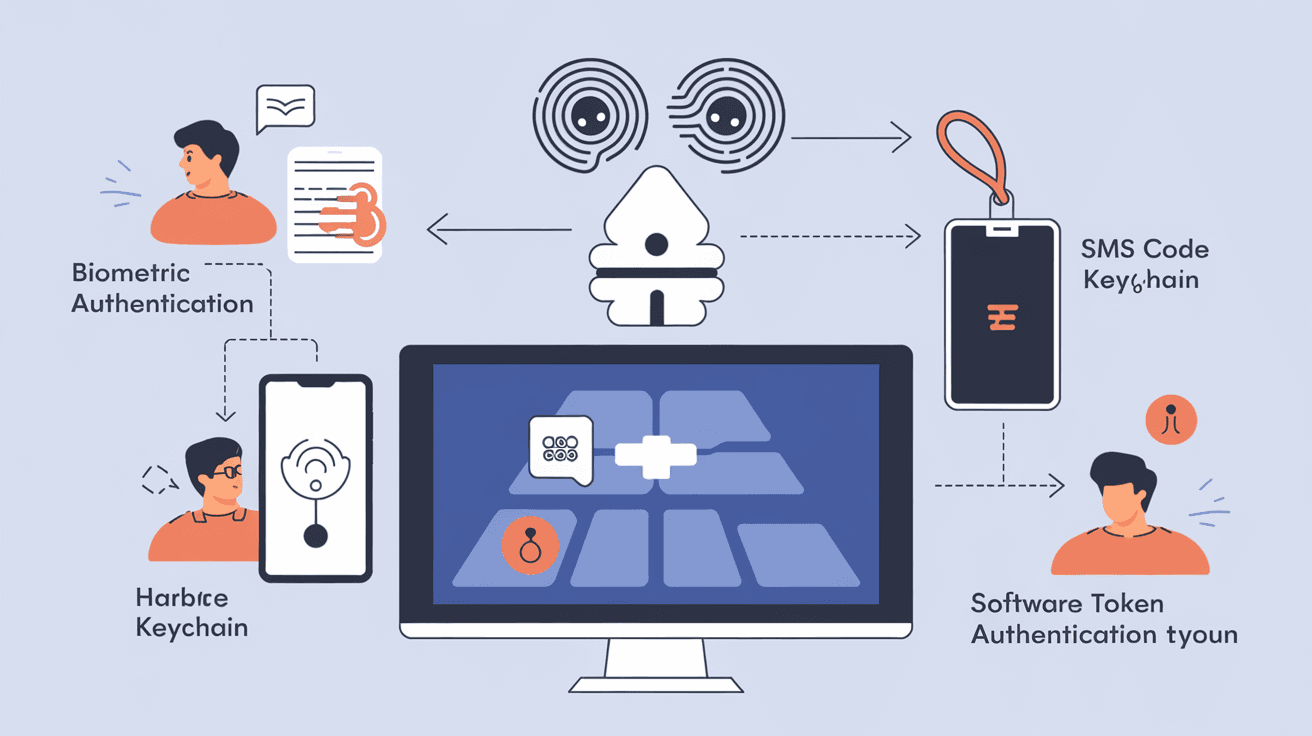
MFA uses at least two of these three main categories:
- Something You Know: This is usually a password or PIN.
- Something You Have: A physical device like a smartphone, security token, or smart card.
- Something You Are: Biometric data such as fingerprints, facial recognition, or voice patterns.
By requiring multiple factors, MFA creates a stronger defense against cyberattacks.
How Does a Multi-Factor Authentication System Work?
When you log in to an account protected by MFA, the system asks for your username and password first. After that, it prompts you for an additional verification step.
Here’s a typical MFA process:
- Enter your password (something you know).
- Provide a second factor, such as:
- A code sent to your phone via SMS or an authenticator app.
- A fingerprint scan.
- A hardware token that generates a one-time password (OTP).
Only after successfully providing both factors will you gain access.
Common MFA Methods
- SMS or Email Codes: You receive a temporary code on your phone or email.
- Authenticator Apps: Apps like Google Authenticator or Microsoft Authenticator generate time-based codes.
- Biometric Verification: Using your fingerprint or face to unlock.
- Hardware Tokens: Physical devices that create unique codes.
- Push Notifications: A prompt sent to your phone asking you to approve the login.
Each method adds a layer of security, making it tougher for hackers to break in.
Why is Multi-Factor Authentication Important?
Passwords alone are often weak and easy to steal. People reuse passwords or choose simple ones, which puts accounts at risk. MFA helps solve this problem by requiring more than just a password.
Benefits of Using MFA
- Stronger Security: Even if your password is compromised, attackers can’t access your account without the second factor.
- Reduced Fraud and Identity Theft: MFA makes it harder for criminals to impersonate you.
- Compliance with Regulations: Many industries require MFA to meet security standards.
- Peace of Mind: You know your accounts have extra protection.
In 2026, cyberattacks are more sophisticated than ever. MFA is one of the best ways to stay safe online.
Where is Multi-Factor Authentication Used?
MFA is widely used across many sectors to protect sensitive information and systems.
Common Use Cases
- Online Banking: Banks require MFA to secure your financial data.
- Corporate Networks: Companies use MFA to protect employee access to internal systems.
- Email Services: Gmail, Outlook, and others offer MFA to prevent unauthorized access.
- Social Media: Platforms like Facebook and Instagram encourage MFA to protect accounts.
- Government Services: Many government websites require MFA for secure access.
By using MFA, these services reduce the risk of breaches and protect user data.
How to Set Up Multi-Factor Authentication
Setting up MFA is usually simple and can be done in a few steps.
Steps to Enable MFA
- Go to your account’s security settings.
- Look for “Two-Factor Authentication” or “Multi-Factor Authentication.”
- Choose your preferred second factor method (authenticator app, SMS, etc.).
- Follow the instructions to link your device or set up biometrics.
- Test the setup by logging out and logging back in.
Many services provide clear guides to help you enable MFA quickly.
Tips for Using MFA Effectively
- Use an authenticator app instead of SMS when possible, as it’s more secure.
- Keep backup codes in a safe place in case you lose access to your device.
- Regularly update your authentication methods.
- Avoid sharing your second factor with anyone.
Challenges and Limitations of Multi-Factor Authentication
While MFA significantly improves security, it’s not perfect.
Common Issues
- User Convenience: Some find MFA steps annoying or time-consuming.
- Device Dependence: Losing your phone or token can lock you out.
- Phishing Attacks: Advanced phishing can trick users into giving away MFA codes.
- Implementation Costs: Businesses may face costs integrating MFA systems.
Despite these challenges, the benefits of MFA usually outweigh the drawbacks.
The Future of Multi-Factor Authentication
As cyber threats evolve, MFA technology is also advancing.
Emerging Trends
- Passwordless Authentication: Using biometrics or hardware keys to eliminate passwords entirely.
- Behavioral Biometrics: Systems that analyze how you type or move your mouse for continuous authentication.
- AI-Powered Security: Artificial intelligence helps detect suspicious login attempts in real time.
- Integration with IoT: MFA will protect smart devices connected to the internet.
These innovations aim to make authentication more secure and user-friendly.
Conclusion
Multi-Factor Authentication Systems are essential tools for protecting your online accounts. By requiring multiple forms of verification, MFA makes it much harder for hackers to steal your information. Whether you’re securing your email, bank account, or work system, MFA adds a critical layer of defense.
You don’t have to be a tech expert to use MFA. Most services offer easy ways to set it up, and the extra security is well worth the small effort. As cyber threats grow, adopting MFA is one of the smartest steps you can take to stay safe online.
FAQs
What is the difference between two-factor and multi-factor authentication?
Two-factor authentication (2FA) uses exactly two verification methods, while multi-factor authentication (MFA) can use two or more. Both improve security by requiring multiple proofs of identity.
Can I use multi-factor authentication without a smartphone?
Yes. You can use hardware tokens, biometric devices, or receive codes via email or phone calls instead of a smartphone app.
Is multi-factor authentication foolproof?
No security system is perfect, but MFA greatly reduces the risk of unauthorized access. It’s much stronger than relying on passwords alone.
What should I do if I lose my MFA device?
Most services provide backup codes or alternative verification methods. Keep backup codes safe and contact support if you lose access to your device.
Does multi-factor authentication slow down login?
MFA adds an extra step, but it usually takes only a few seconds. The added security is worth the small delay in most cases.




