
What is Multi-Factor Authentication
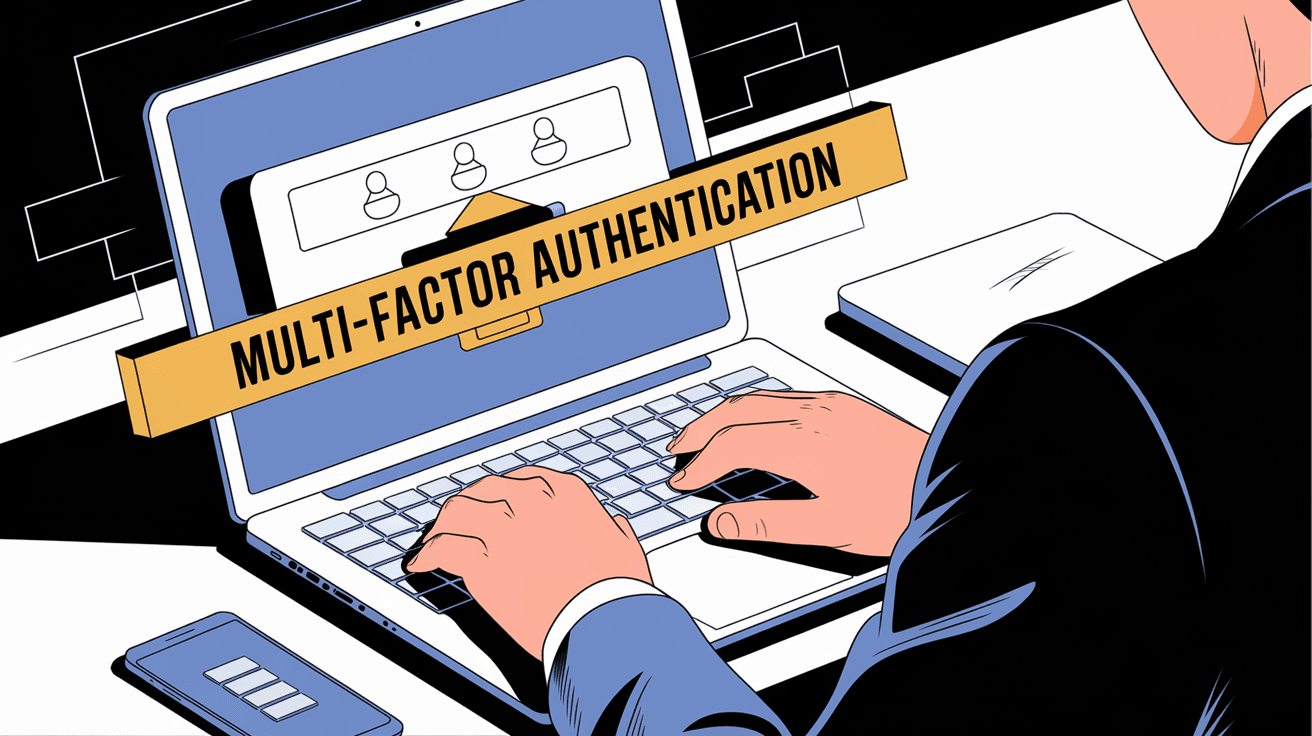
Introduction
You’ve probably heard about multi-factor authentication (MFA) when setting up online accounts or logging into work systems. But what exactly is it, and why should you care? MFA is a security method that adds extra layers of protection beyond just a password. This means your accounts become much harder for hackers to access.
In this article, I’ll explain what multi-factor authentication is, how it works, and why it’s important for keeping your personal and professional information safe. You’ll also learn about different types of MFA and how you can start using it today.
What is Multi-Factor Authentication?
Multi-factor authentication is a security process that requires users to provide two or more verification factors to gain access to a system, app, or online account. Instead of relying on just a password, MFA combines multiple pieces of evidence to prove your identity.
This approach makes it much harder for attackers to break in because even if they steal your password, they still need the other factors to get access. MFA is widely used by businesses, banks, and online services to protect sensitive data.
The Three Common Factors of Authentication
MFA uses at least two of these three factors:
- Something you know: A password, PIN, or answer to a security question.
- Something you have: A smartphone app, hardware token, or security key.
- Something you are: Biometric data like fingerprints, facial recognition, or voice patterns.
By combining these factors, MFA creates a stronger defense against unauthorized access.
How Does Multi-Factor Authentication Work?
When you log into an account protected by MFA, the system asks for your usual password first. After you enter it correctly, the system then requests a second form of verification. This second step could be:
- A code sent to your phone via SMS.
- A notification from an authentication app like Google Authenticator or Microsoft Authenticator.
- A fingerprint scan on your device.
- A physical security key you plug into your computer.
Only after you provide this second factor will you gain access. This two-step process ensures that even if someone steals your password, they can’t get in without the second factor.
Example of MFA in Action
Imagine you log into your email account. You enter your password, and then your phone buzzes with a notification from an authentication app. You open the app, see a six-digit code, and type it into the login screen. This extra step confirms it’s really you.
Why is Multi-Factor Authentication Important?
Passwords alone are no longer enough to protect your accounts. Many people use weak passwords or reuse them across sites, making it easier for hackers to break in. MFA adds a critical layer of security that significantly reduces the risk of unauthorized access.
Benefits of Using MFA
- Stronger security: MFA blocks most common hacking methods like phishing and password theft.
- Protects sensitive data: Especially important for banking, healthcare, and business accounts.
- Reduces fraud: Makes it harder for criminals to impersonate you.
- Compliance: Many industries require MFA to meet legal and regulatory standards.
By enabling MFA, you take control of your online safety and make it much harder for attackers to steal your information.
Types of Multi-Factor Authentication Methods
There are several ways MFA can verify your identity. Each method has its pros and cons depending on your needs and devices.
1. SMS and Email Codes
- You receive a one-time code via text message or email.
- Easy to use but vulnerable to SIM swapping and phishing attacks.
- Still better than no MFA at all.
2. Authentication Apps
- Apps like Google Authenticator or Authy generate time-based codes.
- More secure than SMS because codes are generated locally.
- Requires installing an app on your smartphone.
3. Biometric Authentication
- Uses fingerprints, facial recognition, or iris scans.
- Convenient and fast.
- Depends on device hardware and privacy considerations.
4. Hardware Security Keys
- Physical devices like YubiKey that plug into USB or connect via Bluetooth.
- Very secure and resistant to phishing.
- May require purchasing extra hardware.
5. Push Notifications
- You get a prompt on your phone to approve or deny a login attempt.
- Quick and user-friendly.
- Relies on internet connectivity.
How to Set Up Multi-Factor Authentication
Setting up MFA is usually straightforward. Most online services offer it in their security settings. Here’s a general guide:
- Go to your account’s security settings.
- Find the multi-factor or two-factor authentication option.
- Choose your preferred MFA method (app, SMS, hardware key).
- Follow the prompts to link your device or phone number.
- Test the setup by logging out and logging back in.
Many services also provide backup codes you can save in case you lose access to your second factor.
Common Challenges with Multi-Factor Authentication
While MFA greatly improves security, it’s not perfect. Here are some common issues people face:
- Device loss: Losing your phone or hardware key can lock you out.
- Setup complexity: Some users find MFA confusing to set up.
- Accessibility: Not all MFA methods work well for everyone, especially those with disabilities.
- False sense of security: MFA is strong but not foolproof; you still need good password habits.
To avoid problems, keep backup options ready and choose MFA methods that fit your lifestyle.
Multi-Factor Authentication in Business
Businesses increasingly require MFA to protect sensitive systems and customer data. Cyberattacks targeting companies have grown, making MFA a critical defense.
Why Companies Use MFA
- Protect employee accounts: Prevent unauthorized access to email and internal tools.
- Secure customer data: Comply with privacy laws like GDPR and HIPAA.
- Reduce risk of breaches: MFA stops many common attack vectors.
- Build customer trust: Showing strong security practices improves reputation.
Many organizations combine MFA with other security measures like VPNs and endpoint protection for layered defense.
Future Trends in Multi-Factor Authentication
As cyber threats evolve, MFA technology continues to improve. Here are some trends to watch:
- Passwordless authentication: Using biometrics or security keys without passwords.
- Behavioral biometrics: Analyzing typing patterns or mouse movements for identity.
- AI-powered risk analysis: Systems that adjust MFA requirements based on login risk.
- Wider adoption: More apps and devices will support MFA by default.
These advancements will make authentication easier and more secure for everyone.
Conclusion
Multi-factor authentication is a powerful tool that protects your online accounts by requiring more than just a password. By combining something you know with something you have or are, MFA makes it much harder for hackers to gain access. Whether you use SMS codes, authentication apps, biometrics, or hardware keys, adding MFA significantly boosts your security.
For both individuals and businesses, enabling MFA is one of the simplest and most effective ways to prevent cyberattacks. As threats grow, adopting MFA is no longer optional but essential. Take a few minutes today to set it up on your important accounts—you’ll thank yourself later.
FAQs
What is the difference between two-factor and multi-factor authentication?
Two-factor authentication (2FA) uses exactly two verification methods, while multi-factor authentication (MFA) can use two or more. Both add extra security beyond just a password.
Can multi-factor authentication be hacked?
While MFA greatly reduces risk, no system is 100% foolproof. Sophisticated attacks exist, but MFA makes unauthorized access much harder compared to passwords alone.
Is multi-factor authentication free to use?
Most MFA methods like SMS codes and authentication apps are free. Hardware security keys may require a purchase, but many services offer MFA at no extra cost.
What should I do if I lose my MFA device?
Keep backup codes provided during setup. Contact the service provider to recover your account or reset MFA settings if you lose your device.
Does multi-factor authentication slow down login?
MFA adds an extra step, but it’s usually quick and easy. Many users find the small delay worth the added security it provides.




