
What is Mobile Device Management (MDM)
Introduction
You probably use smartphones, tablets, or laptops every day, whether for work or personal use. But have you ever wondered how companies keep all these devices secure and running smoothly? That’s where Mobile Device Management, or MDM, comes in. It helps businesses control and protect mobile devices from a single platform.
In this article, I’ll explain what MDM is, how it works, and why it’s important for organizations today. Whether you’re a business owner, IT professional, or just curious, you’ll get a clear understanding of MDM and its benefits.
What is Mobile Device Management (MDM)?
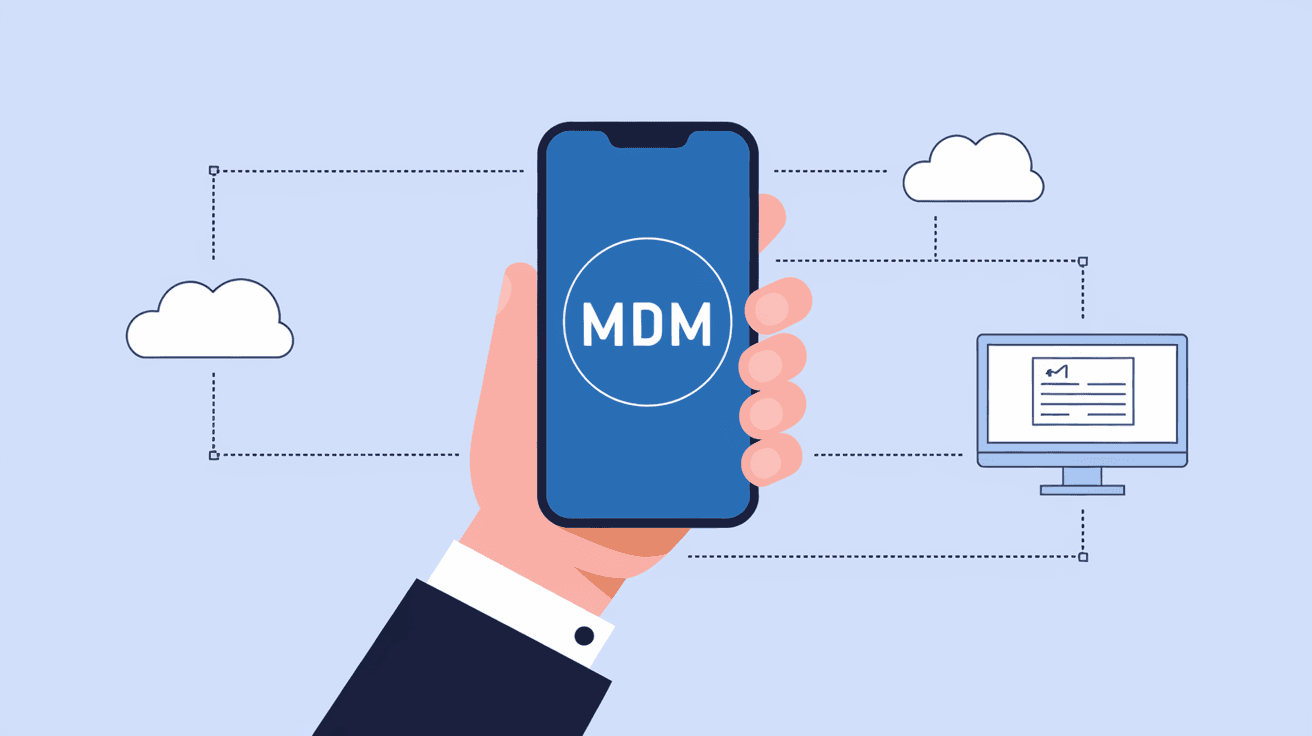
Mobile Device Management (MDM) is a software solution that allows organizations to manage, monitor, and secure mobile devices like smartphones, tablets, and laptops. It helps IT teams control devices remotely, enforce security policies, and ensure that company data stays safe.
MDM is especially useful in workplaces where employees use their own devices (BYOD) or when companies provide devices for work. It creates a balance between giving users freedom and protecting sensitive information.
Key Features of MDM
- Device Enrollment: Adding devices to the MDM system for management.
- Remote Configuration: Setting up device settings and apps remotely.
- Security Enforcement: Applying passwords, encryption, and restrictions.
- App Management: Installing, updating, or removing apps.
- Monitoring and Reporting: Tracking device status and compliance.
- Remote Wipe: Erasing data if a device is lost or stolen.
How Does Mobile Device Management Work?
MDM works by installing a management profile or agent on each device. This profile connects the device to a central MDM server, which IT administrators use to send commands and policies.
When a device is enrolled, the MDM system can:
- Push security settings like password requirements.
- Control which apps can be installed or used.
- Monitor device health and compliance with company rules.
- Lock or wipe the device remotely if needed.
This connection is usually secured with encryption to protect communication between the device and the MDM server.
Enrollment Methods
There are several ways to enroll devices into an MDM system:
- User Enrollment: The user installs the MDM profile themselves.
- Automated Enrollment: Devices are pre-configured during setup (common with Apple’s DEP or Android Zero-touch).
- Bulk Enrollment: IT admins add multiple devices at once.
Each method suits different business needs and device types.
Why is Mobile Device Management Important?
With more people working remotely and using mobile devices, security risks have increased. MDM helps businesses protect their data and maintain control over devices, reducing risks like data breaches or unauthorized access.
Here’s why MDM matters:
- Data Security: Protects sensitive company information on mobile devices.
- Compliance: Helps meet legal and industry regulations.
- Device Control: Ensures devices follow company policies.
- Productivity: Enables remote support and app management.
- Cost Savings: Reduces IT workload and device downtime.
Benefits of Mobile Device Management
Using MDM offers many advantages for businesses of all sizes. Here are some key benefits:
- Improved Security: Enforces encryption, strong passwords, and remote wipe.
- Simplified Management: Centralizes control of all mobile devices.
- Better Compliance: Tracks and reports on policy adherence.
- Flexible Work Environment: Supports BYOD and remote work securely.
- Reduced Risk: Minimizes chances of data loss or theft.
- Faster IT Support: Enables remote troubleshooting and updates.
Common Use Cases for MDM
MDM is used in various industries and scenarios. Some common examples include:
- Corporate-Owned Devices: Managing company phones and tablets.
- Bring Your Own Device (BYOD): Securing personal devices used for work.
- Education: Controlling tablets and laptops in schools.
- Healthcare: Protecting patient data on mobile devices.
- Retail: Managing devices used for sales and inventory.
Each use case requires specific policies and configurations tailored to the organization’s needs.
Challenges and Limitations of MDM
While MDM is powerful, it’s not without challenges. Some common issues include:
- User Privacy Concerns: Employees may worry about monitoring on personal devices.
- Complexity: Setting up and managing MDM can be complicated.
- Device Diversity: Supporting many device types and operating systems is tough.
- Cost: Licensing and maintenance can be expensive for small businesses.
- User Resistance: Some users may resist restrictions imposed by MDM.
Addressing these challenges requires clear communication, proper training, and choosing the right MDM solution.
How to Choose the Right MDM Solution
Selecting the best MDM system depends on your business needs. Consider these factors:
- Device Support: Does it support all your device types and OS versions?
- Security Features: Are encryption, remote wipe, and compliance tools included?
- Ease of Use: Is the interface user-friendly for IT staff and end-users?
- Scalability: Can it grow with your organization?
- Integration: Does it work with your existing IT infrastructure?
- Cost: Are pricing and licensing affordable for your budget?
Popular MDM providers in 2026 include Microsoft Intune, VMware Workspace ONE, Jamf (for Apple devices), and MobileIron.
Future Trends in Mobile Device Management
MDM continues to evolve as mobile technology advances. Here are some trends shaping its future:
- Unified Endpoint Management (UEM): Combining MDM with PC and IoT device management.
- AI and Automation: Using AI to detect threats and automate responses.
- Zero Trust Security: Verifying every device and user before granting access.
- Cloud-Based MDM: More solutions moving to cloud platforms for flexibility.
- Enhanced Privacy Controls: Balancing security with user privacy rights.
These trends will make MDM more powerful and easier to use in the coming years.
Conclusion
Mobile Device Management (MDM) is essential for any organization that relies on mobile devices. It helps you secure, manage, and monitor devices from a central platform, protecting your data and improving productivity. Whether you have company-owned devices or allow BYOD, MDM gives you control and peace of mind.
As mobile technology grows, MDM solutions keep evolving to meet new challenges. By understanding what MDM is and how it works, you can make informed decisions to safeguard your business and support your workforce effectively.
FAQs
What types of devices can MDM manage?
MDM can manage smartphones, tablets, laptops, and sometimes other connected devices like IoT gadgets. It supports multiple operating systems including iOS, Android, Windows, and macOS.
Is MDM only for large companies?
No, MDM is useful for businesses of all sizes. Small and medium businesses benefit from improved security and easier device management, while large enterprises use it to handle thousands of devices.
Can MDM protect data on personal devices?
Yes, MDM can secure personal devices used for work by separating personal and corporate data, enforcing security policies, and allowing remote wipe of only work-related information.
How does MDM support remote work?
MDM enables IT teams to configure devices remotely, push updates, monitor compliance, and troubleshoot issues without needing physical access, making remote work safer and more efficient.
What happens if a device is lost or stolen?
With MDM, IT administrators can remotely lock the device or wipe all corporate data to prevent unauthorized access, reducing the risk of data breaches.




