
What is Malspam
Introduction
You’ve probably heard about spam emails, but have you come across the term “malspam”? If not, you’re not alone. Malspam is a type of email that carries malicious content designed to harm your computer or steal your information. Understanding malspam is important because it’s one of the most common ways cybercriminals attack people today.
In this article, I’ll explain what malspam is, how it works, and what you can do to protect yourself. By the end, you’ll be better equipped to spot these dangerous emails and keep your devices safe.
What is Malspam?
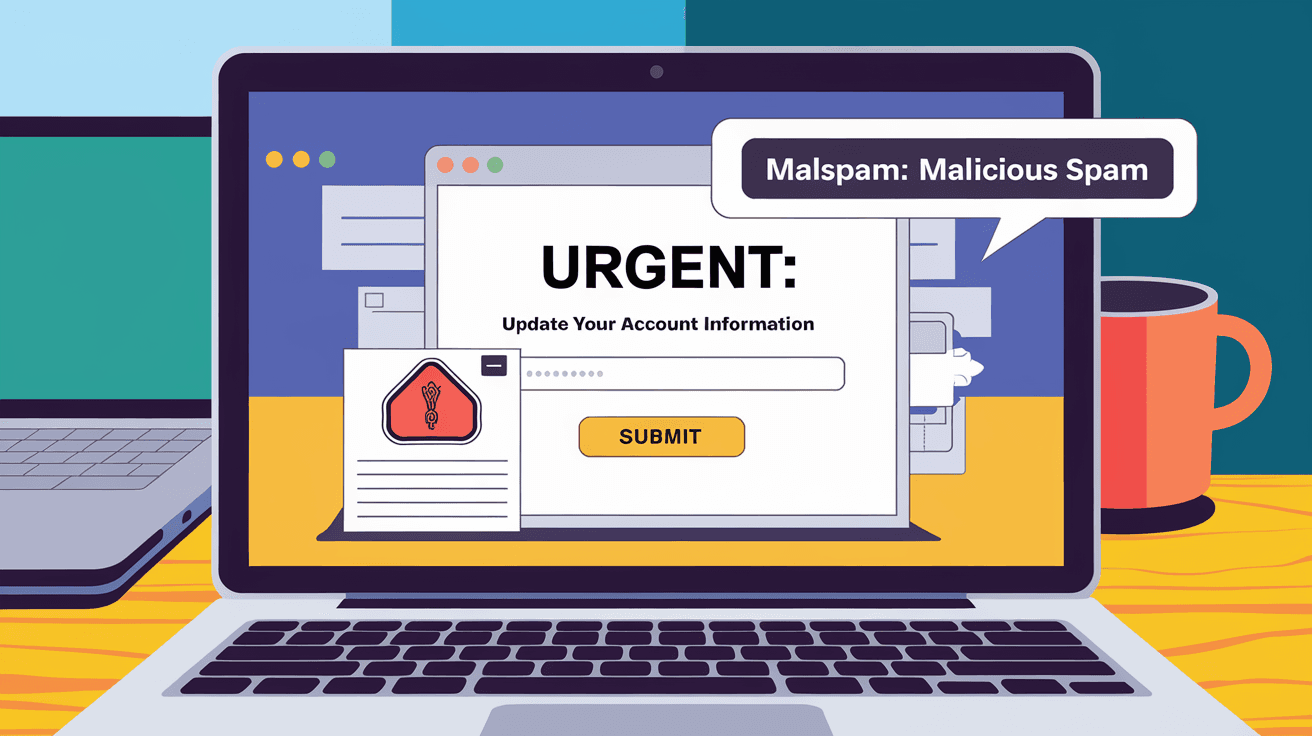
Malspam is short for malicious spam. It refers to unwanted emails that contain harmful attachments or links. Unlike regular spam, which is mostly annoying advertisements, malspam tries to trick you into downloading malware or visiting dangerous websites.
These emails often look like legitimate messages from trusted companies or contacts. They might claim to be invoices, shipping notices, or security alerts. The goal is to get you to open an attachment or click a link that installs malware on your device.
Common Types of Malspam
- Phishing emails: Pretend to be from banks or services asking for your login details.
- Emails with infected attachments: Files like PDFs, Word documents, or ZIP files that contain malware.
- Links to malicious websites: URLs that lead to fake sites designed to steal your information or infect your computer.
- Ransomware delivery: Emails that install ransomware, locking your files until you pay a ransom.
How Does Malspam Work?
Malspam works by exploiting human trust and curiosity. Cybercriminals send out thousands or millions of these emails hoping some people will fall for the trick. Here’s how the process usually goes:
- Crafting the email: Attackers create a convincing message that looks real.
- Sending mass emails: They use botnets or email lists to send the malspam to many people.
- User interaction: The victim opens the email and clicks a link or opens an attachment.
- Malware installation: The malicious software installs itself on the victim’s device.
- Damage or theft: The malware can steal data, spy on the user, or lock files for ransom.
Why Is Malspam Effective?
- Social engineering: The emails use psychological tricks to make you act quickly without thinking.
- Spoofing: They fake sender addresses to look like trusted sources.
- Urgency: Messages often create a sense of urgency, like “Your account will be closed” or “Invoice overdue.”
- Personalization: Some malspam targets specific individuals with tailored messages.
Examples of Malspam Attacks
Malspam campaigns are constantly evolving. Here are some recent examples to help you understand how they work:
- Fake delivery notices: Emails pretending to be from courier companies like FedEx or UPS, asking you to open an attachment to see your package details. The attachment contains malware.
- Bank alerts: Messages that claim your bank account has suspicious activity and ask you to click a link to verify your identity. The link leads to a phishing site.
- Job offers: Emails offering fake job opportunities with attachments that install keyloggers or ransomware.
- Tax refund scams: Emails pretending to be from tax authorities, asking for personal information or payment details.
How to Identify Malspam Emails
Spotting malspam can be tricky, but there are some clear signs you can watch for:
- Unexpected emails: If you get an email from a company or person you don’t know, be cautious.
- Poor grammar and spelling: Many malspam emails have mistakes or awkward phrasing.
- Suspicious attachments: Be wary of files like .exe, .zip, or Office documents with macros.
- Urgent or threatening language: Messages pressuring you to act fast are often scams.
- Sender’s email address: Check if the sender’s address matches the official domain.
- Links that don’t match: Hover over links to see if the URL looks suspicious or unrelated.
Protecting Yourself from Malspam
You can take several steps to reduce your risk of falling victim to malspam:
- Use strong spam filters: Most email providers have filters that catch many malicious emails.
- Keep software updated: Regular updates patch security holes that malware exploits.
- Don’t open unknown attachments: Only open files from trusted sources.
- Verify suspicious emails: Contact the company or person directly using official contact details.
- Use antivirus software: Good security software can detect and block malware.
- Enable multi-factor authentication: This adds extra protection to your accounts.
- Educate yourself and others: Knowing what to look for helps you avoid scams.
What to Do If You Receive Malspam
If you think you’ve received malspam, here’s what you should do:
- Don’t click any links or open attachments.
- Mark the email as spam or phishing in your email client.
- Delete the email immediately.
- Run a full antivirus scan on your device.
- Change your passwords if you clicked a suspicious link.
- Report the email to your IT department or email provider.
The Impact of Malspam on Individuals and Businesses
Malspam doesn’t just annoy you; it can cause serious damage:
- Data theft: Malware can steal personal or financial information.
- Financial loss: Ransomware can lock your files until you pay money.
- Identity theft: Stolen data can be used to open fake accounts or commit fraud.
- Business disruption: Malspam can lead to downtime and lost productivity.
- Reputation damage: Companies hit by malspam attacks may lose customer trust.
The Future of Malspam
As cybercriminals get smarter, malspam is becoming more sophisticated. Here’s what to expect:
- More targeted attacks: Cybercriminals use AI and data to craft personalized malspam.
- New malware types: Attackers develop malware that can evade detection.
- Multi-channel attacks: Malspam may combine email with SMS or social media scams.
- Better defenses: Email providers and security companies are improving filters and detection.
Staying informed and cautious is your best defense against malspam in the future.
Conclusion
Malspam is a dangerous form of spam email that carries malware or phishing links. It tricks people into opening harmful attachments or clicking malicious links. By understanding how malspam works and learning to spot the signs, you can protect yourself from these cyber threats.
Remember to use strong spam filters, keep your software updated, and be cautious with unexpected emails. If you receive malspam, don’t interact with it and run security scans. Staying alert and informed is key to keeping your devices and data safe from malspam attacks.
FAQs
What is the difference between spam and malspam?
Spam is unwanted email, usually advertising. Malspam is spam that contains malware or phishing links designed to harm your device or steal information.
How can I tell if an email is malspam?
Look for suspicious sender addresses, unexpected attachments, urgent language, poor grammar, and links that don’t match the sender’s domain.
Can antivirus software protect me from malspam?
Yes, antivirus software can detect and block many types of malware delivered through malspam emails.
What should I do if I accidentally open a malspam attachment?
Immediately disconnect from the internet, run a full antivirus scan, change your passwords, and seek professional help if needed.
Are businesses more at risk from malspam than individuals?
Both are at risk, but businesses often face larger attacks that can disrupt operations and cause significant financial loss.




