
What is Incident Response Automation
Introduction
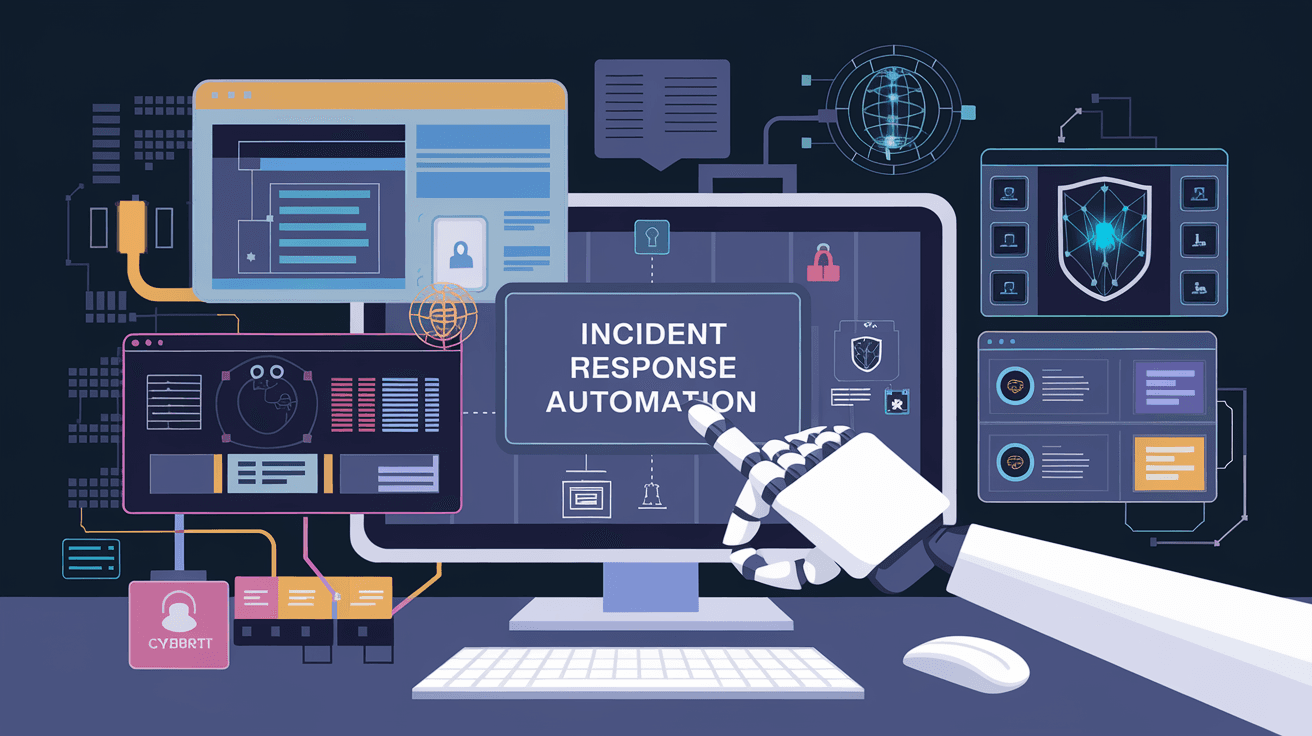
When a cybersecurity incident happens, every second counts. You want to respond quickly and effectively to stop threats before they cause damage. That’s where incident response automation comes in. It helps your team handle security incidents faster by automating repetitive tasks.
In this article, I’ll explain what incident response automation is, why it’s important, and how it works. You’ll also learn about its benefits and how to get started with it in your organization.
What Is Incident Response Automation?
Incident response automation is the use of technology to automatically detect, analyze, and respond to cybersecurity incidents. Instead of relying solely on manual work, automation tools handle routine tasks like alert triage, data collection, and even some remediation steps.
This approach speeds up the incident response process and reduces human error. It allows security teams to focus on more complex problems while the system handles repetitive or time-consuming actions.
Key Components of Incident Response Automation
- Detection: Automated tools monitor networks and systems for suspicious activity.
- Analysis: They analyze alerts to determine the severity and type of incident.
- Response: The system can take predefined actions like isolating devices or blocking IP addresses.
- Reporting: Automated reports help teams understand incidents and improve defenses.
Why Is Incident Response Automation Important?
Cyber threats are becoming more sophisticated and frequent. Security teams are often overwhelmed by the volume of alerts and the complexity of attacks. Incident response automation helps by:
- Reducing Response Time: Automated actions happen instantly, minimizing damage.
- Improving Accuracy: Automation reduces human errors in handling incidents.
- Increasing Efficiency: Teams can handle more incidents without needing more staff.
- Enhancing Consistency: Automated workflows ensure the same steps are followed every time.
For example, a phishing attack detected by automation can trigger immediate blocking of malicious links and alert the security team, preventing further spread.
How Does Incident Response Automation Work?
Incident response automation relies on software platforms that integrate with your existing security tools. These platforms use predefined playbooks—step-by-step instructions—to guide automated actions.
Typical Workflow
- Alert Generation: Security tools detect suspicious activity and generate alerts.
- Alert Triage: Automation filters and prioritizes alerts based on severity.
- Investigation: The system gathers additional data automatically, like logs or endpoint information.
- Action: Automated responses are triggered, such as quarantining a device or resetting passwords.
- Notification: Relevant teams are informed about the incident and actions taken.
- Documentation: The incident and response steps are logged for compliance and review.
Technologies Involved
- Security Orchestration, Automation, and Response (SOAR): Platforms that coordinate multiple security tools and automate workflows.
- Machine Learning: Helps improve detection accuracy by learning from past incidents.
- Threat Intelligence Feeds: Provide real-time data on emerging threats to inform automated responses.
Benefits of Incident Response Automation
Implementing automation in incident response offers several advantages:
- Faster Containment: Automated actions can isolate threats before they spread.
- Lower Costs: Reduces the need for large security teams and costly manual investigations.
- Better Compliance: Automated documentation helps meet regulatory requirements.
- Improved Threat Visibility: Continuous monitoring and analysis provide a clearer security picture.
- Scalability: Automation can handle increasing alert volumes as your organization grows.
Challenges and Considerations
While incident response automation is powerful, it’s not without challenges:
- False Positives: Automation may act on incorrect alerts if not properly tuned.
- Complex Incidents: Some threats require human judgment and cannot be fully automated.
- Integration Issues: Connecting different security tools can be complex.
- Initial Setup: Creating effective playbooks and workflows takes time and expertise.
To overcome these, it’s important to start small, test workflows, and continuously improve automation rules.
How to Get Started with Incident Response Automation
If you’re new to incident response automation, here are some steps to begin:
- Assess Your Current Process: Identify repetitive tasks that can be automated.
- Choose the Right Tools: Look for SOAR platforms that integrate well with your existing security stack.
- Develop Playbooks: Create clear, step-by-step workflows for common incident types.
- Train Your Team: Ensure everyone understands how automation works and when to intervene.
- Monitor and Improve: Regularly review automation performance and update playbooks as needed.
Real-World Examples of Incident Response Automation
Many organizations have successfully implemented incident response automation:
- Financial Institutions: Use automation to detect and block fraudulent transactions instantly.
- Healthcare Providers: Automate responses to ransomware attacks to protect patient data.
- Retail Companies: Quickly isolate compromised point-of-sale systems to prevent data breaches.
These examples show how automation can protect critical assets and reduce downtime.
Conclusion
Incident response automation is a game-changer in cybersecurity. It helps you respond faster, reduce errors, and manage growing threats more efficiently. By automating routine tasks, your security team can focus on complex challenges that require human insight.
If you want to strengthen your security posture, consider adopting incident response automation. Start by understanding your current processes, selecting the right tools, and building effective workflows. With the right approach, automation can become a vital part of your defense strategy.
FAQs
What types of incidents can be automated in response?
Common incidents like phishing attacks, malware infections, and unauthorized access attempts can be automated. Automation handles detection, containment, and initial investigation steps.
How does automation improve incident response speed?
Automation instantly performs predefined actions like blocking IPs or isolating devices, reducing the time between detection and response from hours to seconds.
Can incident response automation replace human analysts?
No, automation supports analysts by handling routine tasks. Complex incidents still require human judgment and decision-making.
What is a SOAR platform?
SOAR stands for Security Orchestration, Automation, and Response. It integrates security tools and automates workflows to streamline incident response.
How do I ensure automation doesn’t cause mistakes?
Regularly tune automation rules, test workflows, and include human review for critical decisions to minimize errors and false positives.




