
What is In-Browser Cryptojacking
Introduction
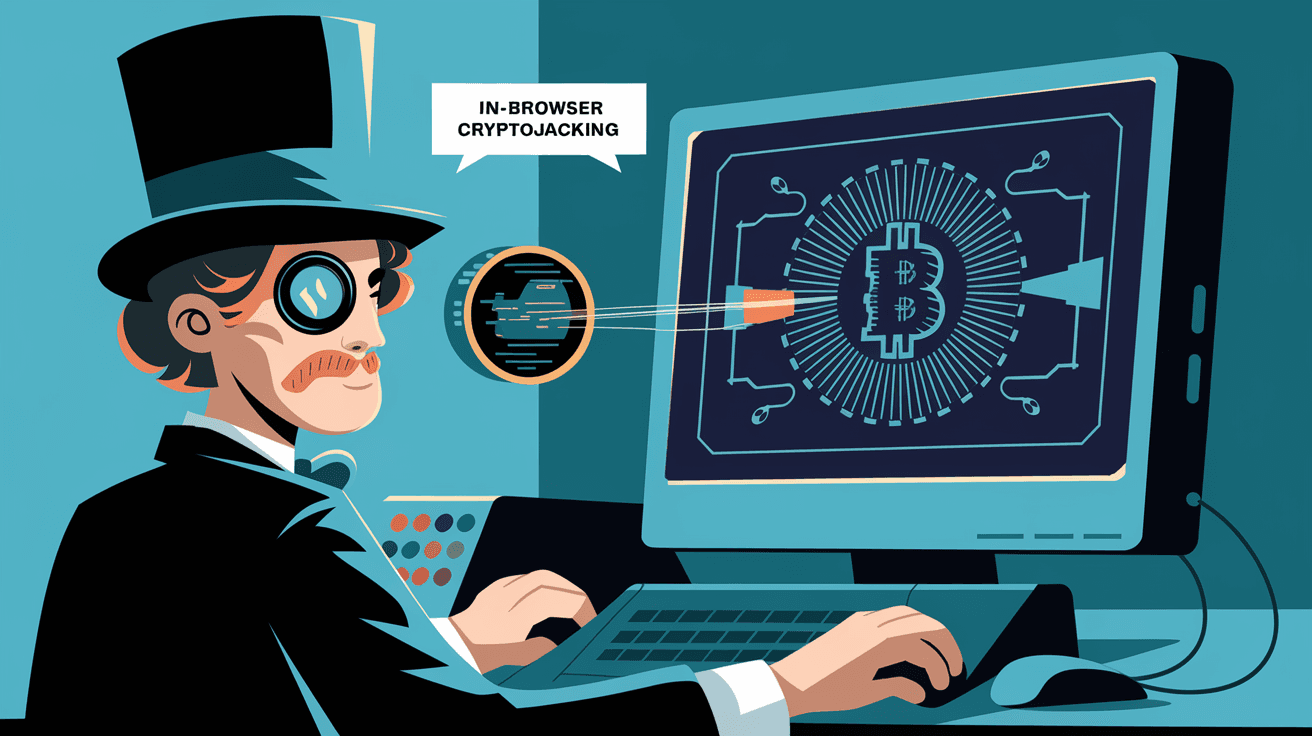
You might have heard about cryptojacking but wondered what it really means, especially when it happens right inside your web browser. In-browser cryptojacking is a sneaky way cybercriminals use your computer’s power without asking. It happens when you visit a website that secretly mines cryptocurrency using your device.
Understanding this threat is important because it can slow down your computer, increase your electricity bill, and even damage your hardware. In this article, I’ll explain what in-browser cryptojacking is, how it works, and what you can do to protect yourself from it.
What is In-Browser Cryptojacking?
In-browser cryptojacking is a type of cyberattack where malicious code runs inside your web browser to mine cryptocurrency. Unlike traditional cryptojacking, which requires installing software on your device, this happens just by visiting a compromised or malicious website.
Here’s how it works:
- The website contains hidden JavaScript code.
- When you open the site, the code runs automatically.
- It uses your computer’s CPU or GPU to solve complex math problems.
- These problems help generate cryptocurrency, usually Monero.
- The mined coins go to the attacker’s wallet, not yours.
This process happens without your knowledge or permission. You might notice your device getting hot or slowing down, but many users don’t realize why.
How Does In-Browser Cryptojacking Work?
The key to in-browser cryptojacking is JavaScript, a programming language that runs in all modern browsers. Attackers embed mining scripts into websites or ads. When you load the page, the script activates and starts mining.
Here’s a step-by-step breakdown:
- Injection of Mining Script: Attackers insert mining code into a website’s HTML or through third-party ads.
- User Visits Website: Your browser loads the page and executes the script.
- Mining Begins: The script uses your CPU/GPU to perform calculations.
- Cryptocurrency Generated: The mining process earns coins, sent to the attacker.
- Resource Drain: Your device’s performance drops, and power consumption rises.
Mining cryptocurrencies like Bitcoin requires specialized hardware, but Monero and others can be mined with regular CPUs, making in-browser cryptojacking effective.
Why Do Attackers Use In-Browser Cryptojacking?
Attackers choose in-browser cryptojacking because it’s easy and hard to detect. Here are some reasons why they prefer this method:
- No Need to Install Malware: They don’t have to trick you into downloading anything.
- Wide Reach: Any visitor to the infected site becomes a mining resource.
- Low Risk: It’s less likely to trigger antivirus alerts compared to traditional malware.
- Profitability: Even small mining efforts add up when many users are affected.
- Anonymity: The attacker’s identity stays hidden behind the mining pool.
This method has become popular as cryptocurrency values remain high and mining difficulty increases for traditional methods.
Signs You Might Be a Victim of In-Browser Cryptojacking
Detecting in-browser cryptojacking can be tricky because it runs silently in the background. However, some signs can alert you:
- Slow Computer Performance: Your device becomes sluggish when browsing certain sites.
- High CPU Usage: Task Manager or Activity Monitor shows your CPU working at 80-100%.
- Overheating: Your laptop or desktop gets unusually hot.
- Battery Drain: Laptops lose battery faster than normal.
- Fan Noise: Cooling fans run loudly for extended periods.
If these symptoms appear only when visiting specific websites, cryptojacking might be the cause.
How to Protect Yourself from In-Browser Cryptojacking
Protecting yourself is easier than you might think. Here are practical steps you can take:
- Use Browser Extensions: Install anti-cryptojacking extensions like NoCoin or MinerBlock.
- Keep Software Updated: Regularly update your browser and security software.
- Avoid Suspicious Websites: Don’t visit untrusted or unknown sites.
- Disable JavaScript: For risky sites, disabling JavaScript stops mining scripts but may break site functionality.
- Use Ad Blockers: Many cryptojacking scripts come through ads, so blocking ads helps.
- Monitor CPU Usage: Keep an eye on your system’s resource use to spot unusual spikes.
By combining these methods, you reduce the risk of falling victim to cryptojacking.
The Impact of In-Browser Cryptojacking on Devices and Users
In-browser cryptojacking affects both your device and your experience. Here’s what happens:
- Hardware Wear and Tear: Constant high CPU usage can shorten your device’s lifespan.
- Increased Electricity Costs: Mining uses more power, raising your bills.
- Reduced Productivity: Slow performance makes work and browsing frustrating.
- Security Risks: Some cryptojacking scripts come bundled with other malware.
- Privacy Concerns: Attackers may track your browsing habits alongside mining.
These impacts show why it’s important to stay vigilant and protect your devices.
How Websites Get Infected with Cryptojacking Scripts
Websites can become infected in several ways:
- Hacked Websites: Attackers exploit vulnerabilities to insert mining scripts.
- Compromised Third-Party Ads: Ads served on legitimate sites may carry mining code.
- Malicious Plugins or Widgets: Some add-ons include cryptojacking scripts.
- Unsecured Content Delivery Networks (CDNs): Attackers inject code into shared resources.
Website owners must regularly scan and secure their sites to prevent infections.
Legal and Ethical Issues Around In-Browser Cryptojacking
In-browser cryptojacking raises serious legal and ethical questions:
- Unauthorized Use of Resources: Mining without user consent is considered theft.
- Privacy Violations: Users are unaware their devices are exploited.
- Regulatory Actions: Some countries have laws against cryptojacking.
- Website Liability: Sites hosting cryptojacking scripts may face penalties.
- Ethical Alternatives: Some sites ask users to opt-in for mining as a revenue model.
Understanding these issues helps users and developers make informed decisions.
Future Trends in In-Browser Cryptojacking
As cybersecurity evolves, so does cryptojacking. Here’s what to expect:
- More Sophisticated Scripts: Attackers will use stealthier methods to avoid detection.
- Integration with Other Attacks: Combining cryptojacking with ransomware or spyware.
- Increased Use of AI: To optimize mining efficiency and evade defenses.
- Better Defense Tools: Improved browser protections and AI-based detection.
- Shift to New Cryptocurrencies: Attackers may target emerging coins easier to mine.
Staying informed about these trends helps you stay one step ahead.
Conclusion
In-browser cryptojacking is a hidden threat that can affect anyone who uses the internet. By running mining scripts inside your browser, attackers exploit your device’s resources without permission. This can slow down your computer, increase costs, and even damage your hardware over time.
Fortunately, you can protect yourself by using browser extensions, avoiding suspicious sites, and monitoring your device’s performance. Staying aware of how cryptojacking works and its risks helps you keep your online experience safe and smooth. Remember, a little caution goes a long way in defending against this invisible cyber threat.
FAQs
What is the main cryptocurrency mined in in-browser cryptojacking?
Most in-browser cryptojacking scripts mine Monero because it’s CPU-friendly and offers privacy features that help attackers stay anonymous.
Can antivirus software detect in-browser cryptojacking?
Some antivirus programs can detect cryptojacking scripts, but many do not catch all cases. Using dedicated browser extensions is often more effective.
Does in-browser cryptojacking harm my computer permanently?
While it doesn’t directly damage hardware, prolonged high CPU use can cause overheating and reduce your device’s lifespan.
How can I check if a website is mining cryptocurrency in my browser?
You can monitor your CPU usage while visiting the site or use browser extensions designed to detect and block mining scripts.
Is cryptojacking illegal?
Yes, unauthorized cryptojacking is illegal in many countries because it uses someone else’s resources without consent. Some sites, however, ask for permission before mining.




