
What is Host-Based Intrusion Prevention
Introduction
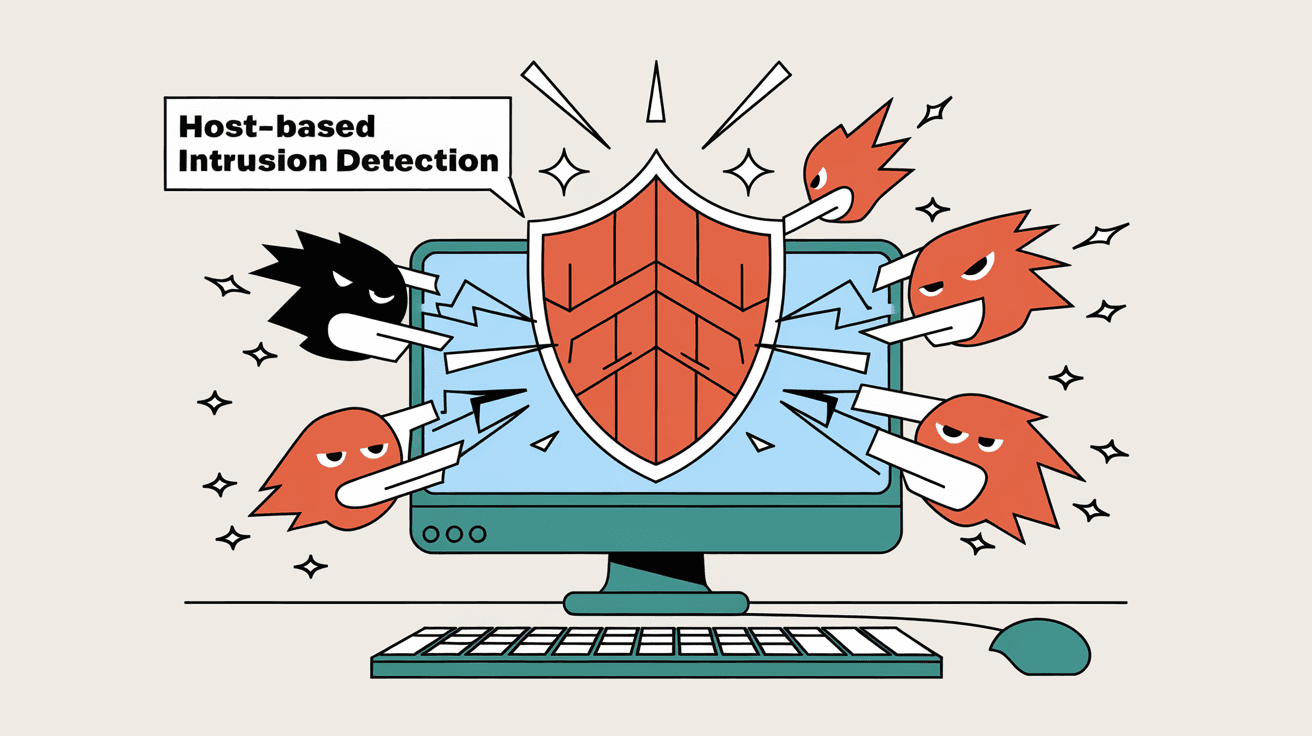
You might have heard about intrusion prevention systems, but what exactly is Host-Based Intrusion Prevention? If you want to protect your computer or server from cyberattacks, understanding this technology is key. It acts as a security guard right on your device, watching for suspicious activity and stopping threats before they cause harm.
In this article, I’ll explain what Host-Based Intrusion Prevention is, how it works, and why it’s important for your digital safety. Whether you’re managing a business network or just want to keep your personal computer safe, this guide will help you understand how this technology protects you.
What Is Host-Based Intrusion Prevention?
Host-Based Intrusion Prevention (HIPS) is a security technology installed directly on a computer or device. Unlike network-based systems that monitor traffic across a network, HIPS focuses on protecting the individual host. It watches the system’s behavior, files, and processes to detect and block malicious activity.
Here’s what makes HIPS unique:
- Device-Level Protection: It runs on the device itself, providing real-time monitoring.
- Behavior Analysis: It looks for unusual actions like unauthorized file changes or suspicious program behavior.
- Prevention Focus: Instead of just alerting you, it actively blocks threats.
HIPS is often part of endpoint security solutions, helping to stop malware, ransomware, and other attacks before they can damage your system.
How Does Host-Based Intrusion Prevention Work?
Host-Based Intrusion Prevention works by continuously monitoring your device’s activities. It uses several techniques to detect and prevent attacks:
- Signature-Based Detection: It compares activities against a database of known attack patterns.
- Anomaly Detection: It identifies unusual behavior that doesn’t match normal system operations.
- Policy Enforcement: It enforces security rules, such as blocking unauthorized software installations.
- File Integrity Monitoring: It watches for unexpected changes to critical system files.
When HIPS detects suspicious activity, it can take immediate action like blocking the process, quarantining files, or alerting the user or administrator.
Example of HIPS in Action
Imagine you download a file that tries to modify system settings without permission. HIPS will notice this unusual behavior and stop the file from making changes. This prevents malware from gaining control or damaging your system.
Key Features of Host-Based Intrusion Prevention
Understanding the main features of HIPS helps you see why it’s a valuable security tool:
- Real-Time Monitoring: Constantly watches system activities to catch threats early.
- Automatic Threat Blocking: Stops attacks without needing manual intervention.
- Detailed Logging: Records suspicious events for later analysis.
- Customizable Rules: Allows you to set specific security policies based on your needs.
- Compatibility: Works alongside antivirus and firewall software for layered protection.
These features make HIPS a powerful defense, especially for systems that require high security like servers, workstations, and critical infrastructure.
Benefits of Using Host-Based Intrusion Prevention
Using HIPS offers several advantages that improve your overall security posture:
- Early Threat Detection: Identifies attacks before they spread or cause damage.
- Reduced False Positives: Behavior-based detection helps avoid unnecessary alerts.
- Protection Against Zero-Day Attacks: Can block unknown threats by spotting unusual actions.
- Improved Compliance: Helps meet security standards by monitoring and logging system activity.
- Enhanced Control: Gives you the ability to enforce strict security policies on your devices.
By adding HIPS to your security setup, you create a stronger barrier against cyber threats.
Host-Based Intrusion Prevention vs. Network-Based Intrusion Prevention
It’s important to know how HIPS differs from Network-Based Intrusion Prevention Systems (NIPS):
| Feature | Host-Based Intrusion Prevention (HIPS) | Network-Based Intrusion Prevention (NIPS) |
| Location | Installed on individual devices | Monitors network traffic |
| Focus | Protects the host’s system and files | Protects the network from external threats |
| Detection Method | Behavior and signature-based | Signature and anomaly-based on network data |
| Response | Blocks threats on the device | Blocks threats at the network level |
| Visibility | Limited to the host’s activities | Monitors all network traffic |
Both systems complement each other. HIPS protects the device itself, while NIPS guards the network perimeter.
Common Use Cases for Host-Based Intrusion Prevention
HIPS is widely used in various environments to enhance security:
- Enterprise Servers: Protect critical servers from targeted attacks.
- Workstations: Secure employee computers from malware and insider threats.
- Cloud Environments: Monitor virtual machines and cloud workloads.
- Healthcare Systems: Safeguard sensitive patient data and comply with regulations.
- Financial Institutions: Prevent fraud and data breaches by monitoring endpoints.
These examples show how HIPS fits into different security strategies.
Challenges and Limitations of Host-Based Intrusion Prevention
While HIPS is powerful, it’s not perfect. Here are some challenges you should be aware of:
- Resource Usage: Continuous monitoring can slow down system performance.
- Complex Configuration: Setting up rules and policies requires expertise.
- False Positives: Sometimes legitimate actions are blocked mistakenly.
- Limited Network Visibility: HIPS cannot detect threats moving across the network.
- Maintenance: Requires regular updates to stay effective against new threats.
Knowing these limitations helps you plan better security measures.
How to Choose the Right Host-Based Intrusion Prevention Solution
Selecting the best HIPS for your needs involves considering several factors:
- Compatibility: Ensure it works with your operating system and existing security tools.
- Ease of Use: Look for user-friendly interfaces and manageable configurations.
- Detection Capabilities: Choose solutions with strong behavior analysis and signature databases.
- Performance Impact: Opt for lightweight options that don’t slow down your system.
- Support and Updates: Reliable vendor support and frequent updates are crucial.
You can also test trial versions to see which fits your environment best.
Best Practices for Implementing Host-Based Intrusion Prevention
To get the most from HIPS, follow these best practices:
- Regularly Update Signatures and Software: Keep your system protected against new threats.
- Customize Security Policies: Tailor rules to your specific environment and risks.
- Monitor Logs Frequently: Review alerts and logs to detect patterns or missed threats.
- Combine with Other Security Tools: Use antivirus, firewalls, and network intrusion prevention for layered defense.
- Train Users: Educate employees about security to reduce risky behavior.
These steps help maximize HIPS effectiveness and reduce vulnerabilities.
Conclusion
Host-Based Intrusion Prevention is a vital tool for protecting your devices from cyber threats. By monitoring system behavior and blocking suspicious activity, it stops attacks before they can cause damage. Whether you manage a business network or want to secure your personal computer, HIPS adds an important layer of defense.
Understanding how HIPS works, its benefits, and limitations helps you make informed decisions about your security. When combined with other security measures and best practices, Host-Based Intrusion Prevention can significantly improve your protection against today’s evolving cyber threats.
FAQs
What is the main difference between HIPS and antivirus software?
HIPS focuses on monitoring system behavior and blocking suspicious actions in real-time, while antivirus mainly detects and removes known malware based on signature databases.
Can Host-Based Intrusion Prevention protect against zero-day attacks?
Yes, HIPS can detect unusual behavior that may indicate zero-day attacks, helping to block threats that traditional signature-based tools might miss.
Does HIPS slow down my computer?
Some HIPS solutions may use system resources, but modern software is designed to minimize performance impact. Choosing lightweight options helps reduce slowdowns.
Is Host-Based Intrusion Prevention enough to secure my network?
HIPS protects individual devices but does not monitor network traffic. Combining it with network-based intrusion prevention and firewalls offers better overall security.
How often should I update my HIPS software?
You should update your HIPS software and signature databases regularly, ideally as soon as updates are available, to stay protected against new threats.




