
What is Gateway Firewall
Introduction
You might have heard about firewalls when talking about internet security, but what exactly is a gateway firewall? If you’re curious about how your network stays safe from threats, understanding gateway firewalls is a great place to start. They act as a gatekeeper, controlling what data can enter or leave your network.
In this article, I’ll explain what a gateway firewall is, how it works, and why it’s important for protecting your devices and information. By the end, you’ll know how these firewalls help keep your digital world secure.
What Is a Gateway Firewall?
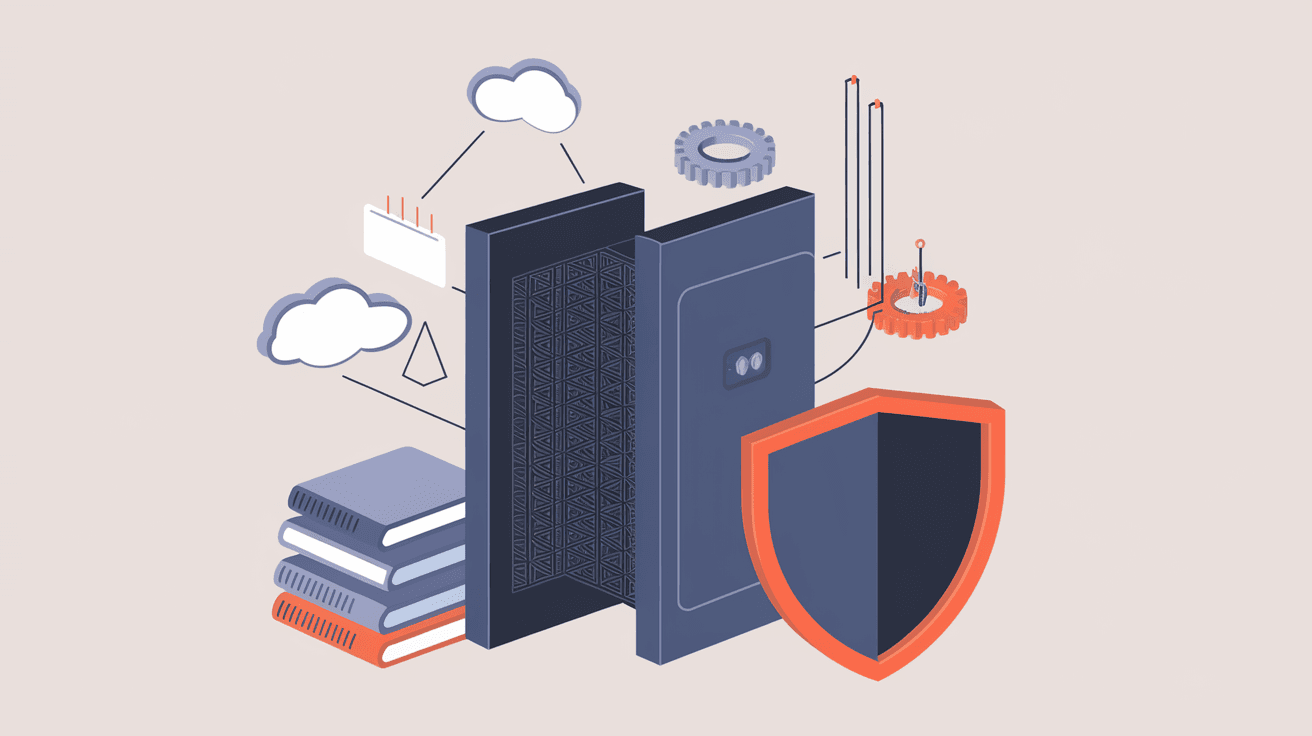
A gateway firewall is a security system placed at the entry point of a network. It monitors and controls the traffic between your internal network and the internet or other external networks. Think of it as a security guard standing at the gate of a building, checking who can come in or go out.
Unlike personal firewalls that protect individual devices, gateway firewalls protect entire networks. They filter data packets based on rules set by network administrators to block harmful or unauthorized access.
Key Features of Gateway Firewalls
- Traffic Filtering: Examines incoming and outgoing data packets.
- Access Control: Allows or blocks traffic based on security policies.
- Monitoring: Logs network activity for analysis and threat detection.
- Network Address Translation (NAT): Hides internal IP addresses to protect devices.
How Does a Gateway Firewall Work?
Gateway firewalls work by inspecting data packets that try to enter or leave your network. These packets contain information like source and destination IP addresses, ports, and protocols. The firewall compares this information against a set of rules to decide whether to allow or block the traffic.
There are different types of filtering methods used:
- Packet Filtering: Checks basic information like IP addresses and ports.
- Stateful Inspection: Tracks the state of active connections to ensure packets are part of legitimate sessions.
- Proxy Filtering: Acts as an intermediary, inspecting the content of the data before forwarding it.
- Next-Generation Firewall (NGFW): Combines traditional filtering with advanced features like intrusion prevention and application awareness.
Example of Gateway Firewall in Action
Imagine you’re trying to access a website. Your request passes through the gateway firewall, which checks if the site is safe and allowed by the network rules. If it’s approved, the firewall lets the data through. If not, it blocks the connection to protect your network.
Types of Gateway Firewalls
There are several types of gateway firewalls, each designed for specific needs:
1. Hardware Firewalls
These are physical devices installed between your network and the internet. They are powerful and can handle large amounts of traffic, making them ideal for businesses.
- Pros: High performance, dedicated security.
- Cons: Can be expensive and require maintenance.
2. Software Firewalls
Installed on servers or computers, software firewalls protect individual devices or smaller networks.
- Pros: Flexible and easy to update.
- Cons: Use system resources and may be less effective for large networks.
3. Cloud-Based Firewalls
These firewalls operate in the cloud, protecting networks without physical hardware.
- Pros: Scalable, easy to manage remotely.
- Cons: Depend on internet connectivity and third-party providers.
Why Is a Gateway Firewall Important?
Gateway firewalls are crucial for network security because they:
- Prevent Unauthorized Access: Stop hackers from entering your network.
- Block Malware and Viruses: Filter out harmful software before it reaches your devices.
- Control Network Traffic: Manage what data flows in and out, improving performance.
- Protect Sensitive Data: Keep confidential information safe from leaks.
- Support Compliance: Help meet security standards required by laws and regulations.
Without a gateway firewall, your network is vulnerable to attacks that can lead to data theft, system damage, or downtime.
How to Set Up a Gateway Firewall
Setting up a gateway firewall involves several steps:
- Choose the Right Firewall: Decide between hardware, software, or cloud-based options based on your needs.
- Install the Firewall: For hardware, connect it between your modem and network. For software, install it on your server or gateway device.
- Configure Security Policies: Define rules about which traffic to allow or block. This includes IP addresses, ports, and protocols.
- Enable Logging and Alerts: Set up monitoring to track suspicious activity.
- Regularly Update Rules and Software: Keep your firewall up to date to defend against new threats.
Tips for Effective Firewall Configuration
- Use the principle of least privilege: only allow necessary traffic.
- Block unused ports to reduce attack surfaces.
- Regularly review logs to spot unusual behavior.
- Combine firewall protection with other security tools like antivirus and intrusion detection systems.
Gateway Firewall vs. Other Firewalls
It’s helpful to understand how gateway firewalls differ from other types:
| Firewall Type | Scope | Location | Purpose |
| Gateway Firewall | Entire network | Network perimeter | Controls traffic entering/leaving network |
| Host-Based Firewall | Single device | On individual devices | Protects one computer or server |
| Application Firewall | Specific applications | On servers or devices | Filters traffic for particular apps |
Gateway firewalls provide broad protection for your whole network, while host-based firewalls focus on individual devices.
Common Challenges with Gateway Firewalls
While gateway firewalls are powerful, they come with challenges:
- Complex Configuration: Setting up rules can be tricky and time-consuming.
- Performance Impact: Firewalls can slow down network traffic if not optimized.
- False Positives: Legitimate traffic might be blocked accidentally.
- Evolving Threats: New cyber threats require constant updates and monitoring.
To overcome these, regular maintenance and using advanced firewall solutions like NGFWs are recommended.
Future Trends in Gateway Firewalls
The world of network security is always changing. Here’s what to expect for gateway firewalls:
- AI and Machine Learning: Firewalls will use AI to detect and respond to threats faster.
- Integration with Cloud Security: More firewalls will protect hybrid and cloud environments.
- Zero Trust Models: Firewalls will enforce strict identity verification for all traffic.
- Automation: Routine firewall management tasks will become automated to reduce errors.
These trends will make gateway firewalls smarter and more efficient in protecting networks.
Conclusion
Now that you know what a gateway firewall is and how it works, you can see why it’s a key part of network security. It acts as a gatekeeper, filtering traffic to keep your network safe from threats. Whether you’re protecting a home network or a large business, a gateway firewall helps prevent unauthorized access and malware attacks.
Setting up and maintaining a gateway firewall might seem complex, but it’s worth the effort to protect your data and devices. As cyber threats evolve, so do firewalls, becoming smarter and more adaptive. By understanding gateway firewalls, you’re better equipped to secure your digital environment.
FAQs
What is the main purpose of a gateway firewall?
A gateway firewall controls and filters traffic between your internal network and external networks, protecting your entire network from unauthorized access and cyber threats.
How is a gateway firewall different from a personal firewall?
A gateway firewall protects an entire network at its entry point, while a personal firewall protects a single device like your computer or smartphone.
Can a gateway firewall block malware?
Yes, gateway firewalls can block malware by filtering harmful data packets before they reach your devices, often using advanced threat detection methods.
Are cloud-based gateway firewalls secure?
Cloud-based firewalls are secure and scalable, but their effectiveness depends on the provider’s security measures and your internet connection reliability.
How often should firewall rules be updated?
Firewall rules should be reviewed and updated regularly, ideally monthly or whenever there are changes in network use or new security threats emerge.




