
What is Gateway Antivirus
Introduction
You might have heard about Gateway Antivirus and wondered what it really is. If you want to protect your computer or device from viruses and malware, understanding Gateway Antivirus can help you make better security choices. This article will explain what Gateway Antivirus is, how it works, and why it’s important for your digital safety.
We’ll also look at its features, benefits, and how it compares to other antivirus programs. By the end, you’ll know if Gateway Antivirus is the right solution for you and how to use it effectively to keep your devices safe.
What is Gateway Antivirus?
Gateway Antivirus is a security software designed to protect computers and networks from viruses, malware, spyware, and other cyber threats. It acts as a barrier between your device and harmful files or websites, scanning for suspicious activity and blocking threats before they can cause damage.
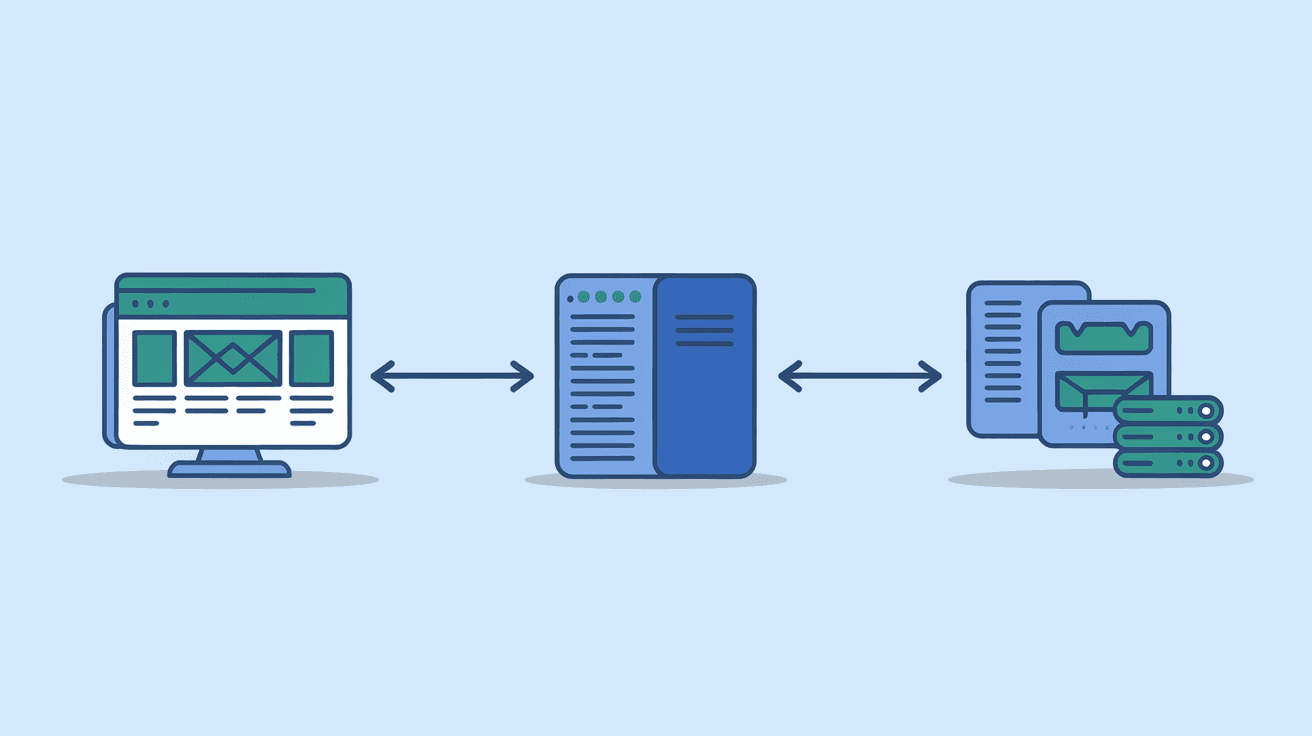
Unlike some antivirus programs that focus only on individual devices, Gateway Antivirus often works at the network level. This means it can protect multiple devices connected to the same network by filtering incoming and outgoing data. It’s especially useful for businesses or homes with several connected devices.
Key Features of Gateway Antivirus
- Real-time scanning: Continuously checks files and programs as you use them.
- Network protection: Monitors traffic to prevent threats from entering your network.
- Malware removal: Detects and removes viruses, spyware, ransomware, and more.
- Automatic updates: Keeps the software up to date with the latest threat definitions.
- User-friendly interface: Easy to install and manage, even for beginners.
How Does Gateway Antivirus Work?
Gateway Antivirus works by scanning data that passes through your network or device. It uses a combination of signature-based detection and behavior analysis to identify threats.
- Signature-based detection: Compares files against a database of known virus signatures.
- Behavior analysis: Watches how programs behave to spot suspicious actions that might indicate new or unknown malware.
When a threat is detected, Gateway Antivirus can block it immediately or quarantine the file for further inspection. This helps prevent infections before they spread or cause harm.
How It Protects Your Network
Since Gateway Antivirus often operates at the network gateway (the point where your network connects to the internet), it can:
- Filter incoming emails and web traffic for malicious content.
- Block access to dangerous websites.
- Prevent unauthorized access to your network.
- Monitor data leaving your network to detect leaks or suspicious activity.
This network-level protection is a big advantage for businesses and homes with many devices, as it reduces the risk of infection spreading across the network.
Benefits of Using Gateway Antivirus
Using Gateway Antivirus offers several important benefits that help keep your devices and data safe.
1. Comprehensive Protection
Gateway Antivirus protects not just one device but your entire network. This means all connected devices, like laptops, smartphones, and tablets, get security coverage.
2. Early Threat Detection
By scanning data at the network gateway, threats can be caught before they reach your devices. This early detection reduces the chance of infections and data loss.
3. Reduced System Impact
Since some scanning happens at the network level, individual devices don’t have to do all the heavy lifting. This can improve device performance compared to antivirus software that runs full scans locally.
4. Simplified Management
For businesses, Gateway Antivirus allows centralized control of security settings and updates. This makes it easier to manage protection across many devices without installing software on each one.
5. Protection Against Advanced Threats
Gateway Antivirus often includes features like sandboxing and heuristic analysis. These help detect new, unknown threats that traditional antivirus might miss.
Gateway Antivirus vs. Traditional Antivirus Software
You might wonder how Gateway Antivirus compares to the antivirus software you install directly on your computer.
| Feature | Gateway Antivirus | Traditional Antivirus |
| Protection Level | Network-wide | Device-specific |
| Resource Usage | Lower on individual devices | Higher on individual devices |
| Management | Centralized for multiple devices | Managed per device |
| Threat Detection | Scans network traffic | Scans files and programs locally |
| Best For | Businesses, multi-device homes | Single users, individual devices |
Both types of antivirus have their place. Gateway Antivirus is great for protecting multiple devices and managing security centrally. Traditional antivirus is still important for device-level protection and catching threats that get past the network.
How to Choose the Right Gateway Antivirus
If you decide Gateway Antivirus might be right for you, consider these factors before choosing a product.
1. Compatibility
Make sure the antivirus supports your network setup and devices. Some solutions work better with certain routers or operating systems.
2. Features
Look for features like real-time scanning, automatic updates, web filtering, and malware removal. Advanced options like ransomware protection and phishing detection are also valuable.
3. Ease of Use
Choose software with an intuitive interface and easy setup. This is especially important if you’re managing security for a home network.
4. Support and Updates
Regular updates are crucial to stay protected against new threats. Check if the provider offers good customer support and frequent software updates.
5. Cost
Compare pricing plans and see what fits your budget. Some Gateway Antivirus solutions offer free versions with basic protection, while others require subscriptions for full features.
Installing and Using Gateway Antivirus
Getting started with Gateway Antivirus is usually straightforward. Here’s a simple guide:
- Choose your Gateway Antivirus software based on your needs.
- Download and install the software on your network gateway device or router.
- Configure settings like scanning schedules, web filtering, and alerts.
- Connect your devices to the protected network.
- Monitor alerts and reports regularly to stay informed about threats.
- Keep the software updated to ensure ongoing protection.
Many Gateway Antivirus solutions come with detailed guides and customer support to help you through the process.
Common Misconceptions About Gateway Antivirus
There are some myths about Gateway Antivirus that can confuse users. Let’s clear them up.
Myth 1: Gateway Antivirus replaces traditional antivirus.
It doesn’t replace device antivirus but works alongside it for better protection.Myth 2: It slows down your internet.
While scanning can add some delay, good Gateway Antivirus software is optimized to minimize impact.Myth 3: Only businesses need Gateway Antivirus.
While businesses benefit most, homes with many devices can also gain from network-level protection.Myth 4: It’s hard to set up.
Many modern solutions are user-friendly and designed for easy installation.
Conclusion
Gateway Antivirus is a powerful tool that protects your entire network from viruses and cyber threats. By scanning data at the network level, it offers early detection and reduces the risk of infections spreading across your devices. Whether you manage a business network or a busy home, Gateway Antivirus can simplify security and improve protection.
Choosing the right Gateway Antivirus depends on your needs, devices, and budget. When combined with traditional antivirus software, it creates a strong defense against today’s complex cyber threats. Taking the time to understand and implement Gateway Antivirus can give you peace of mind and keep your digital world safe.
FAQs
What devices can Gateway Antivirus protect?
Gateway Antivirus protects all devices connected to your network, including computers, smartphones, tablets, and smart home devices.
Is Gateway Antivirus enough on its own?
No, it’s best used alongside traditional antivirus software installed on individual devices for full protection.
Can Gateway Antivirus slow down my internet?
Good Gateway Antivirus software is designed to minimize impact, but some slight delay may occur during scanning.
How often does Gateway Antivirus update?
Most Gateway Antivirus solutions update automatically and frequently to protect against new threats.
Is Gateway Antivirus suitable for home use?
Yes, especially for homes with multiple devices or smart home systems needing network-wide protection.




