
What is Firewall Logging
Introduction
You might have heard about firewalls protecting your computer or network from cyber threats. But do you know how they keep track of what’s happening? That’s where firewall logging comes in. It’s a way for your firewall to record all the activity it sees, helping you understand and manage your network’s security.
In this article, I’ll explain what firewall logging is, why it matters, and how you can use it to keep your digital world safe. Whether you’re a beginner or just curious, you’ll find clear answers and practical tips here.
What is Firewall Logging?
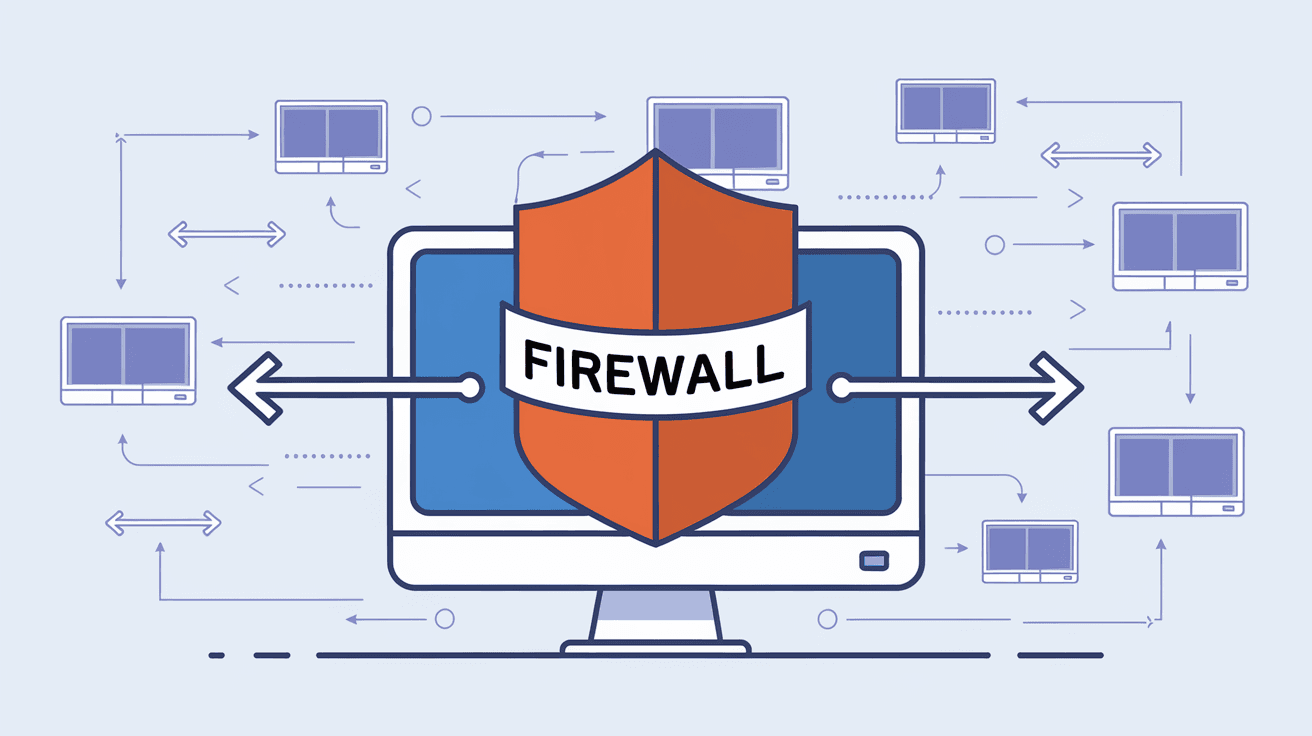
Firewall logging is the process where a firewall records information about the traffic passing through it. This includes data about allowed or blocked connections, the source and destination of the traffic, and any suspicious activity. Think of it as a security camera for your network, capturing details about who’s trying to get in or out.
Firewalls use these logs to help network administrators monitor and analyze traffic patterns. Logs can show if someone is trying to hack into the system or if there’s unusual activity that needs attention.
What Information Does Firewall Logging Capture?
- Source IP address: Where the traffic is coming from.
- Destination IP address: Where the traffic is going.
- Port numbers: Which services or applications are involved.
- Action taken: Whether the traffic was allowed or blocked.
- Timestamp: When the event happened.
- Protocol: Type of communication (e.g., TCP, UDP).
- Alert messages: Warnings about suspicious or malicious activity.
This detailed information helps you understand your network’s health and security status.
Why is Firewall Logging Important?
Firewall logging is crucial for several reasons. It helps you detect security threats, troubleshoot network problems, and comply with legal or industry regulations.
Detecting Security Threats
Logs can reveal attempts to break into your network. For example, if you see many failed connection attempts from the same IP address, it might indicate a hacker trying to guess passwords or exploit vulnerabilities.
Troubleshooting Network Issues
If users complain about slow connections or blocked services, firewall logs can show what’s happening. You can identify if legitimate traffic is being mistakenly blocked or if there’s a misconfiguration.
Compliance and Auditing
Many industries require businesses to keep records of network activity for audits. Firewall logs provide proof that you are monitoring and protecting your network, which is essential for compliance with standards like PCI-DSS, HIPAA, or GDPR.
Improving Network Performance
By analyzing logs, you can spot unnecessary traffic or outdated rules that slow down your network. Cleaning up these issues helps your system run more efficiently.
How Does Firewall Logging Work?
When a firewall processes network traffic, it checks each packet against its rules. If logging is enabled, the firewall records details about the packet and the action taken.
Types of Firewall Logs
- Traffic logs: Record allowed or blocked network connections.
- Event logs: Capture firewall system events like startup, shutdown, or errors.
- Alert logs: Highlight suspicious or malicious activity detected by the firewall.
Logging Levels
Firewalls often let you choose how much detail to log:
- Minimal: Only critical events or blocked traffic.
- Normal: Common traffic and security events.
- Verbose: Detailed information about all traffic, including allowed connections.
Choosing the right level depends on your needs. Too much logging can create huge files, while too little might miss important details.
How to Access and Use Firewall Logs
Accessing firewall logs depends on the type of firewall you use. Here are common ways:
- On a hardware firewall: Logs are usually accessed via a web interface or management console.
- On a software firewall: Logs might be stored in system files or accessible through the firewall’s app.
- Cloud-based firewalls: Logs are available through cloud dashboards or APIs.
Using Logs Effectively
- Regular review: Check logs daily or weekly to spot unusual activity.
- Automated alerts: Set up notifications for critical events like repeated failed logins.
- Log analysis tools: Use software to parse and visualize logs, making it easier to understand patterns.
- Archiving: Store logs securely for future reference and compliance.
Common Challenges with Firewall Logging
While firewall logging is powerful, it comes with challenges:
Large Log Files
High traffic networks generate huge logs quickly. Managing storage and processing these logs can be difficult without proper tools.
False Positives
Sometimes, legitimate traffic is flagged as suspicious. This can cause unnecessary alerts and confusion.
Privacy Concerns
Logs contain sensitive information like IP addresses and timestamps. It’s important to protect logs from unauthorized access.
Complexity
Interpreting logs requires knowledge of networking and security. Beginners might find it overwhelming without training or support.
Best Practices for Firewall Logging
To get the most from firewall logging, follow these tips:
- Enable logging selectively: Focus on critical rules or suspicious traffic to reduce noise.
- Use centralized logging: Collect logs from multiple devices in one place for easier analysis.
- Implement log rotation: Automatically archive and delete old logs to save space.
- Secure your logs: Encrypt log files and restrict access to authorized personnel.
- Regularly update firewall rules: Keep your firewall rules current to reduce false positives and improve security.
Firewall Logging in Modern Security Strategies
Firewall logging is a key part of modern cybersecurity. It works alongside other tools like intrusion detection systems (IDS), antivirus software, and security information and event management (SIEM) platforms.
Integration with SIEM
SIEM tools collect logs from firewalls and other devices, then analyze them for threats. This helps security teams respond faster and more effectively.
Role in Zero Trust Security
Zero Trust models assume no traffic is trusted by default. Firewall logs help verify and monitor every connection, supporting this strict security approach.
Conclusion
Firewall logging is a vital tool that helps you see what’s happening on your network. By recording detailed information about traffic and security events, it allows you to detect threats, fix problems, and meet compliance requirements. Whether you manage a small home network or a large enterprise system, understanding firewall logs gives you better control and peace of mind.
Remember, effective firewall logging requires the right settings, regular review, and secure handling of log data. By following best practices and using modern tools, you can turn raw log data into valuable insights that protect your digital world.
FAQs
What is the main purpose of firewall logging?
Firewall logging records network traffic and security events to help monitor, detect threats, and troubleshoot issues on your network.
Can firewall logs help prevent cyber attacks?
Yes, by analyzing logs, you can spot suspicious activity early and take action to block potential attacks.
How often should I check my firewall logs?
It’s best to review logs regularly, such as daily or weekly, depending on your network’s size and risk level.
Are firewall logs stored locally or in the cloud?
Logs can be stored locally on the firewall device, on a server, or in the cloud, depending on your setup.
What should I do if my firewall logs are too large?
Use log rotation, selective logging, and centralized log management tools to handle large log files efficiently.




