
What is Fake Update Malware
Introduction
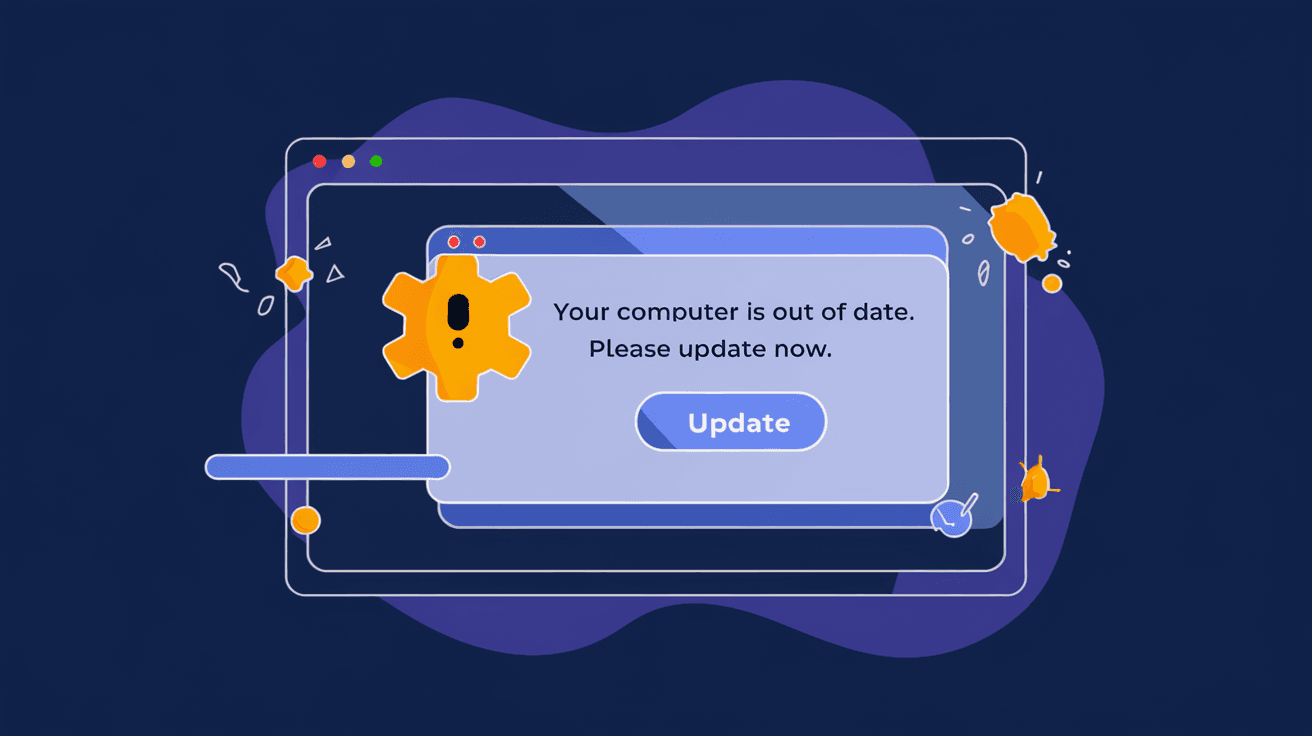
You might have seen a pop-up telling you to update your software or browser, and it looks official. But what if that update is fake? Fake update malware tricks you into installing harmful software by pretending to be a legitimate update. This type of malware is becoming more common and can cause serious damage to your computer or steal your personal information.
In this article, I’ll explain what fake update malware is, how it works, and how you can protect yourself. Understanding this threat will help you stay safe online and avoid falling for these sneaky scams.
What is Fake Update Malware?
Fake update malware is a type of cyberattack where hackers create fake software update notifications. These notifications look like real alerts from trusted companies, such as your web browser, operating system, or popular apps. When you click on the fake update, you unknowingly download malware onto your device.
This malware can do many harmful things, such as:
- Stealing your passwords and personal data
- Taking control of your computer
- Installing ransomware that locks your files
- Using your device to attack others
Fake update malware is dangerous because it exploits your trust in software updates, which are usually safe and important.
How Does Fake Update Malware Work?
Fake update malware works by tricking you into thinking you need to update your software. Here’s how the process usually goes:
- You visit a website or click a link. This could be a malicious website or a compromised legitimate site.
- A pop-up or banner appears. It looks like a real update notification from your browser, Windows, or another app.
- You click the update button. The fake update starts downloading.
- Malware installs silently. Once installed, the malware can steal data, spy on you, or damage your system.
Hackers use social engineering to make the fake update look convincing. They copy logos, colors, and wording from real update alerts. Sometimes, the fake update even mimics the exact update process of the real software.
Common Types of Fake Update Malware
There are several types of fake update malware, each with different goals and effects. Some of the most common include:
- Ransomware disguised as updates: This malware locks your files and demands payment to unlock them.
- Spyware updates: These secretly monitor your activities and send data to hackers.
- Trojan horses: Malware that pretends to be an update but opens a backdoor for hackers.
- Adware: Fake updates that install unwanted ads and slow down your device.
Each type uses the fake update trick to get you to install harmful software without realizing it.
How to Recognize Fake Update Malware
It’s not always easy to spot fake update malware, but there are some signs you can watch for:
- Unexpected update prompts: If you get an update alert when you’re not expecting one, be cautious.
- Poor grammar or spelling: Fake updates often have mistakes in the text.
- Unusual URLs: Check the website address. Fake updates often come from strange or misspelled domains.
- Requests to download files: Legitimate updates usually happen automatically or through official app stores.
- Pressure tactics: Fake updates may warn you that your device is at risk if you don’t update immediately.
If you notice any of these signs, don’t click the update link. Instead, verify the update through official channels.
How to Protect Yourself from Fake Update Malware
Protecting yourself from fake update malware involves being cautious and following best security practices. Here are some tips:
- Always update software from official sources. Use your device’s built-in update tools or official websites.
- Avoid clicking on update pop-ups from unknown sites. Close suspicious alerts without interacting.
- Keep your antivirus software up to date. Good security programs can detect and block fake updates.
- Use a secure browser with phishing protection. Browsers like Chrome and Firefox warn you about dangerous sites.
- Enable automatic updates when possible. This reduces the chance of missing real updates and falling for fakes.
- Be skeptical of urgent update messages. Take time to verify before acting.
By following these steps, you reduce your risk of falling victim to fake update malware.
Real-World Examples of Fake Update Malware Attacks
Fake update malware has been used in many cyberattacks worldwide. Here are some notable examples:
- Fake Chrome Update Scam: Hackers created pop-ups that looked like Google Chrome update alerts. Users who clicked downloaded ransomware.
- Windows Update Trojan: A fake Windows update installer spread a Trojan that stole banking information.
- Adobe Flash Player Fake Update: Despite Flash being discontinued, fake updates still trick users into installing spyware.
- Mobile Fake Update Apps: Some fake update apps on Android pretend to update your system but install adware or malware instead.
These examples show how attackers use fake updates across different platforms to trick users.
What to Do If You Think You Installed Fake Update Malware
If you suspect you installed fake update malware, act quickly:
- Disconnect from the internet. This stops the malware from communicating with hackers.
- Run a full antivirus scan. Use trusted security software to detect and remove malware.
- Change your passwords. Especially for important accounts like email and banking.
- Restore your system. Use backup files or system restore points if available.
- Seek professional help if needed. Some malware requires expert removal.
Taking these steps can limit the damage and help you recover your device.
The Future of Fake Update Malware
As technology evolves, fake update malware is becoming more sophisticated. Hackers use AI and machine learning to create more convincing fake updates. They also target mobile devices and smart home gadgets, which often lack strong security.
To stay safe, you’ll need to:
- Stay informed about new threats.
- Use advanced security tools.
- Be cautious with all update prompts, especially on unfamiliar devices.
The battle between hackers and security experts will continue, but awareness is your best defense.
Conclusion
Fake update malware is a serious threat that tricks you into installing harmful software by pretending to be legitimate updates. Understanding how these scams work helps you avoid falling victim. Always update your software through official channels and be cautious with unexpected update prompts.
By staying alert and following security best practices, you can protect your devices and personal information from fake update malware. Remember, not every update alert is real—when in doubt, verify before you click.
FAQs
What is the main goal of fake update malware?
The main goal is to trick users into installing malware by pretending to be a legitimate software update. This malware can steal data, damage your system, or lock your files for ransom.
How can I tell if an update prompt is fake?
Look for poor grammar, unusual website addresses, unexpected timing, and pressure to update immediately. Always verify updates through official software settings or websites.
Can fake update malware affect mobile devices?
Yes, fake update malware targets mobile devices too. Fake update apps can install adware, spyware, or other harmful software on smartphones and tablets.
What should I do if I accidentally install fake update malware?
Disconnect from the internet, run a full antivirus scan, change your passwords, and restore your system if possible. Seek professional help if the malware is hard to remove.
Are automatic updates safer than manual updates?
Generally, yes. Automatic updates reduce the chance of missing important patches and falling for fake update scams. Just make sure your device settings allow updates only from trusted sources.




